
Free Itinerary Templates for Google Docs and Word
You can choose and use dozens of itinerary templates in Word and Google Docs on this page! We provide wedding, travel, business, bachelorette, and many other ready-made options. Pick the suitable sample itinerary template, download it, or customize it online, and make your itinerary beautiful and practicable in no time!
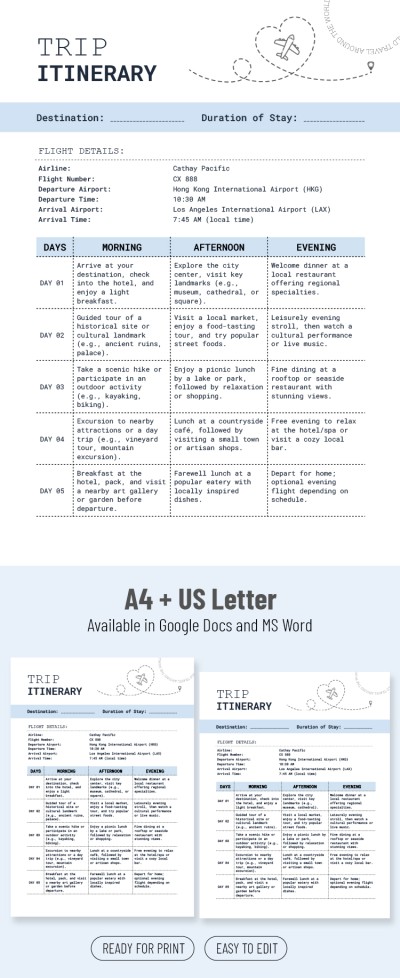
Classic Trip Itinerary

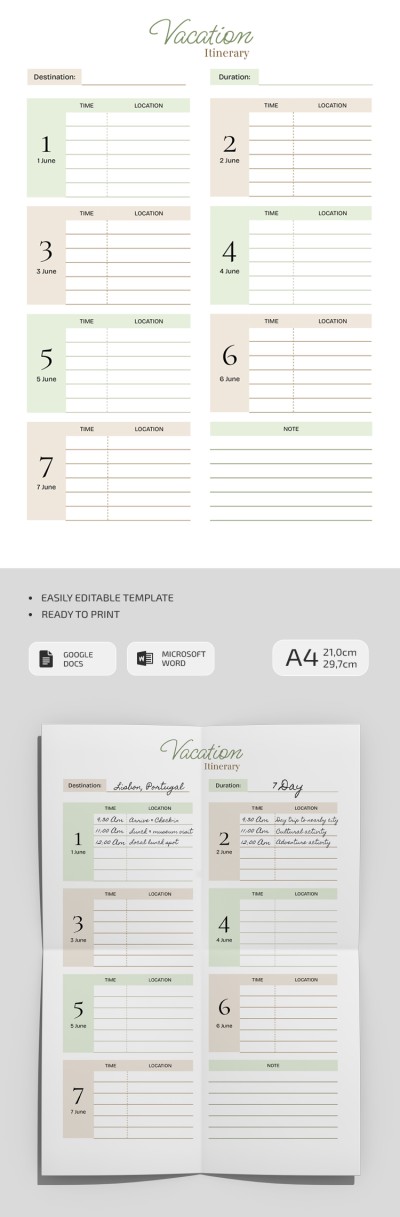
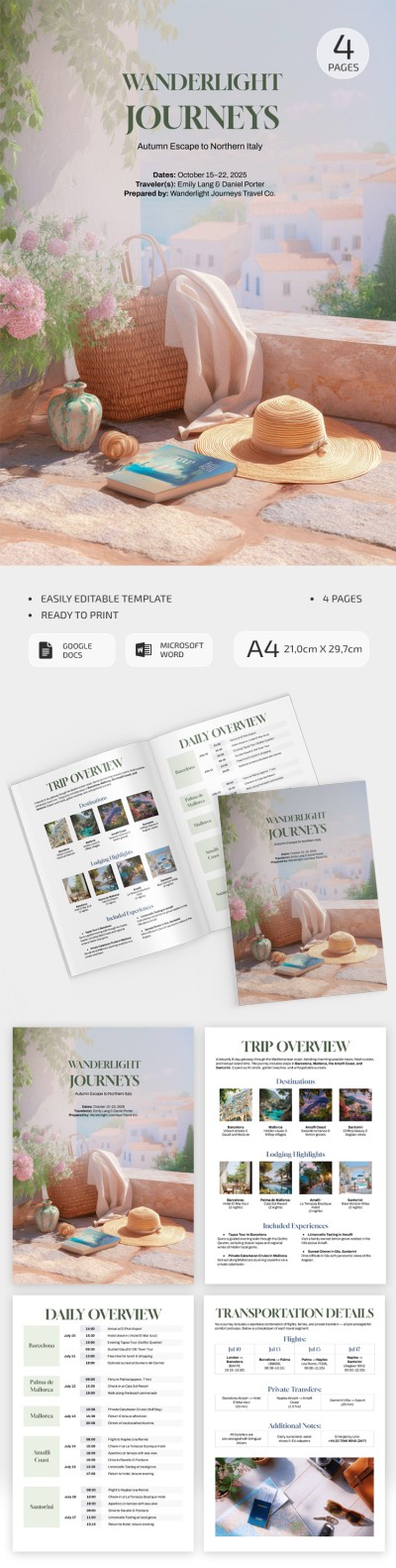
Graceful Vacation Itinerary
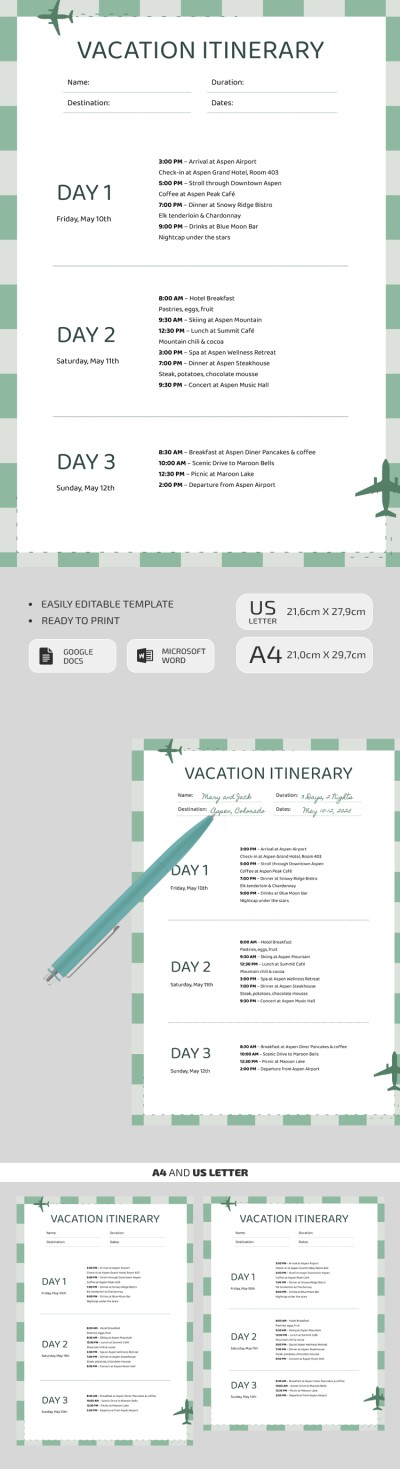
Weekend Vacation Itinerary Template
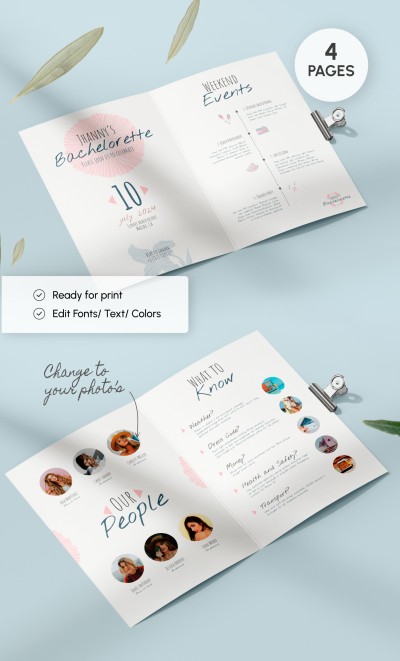
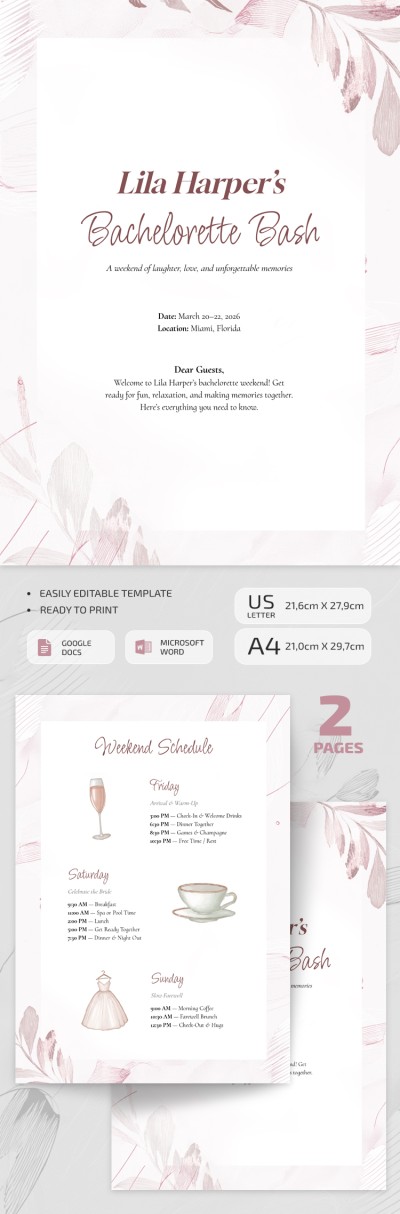
Cute Bachelorette Itinerary
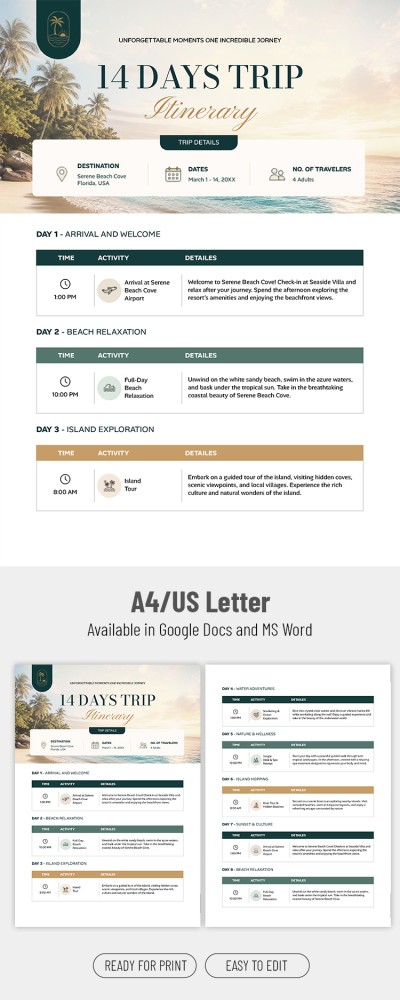

Trip Itinerary
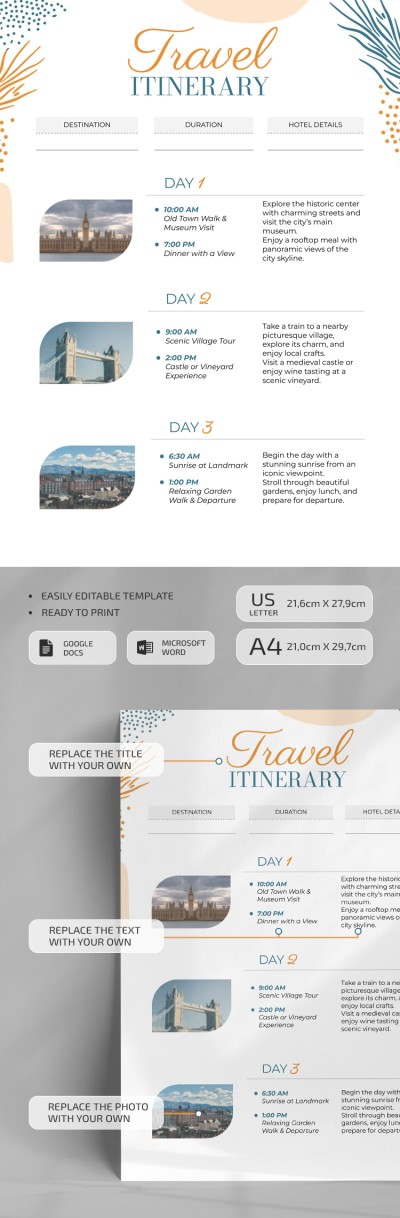
Minimalistic Travel Itinerary

Aesthetic Travel Itinerary

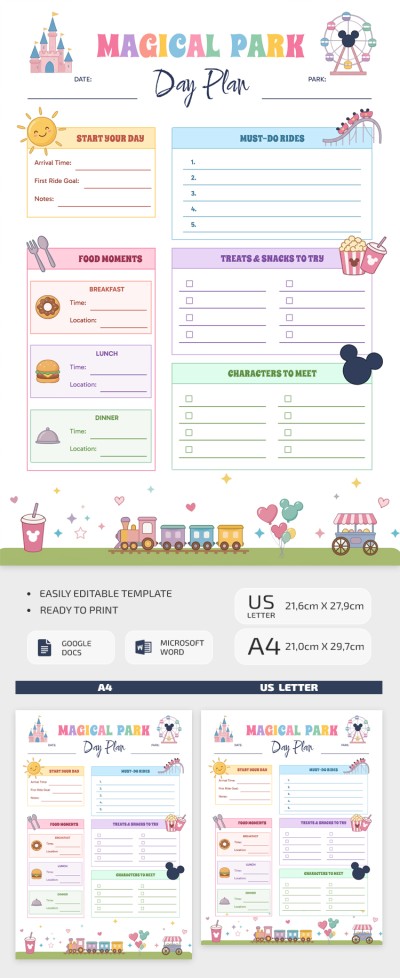
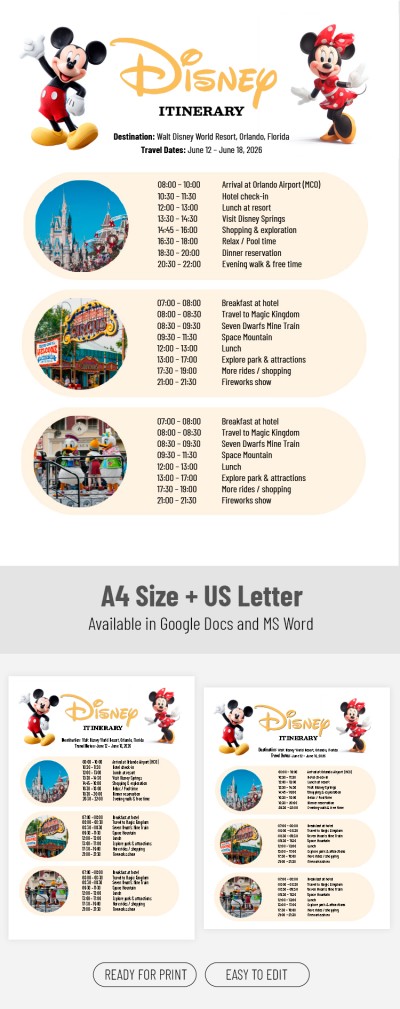
Disney Itinerary

Customizable Travel Itinerary Template
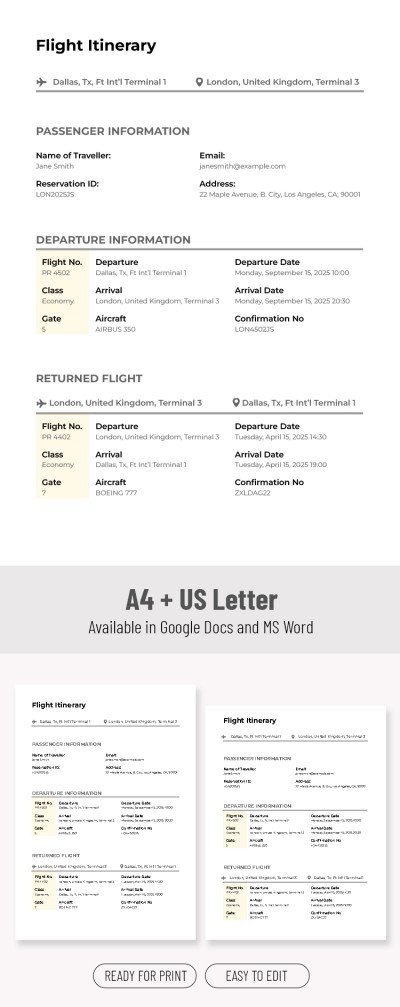
Editable Simple Flight Itinerary Template
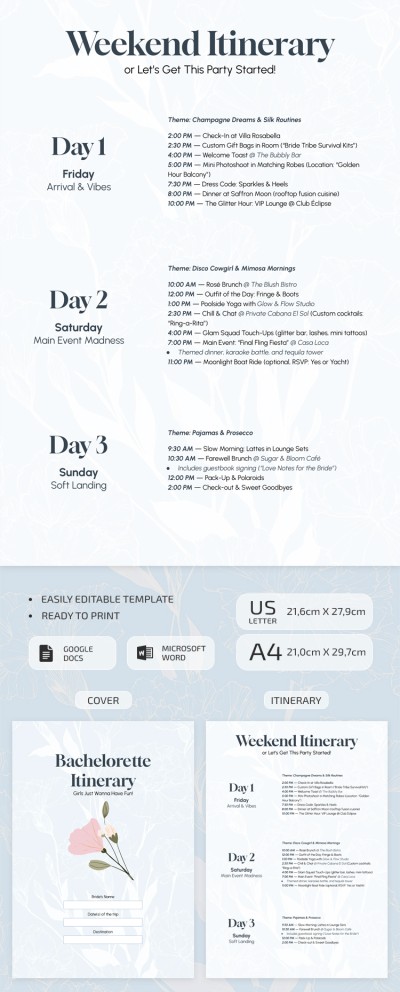
Editable Bachelorette Itinerary Template
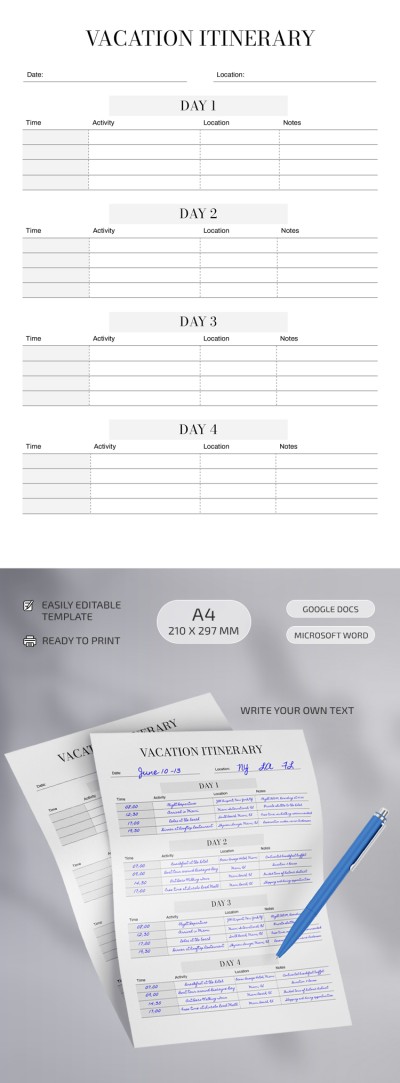
Structured Itinerary

Birthday Itinerary
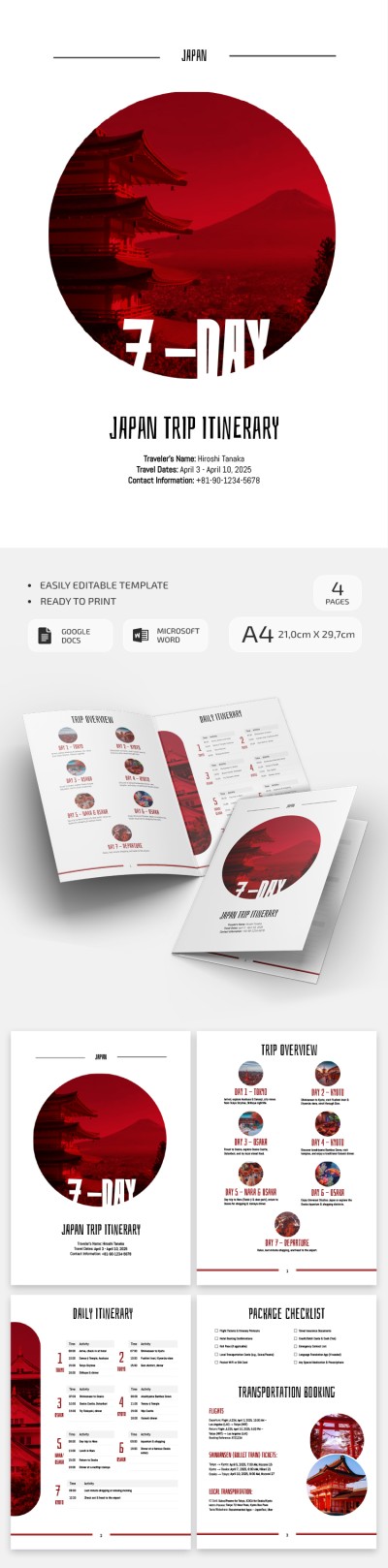
Printable 7 Day Japan Trip Itinerary Template

Road Trip Itinerary Template
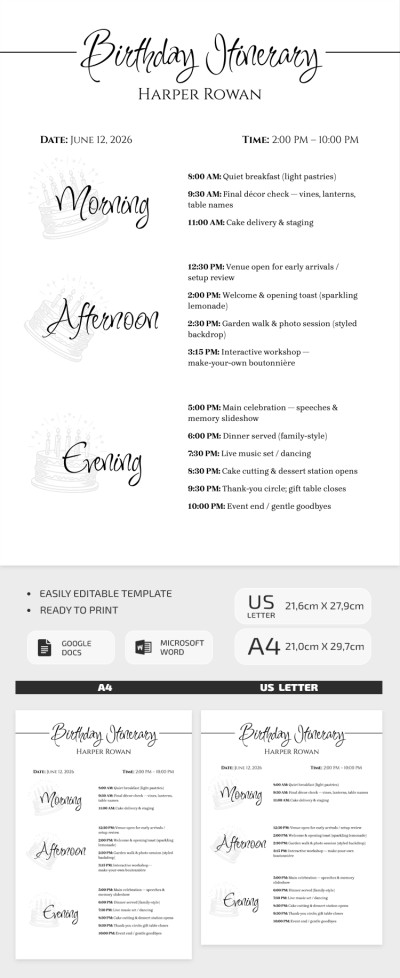

Clean Travel Itinerary
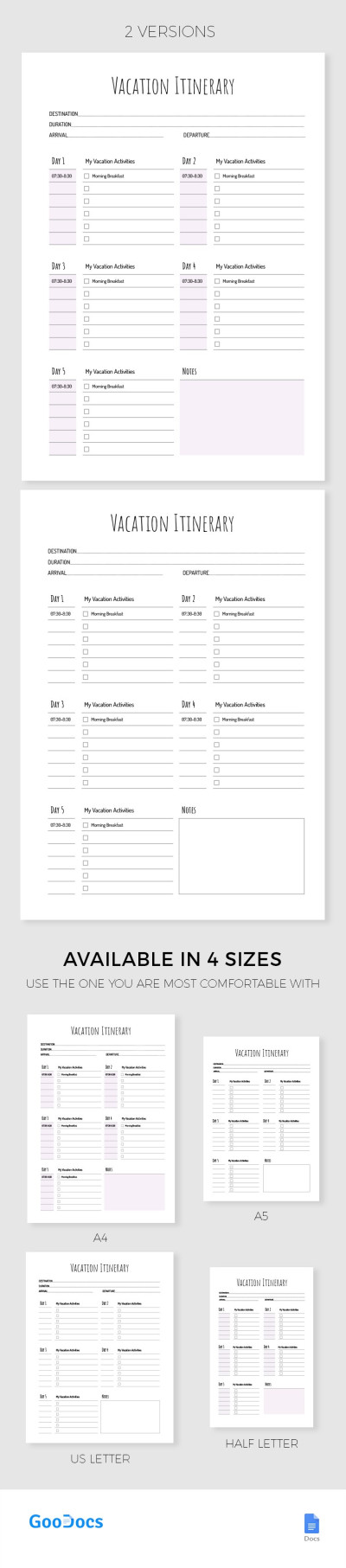
Simple Vacation Itinerary

Printable Vacation Travel Itinerary
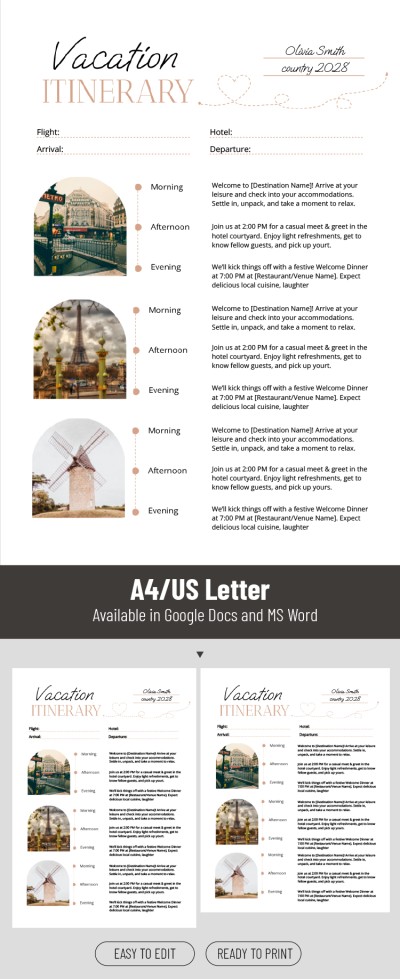
Romantic Vacation Itinerary Template

Ultimate Bachelorette Itinerary Template
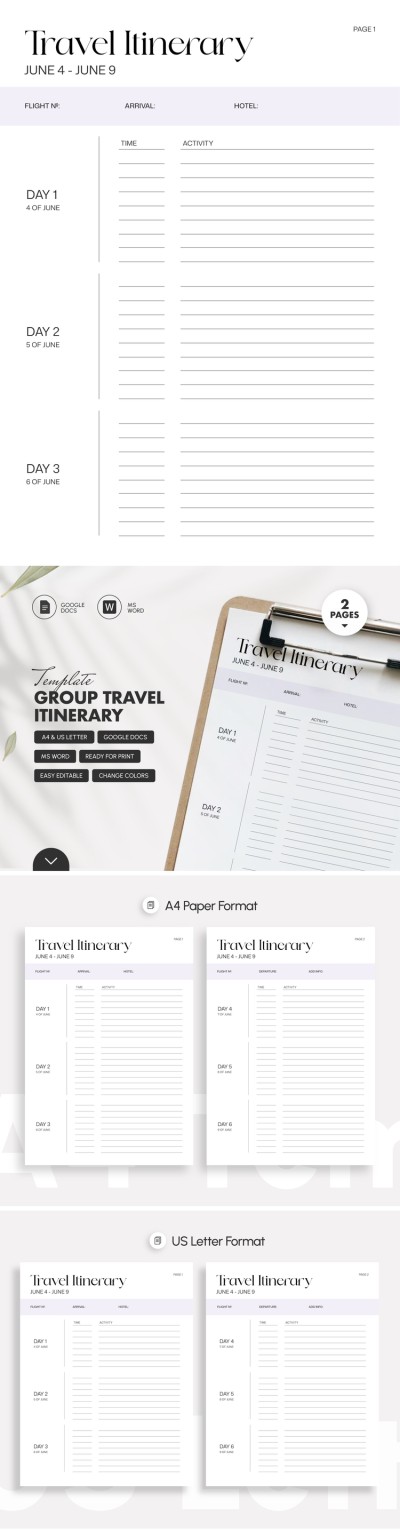
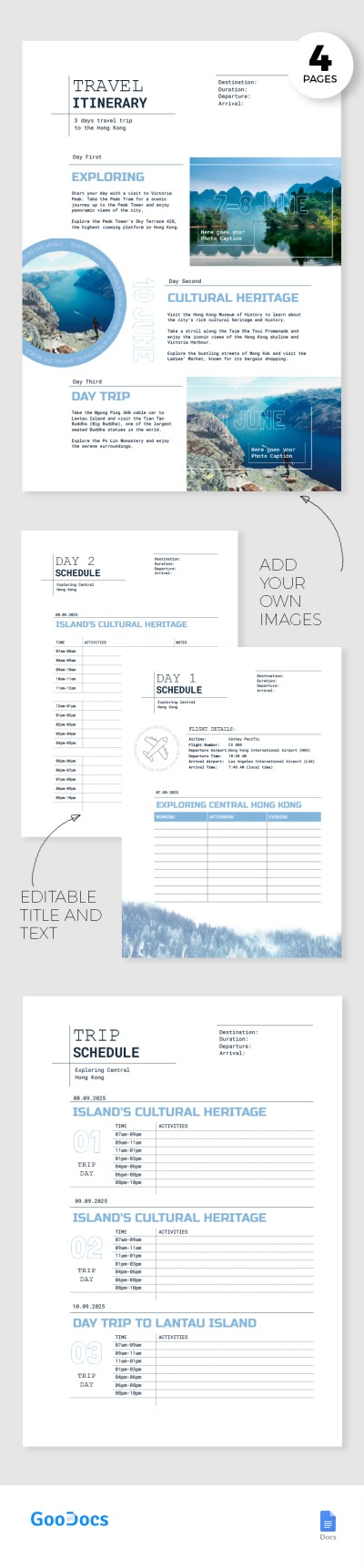
Travel Itinerary
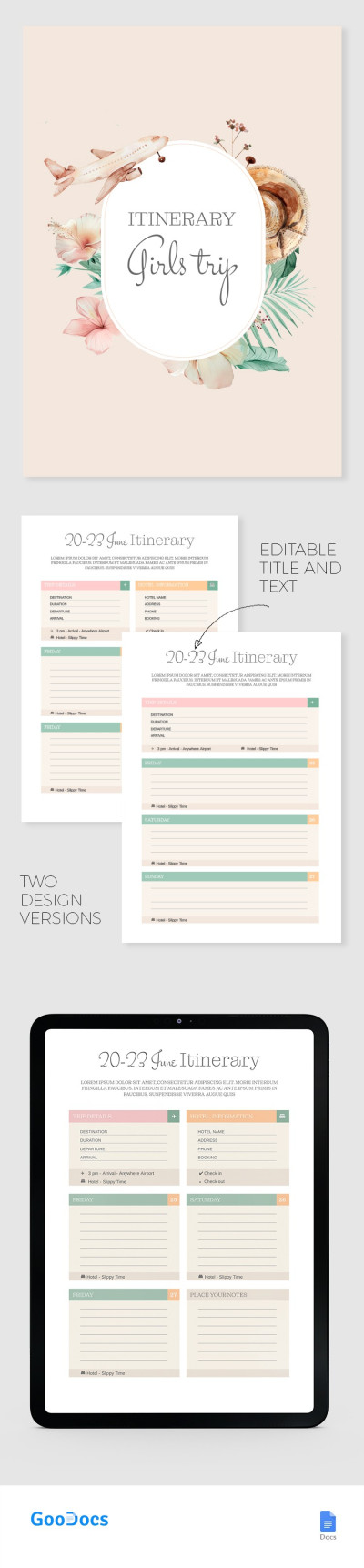
Girls Trip Itinerary
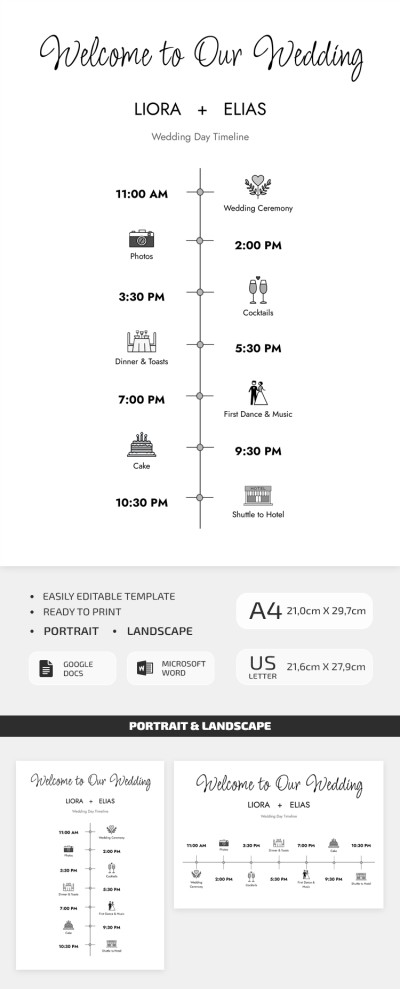
Simple Wedding Day Timeline Template for Couples
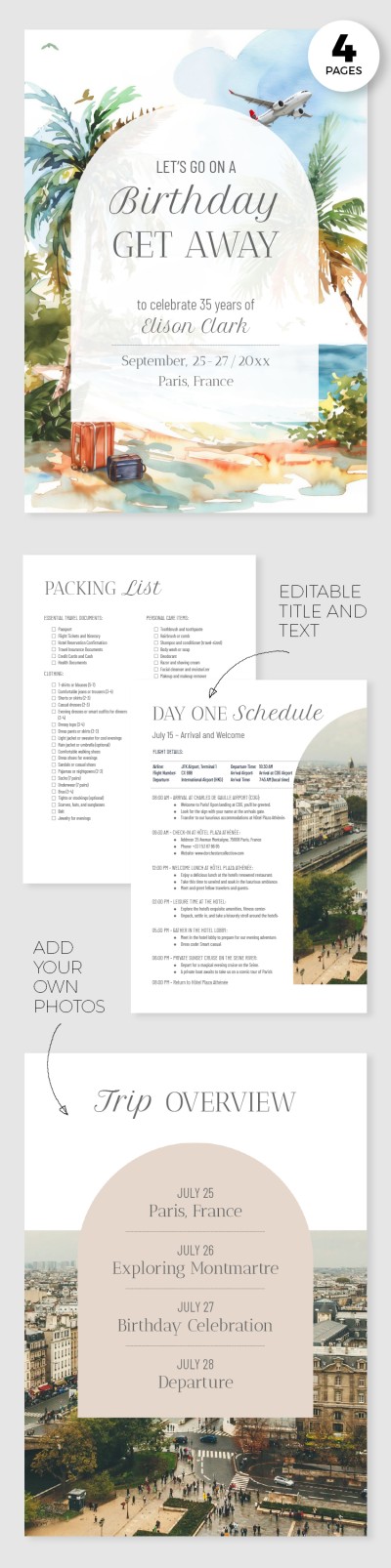
Elegant Birthday Itinerary
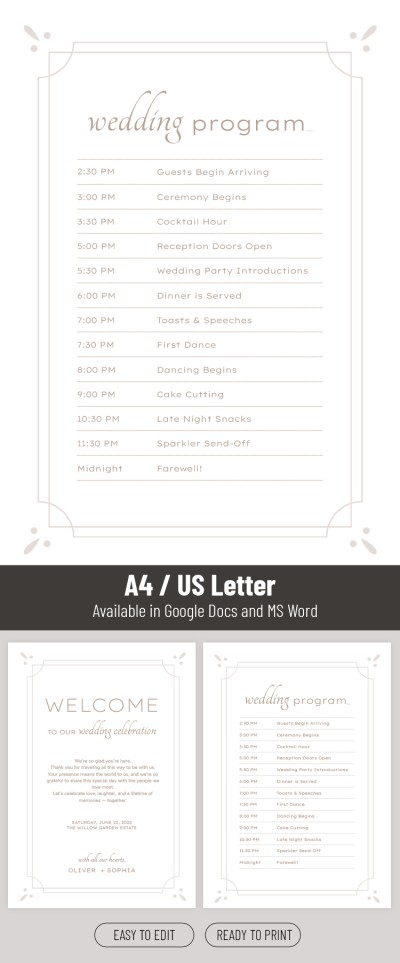
Printable Wedding Itinerary Template
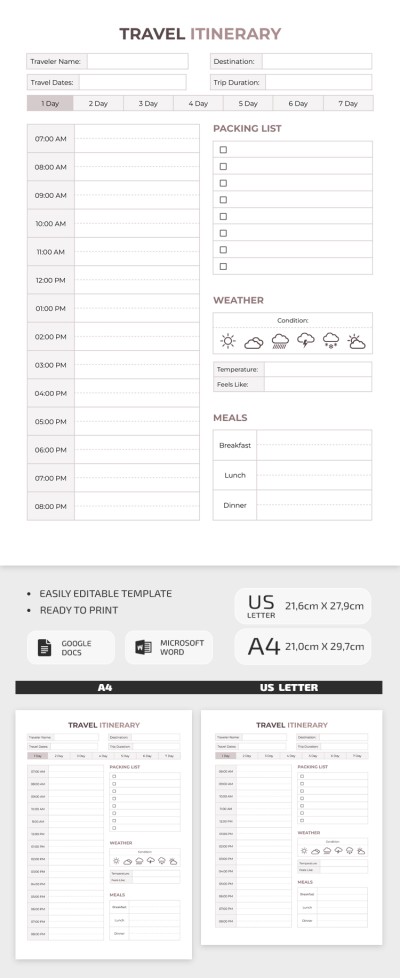
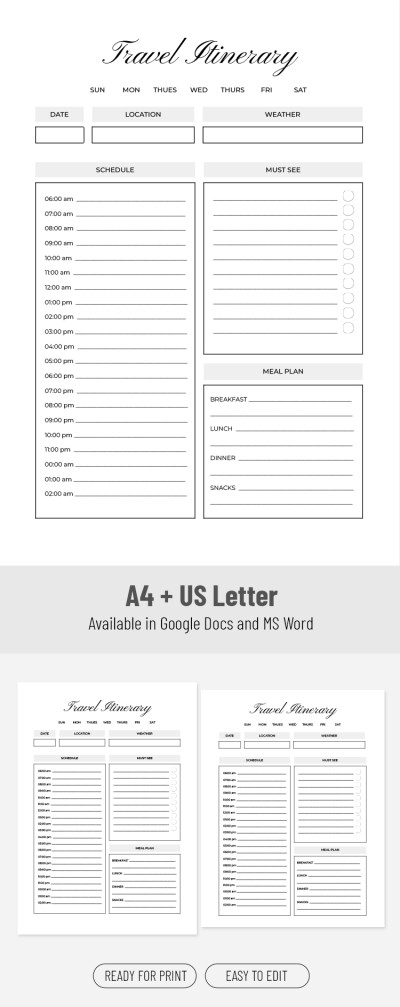
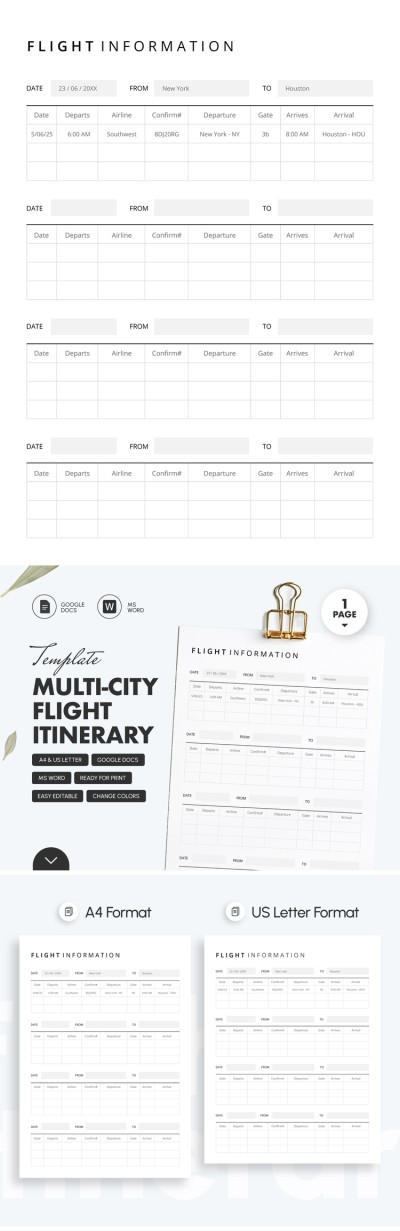
Multi-City Flight Itinerary Template
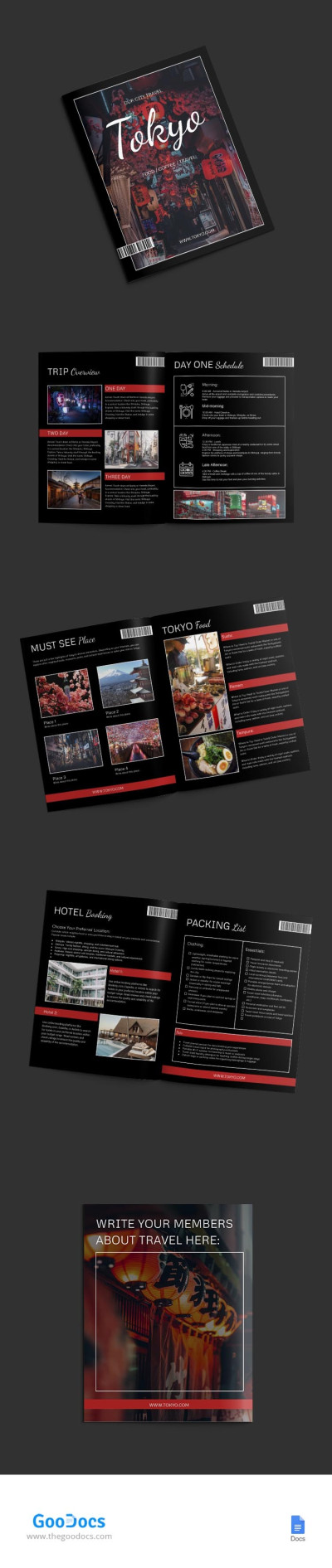
Tokyo Travel Itinerary
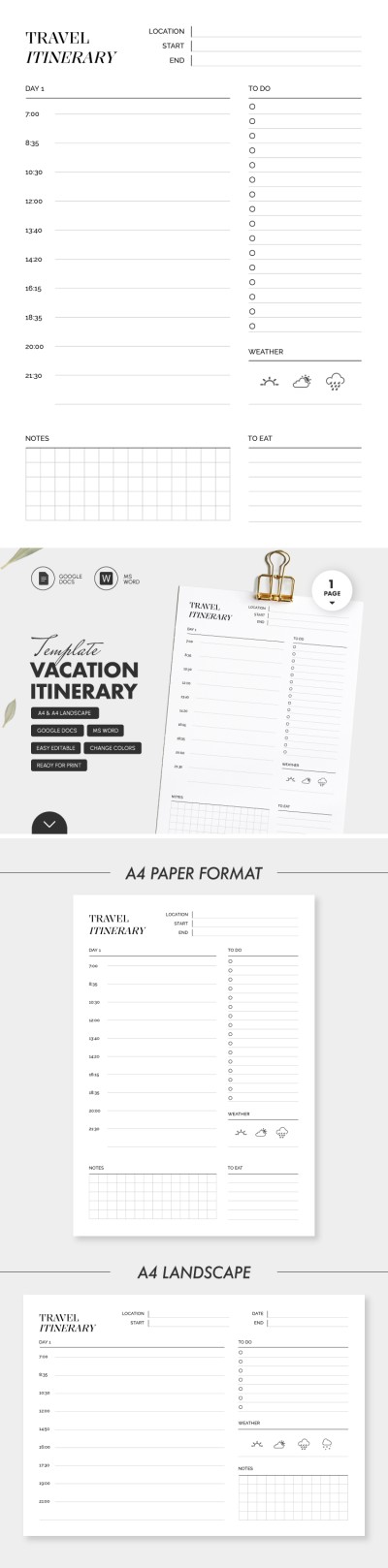
Minimalistic Vacation Itinerary

Professional Business Travel Itinerary
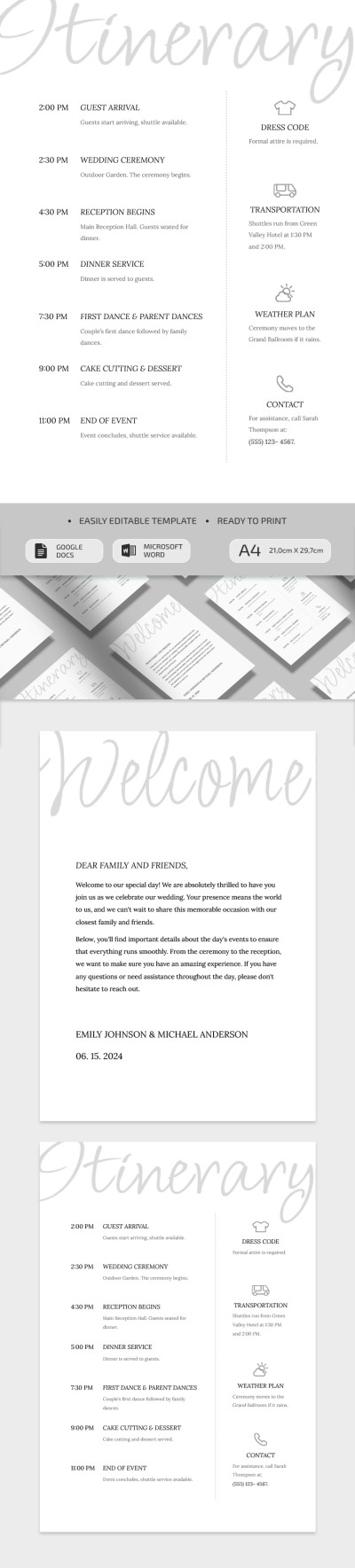
Simple Wedding Itinerary
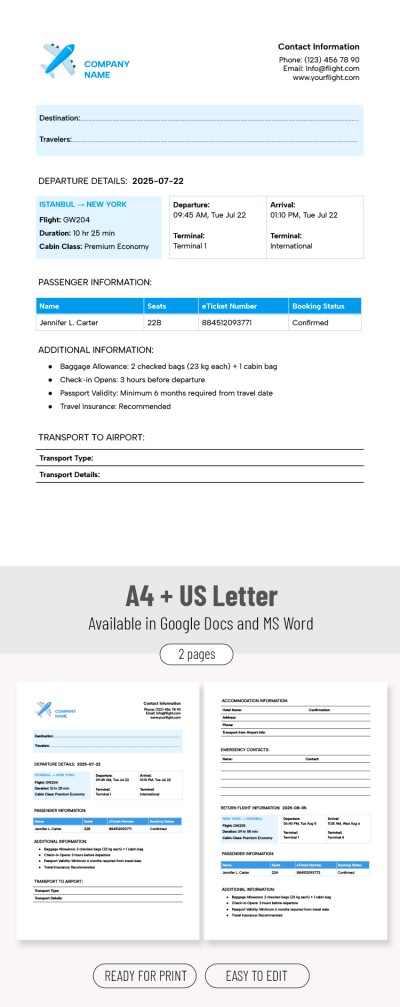
Business Trip Flight Itinerary Template
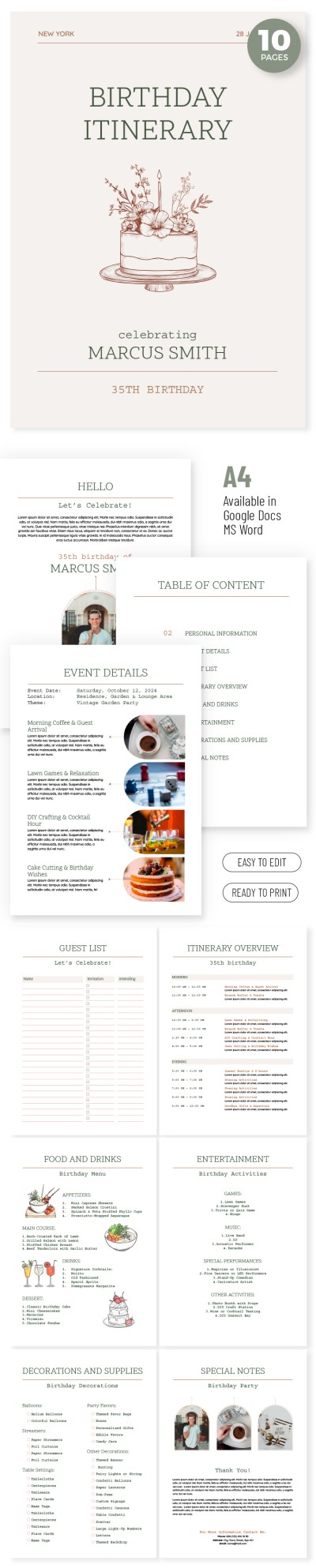
Aesthetic Birthday Itinerary
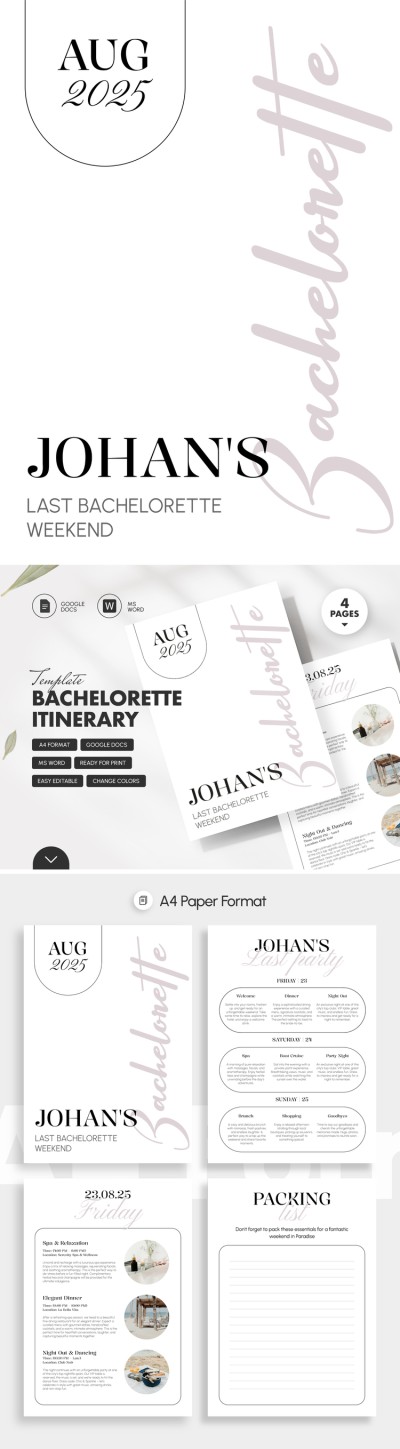
Bachelorette Itinerary Template – Editable & Fun
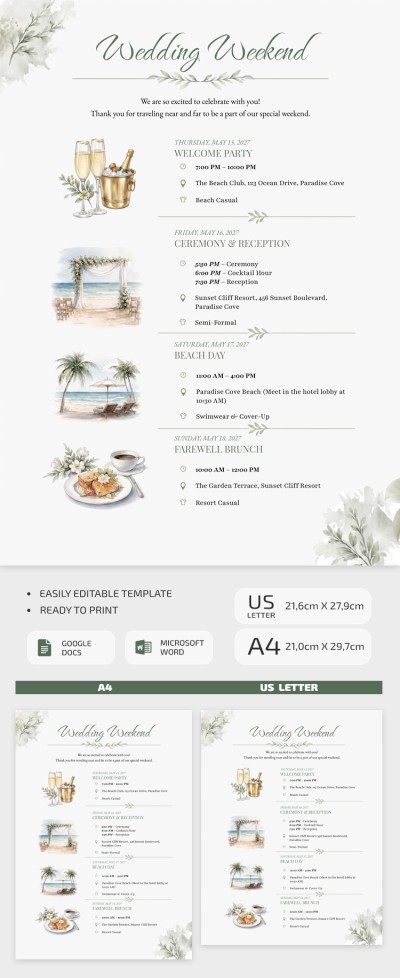
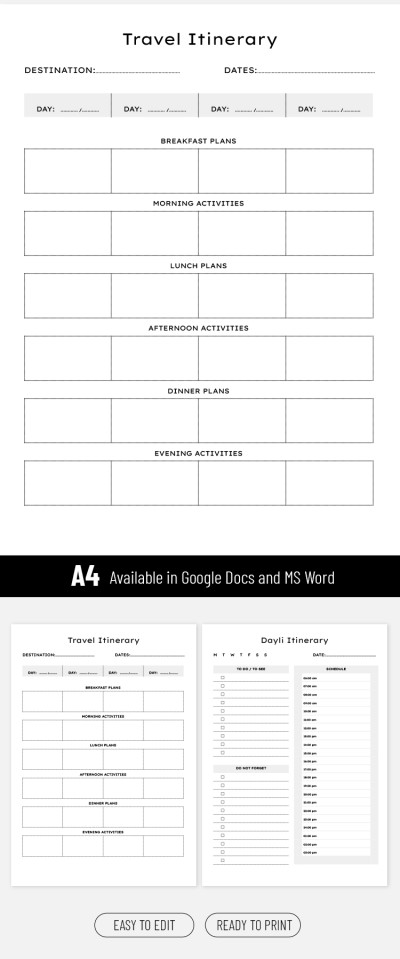
Editable Trip Itinerary Template
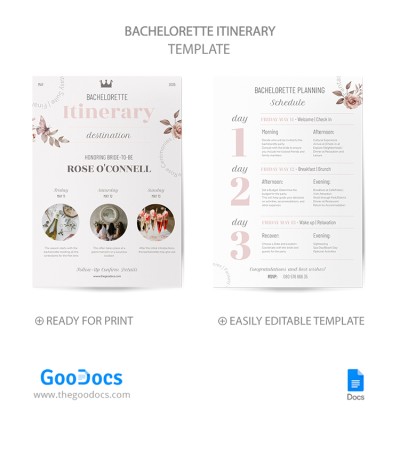
Pastel Bachelorette Itinerary
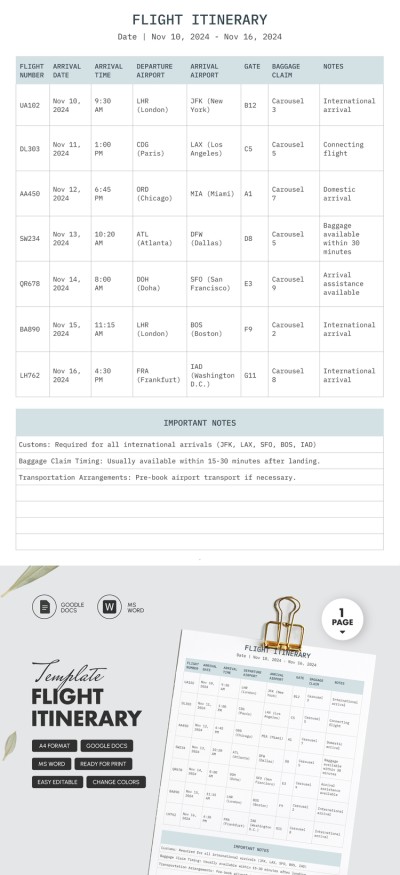
Flight Itinerary
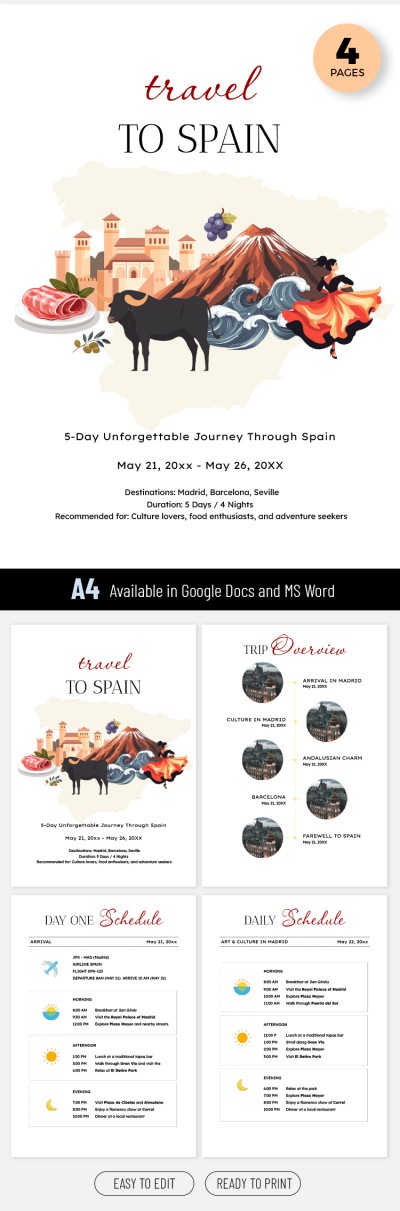
Travel To Spain - 5 Day Vacation Itinerary Template
Are you tired of chaotic notes and routes? Our ready-to-edit and fill-in itinerary template in Google Docs will solve this problem once and for all. We offer thoughtful templates created for any need, from birthdays and travel to wedding itineraries.
Advantages of itinerary templates in Google Docs and Word:
- Our pre-made designs are 100% compatible with convenient text formats. Working with them is as easy as possible, and no special design skills or experience are required.
- On this page, you will find pre-made options for any task. Do you need a suitable design and structure for a bachelorette party, trip, corporate event, business travel, or another option? Use filters to find what you are looking for in seconds.
- You can use our templates on any device or print them out. Word and Google Docs itineraries are ready to print. Save as an empty or filled-in PDF file and head to the printer.
- We know exactly which fields and text blocks you need. Therefore, with a travel itinerary, you can include more details about the route, flights, and visas, and a wedding itinerary consists of ten or more pages for planning each stage.
Choose the appropriate itinerary template for free on this page. Afterward, you can download it in Word or get a copy in Google Docs format. The process works automatically. Be confident in your trip, birthday, wedding, or other event with TheGoodocs.
Itineraries Templates FAQ
There are two choices when you need to create an itinerary template in Google Docs. You can start the process from scratch or opt for premade templates.
We're going to describe how you can create an itinerary template in just a few minutes and within a straightforward process:
- Find a Google Docs itinerary template on this page. All these templates are compatible with the format. You can also include your search query in the search bar or use filters.
- Get a copy of the template to your Google account. Go to the template page and click Get a Copy in Google Docs. After that, you will be redirected to a confirmation page. Then, a copy will automatically be added to your account and opened in a new window.
- Now, you have full access to the selected template. You can enter new dates, the name of the event, where you are going, and other details. Depending on the template (we have a wedding, business trip, travel, birthday, and more Google Docs itineraries), you will receive the structure that allows you to create a comprehensive plan.
- Use the template online, offline, or after printing. Have you finished filling out the itinerary? Now, you can save it as a PDF and print it out or leave it in your Google account. In the first case, just click File => Download => PDF. Alternatively, log in to your Google account on the needed device to access the itinerary.
This is how you can create a beautiful and practical itinerary in Google Docs in just a few steps. You don’t need any special skills or experience working with an editor - just our ready-made template. Find the best options in Google Docs on this page or more options in other formats.