
Hourly Schedule Templates
Find suitable hourly schedule templates for your needs on this page. Make sure you can effectively manage your appointments and assignments with our professionally designed templates. There are dozens of ready-made options, from study to work hourly schedules. Grab a copy or download a free sample in Google Sheets, Excel, Slides, PowerPoint, Docs, or Word formats.
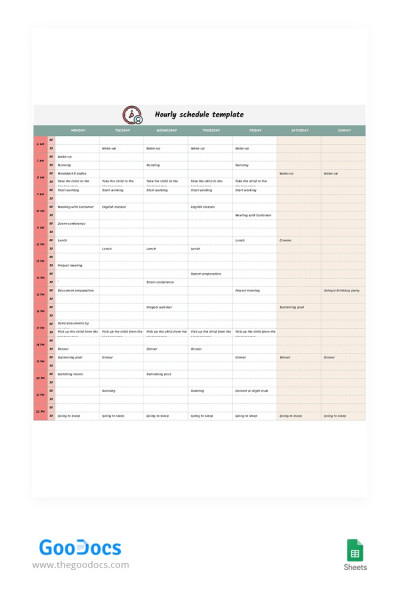
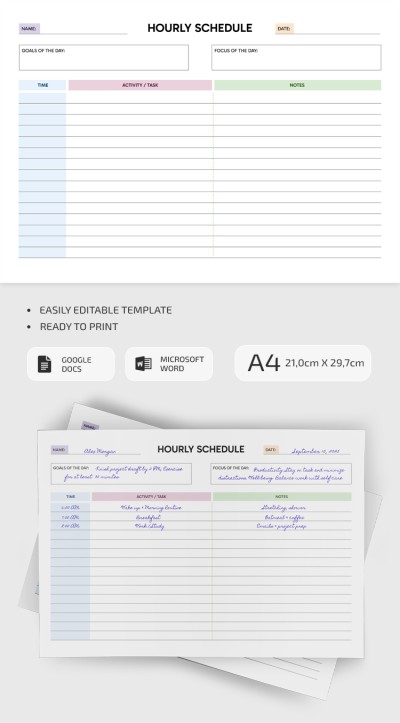
Pastel Hourly Schedule
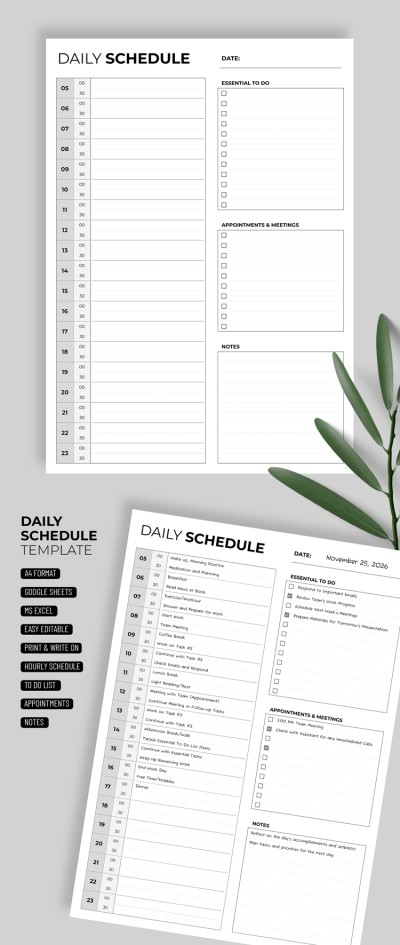
Classic Hourly Schedule
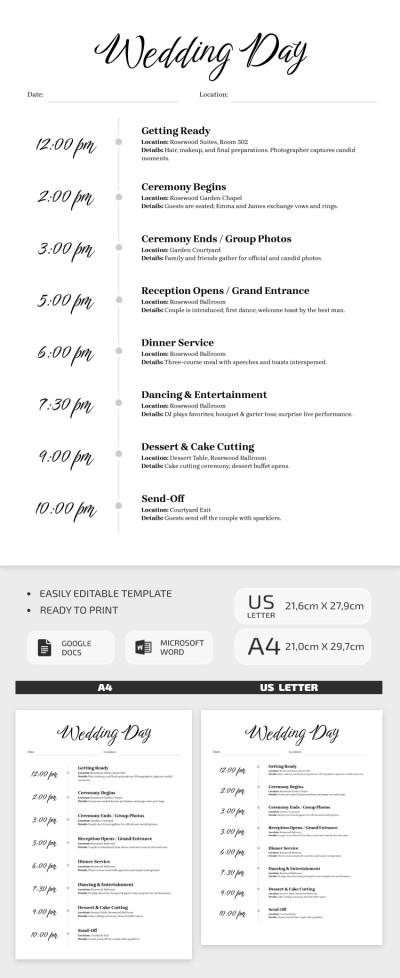
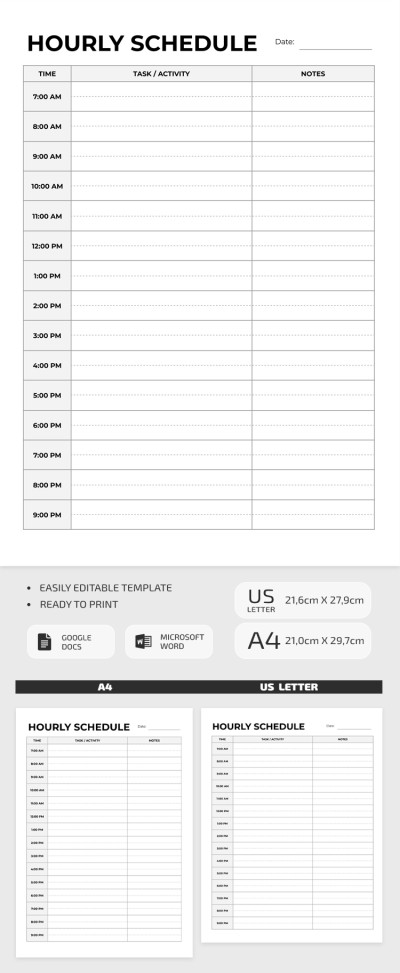

Hourly Study Schedule
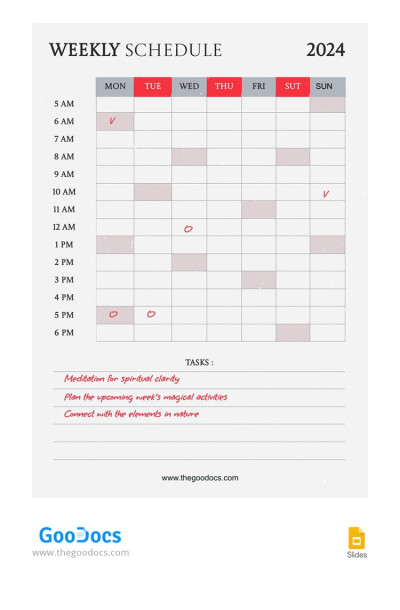
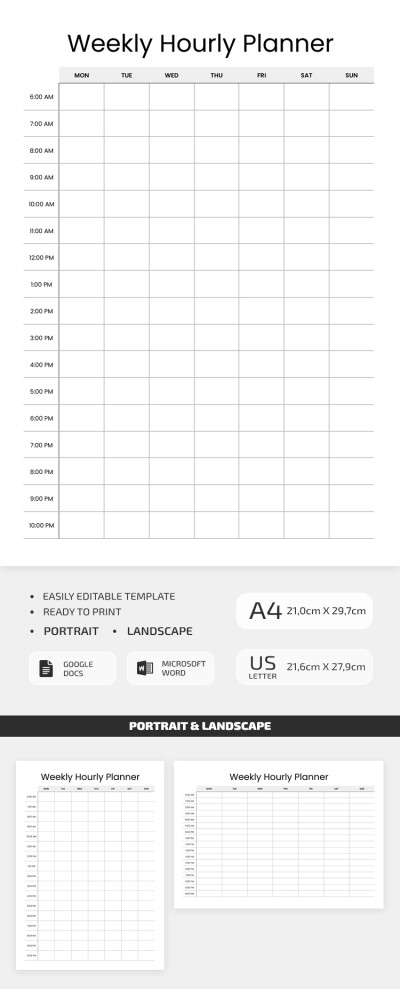
Hourly Weekly Schedule

Please try different filters or clear all to start over.
Our collection of hourly schedule templates will make your daily planning process much easier. The templates on this page help you structure your day, set important priorities, and free up time for what matters most, all while maintaining a healthy work-life balance.
Learn more about the benefits of our hourly schedule templates:
- Our samples are perfect for a comprehensive day planning. The hourly schedule examples on our page include schedule blocks and tasks for every hour, 15 minutes, or another interval of your choice. Each section contains enough space to add tasks, notes, and priorities.
- We offer options in a variety of formats. You'll find hourly schedules in Google Sheets and Excel, which provide automated formatting, color-coded elements, checkboxes to mark completed activities, and more. Our Word and Google Docs options are suitable for simple hourly planning and printing in A4 and US Letter sizes.
- You're sure to find the perfect template on this page. Select from blanks and spreadsheets with unique designs and layouts. Some are suitable for detailed planning, while others provide more space for note-taking. You can also edit and fill out an hourly schedule online, offline, or in printed form.
Organize your day with our simple and effective solution. Download or copy an hourly timetable for free, or choose a schedule template in Google Sheets.
Hourly Schedule Templates FAQ
Using an hourly schedule template downloaded from our website is a breeze.
After downloading a template or creating a copy in a convenient format, you can:
- Add a schedule to the pre-made blocks. Click on the placeholder and enter the desired intervals, from 10 minutes to an hour or more - there are no restrictions.
- Add a task for each interval. The process is the same: simply click on the task field and type it in.
- Use additional placeholders to add notes.
- Customize the design as desired. Select an element to change the font, fill color, background, insert images, or add more blocks.
- Make a copy of the template for each day. Go to File => Make a Copy => Enter a name (for example, "Monday Schedule").
Depending on the format, you can also customize various features, such as color coding, automatic formatting, date functions, and more.

