
Cute Note Templates
Explore a collection of unique cute note templates in Google Docs and Word. You can download or customize professionally designed blanks for free. We offer dozens of ready-made options for any of your tasks. Start working with editable and printable notes in a few clicks.
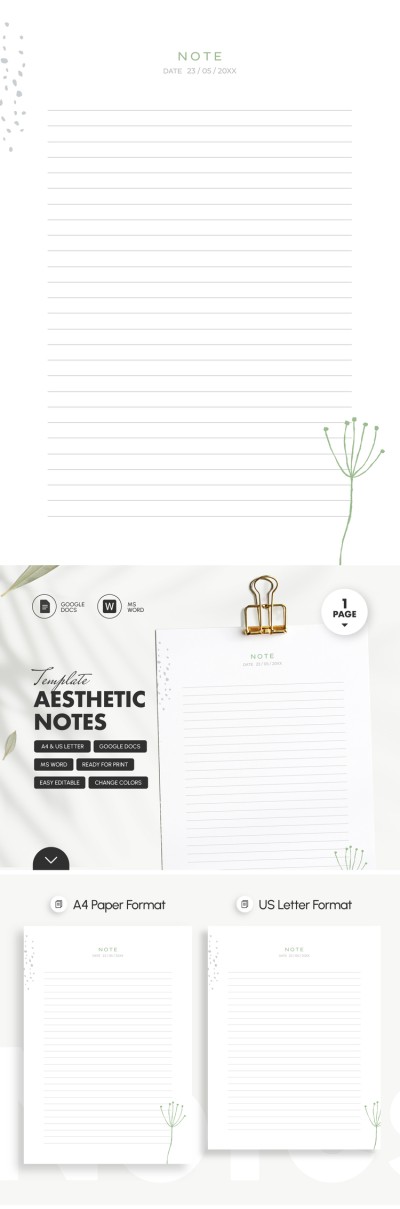
Minimalist & Aesthetic Notes Template
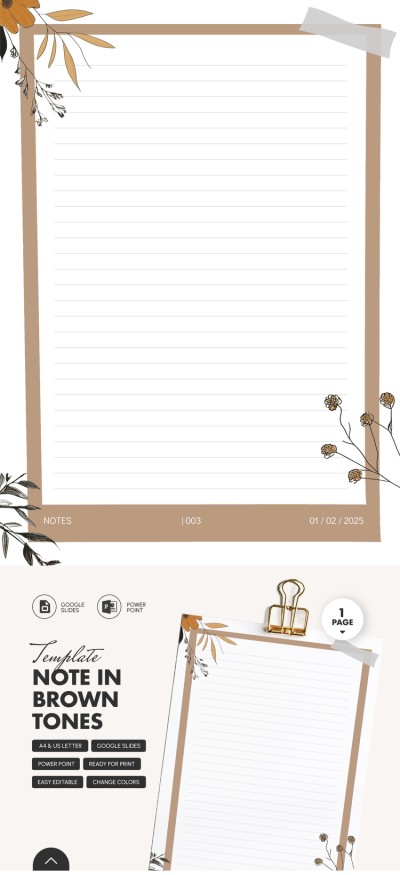
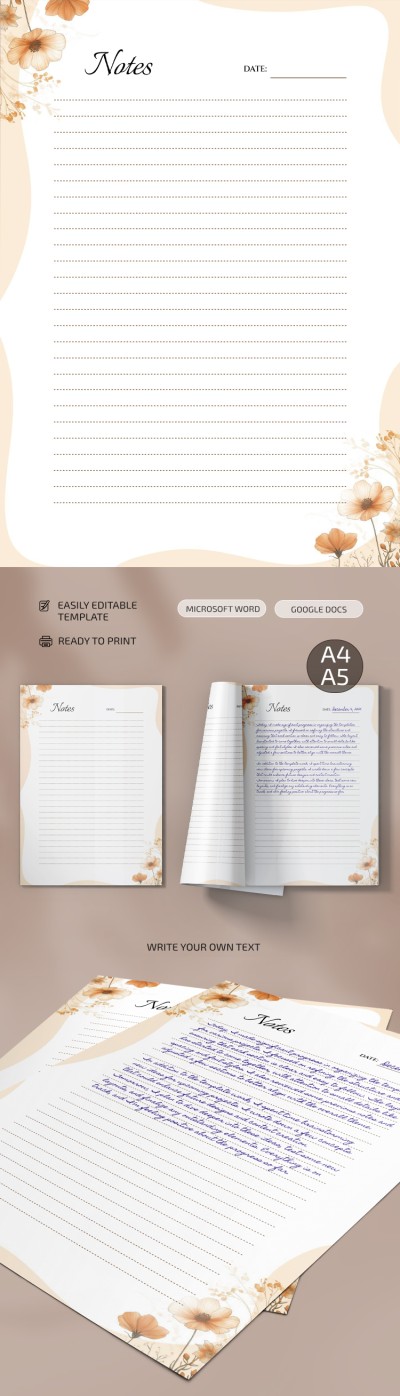
Note in Brown Tones
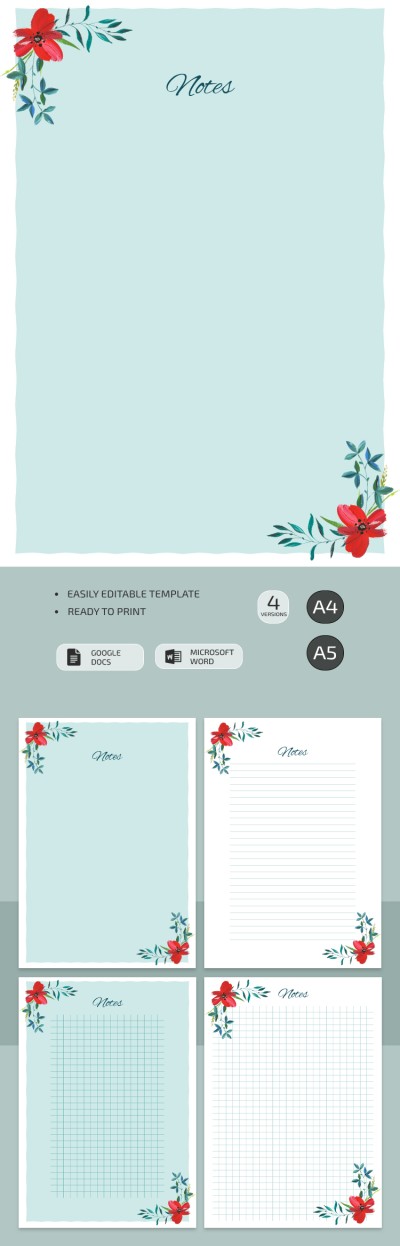
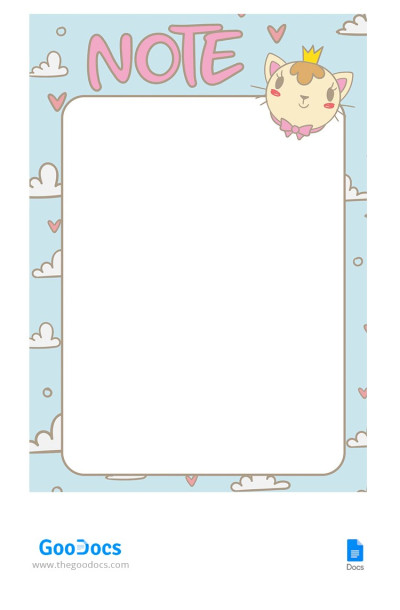
Cute Note
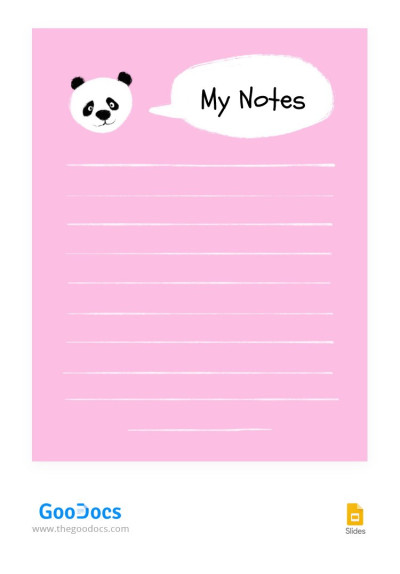
Pink Cute Notes
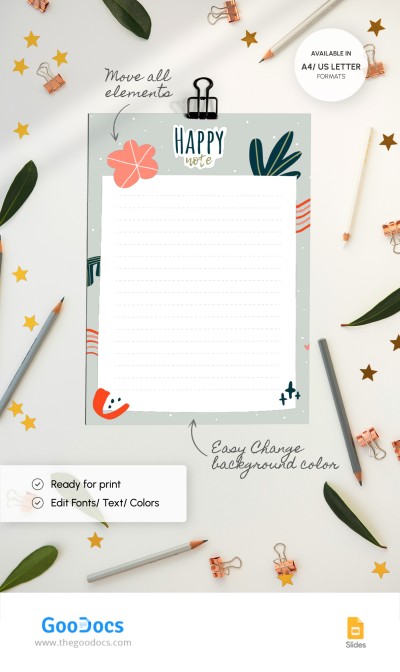
Cute Notes
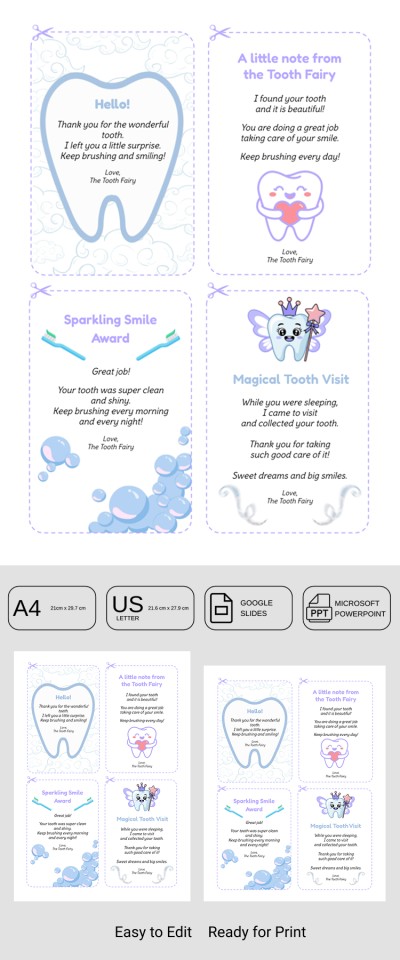
Pastel Cute Note
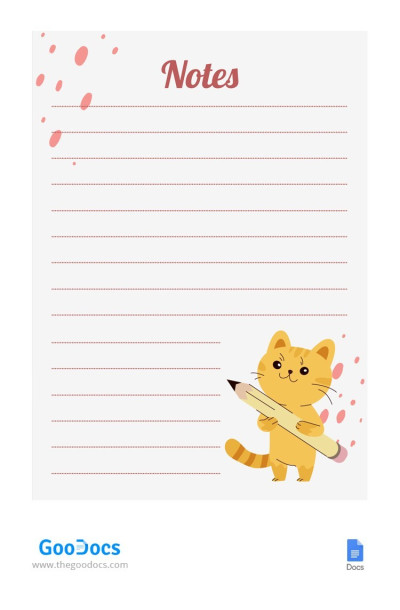
Cute Animal Notes
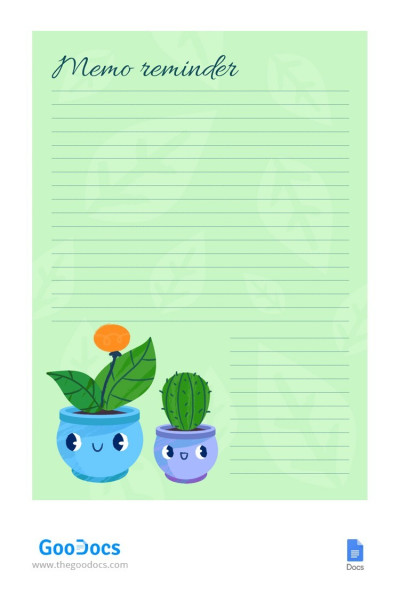
Cute Plants Note
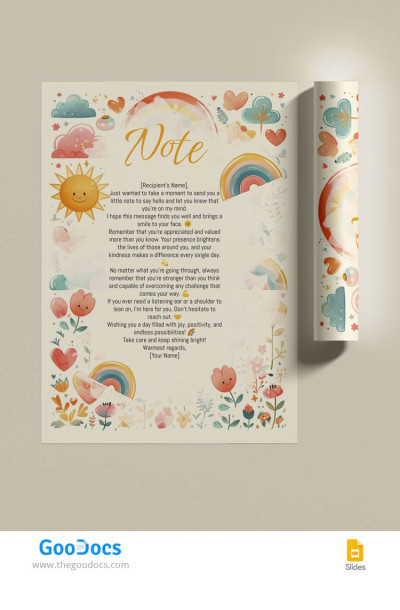
Illustrated Note
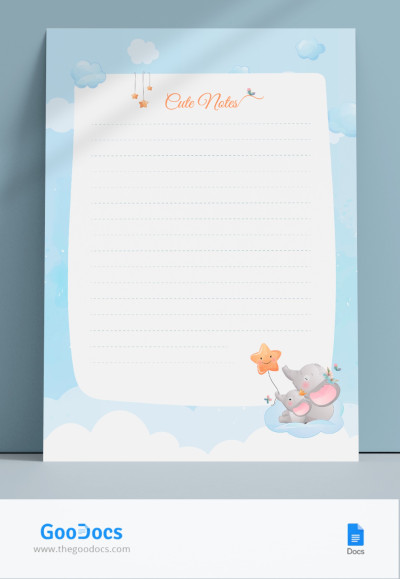
Cute Illustrated Note
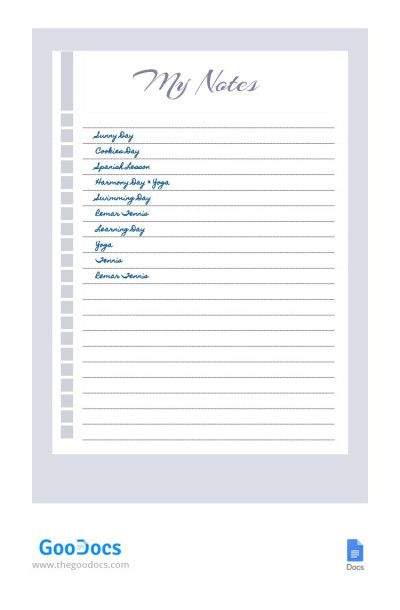
Violet Cute Notes
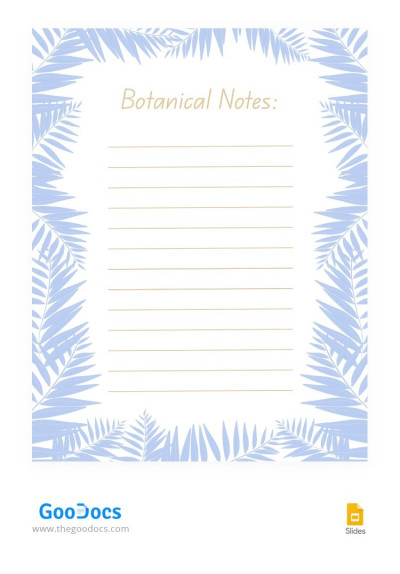
Aesthetic Botanical Notes
Please try different filters or clear all to start over.
Are you tired of rushing and constant tasks, or looking for note templates for young organizers? This page is created especially for you, and our cute note templates can turn even the most ordinary note into something inspiring. They are perfect for everyone, from schoolchildren and students to freelancers and people who just love cute designs.
Take advantage of our pretty notes:
- Specially created and unique designs. Our templates include soft pastels, delicate illustrations, and suitable fonts to make the layout look cute and brighten your workspace. On this page, everyone will find something special to organize notes.
- Our examples are suitable for a distinct task. In addition to unique designs, we offer either specialized or universal structures. Want to plan, study, or just write down spontaneous thoughts? Everything for these purposes is already included.
- Available in digital and printed formats. You can use templates online and offline via Google Docs, Word, Google Slides, PowerPoint, and even Excel. Need a printed version? Save any document as a PDF and print it in A4 or US Letter size.
Pick your favorite cute note template and start creating a space where your thoughts, goals, and ideas feel cozy and beautiful. Check out our Google Sheets notes for even more options.
Cute Notes Templates FAQ
You don't need any design skills or expertise to make your own cute notes. Using ready note templates from TheGoodocs, anyone can compose their notebook and get inspired by its design while taking notes every day.
Our templates offer a pre-made structure and layout for notes (lined, dotted, etc.), plus calming blue, pastel, turquoise, and other color palettes. You can also choose a suitable cute notes template in the desired format, from Google Docs and Word to Google Slides and PowerPoint.
After downloading or getting a free copy, you can personalize the template. Adjust colors, include more headings, logo, inspiring inscriptions, and everything you want.That will take no more than a few minutes of your customization. Don't waste time creating a design from scratch. Just use cute notes made by professional designers. Take notes in a digital format or after printing your template.
To make cute notes on Google Docs from scratch, you should go through different color palettes and waste time selecting from hundreds of fonts, emojis, and other visual elements. That's why using a free aesthetic and cute note template in Google Docs is the best alternative.
To make your own cute note in Google Docs, all you need to do is:
- Select a cute note template in Google Docs on this page. You will definitely find the perfect design among dozens of pre-made options. After that, all that remains is to go to the template page and click the "Edit in Google Docs" button.
- Start customizing. After receiving a copy of the template to your Google Drive, you can start editing it. Do you want to change the colors or add more elements? Need to change the font or add a motivating caption? Google Docs offers many easy-to-use tools for these tasks, and we do not limit your editing rights.
- Use it in a convenient format. Leave the template in Google Docs if you need access to notes on any device. And if you need to print, just click File => Download => Save as PDF.
Now you know how to make cute notes on Google Docs. Start using unique designs for your notes today. Try them for free!

