
Comic Book Templates in Google Slides and Powerpoint
Choose from the best comic book templates in Google Slides and Powerpoint. Make your own comic book in no time with premade, editable, and printable comic book pages. Our templates offer adjustable strip layouts for each sheet. You can include your drawings, speech bubbles, and scenes in seconds. Our comic book templates also offer front and back covers and vibrant designs.
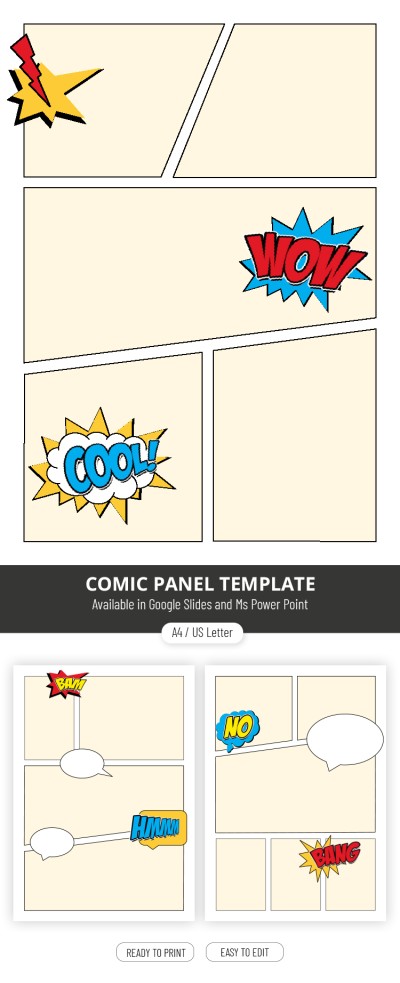
Editable Comic Book Layout – Create Your Own Comics


Fantastic Comic Book

Comic Book
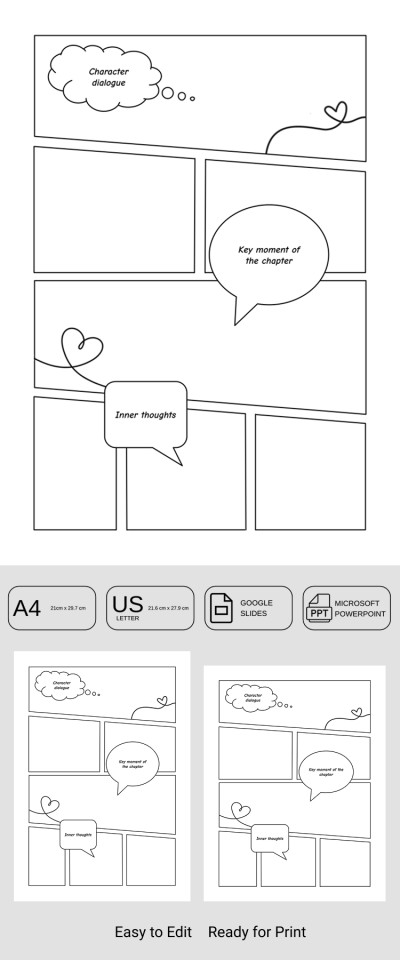
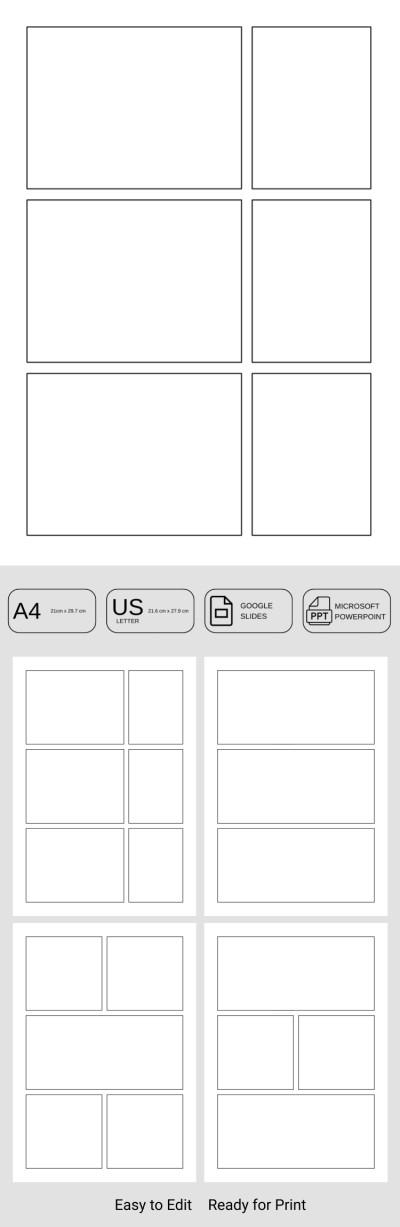
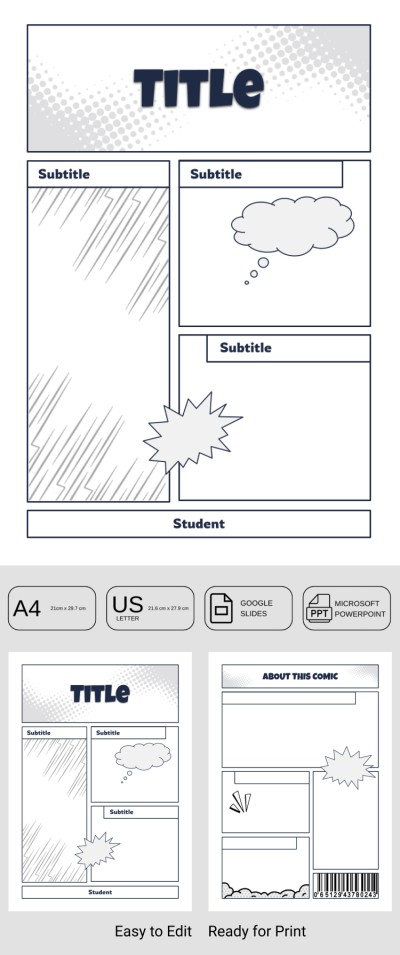
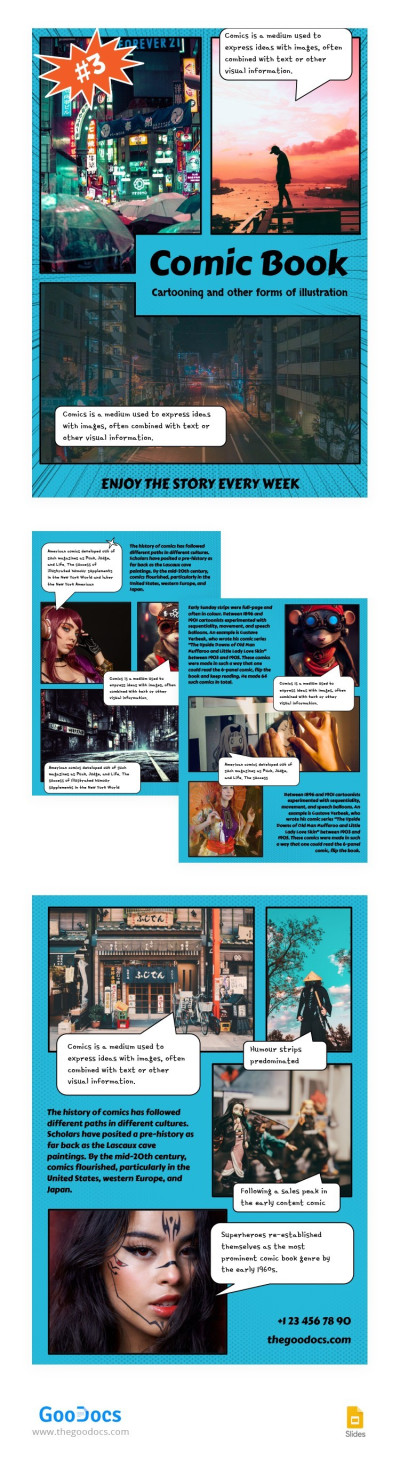
Blue Comic Book
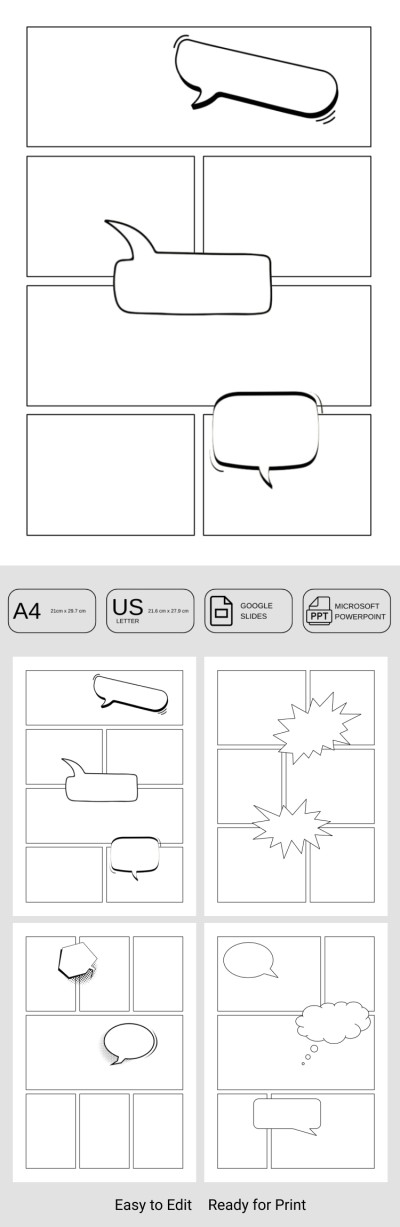
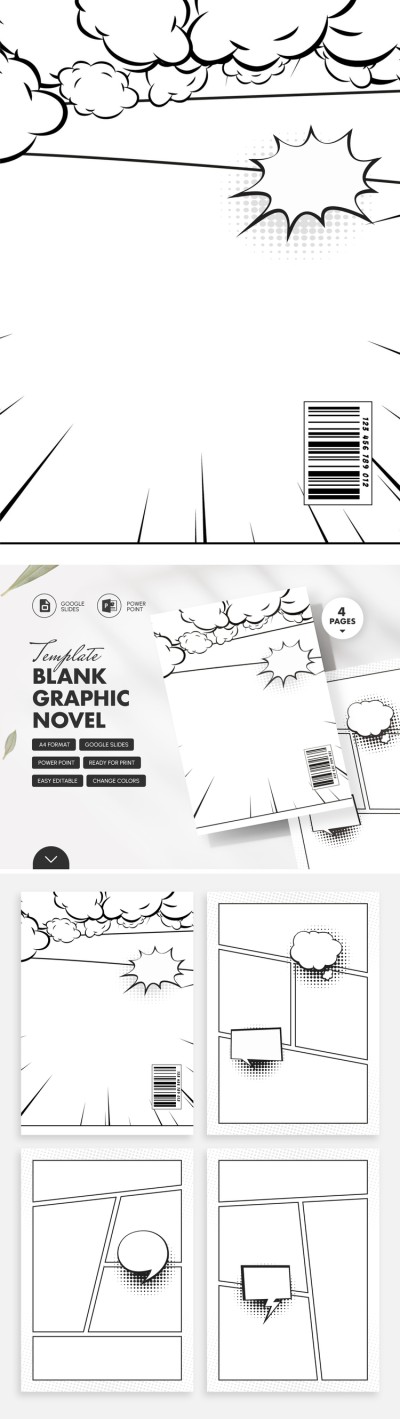
Blank Graphic Novel
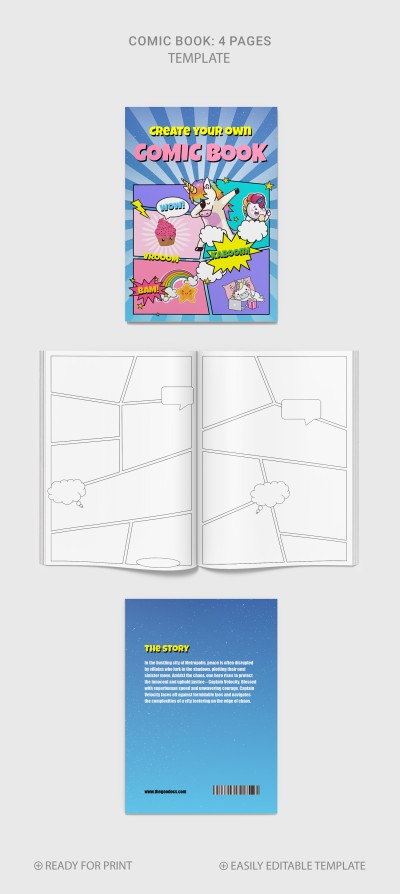
Bright Comic Book Page

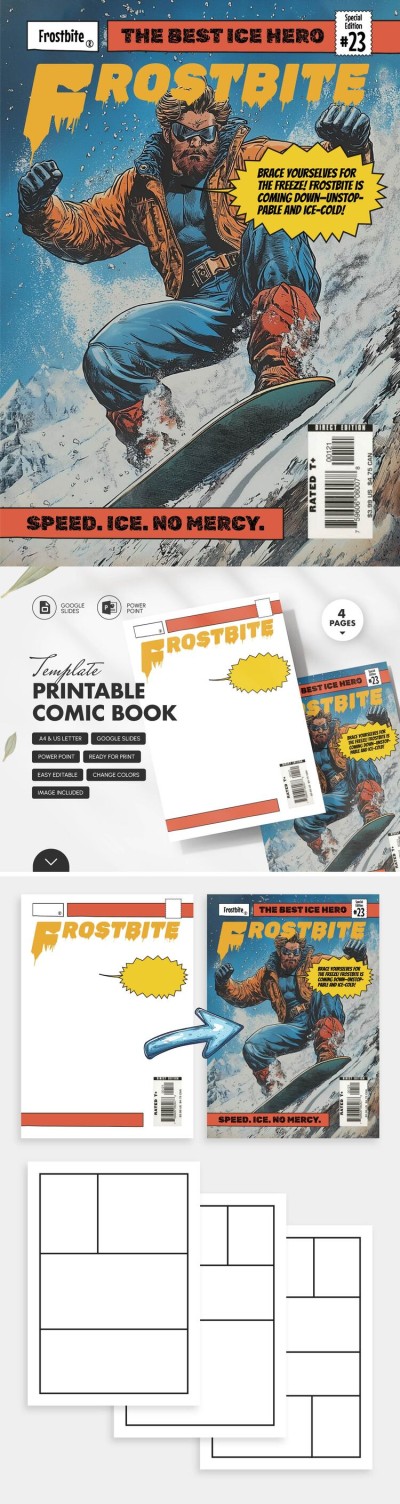
Printable Comic Book Template
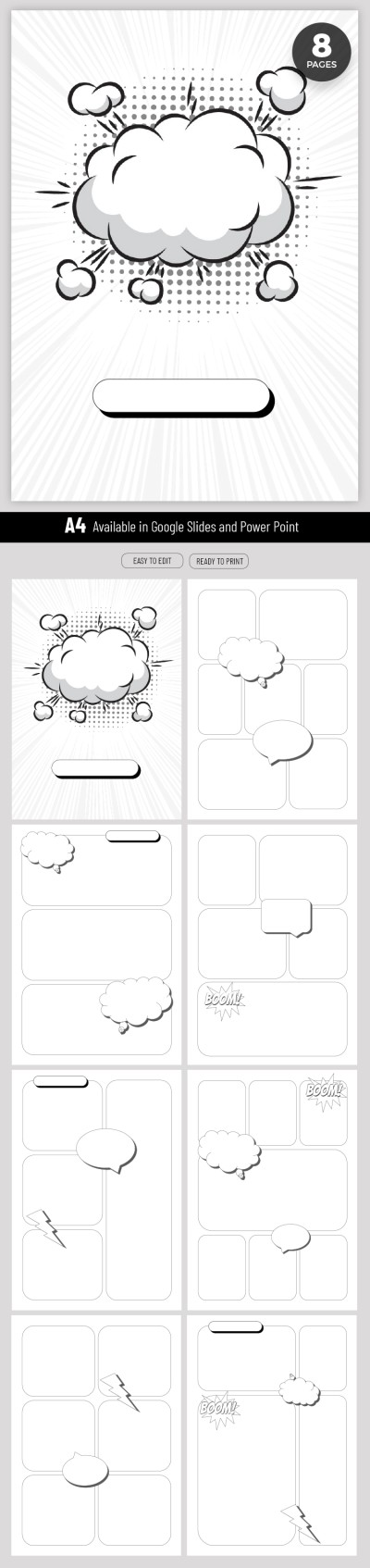
Simple Comic Book
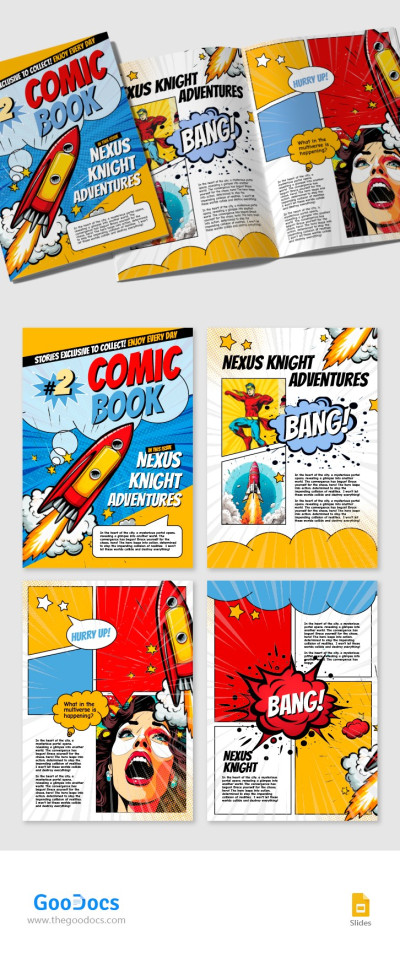
Colorful Comic Book

Bright Comic Book

Clean Comic Book Page
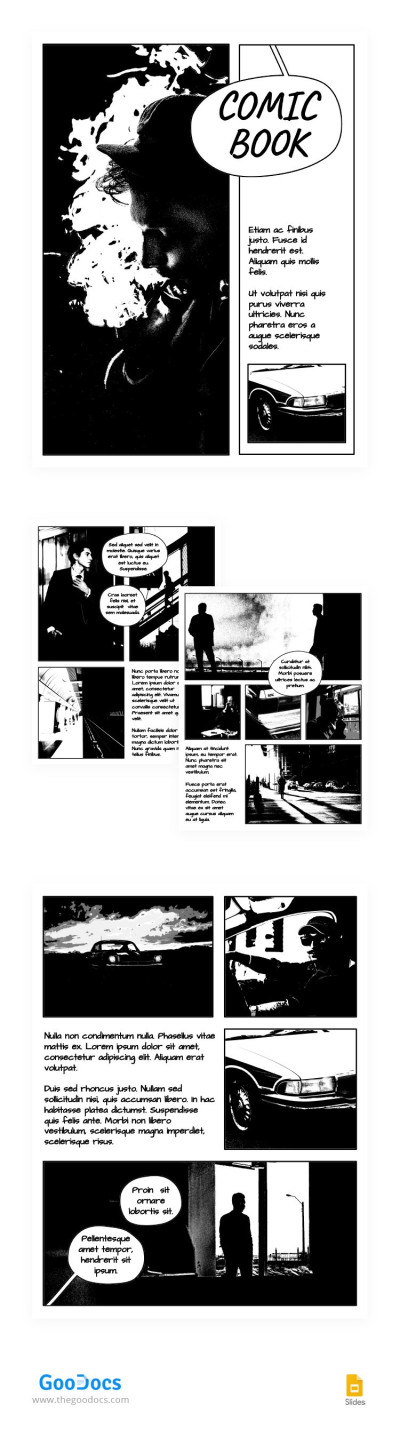
Black & White Comic Book
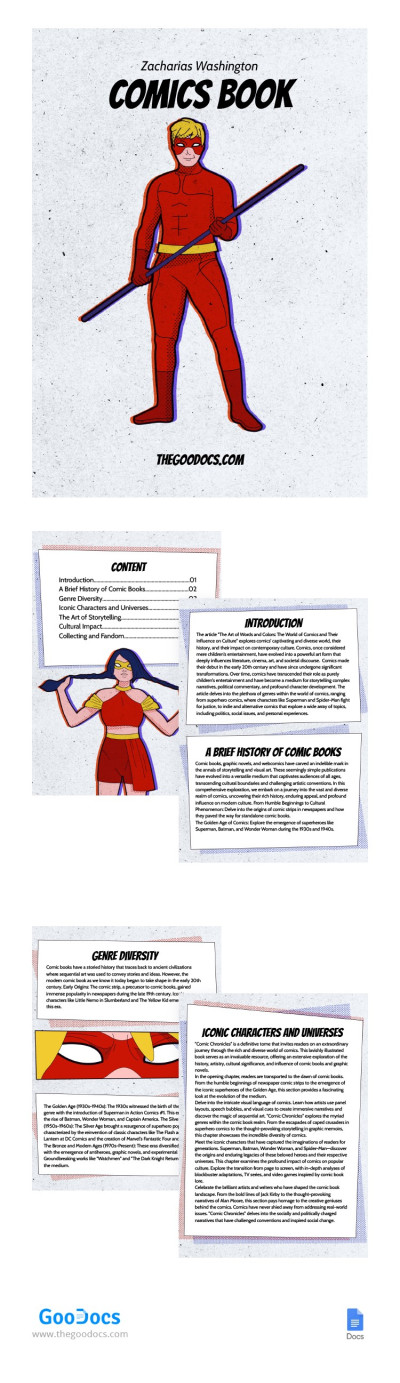
Heroic Minimalist Comic Book

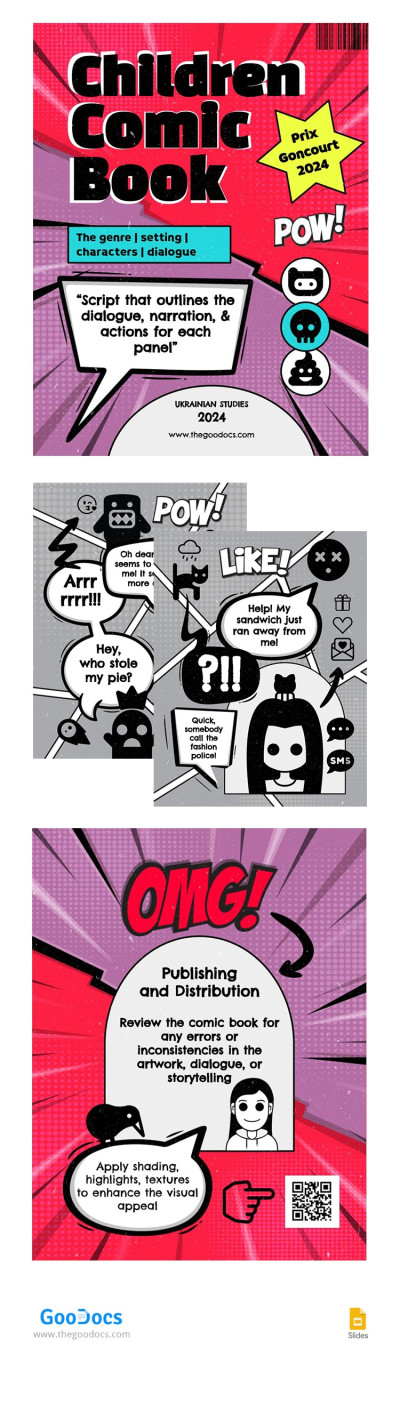
Funny Children Comic Book
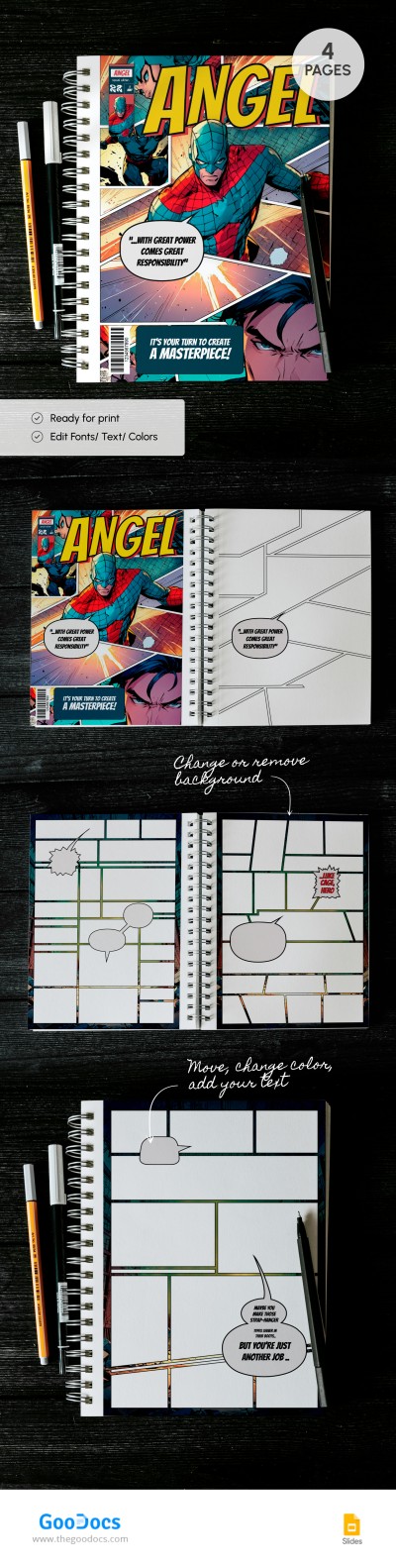
Comic Book Page
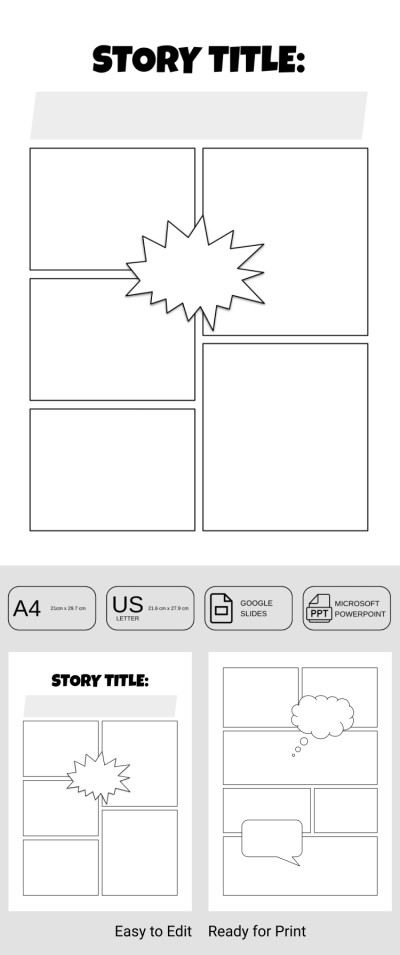
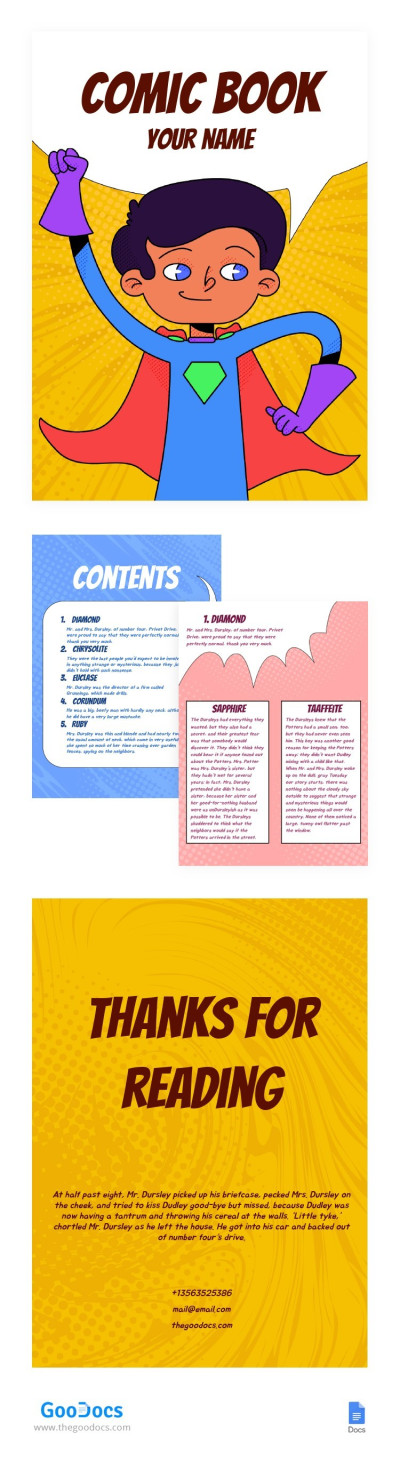
Basic Comic Book
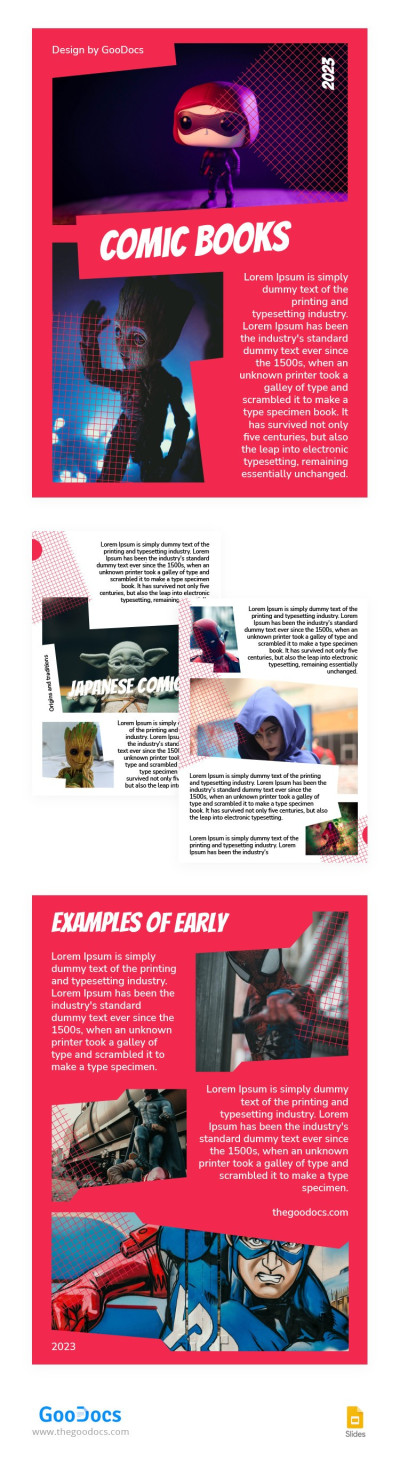
Red Comic Books
Create your own comic book using our comic book templates. Utilizing our designs is much easier than creating a strip layout, characters, speech bubbles, and visual effects from scratch. You can find a comic book page layout that suits your story for free.
Here are the main advantages of our templates:
- Fully editable layouts. Our templates are available in Google Slides, PowerPoint, Google Docs, and Word editors. Using simple tools and your imagination, you can customize the template to suit any of your stories, from standard superhero tales to children's comics and manga.
- Use them in digital format or after printing. If you want to draw scenes and characters by hand, you can save the template in PDF and print a color or black-and-white copy. You can also post the book online to share with readers right away.
- Making a comic book is a breeze. You can choose from dozens of templates with premade covers and strip layouts for pages. Once you download or receive a copy, you can immediately begin creating your story using the editors' features.
Explore a collection of free, customizable, and easy-to-use comic book templates. Find one on this page or go over the comic templates category for more options.
Comic Books Templates FAQ
One of the easiest and most convenient ways to create a comic book template is to use a ready-made layout from TheGoodocs.
Here's how you can create a standout comic book using our templates:
- Select a suitable template on this page. Сonsider the format (we offer horizontal and vertical strip layouts for book pages), number of pages, cover, and style. Click on the "Edit in [Format]" or "Download for [Format]" button to make a copy or download the template.
- Now you can customize the template. Duplicate slides, change their structure, size, position of panels, and add new strips, or leave everything as is. Each page offers unique layouts to keep the narrative unexpected.
- Add text and images. You can use the Drag and Drop tools or click Insert => Image to do this. We also offer pre-made speech bubbles where you can add text after copying from other slides.
- Print or share your web comic. After customizing and adding your story and scenes, you can click File => Download as PDF to print and publish the template. You can also save the pages as PNG or other formats for online publishing.
Our comic book templates are perfect for beginners and experienced comic book writers. Try them for free today!

