
Business Newsletter Templates
Find ready-made business newsletter templates and editable examples on this page. We offer a vast range of modern, simple, and other great designs. Customize them for free in Word, Google Docs, Slides, or PowerPoint and send them to amaze your subscribers and potential clients.
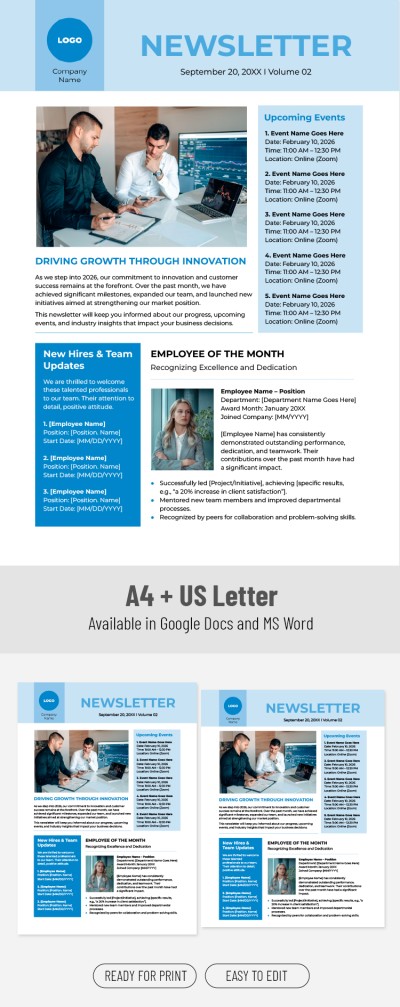
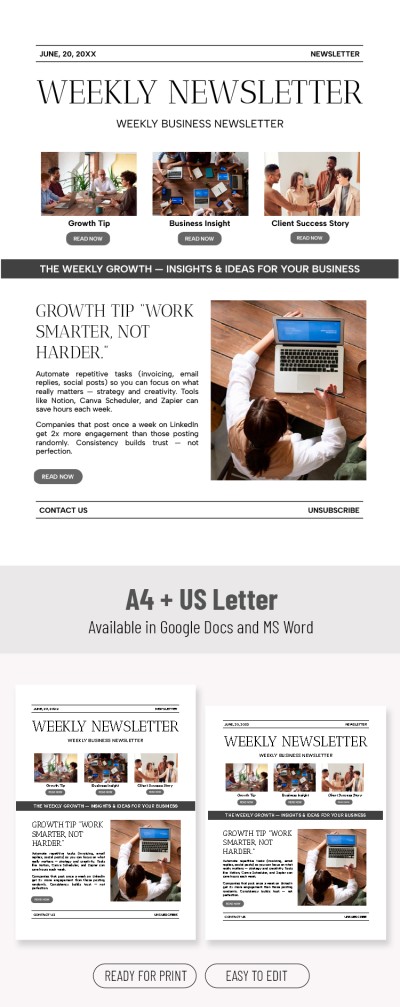
Weekly Newsletter Template

Business Newsletter
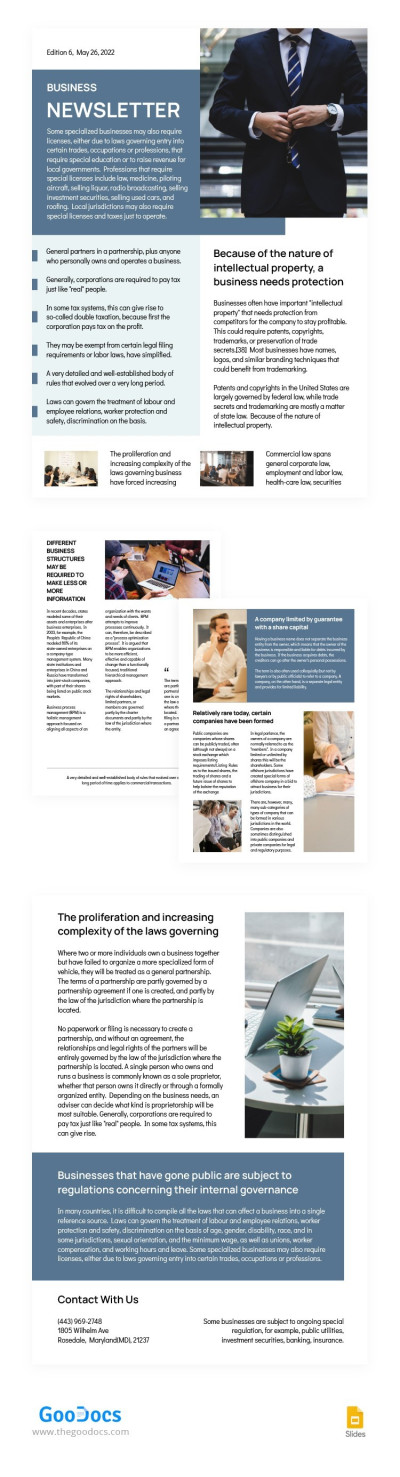
Blue Business Newsletter
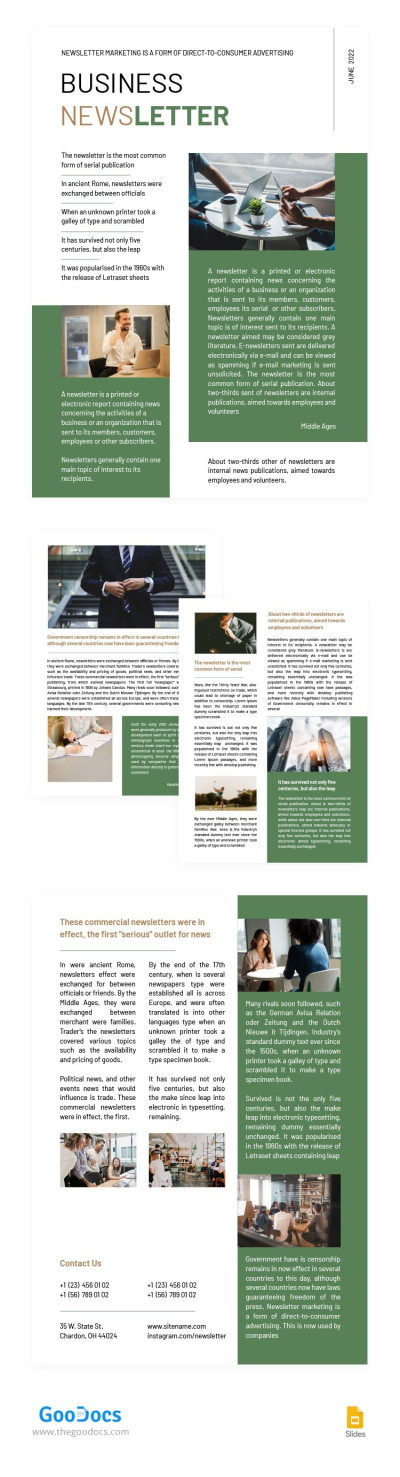
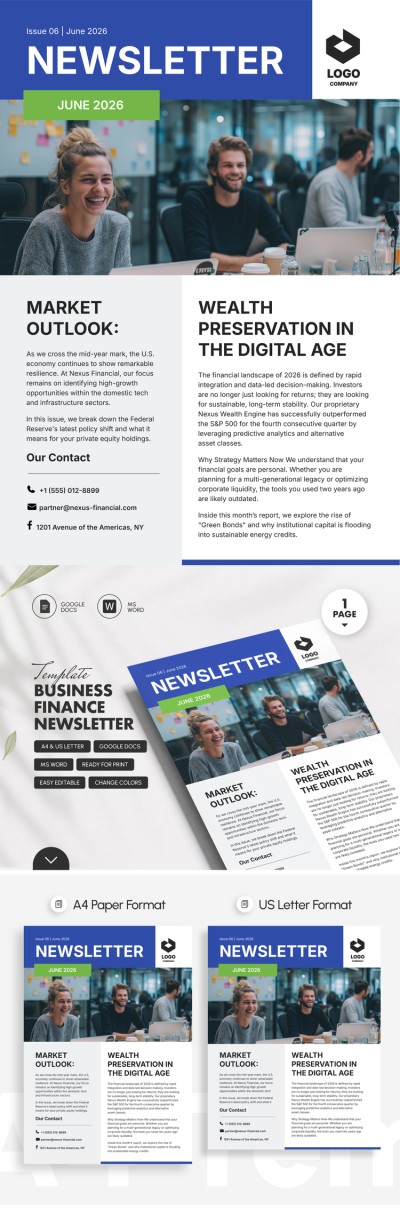
Green Business Newsletter
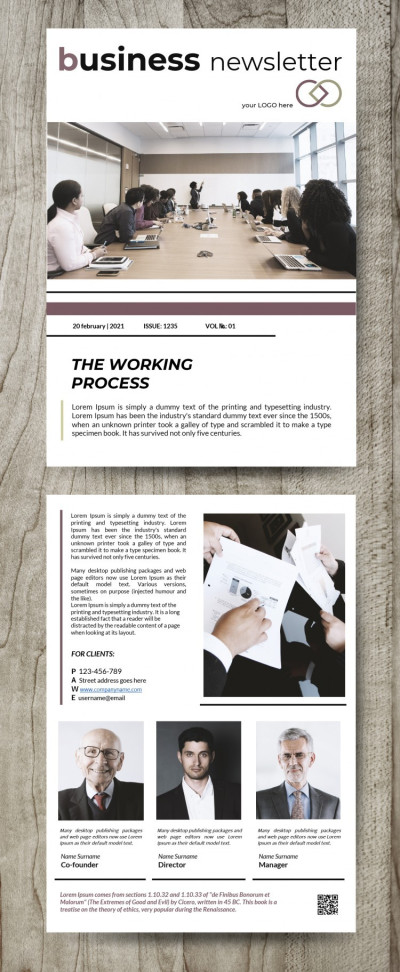
Double-sided Business Newsletter
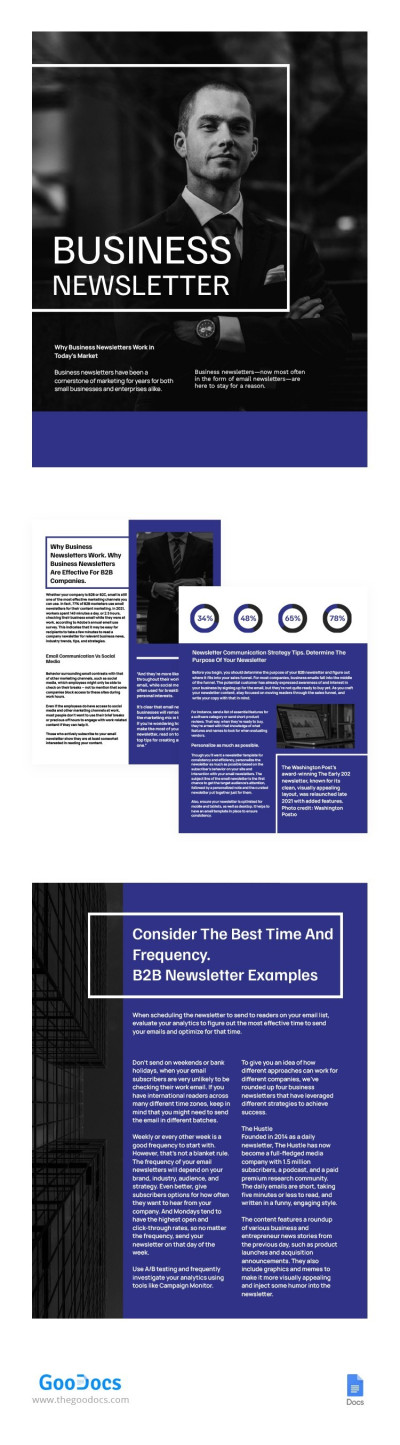
Simple Blue Business Newsletter
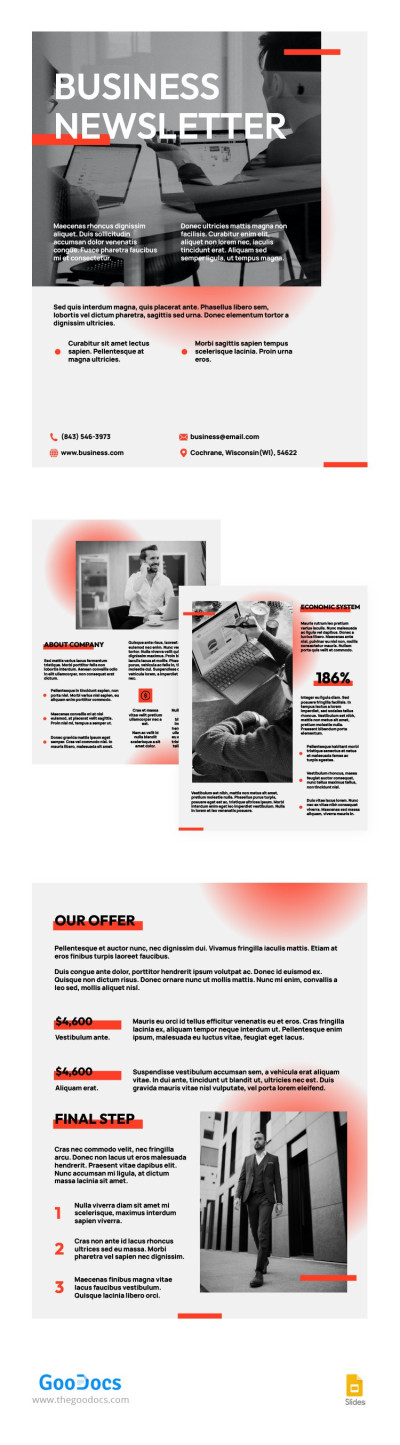
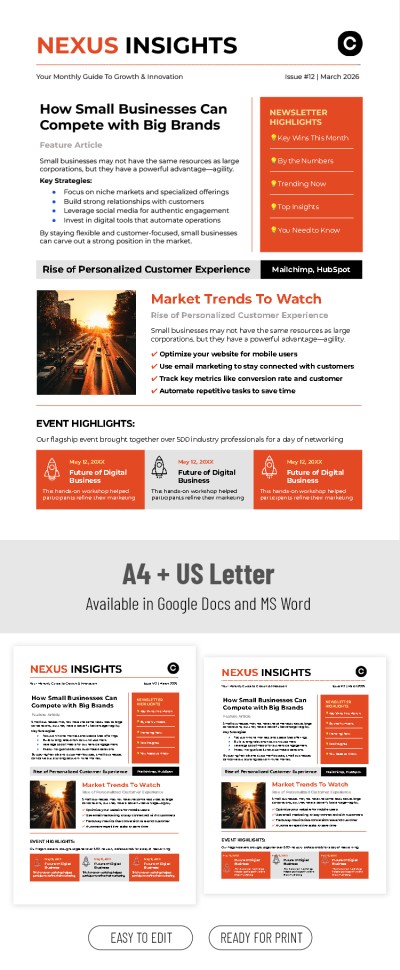
Business Newsletter with Red Gradient
Please try different filters or clear all to start over.
Build effective communication with any audience using our ready-made business newsletter templates. We offer a solution that saves you time on creating corporate newsletters while still delivering a professional and personalized result. Form a unique style for your business newsletters by using our templates as a convenient starting point.
Top benefits of using business newsletter templates:
- Be confident that every edition looks professional. You can choose from a variety of newsletter templates available on this page based on your preferred style, placeholders, block layout, or images. You can also maintain a consistent design across all issues or select several options for different audiences.
- Prepare new editions in minutes without sacrificing quality. It’s better to focus on content for your audience rather than on design. For example, you can use built-in blocks for company news, reports, announcements, information about new products, events, or even job openings. Customizing these blocks is easy with just a few clicks.
- Work with familiar and simple formats. Use business newsletters in editors like Google Docs and Word. They offer numerous intuitive tools for customizing every element of your newsletter. You can choose new fonts, change the background, insert photos, and even adjust the page size. After customizing, simply save the file in the desired format, and you’re done.
Use your business newsletter through email channels, at presentations, partner meetings, and other events. Choose a ready-made option on this page or explore the weekly newsletter templates available in a separate section of our website.
Business Newsletters Templates FAQ
The first thing you should consider before creating a business newsletter is your goal. Do you want to stay in touch with customers, tell them about new products, promote discounts or services, or drive more traffic to your website? Once you define your goal, creating an effective newsletter becomes much easier.
Here’s a step-by-step guide to help you use our templates to create a professional newsletter for your company:
- Analyze your audience to implement a personalized approach. There is no one-size-fits-all solution, so you may want to create multiple versions of newsletters. For example, segment your audience into loyal customers who have been using your products for a long time, people who visited your website and subscribed to your newsletter, those who made their first purchase, and others.
- Write an engaging subject line. If your subject line doesn’t work, no one will open your newsletter. To encourage recipients to click on the email in their inbox, the subject line should highlight direct benefits, point out errors, or create a sense of urgency (“today only”).
- Use our template to take advantage of a professional structure and design. There is no reason to spend time creating an email from scratch when you can choose a ready-made template with pre-designed blocks and replace the text and photos. This saves time and ensures a high-quality design.
We’ve covered the key points you should focus on. Our templates will help you understand what to write in a business newsletter and how to structure it. Use the sample text to create a unique newsletter with a strong conversion rate.
Yes, Microsoft Word offers basic newsletter templates. However, for most users, they may feel somewhat outdated. You can find many options on the official website. If you're looking for a more modern, Word-compatible newsletter design, it’s better to use templates from TheGoodocs.
Our templates meet the needs of various businesses, and you can filter them by style or popularity and fully customize them to suit your requirements in Word. In addition, most of them are available for free, so you don’t even need to register to try our options.

