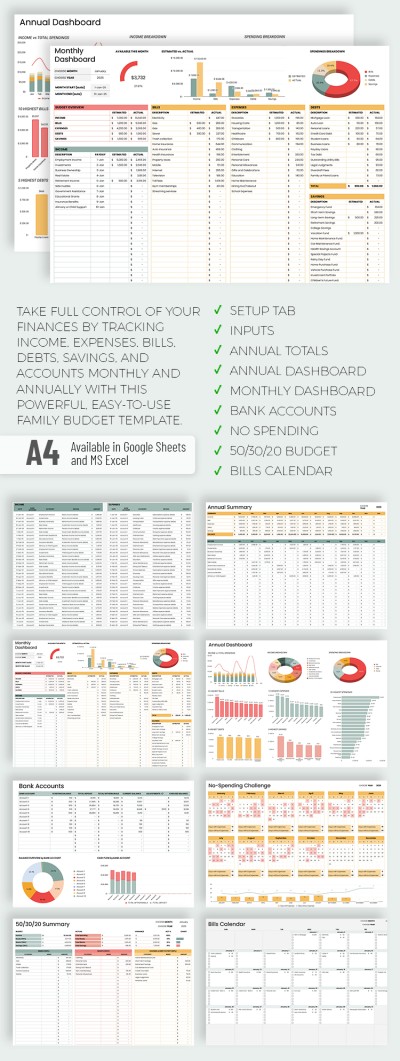
Easy-to-Use Family Budget Tracker Template
Use this template with Google Sheets and Microsoft Excel
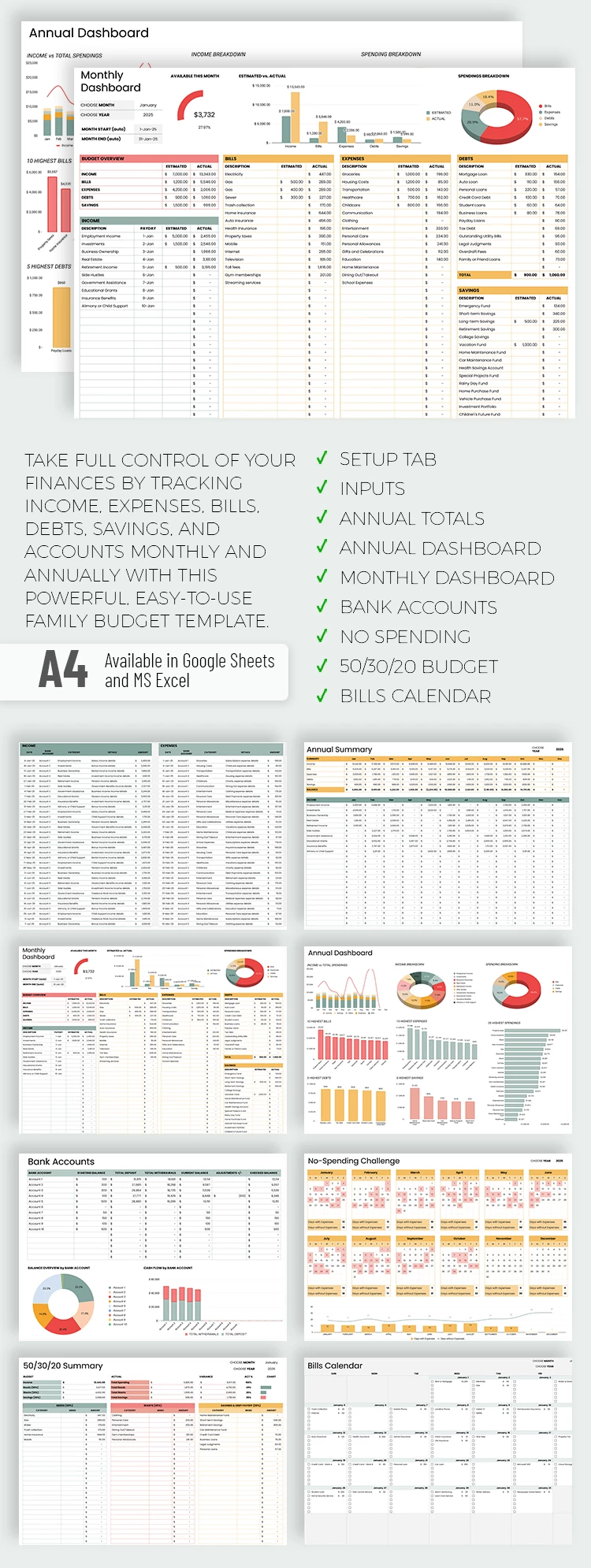
Our Easy-to-Use Family Budget Tracker Template includes everything you could possibly need for convenient family budgeting. This single household budget template in Google Sheets and Excel brings together all the necessary sheets to help you responsibly allocate funds among key expense categories. Nine individual sheets, including one for easy customization, are predesigned and include calculation formulas.
Simple & Easy-to-Use Family Budget Sheets
You can view and use all the sheets included in our budget template or only the ones you need. Either way, each one works automatically.
Here’s how to use our template:
- Open the Setup sheet and adjust expense and income categories. To do this, click on a cell and enter a new name for any category and the bank account.
- Open the next sheet, Inputs, and begin filling it out. It includes the following tables: Income, Expenses, Bills, Debts, and Savings. Enter dates, bank accounts, select a category, add details, and amounts. Try to fill in all the table columns.
The remaining sheets will obtain automatic calculations based on the transactions you entered. Categories and amounts are pulled into them, and calculations and charts run completely without your intervention.
This template includes various sheets to give you a complete overview, such as Annual Totals, Annual/Monthly Dashboard with diagrams and charts, Bank Accounts, No Spending Calendar, 50/30/20, and Bills Calendar. Try this sample with a premium subscription or choose a category with a free bi-weekly budget template in Excel.
- Premium Template
- Easily change the text, images, and more
- Created: June 6, 2025
- Author: Natalia Prokhorenko
- DPI: 300. Ready to Print at Office/Home
- Size: 297 x 210 mm
- Free Standard Google fonts
- Compatible: Google Sheets and Microsoft Excel
- Color: White
- Style: Professional
- Downloads: 1
- Added to collections: 12