Weekly Hourly Planner
Use this free template with Google Sheets and Microsoft Excel
Template Specification
Key Features of This Template
About this template
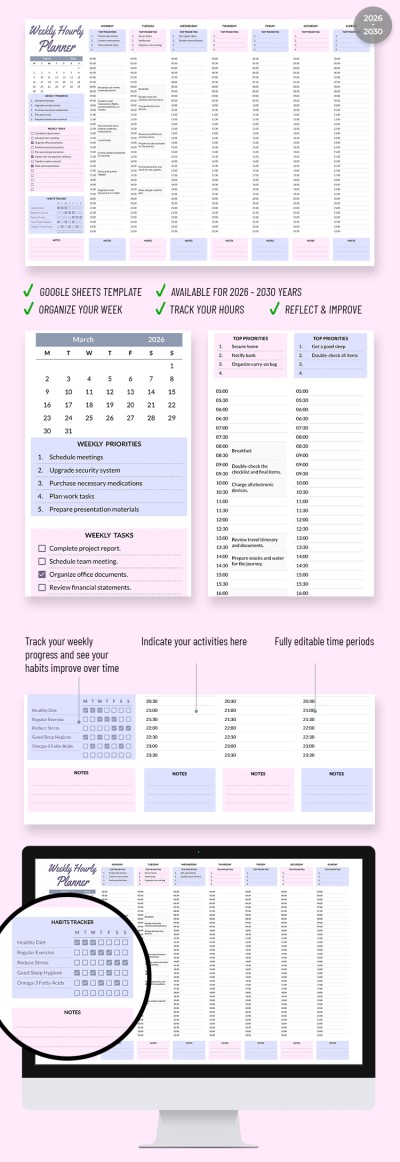
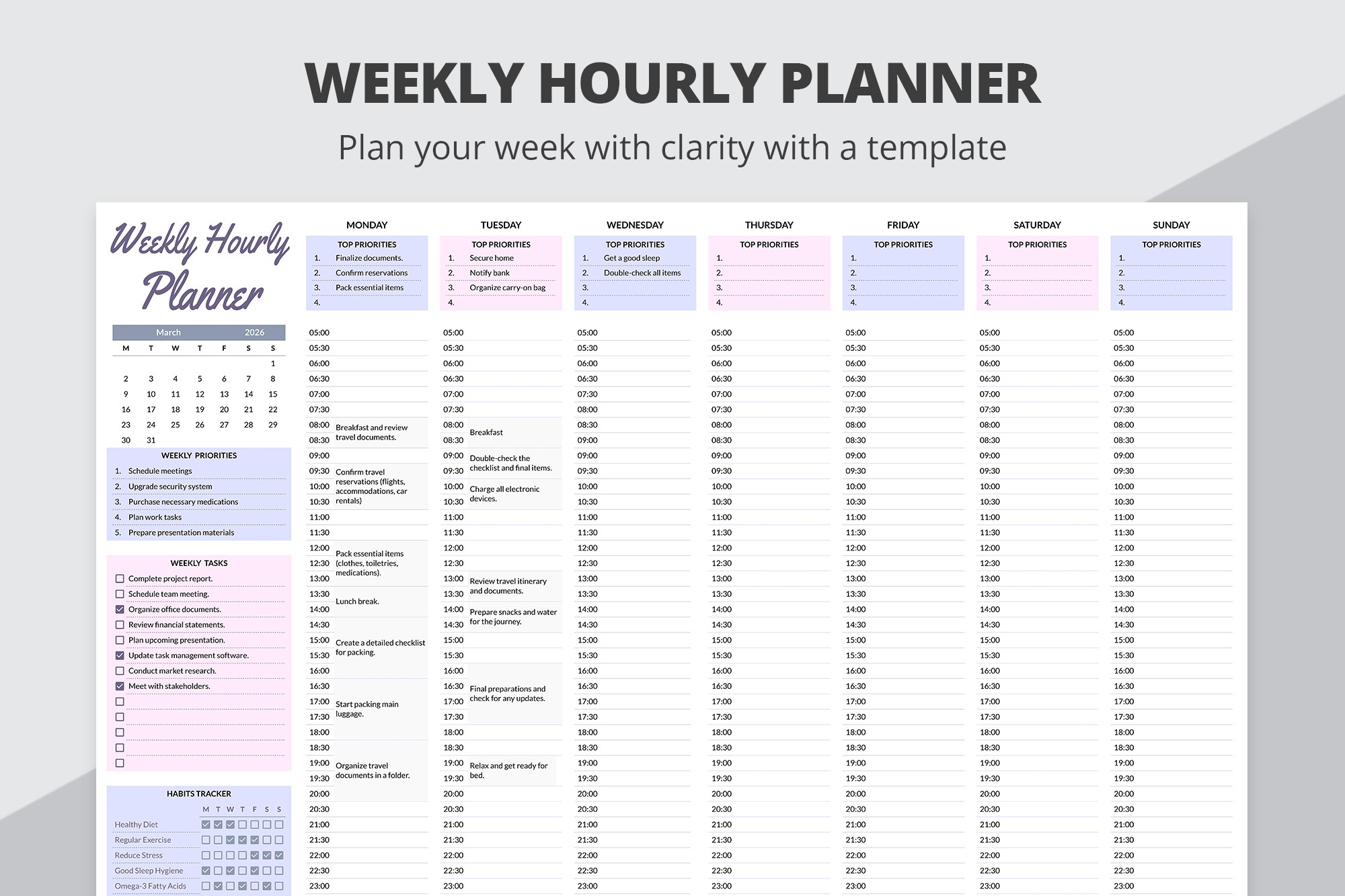
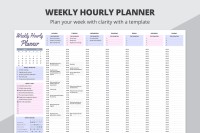
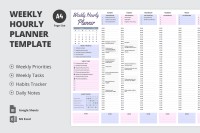
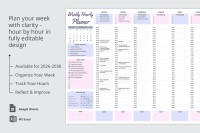
It is enough to use this Weekly Planner Template with a division into hours to be effective in work and personal tasks. The weekly hourly planner features an editable table for the schedule for every day of the week from 5:30 (5:30 am) to 23:30 (11:30 pm).
All-in-One Solution for Planning
You can use our layout for any needs, from scheduling appointments to dinners, rest time, and other tasks (we also have weekly slides available on our website). The spreadsheet has an integrated calendar for May 2024, but you can replace it with the current month.
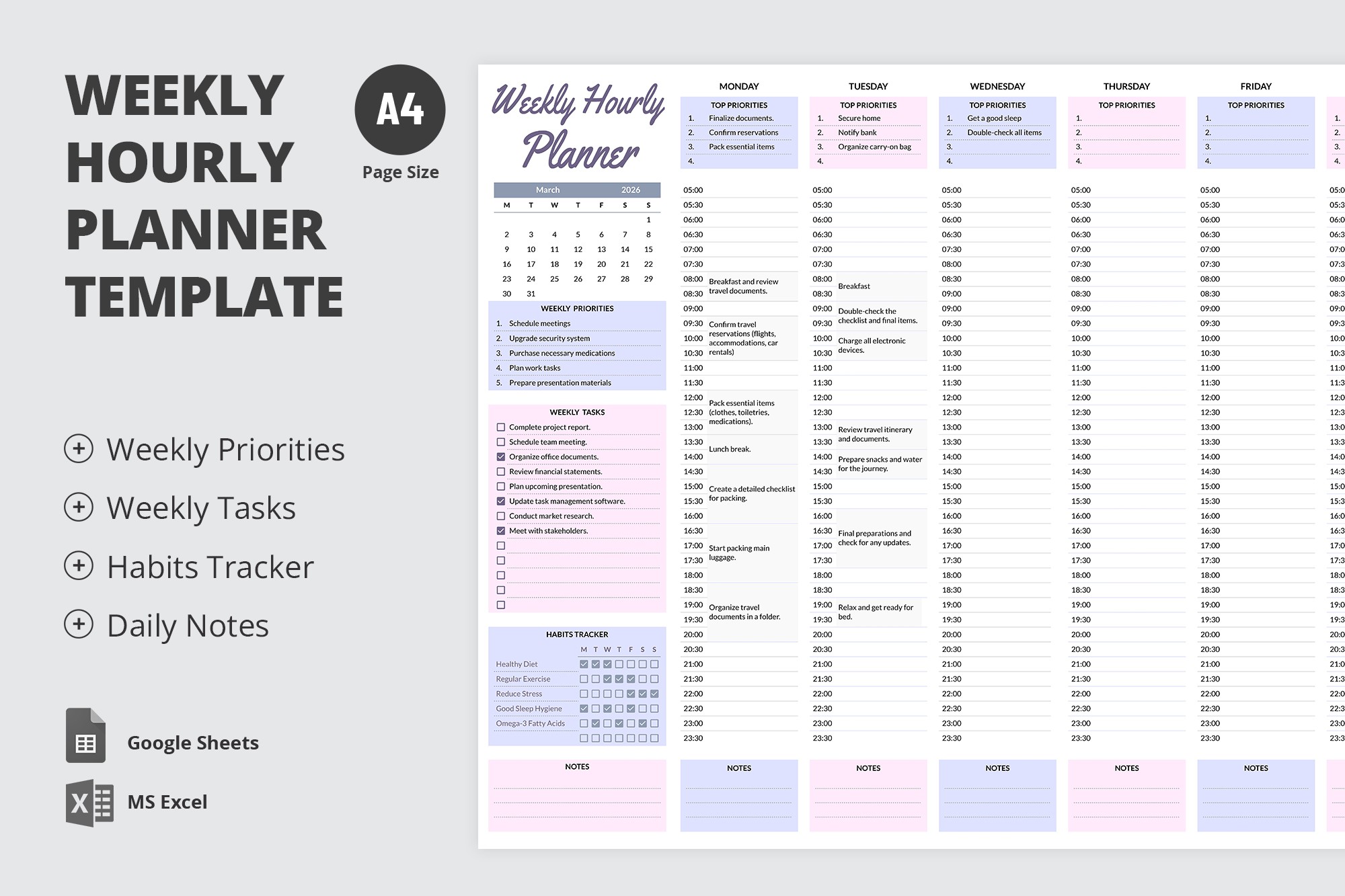
Also, there are additional sections such as:
- Weekly priorities (you can include up to five essential responsibilities).
- Weekly tasks (this section features checkboxes and 14 fields for your entries).
- Habits weekly tracker (it includes checkboxes for a healthy diet, exercise, etc).
- Notes and TOP priorities for each day.
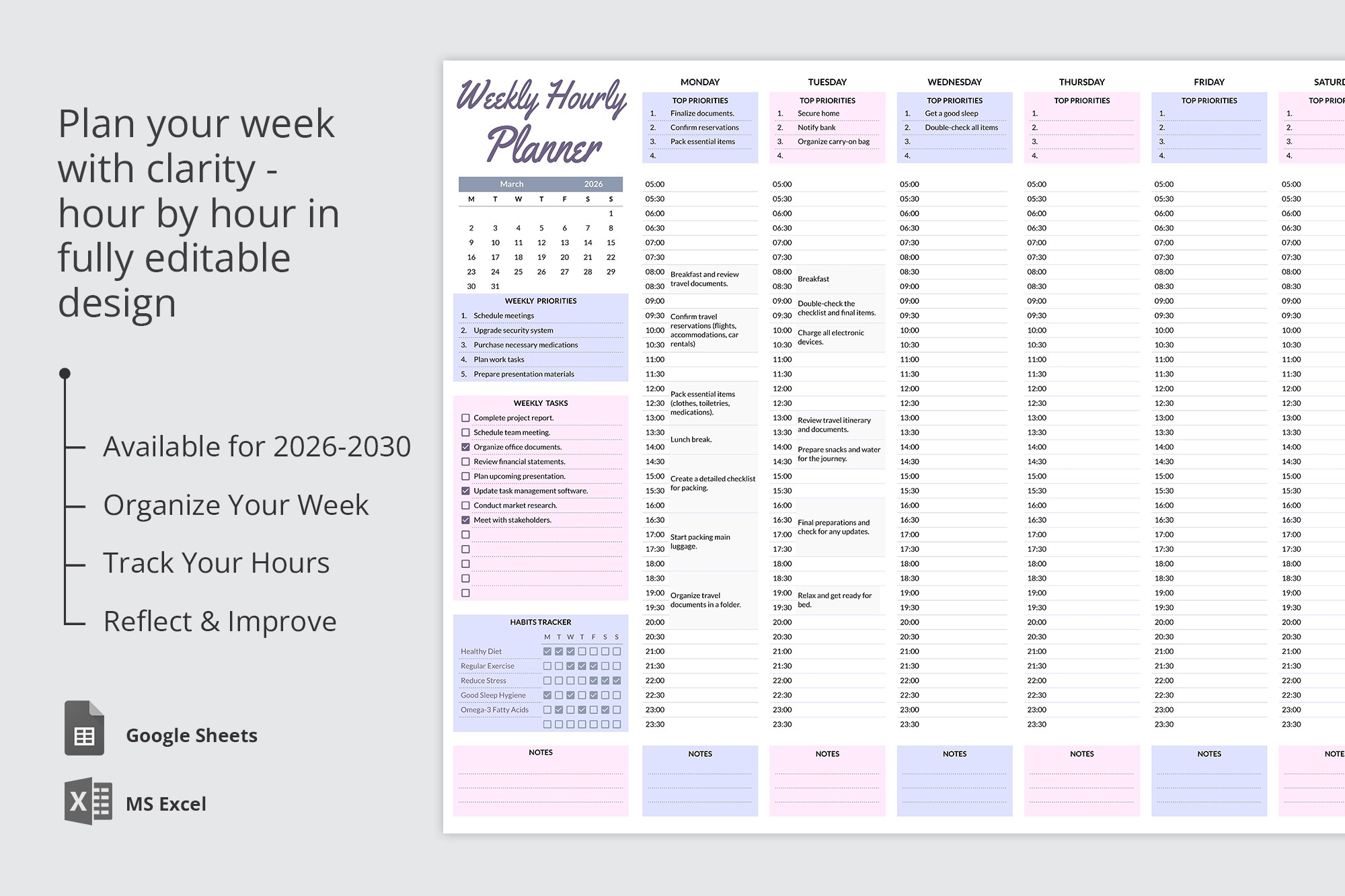
In addition, the template is 100% editable, so you can replace the placeholder text and create a convenient periodization for each day. Find even more unique planner templates on our website!
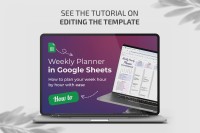
How to Use and Edit This Template

Get Your Document

Customize Everything

Add Your Content

Print, Export, or Share
Related Templates
Recently Viewed