Get unlimited access to 5000+ Templates for Google Docs, Slides and Sheets
Unlimited Access
ADVERTISEMENT
ADVERTISEMENT

Monthly Event Calendar Template

Use this free template with Google Sheets and Microsoft Excel
4.38 (2 reviews)
Last updated Updated July 14, 2026
Created by Natalia Prokhorenko
Type Monthly
ADVERTISEMENT

Template Specification

Format Google Sheets, Microsoft Excel
Created January 30, 2025
Last Updated July 14, 2026
Community Added to collections by 89 Users
Usage Stats 484 downloads this month

Key Features of This Template

Suitable For Event , Event Organizers , Personal

About this template

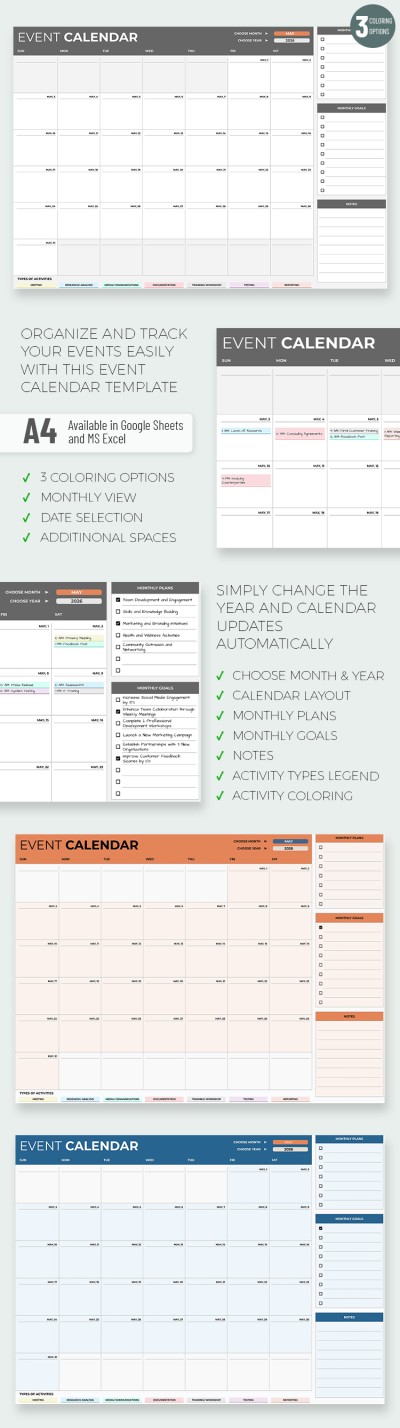
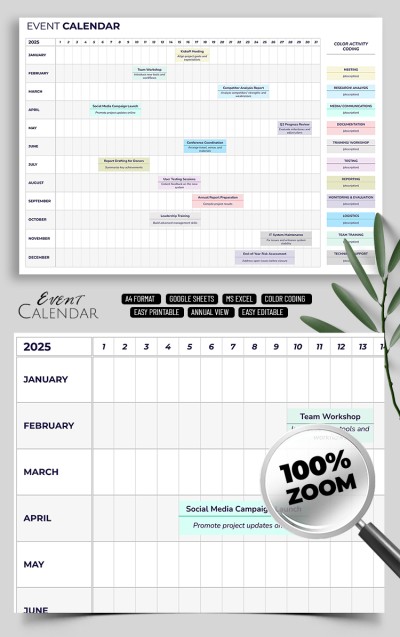
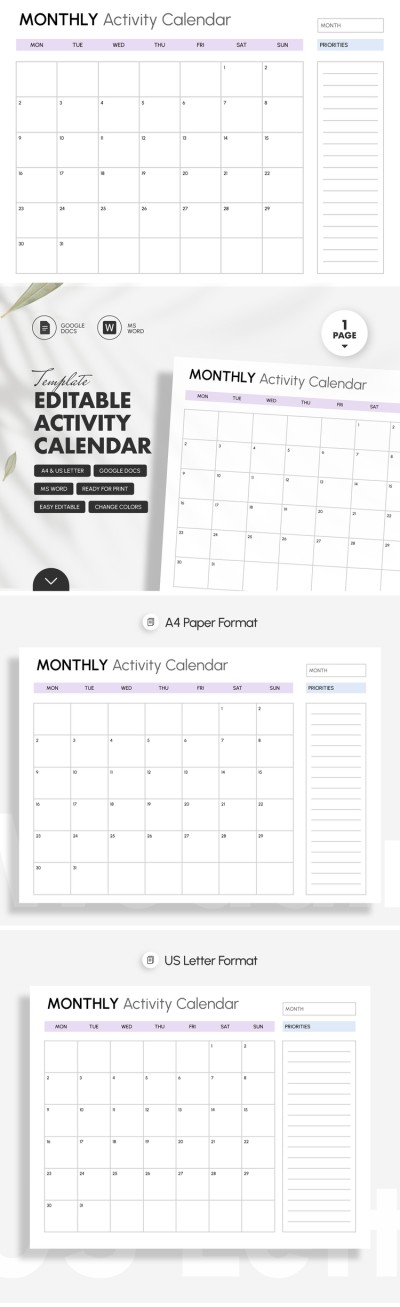
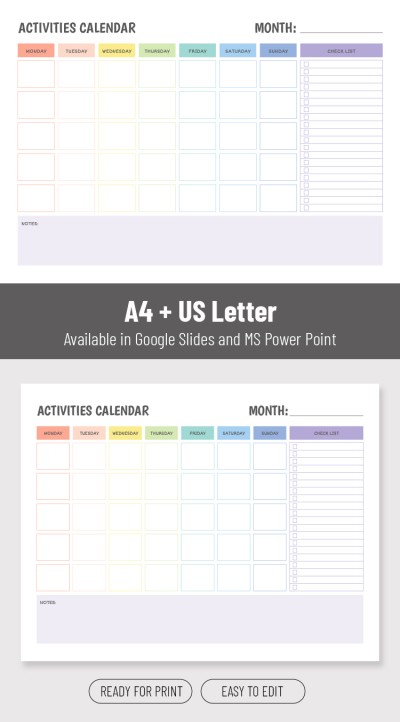
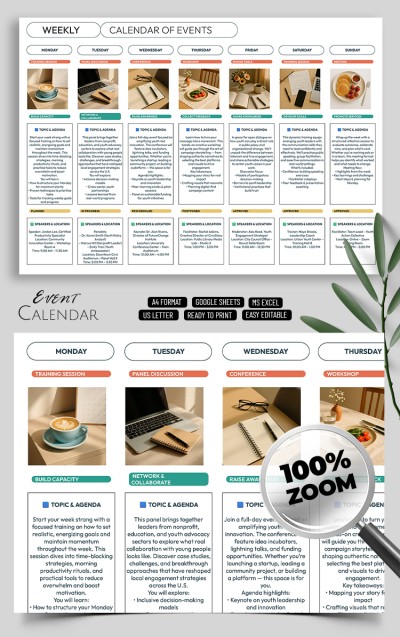
Were you looking for a convenient Monthly Event Calendar Template? This option can fulfill any of your requirements and tasks! Our comprehensive calendar template in Google Sheets and Excel is free, editable, and ready for printing!

Light & Dark Layouts

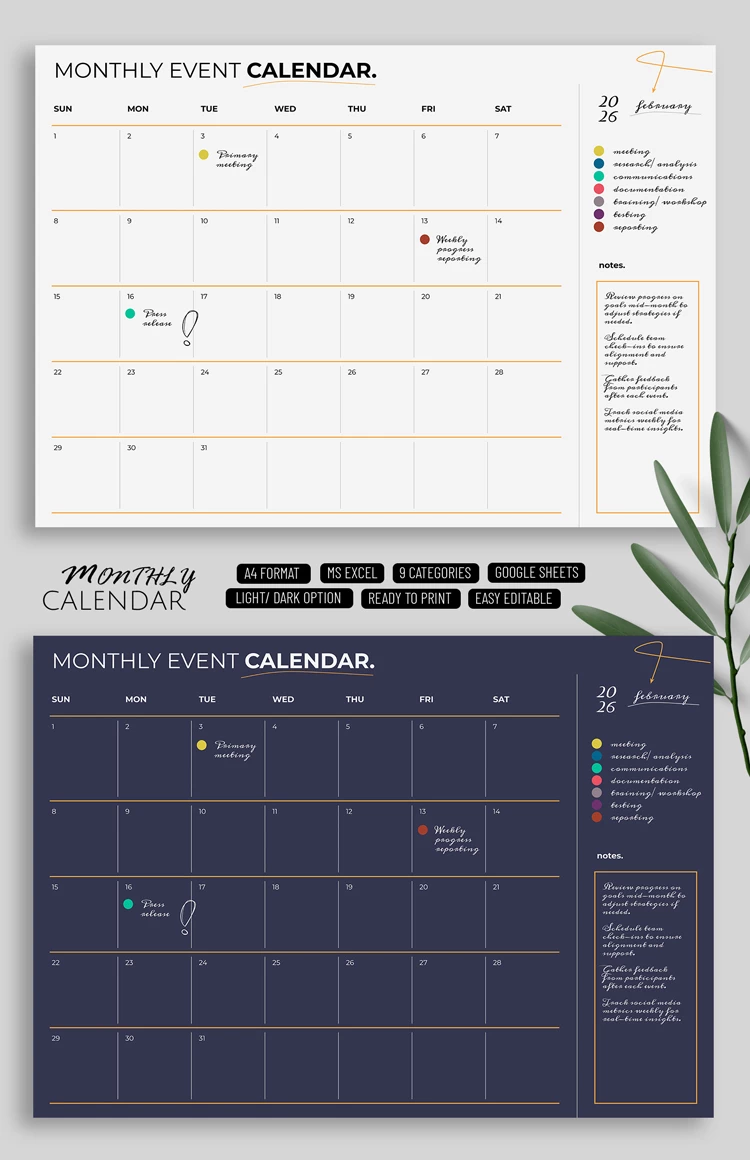
Do you prefer a combination of white and yellow or a deep dark blue color with orange borders and white fonts? You can choose from these two options simply by getting a copy of the template for free!

Also, this sample is straightforward to use and edit. You can fill in information about tasks for each day using Google Sheets or Excel format and no other additional software. Our event calendar template is additionally ready to print in A4 size.

Convenient and Modern Calendar

It is a universal and versatile calendar, and you can change the date for each day of the week. On the right, there is a place to enter the month and color-coded notes.

For example, you can use yellow for meetings, purple for testing, pink for documentation, etc. This way, it is much easier to find tasks for each day. Get the best calendar template for free only on our website!

ADVERTISEMENT
Free Template

Download Free Template

Choose your platform and start editing right away
PLATFORM

Google Sheets

Opens in browser

Microsoft Excel

.xlsx
PAPER SIZE
A4
Google Sheets – A4
No account required • Attribution required

WHAT’S INCLUDED

Two customizable layout options
Integrated color-coded scheduling
Section for monthly notes
Editable event categories

Calendar Tips

1
Utilize color coding for easy organization
2
Update weekly to stay on top of tasks
3
Include all meetings for quick access
4
Print monthly for offline reference

FAQ

Is this template compatible with other software? No, it's only for Google Sheets and Microsoft Excel.
How easy is it to use? Very easy; simply enter your events and customize as needed.
Can I customize the categories? Yes, categories can be tailored to your specific needs.
Is there a cost for downloading? No, it's completely free to download and use.
How do the automatic updates work? Updates are manual; users need to enter events and changes.
ADVERTISEMENT

How to Use and Edit This Template

Get Your Document

1

Get Your Document

Click the "Edit Template" button to create your own editable copy in Google Sheets or download for Microsoft Excel
Customize Everything
2

Customize Everything

Easily change colors, fonts, and layouts to match your unique style or brand identity
Add Your Content
3

Add Your Content

Fill in your data, upload images, and replace the placeholder text with your own information
Print, Export, or Share
4

Print, Export, or Share

Print, export as PDF, or share instantly

Related Templates

Recently Viewed