
Free Planner Templates
We offer free planner templates in Google Docs, Word, and other formats for any need! Our editable and printable samples are ready-made for your convenience. You can download or get a copy of any design online to start customizing! Fill out a planner with needed details in a few clicks. Choose from daily, weekly, monthly, family, budget, project, and other planner templates!
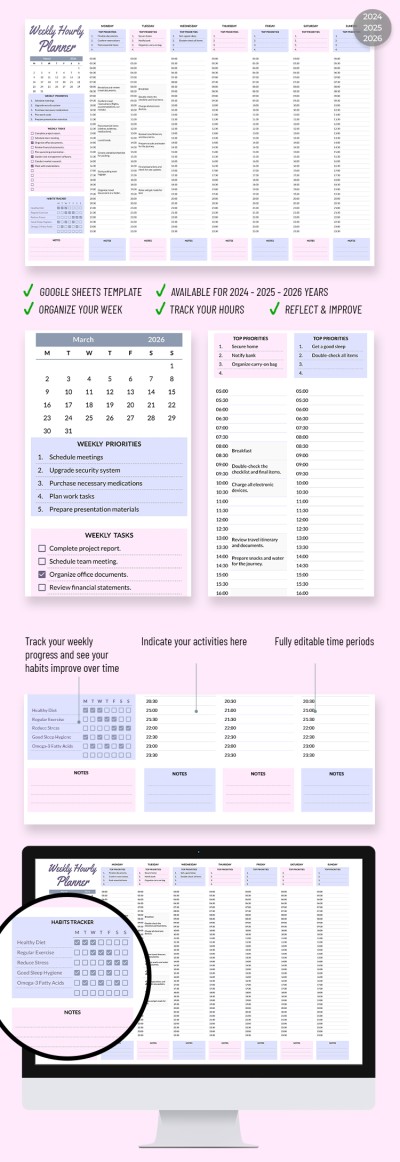
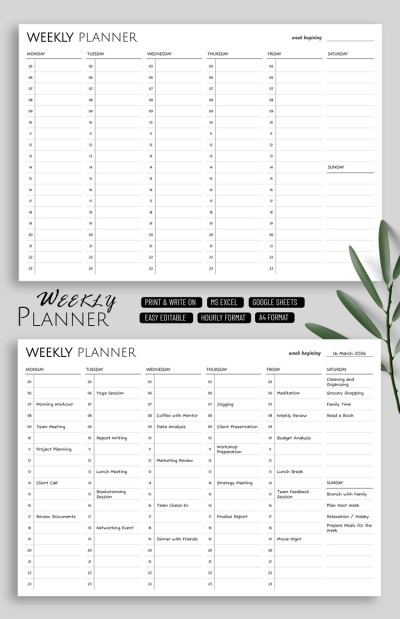
Weekly Hourly Planner
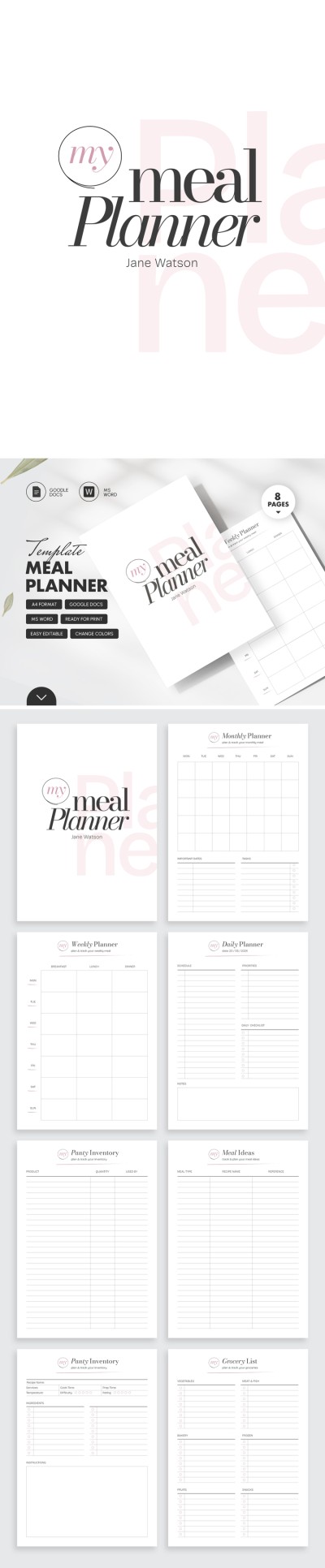
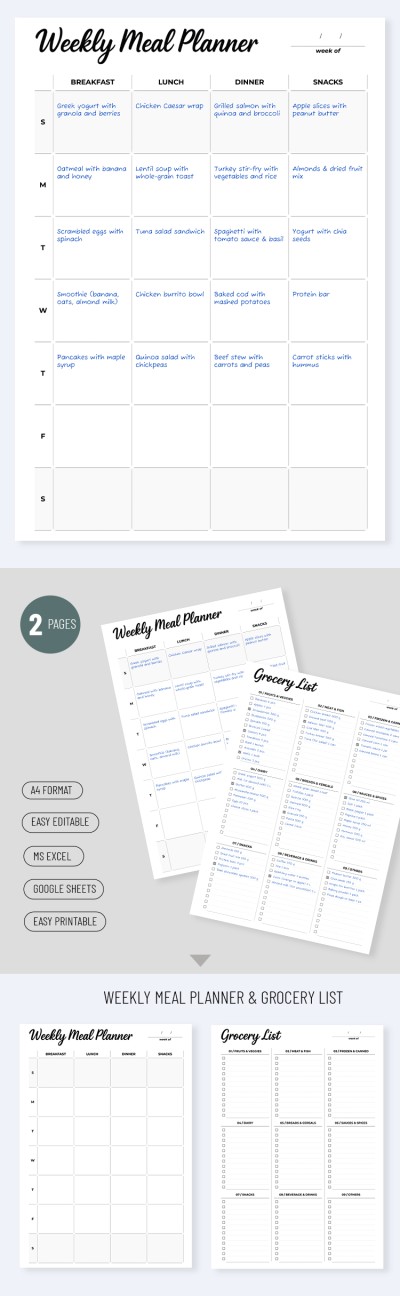
Structured Meal Planner

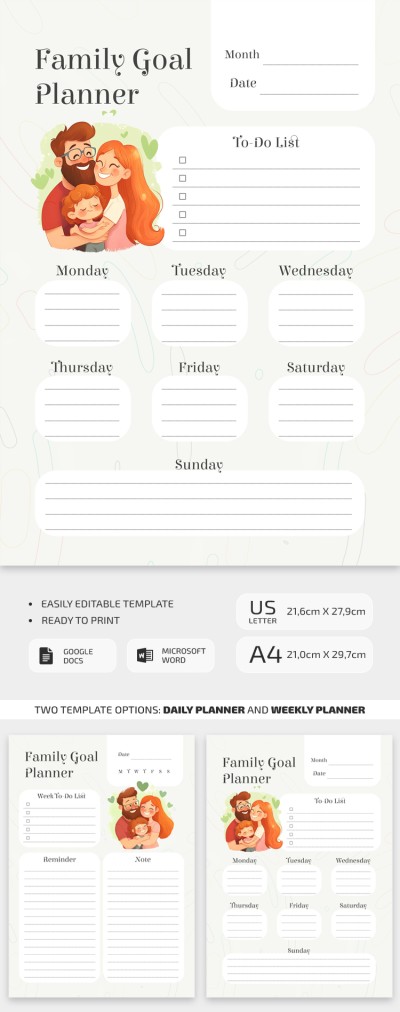
Family Goal Planner
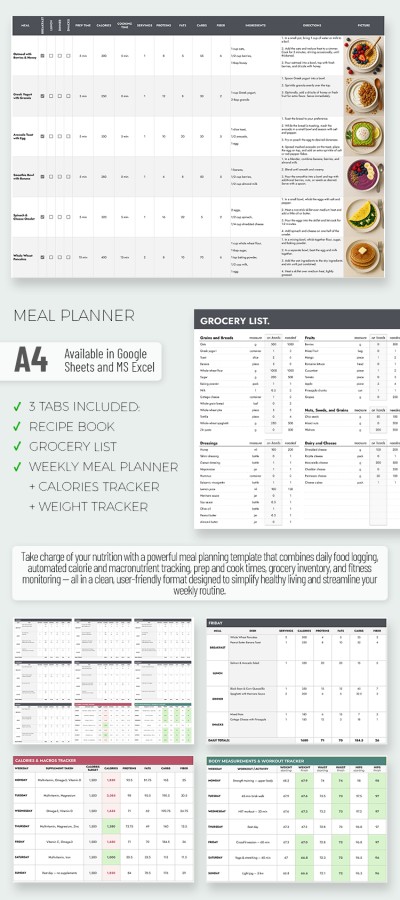
Meal Planning Tracker Template with Portions and Calories
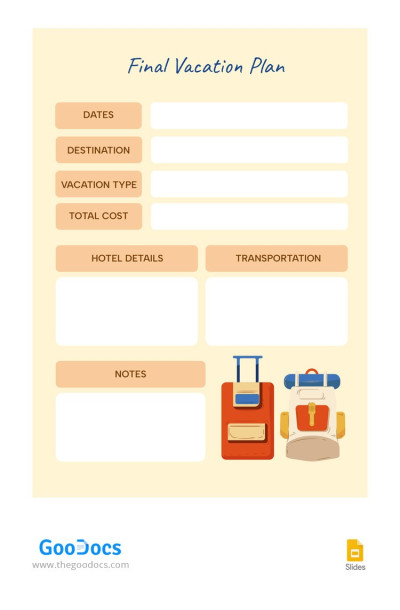
Final Vacation Planner
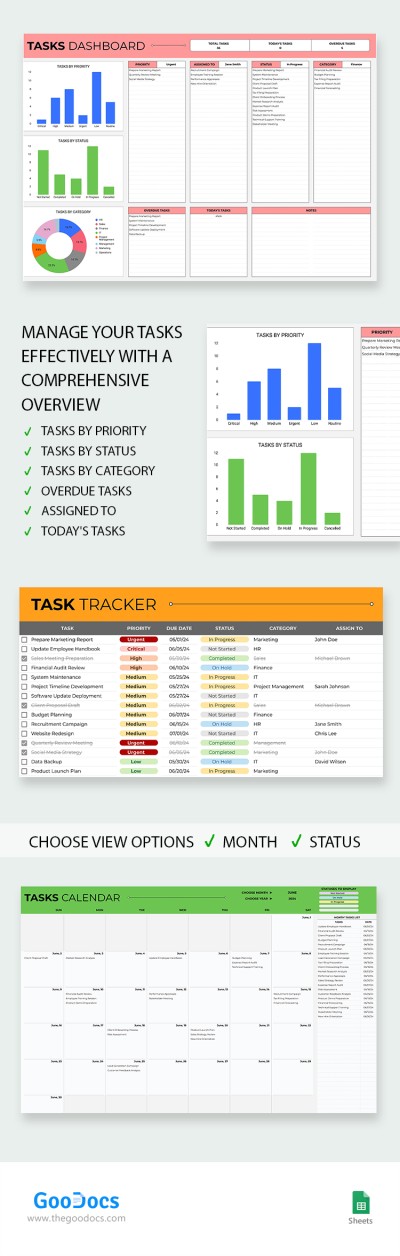
Productivity Planner

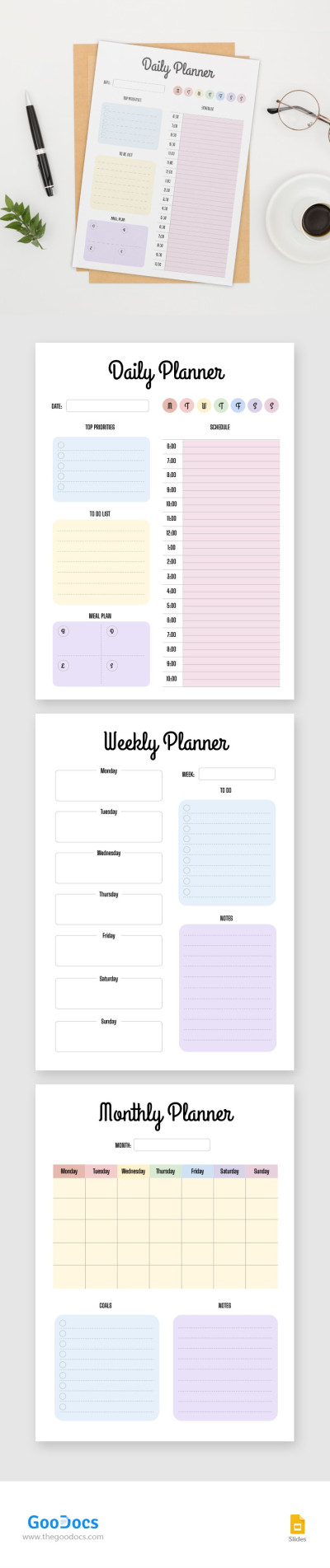
Family Planner
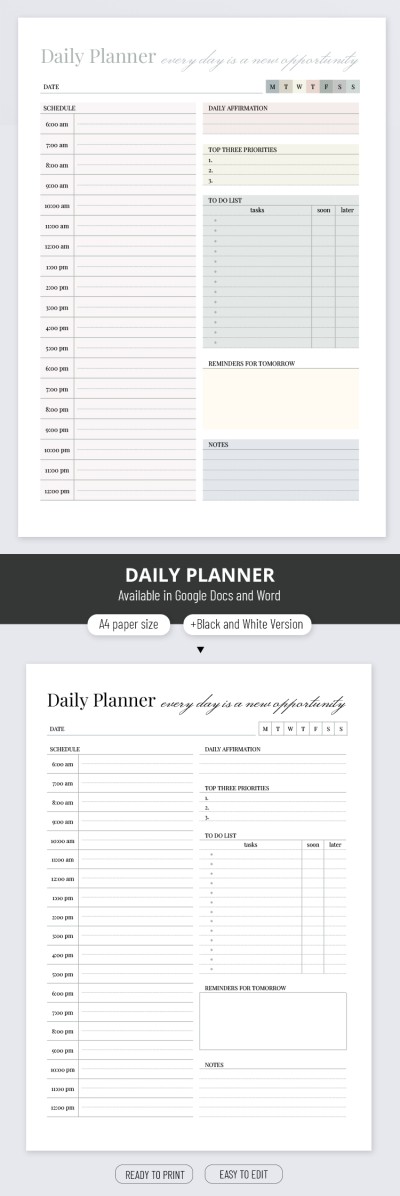
Classic Daily Planner
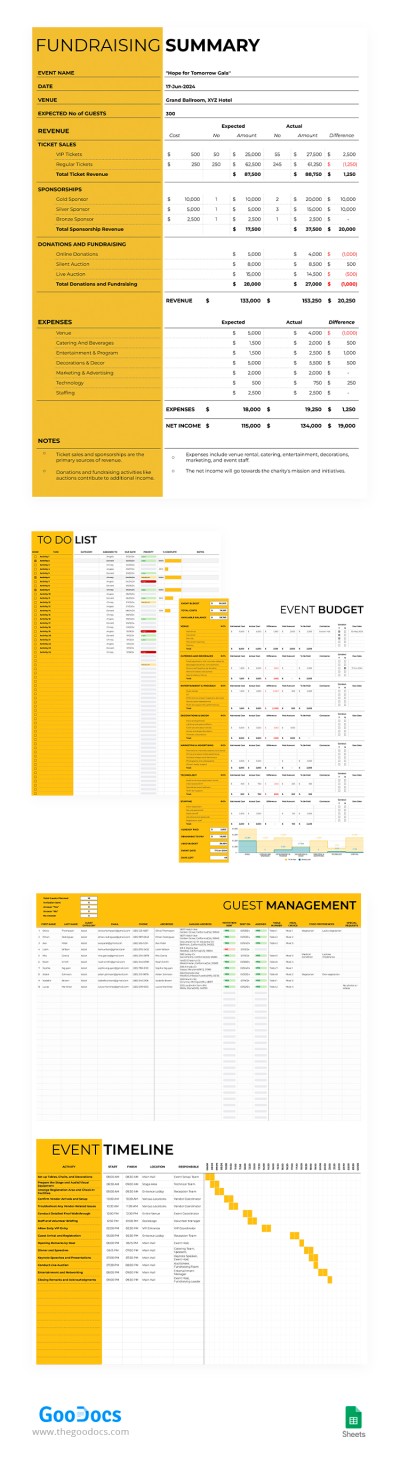
Fundraiser Event Planner
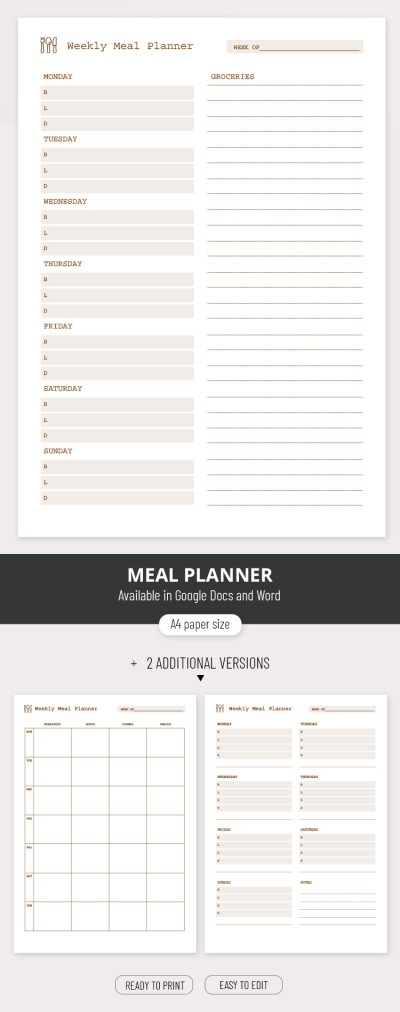


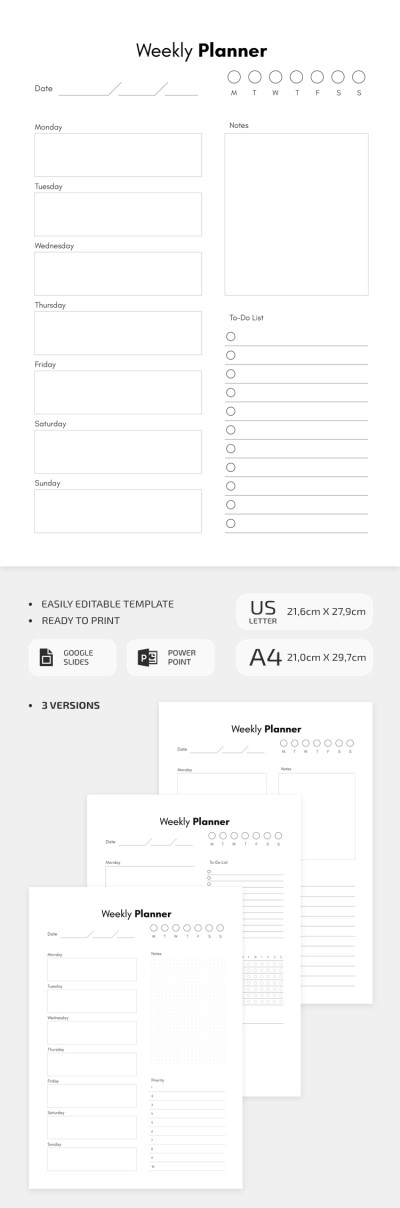
Minimalist Weekly Planner
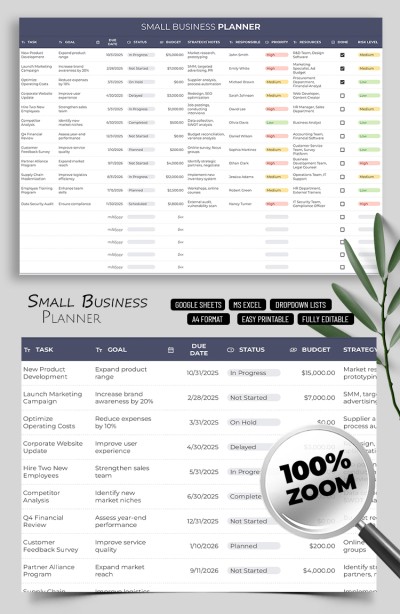
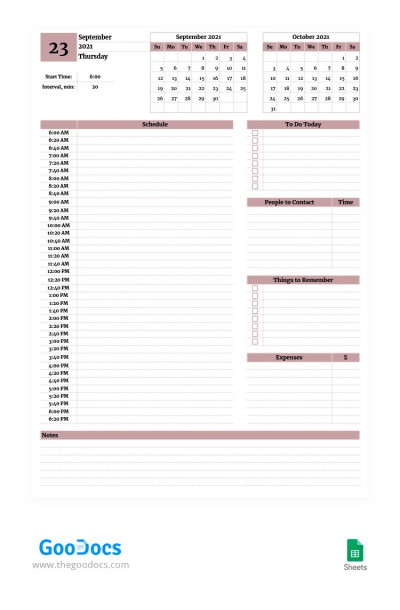
Super Simple Daily Planner

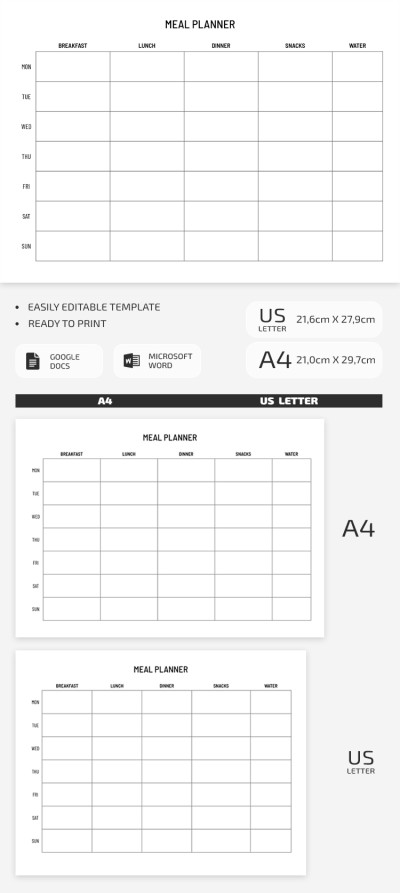
Simple Meal Planner

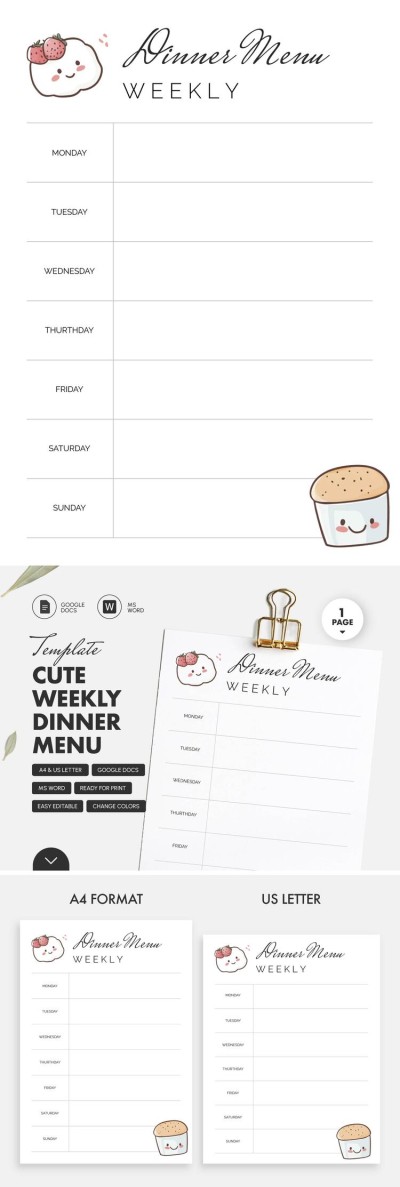
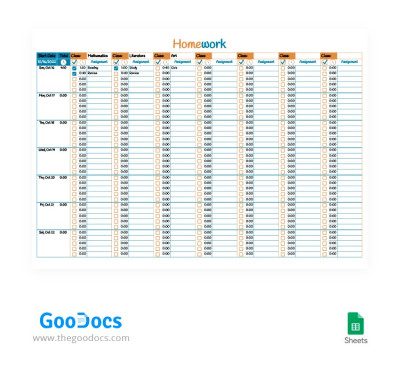
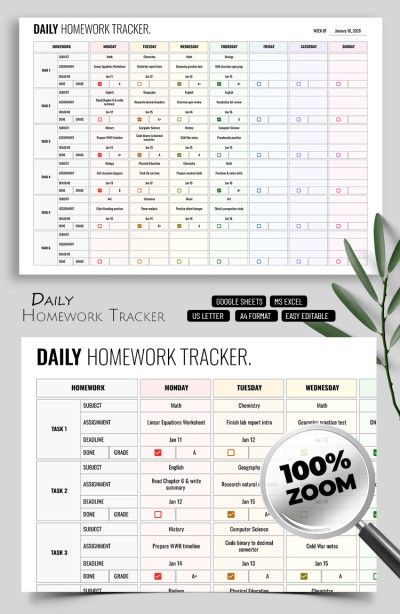
Cute Homework Planner
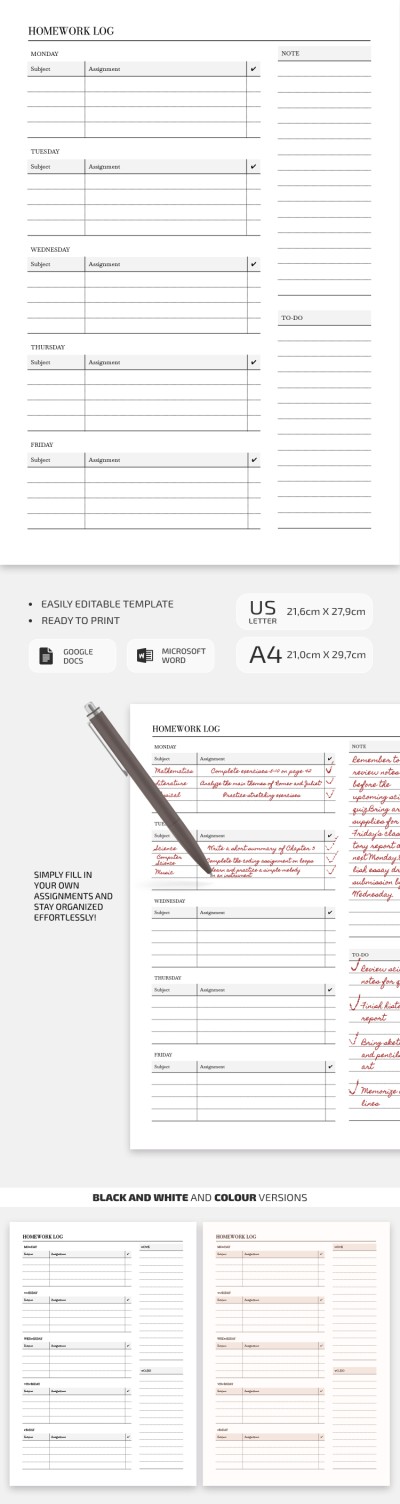
Printable Student Homework Log Template
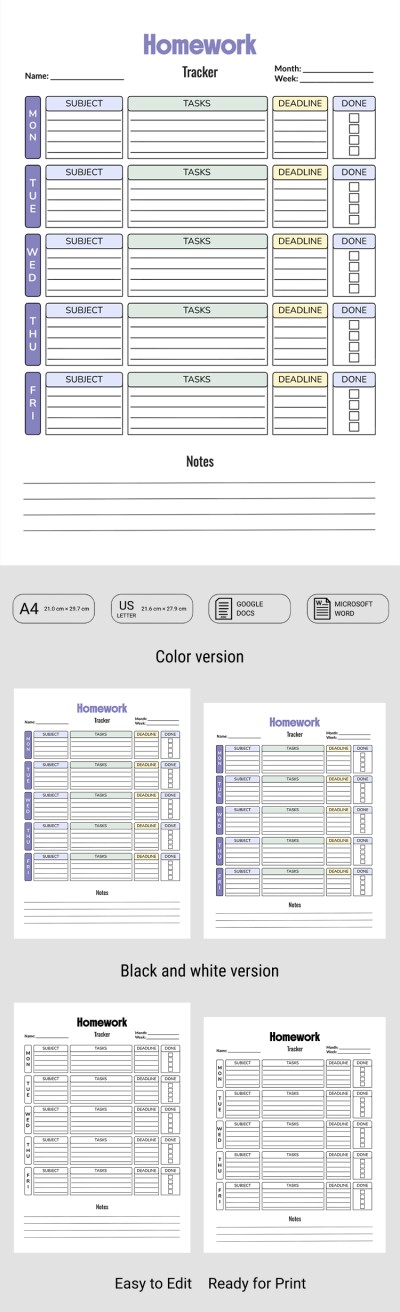
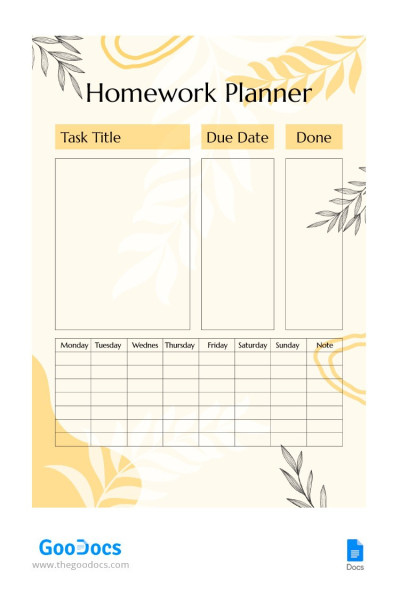
Homework Planner
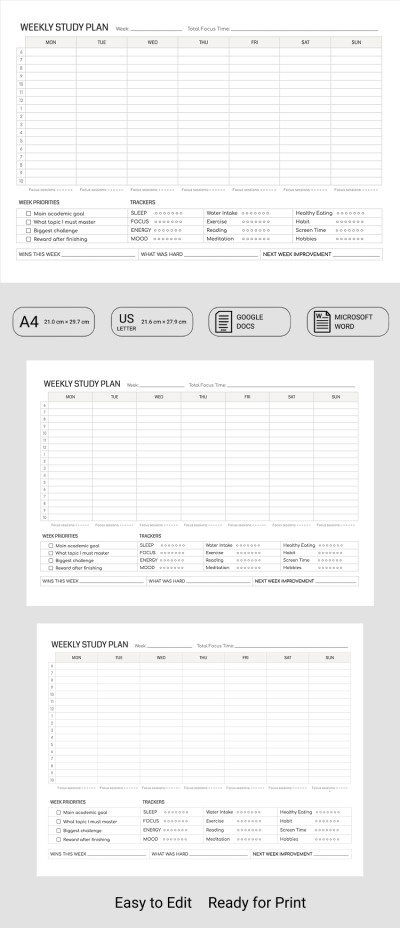
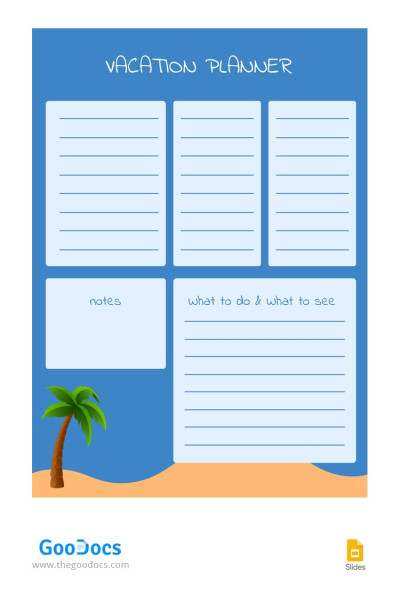
Vacation Blue Planner
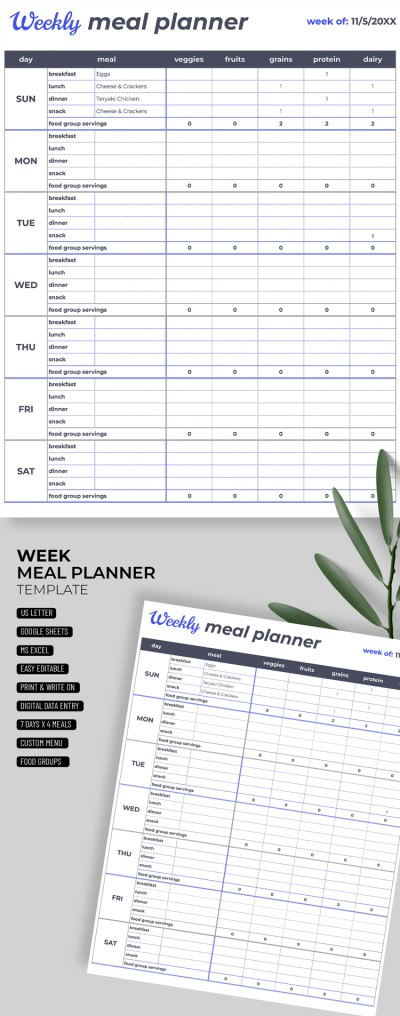
Detailed Weekly Meal Planner

Healthy Eating Food Planner Template for Meal Tracking

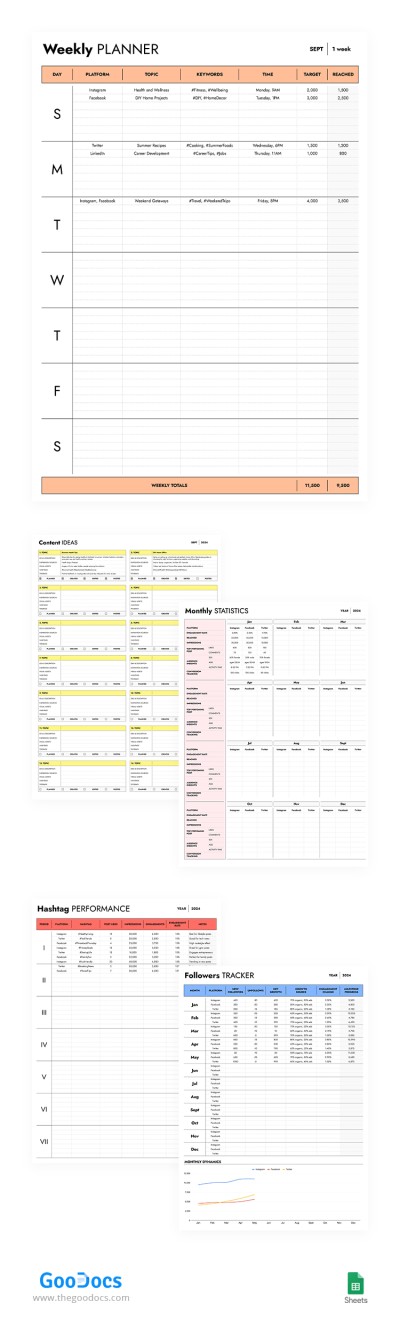
Social Media Planner
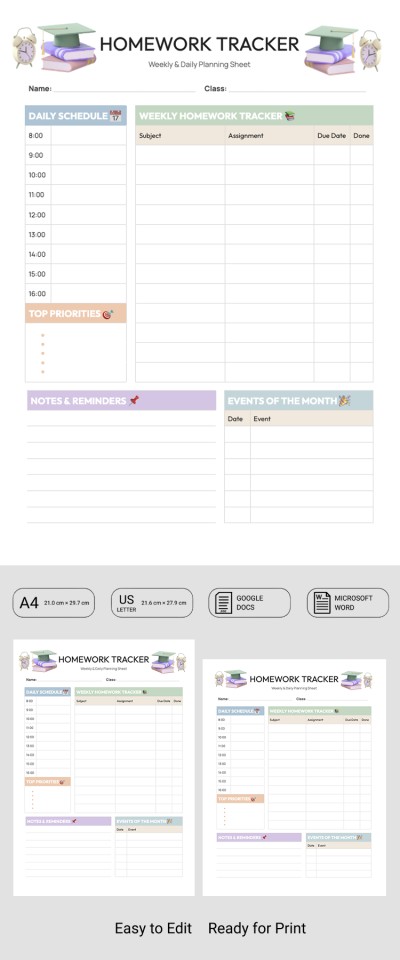
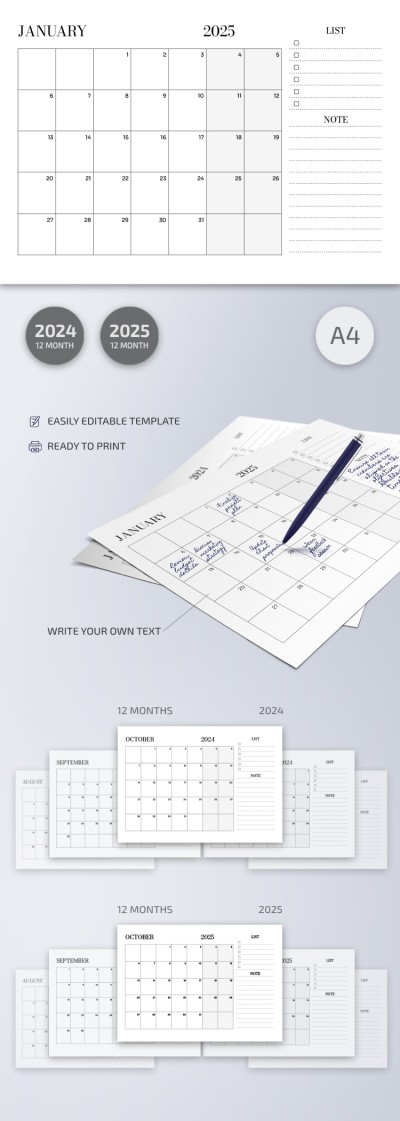
Printable Monthly Planner
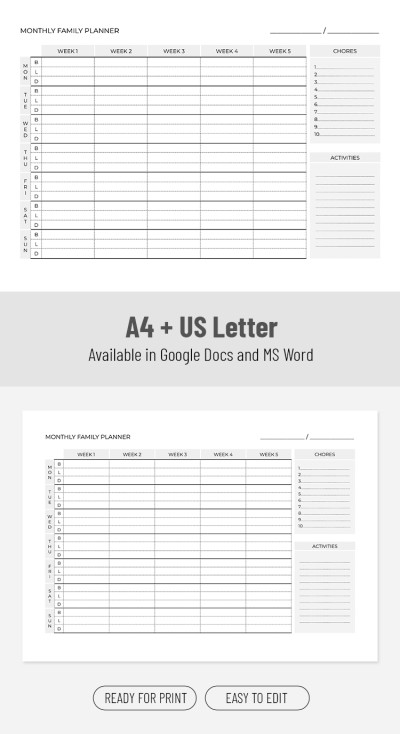

Wedding Planning Binder – Fully Customizable
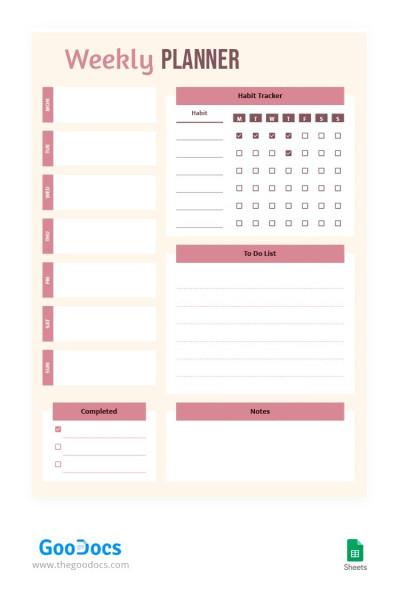
Magenta Weekly Planner
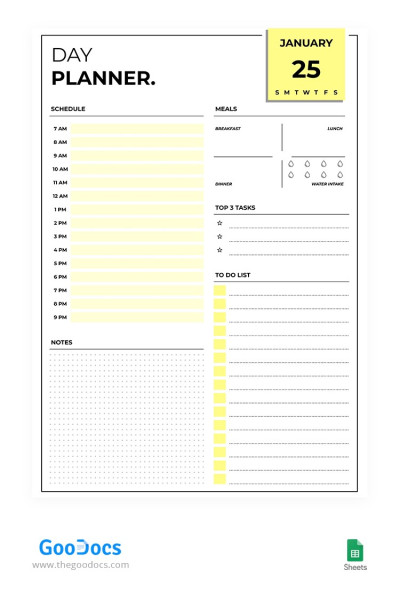
Yellow Day Planner
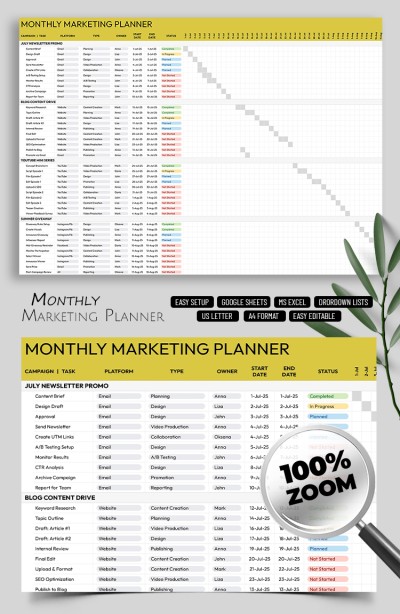
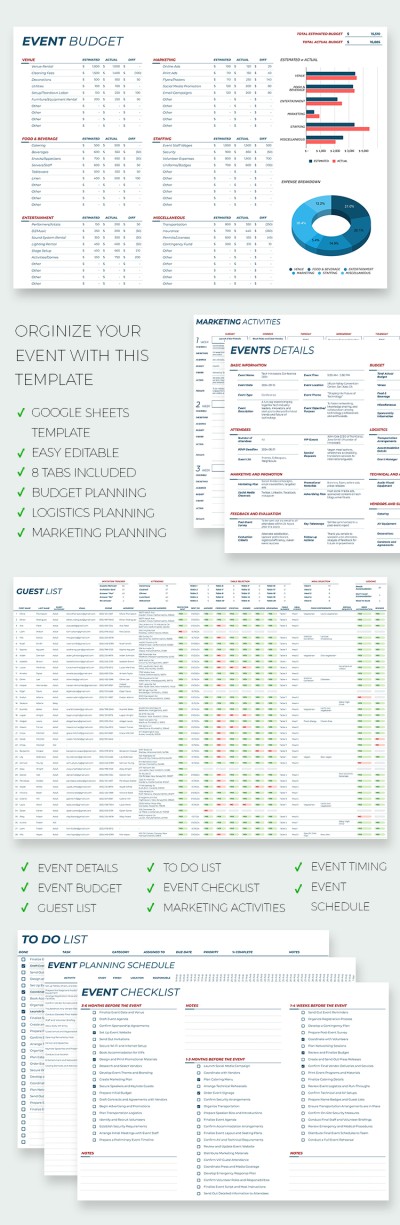
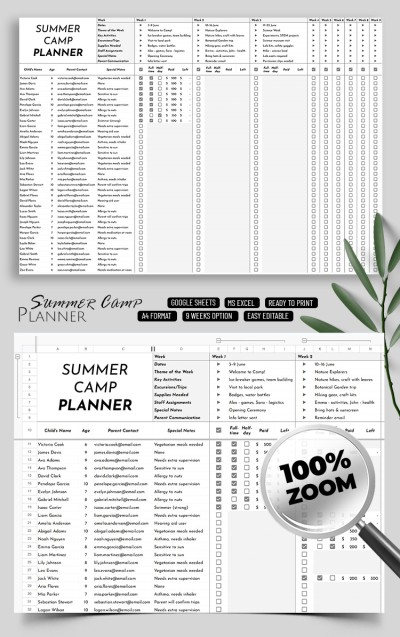
Summer Camp Planner Template
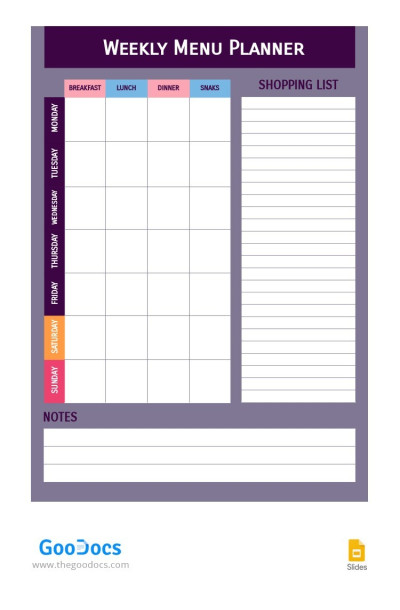
Weekly Menu Planner
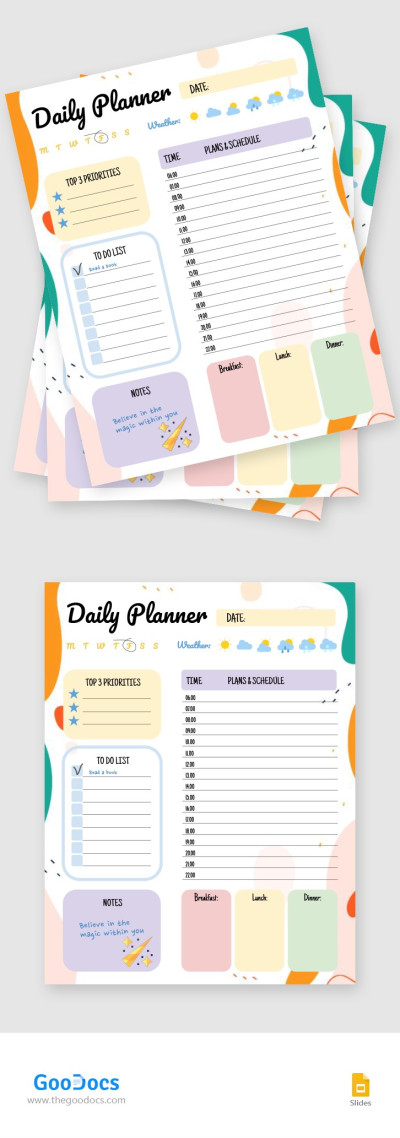
Colorful Daily Planner
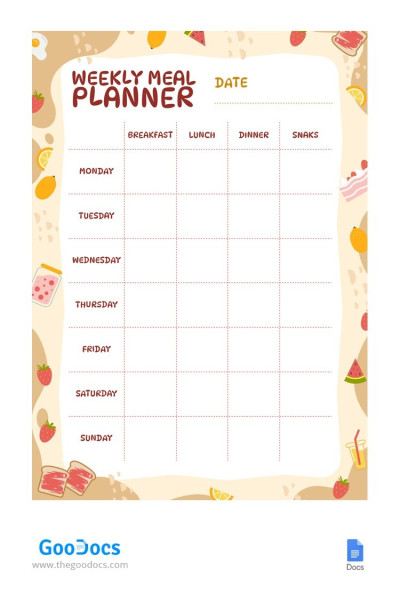
Funny Weekly Meal Planner
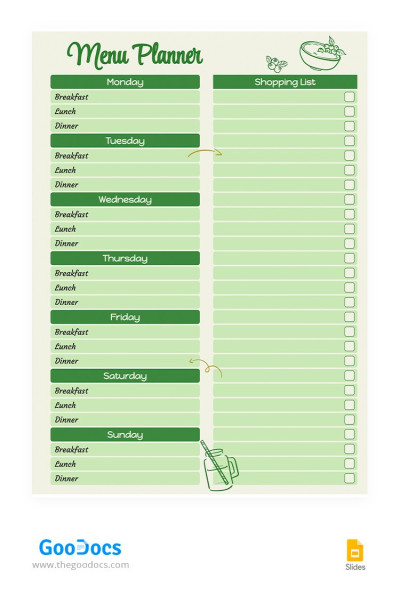
Weekly Green Menu Planner
You can now organize your life, work, and studies without spending a dime! With our free planner templates that can fit every planning style and platform, you can achieve your goals and always stay motivated. Everyone, from students to employees and business owners, will find a suitable planner template on this page.
We offer the best options:
- Find daily, weekly, and monthly planners on our platform. Choose the planning period that is convenient for you. Maybe a weekly hourly planner with a detailed layout to plan appointments, key priorities, and goals? Or were you looking for a monthly planner with a calendar and places for notes? We offer them all.
- Our templates include everything you need for convenient planning. Inside, you'll find to-do lists, task and habit trackers, schedules, dashboards, and more. We're creating every planner from scratch with user needs in mind, so you'll get a detailed and conveniently structured layout.
- Find planner template options in different formats. Google Docs and Word planners are great for working with text or printing templates. Google Sheets and Excel are the best alternatives for digital planning due to automated tracking, drop-down lists, and formatting. Google Slides and PowerPoint are suitable for those who prefer more visual content.
- Edit and print templates. Make any edits and tasks online or offline. Change colors, fonts, layouts, and sections to make each planner truly your own. You can print the template immediately or after filling it out. To do this, download PDF versions in a couple of clicks via any editor.
Try our planner templates for free or opt for premium options with a cheap subscription. Take advantage of menu planner templates and other examples only with us.
Planners Templates FAQ
You can use our templates to create a planner. It's simple: choose a sample, download it to your device or get a copy in Google Drive, fill it out, and start organizing your plans.
Create a convenient planner template with TheGoodocs:
- Browse our templates to find a suitable option. We have daily, weekly, and monthly planners. Each contains a distinct design and sections: for study, work, marketing, and other personal needs.
- Download it in Microsoft format or get a copy for Google Drive. Our templates are available on different platforms, including Google Docs, Word, Google Sheets, and Excel. There are also options in Google Slides and PowerPoint.
- Configure sections and start entering your plans. You can leave everything as is, as our templates are made with user comfort in mind. They already include all the essential sections, so you can start scheduling tasks right away.
- Review the design. If you want to change the fonts and background colors or add more sections and remove unneeded ones, you can use the editor functionality to the fullest. Our responsive templates can be personalized to suit any design preferences.
- Set new tasks and mark completed ones. Save the planner on your device or in Google Drive. After that, you can review assignments and plans in digital format. For printing, save the file as a PDF.
Find relevant planner layouts with us and utilize them for free.

