Get unlimited access to 5000+ Templates for Google Docs, Slides and Sheets
Unlimited Access
ADVERTISEMENT

Appointment Scheduling Calendar Template

Use this template with Google Docs and Microsoft Word
4.25 (1 reviews)
Last updated Updated July 14, 2026
Created by Alevtina Shavlach
ADVERTISEMENT

Template Specification

Format Google Docs, Microsoft Word
Created July 27, 2024
Last Updated July 14, 2026
Community Added to collections by 6 Users
Usage Stats 0 downloads this month

About this template

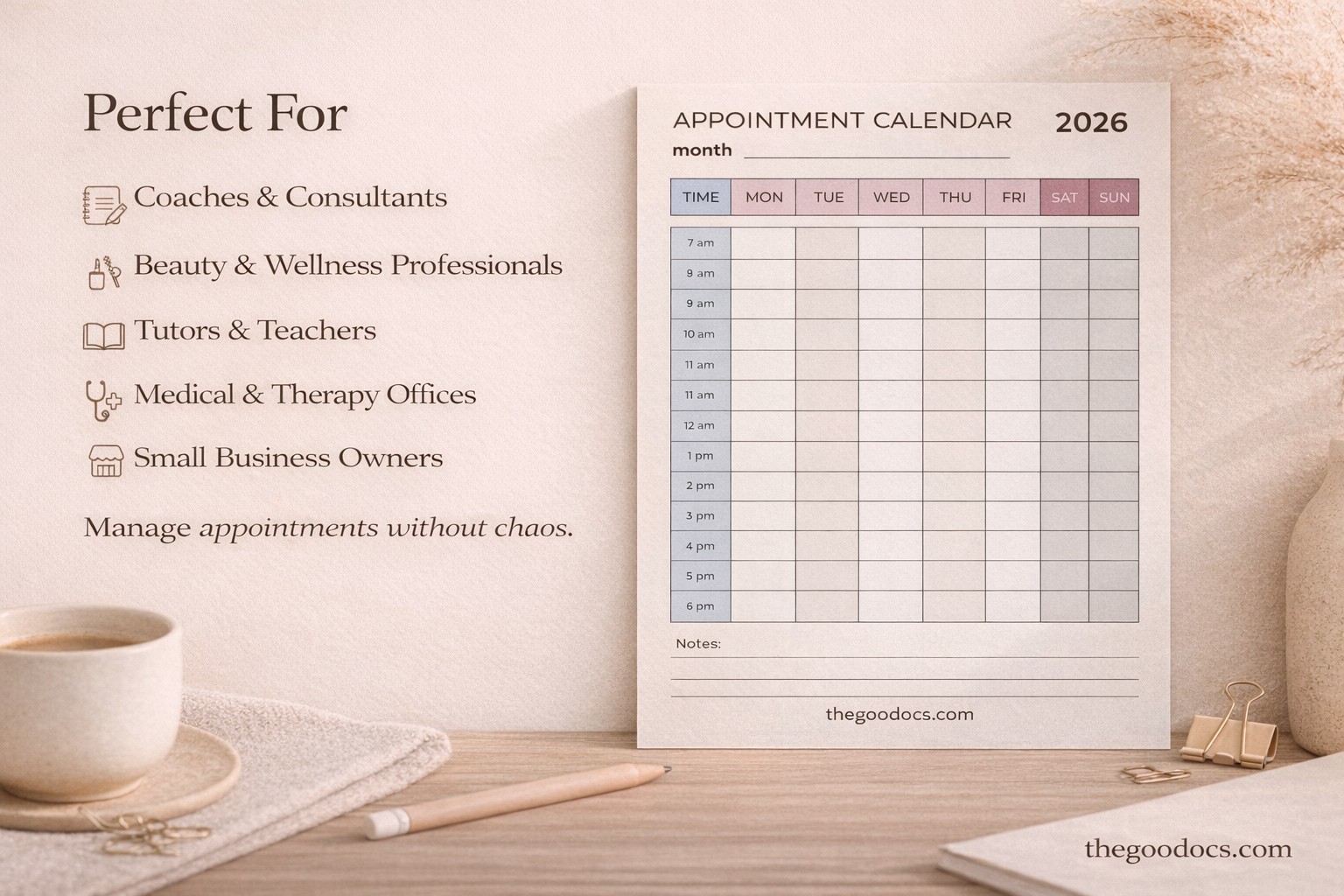
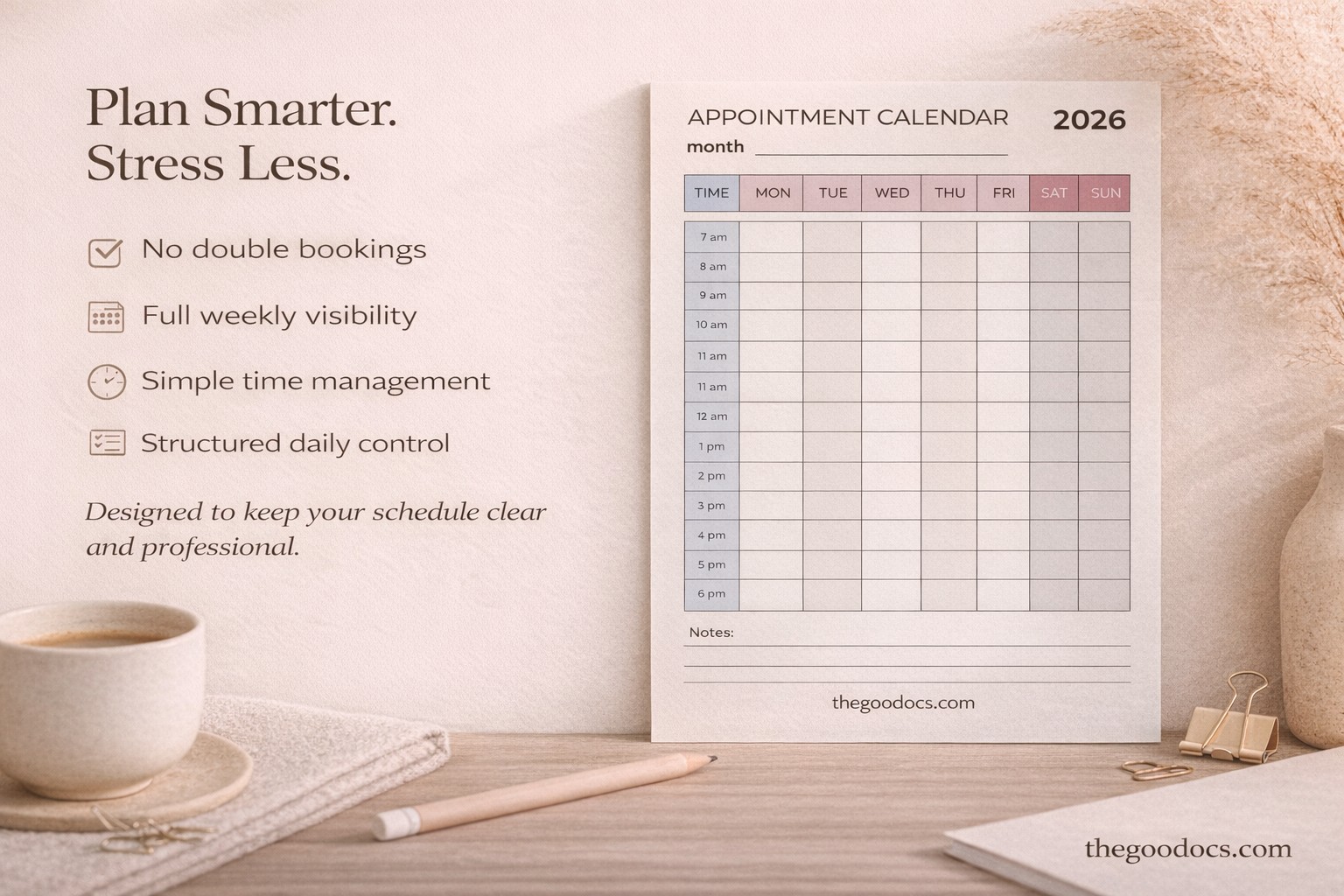
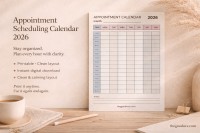
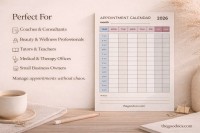
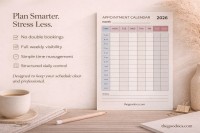
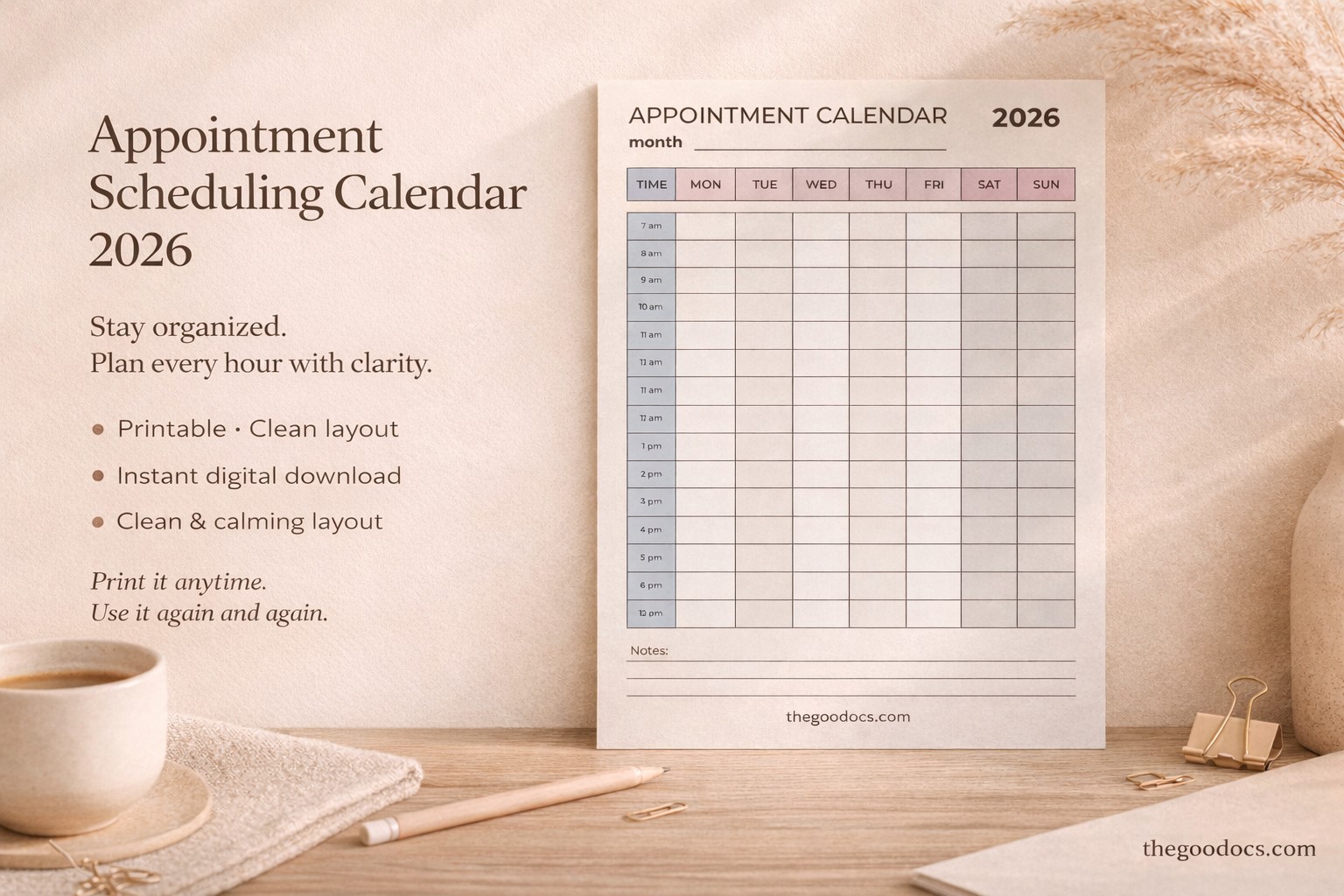
The Appointment Scheduling Calendar Template is your go-to choice to organize meetings, client visits, and other activities. A simple form in Google Docs and Word formats will allow you to distribute assignments for a week in advance.

Easy-to-Use and Efficient Scheduling Solution

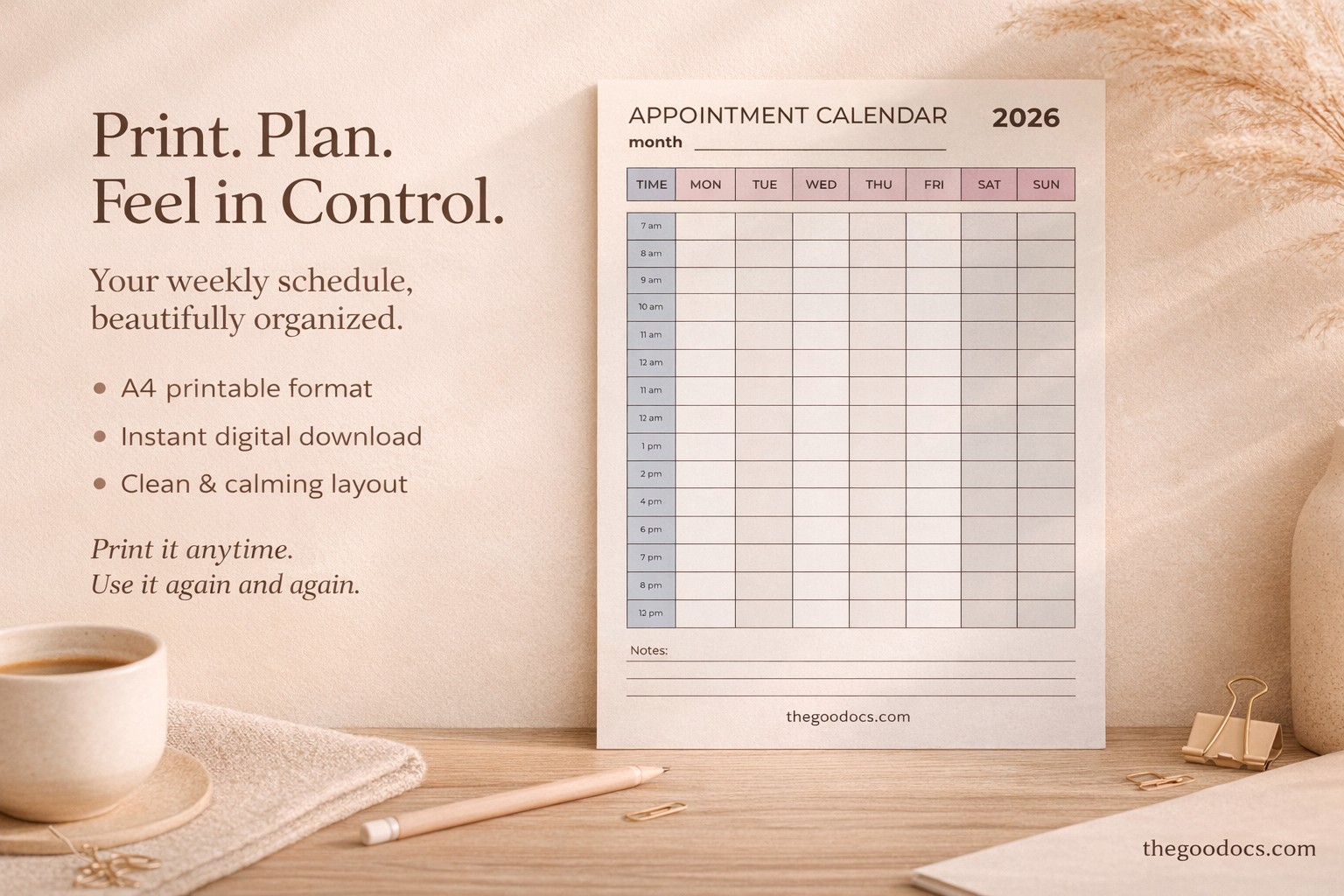
Using this appointment calendar template and finding the information you need is incredibly simple. Get a copy in Google Docs or download it in Word, and you can fill out the table with up-to-date information in digital format or after printing. Alternatively, you can use our PowerPoint and Google Slides calendar.

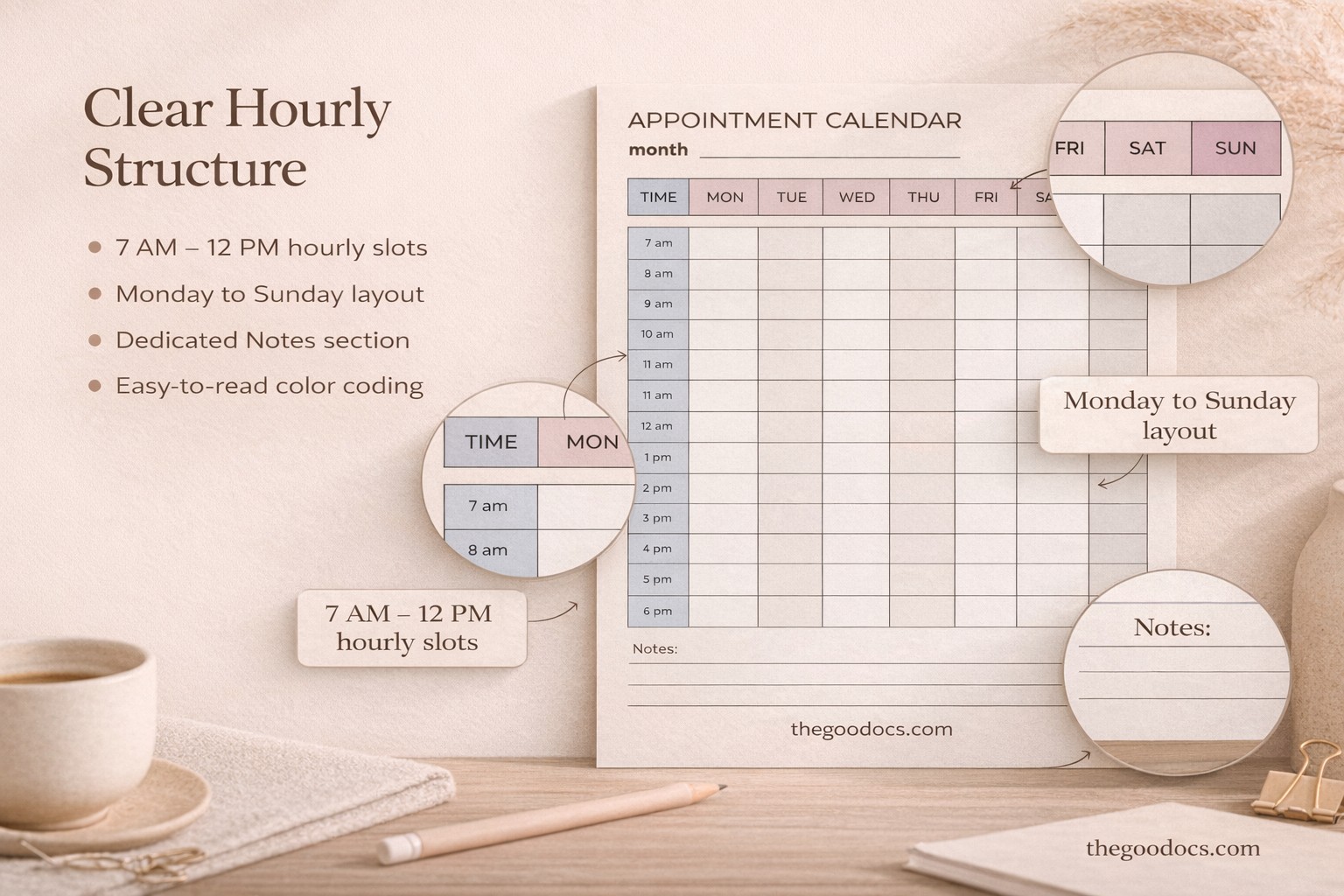
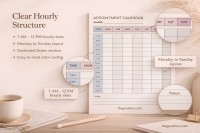
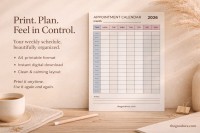
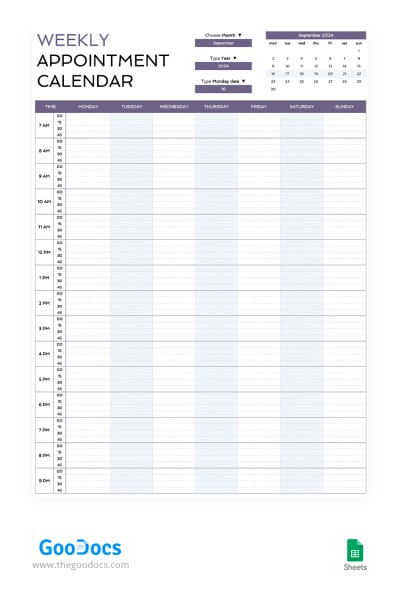
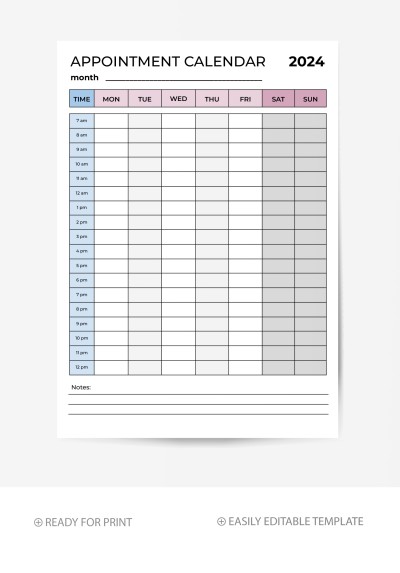
This template includes a header section with a placeholder for the month and year, a table with days of the week and periods from 7 am to 12 pm (they can be customized depending on your workload), and a section for notes.

Each field includes enough space for you to enter all the necessary data about the appointment. And if you want to find even the best calendar template, you can do so by following the link!

Premium Template
50% OFF
Started at
$2.50 $4.99 /month
Instant download after signup
Access to 7,000+ templates
No attribution required
Cancel anytime
UNLOCK THIS TEMPLATE
💳 Safe Payments • 🔒 SSL Secured

WHAT’S INCLUDED

Fully formatted multi-page layout
Customizable hourly scheduling slots
Printable A4 and US Letter sizes
Editable sections for notes

Calendar Tips

1
Update your schedule in advance for clarity
2
Use colors to highlight important tasks
3
Review weekly to adjust priorities
4
Customize time slots for your needs

FAQ

Is this calendar compatible with other software? No, it is compatible only with Google Docs and Microsoft Word.
Can I customize the time slots? Yes, you can easily edit the time slots in the document.
Is it free to download? Yes, you can download it for free.
How easy is it to use? Very easy—just fill in the sections as needed.
What page sizes does it support? It supports both A4 and US Letter sizes.
ADVERTISEMENT

How to Use and Edit This Template

Get Your Document

1

Get Your Document

Click the "Edit Template" button to create your own editable copy in Google Docs or download for Microsoft Word
Customize Everything
2

Customize Everything

Easily change colors, fonts, and layouts to match your unique style or brand identity
Add Your Content
3

Add Your Content

Fill in your data, upload images, and replace the placeholder text with your own information
Print, Export, or Share
4

Print, Export, or Share

Print, export as PDF, or share instantly

Related Templates

Recently Viewed