Get unlimited access to 5000+ Templates for Google Docs, Slides and Sheets
Unlimited Access
ADVERTISEMENT
ADVERTISEMENT

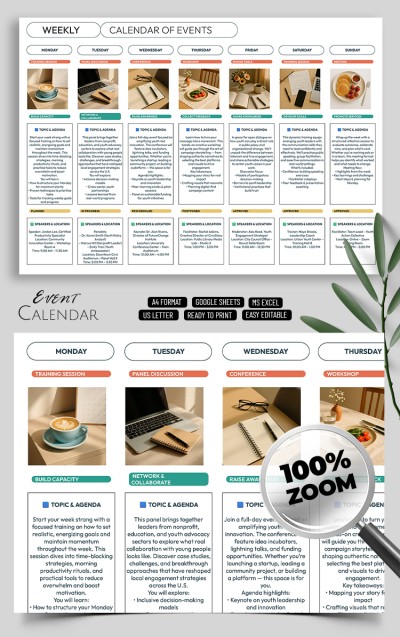
Elegant Event Calendar Template

Use this free template with Google Sheets and Microsoft Excel
3.42 (3 reviews)
Last updated Updated July 18, 2026
Created by Natalia Prokhorenko
Type Yearly
ADVERTISEMENT

Template Specification

Format Google Sheets, Microsoft Excel
Created January 10, 2025
Last Updated July 18, 2026
Community Added to collections by 35 Users
Usage Stats 49 downloads this month

Key Features of This Template

Suitable For Event , Event Organizers , Personal

About this template

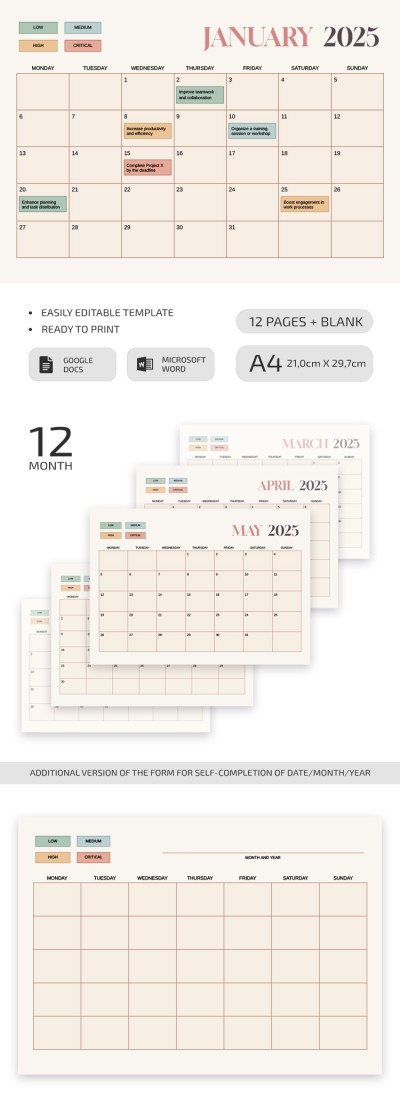
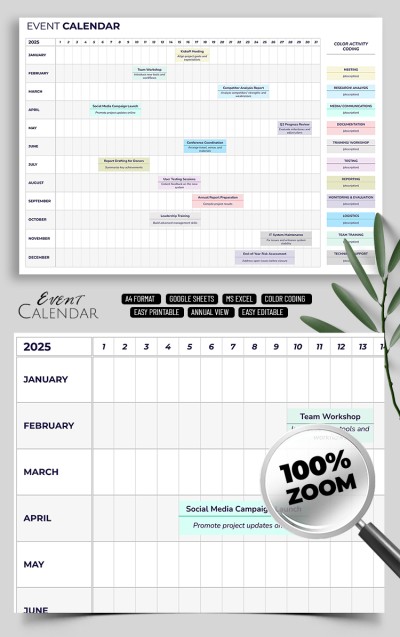
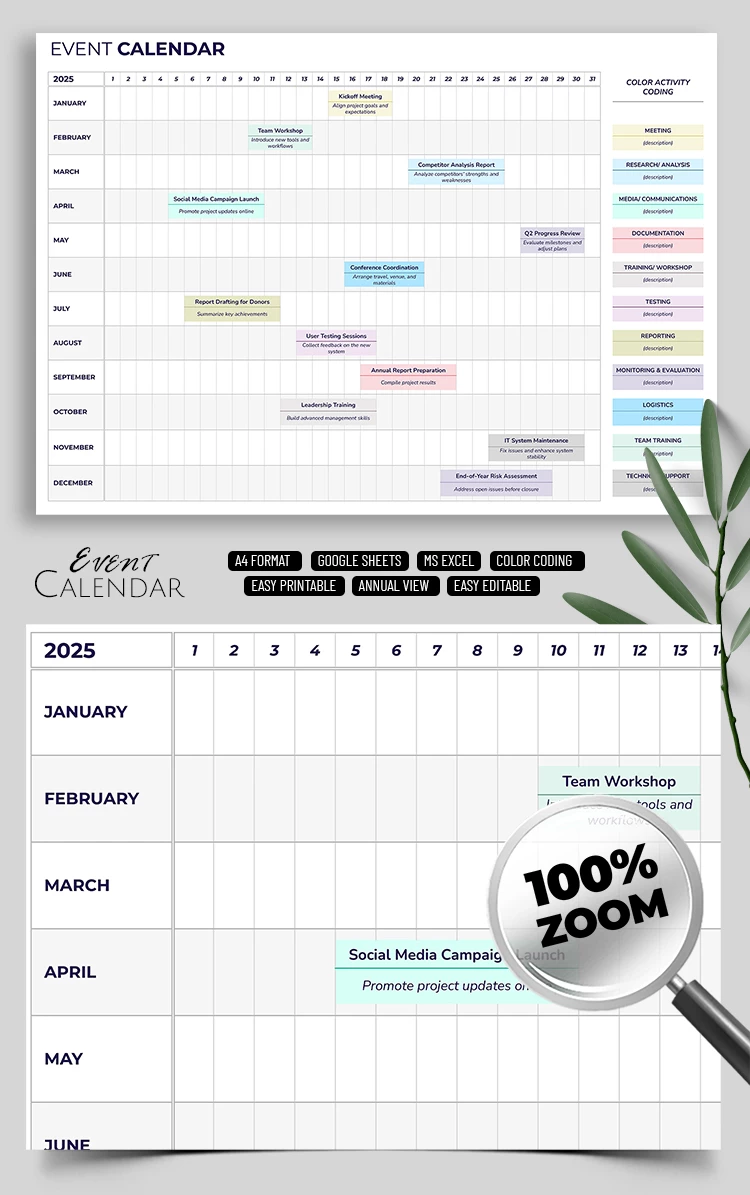
Are you looking for a convenient tool to distribute tasks, projects, or events for the year ahead? Our Elegant Event Calendar Template is the best option for such a mission! It is initially designed for 2025. You can edit it, use it in a digital version (Google Sheets and Excel), or even print it!

Convenient & Elegant Choice

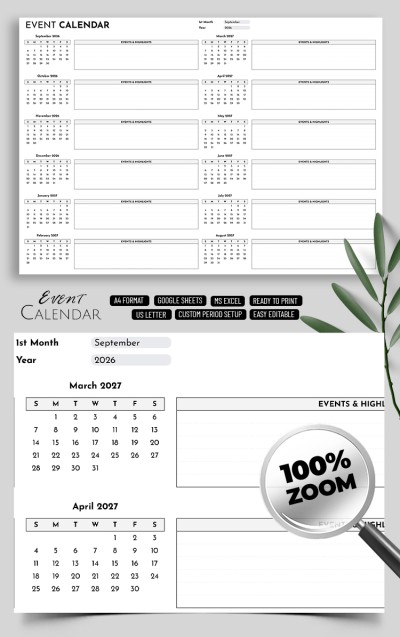
This event calendar template is elementary to use. The names of the months are placed vertically, and the days are organized in a horizontal order. So you can track the timeline even for a whole year ahead!

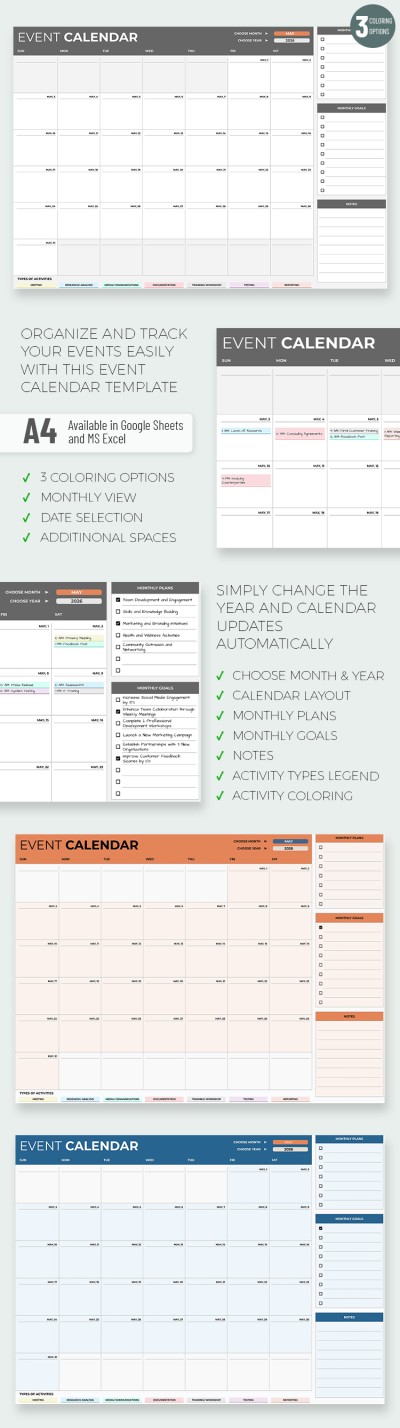
All the days are on one sheet, so there is not much place for entries. So, we used color activity coding to make your entries more visible. For example, if you have a meeting planned, then just copy and paste the color from the placeholder on the right.

There are also different shades indicating that you need to work with documentation, training, tests, submitting reports, and more. You can customize other assignment options right in our downloadable calendar! No additional software or special skills are required. You will find the perfect calendar template for Google Slides, Word, or Sheets on our website!

ADVERTISEMENT
Free Template

Download Free Template

Choose your platform and start editing right away
PLATFORM

Google Sheets

Opens in browser

Microsoft Excel

.xlsx
PAPER SIZE
A4
Google Sheets – A4
No account required • Attribution required

WHAT’S INCLUDED

Color-coded event categories included
Monthly and yearly planning sections
Editable task entries and notes
Simple setup for quick edits

Calendar Tips

1
Use color codes to differentiate activities quickly.
2
Regularly update tasks to stay organized.
3
Print copies for offline reference.
4
Review monthly to adjust long-term plans.

FAQ

Is this template compatible with my software? Yes, it works with Google Sheets and Microsoft Excel.
Can I customize the calendar easily? Yes, it's fully editable to fit your needs.
Is the template free to download? Yes, it's completely free to download and use.
Is it easy to use for beginners? Yes, designed for easy use without special skills.
How does the color coding work? Copy and paste colors from the provided legend to categorize tasks.
ADVERTISEMENT

How to Use and Edit This Template

Get Your Document

1

Get Your Document

Click the "Edit Template" button to create your own editable copy in Google Sheets or download for Microsoft Excel
Customize Everything
2

Customize Everything

Easily change colors, fonts, and layouts to match your unique style or brand identity
Add Your Content
3

Add Your Content

Fill in your data, upload images, and replace the placeholder text with your own information
Print, Export, or Share
4

Print, Export, or Share

Print, export as PDF, or share instantly

Related Templates

Recently Viewed