ADVERTISEMENT
ADVERTISEMENT
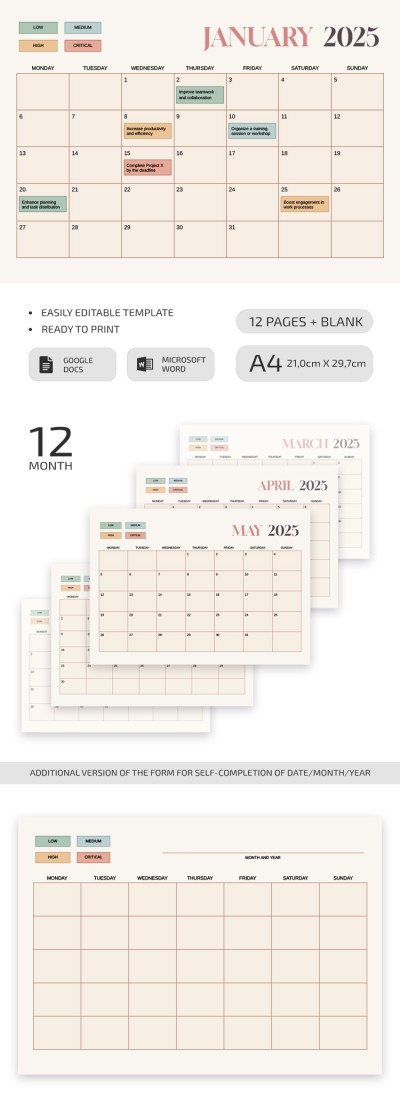
2025-2026 Event Planning Calendar Template
Use this free template with Google Sheets and Microsoft Excel
4.25 (1 reviews)
•
Last updated
Updated
October 10, 2026
•
Created by
Natalia Prokhorenko
•
Type
Yearly, 2025, 2026
ADVERTISEMENT
Template Specification
Format
Google Sheets, Microsoft Excel
Created
February 21, 2025
Last Updated
October 10, 2026
Community
Added to collections by 143 Users
Usage Stats
194 downloads this month
Key Features of This Template
Period
Yearly Calendar Templates
Suitable For
Event , Event Organizers , Personal , School Managers
About this template
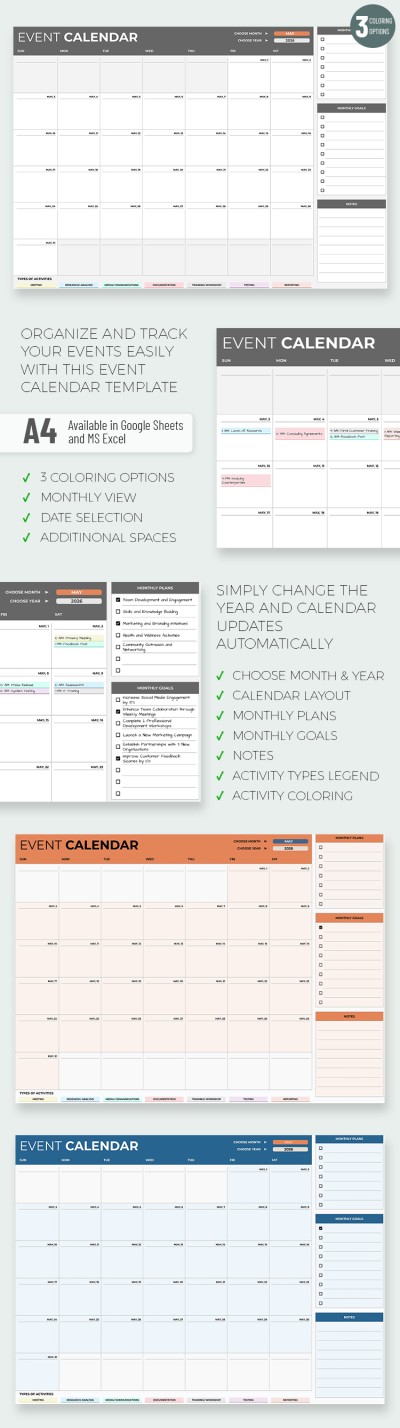
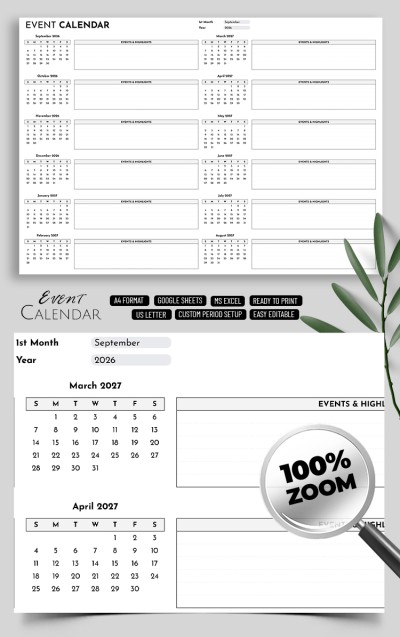
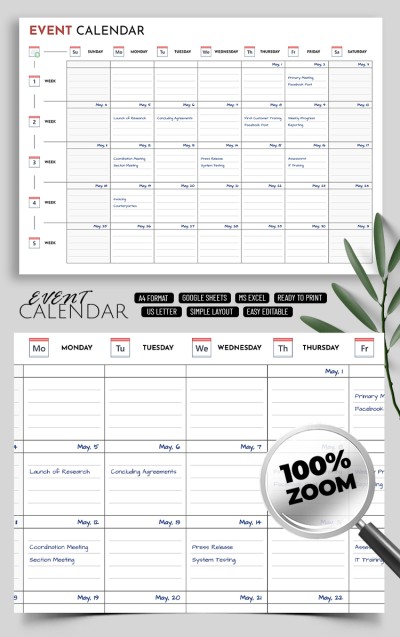
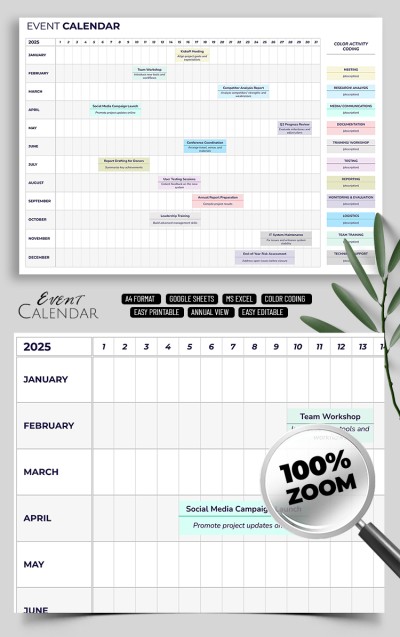
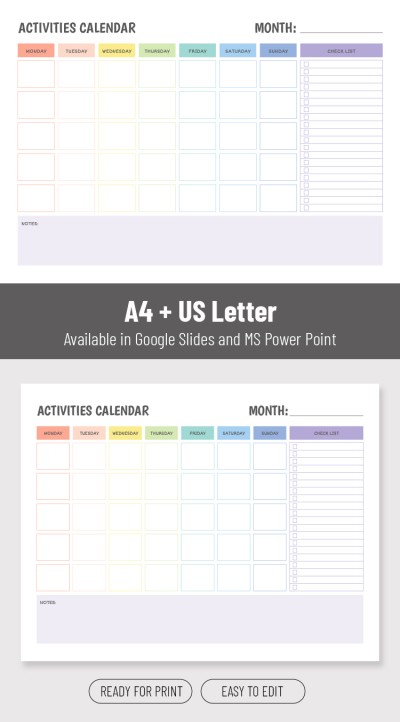
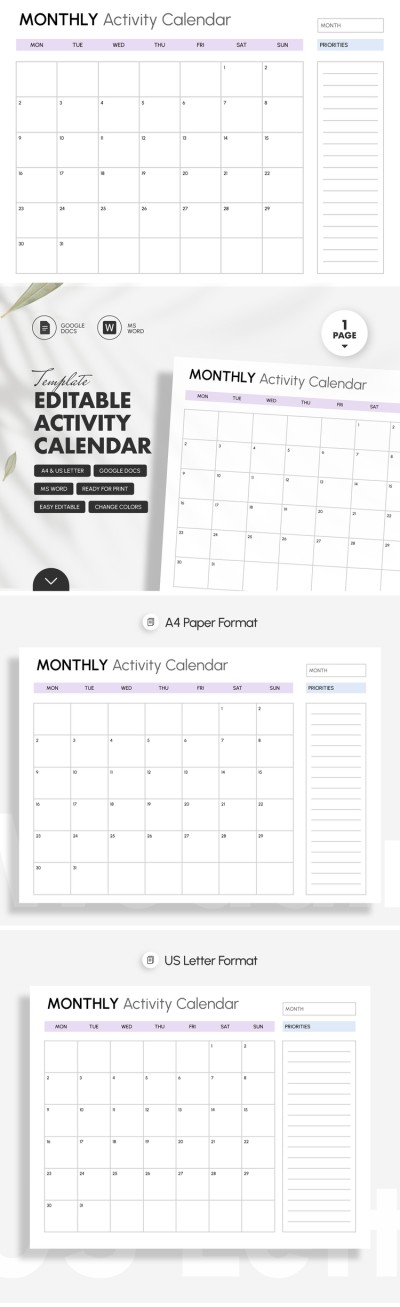
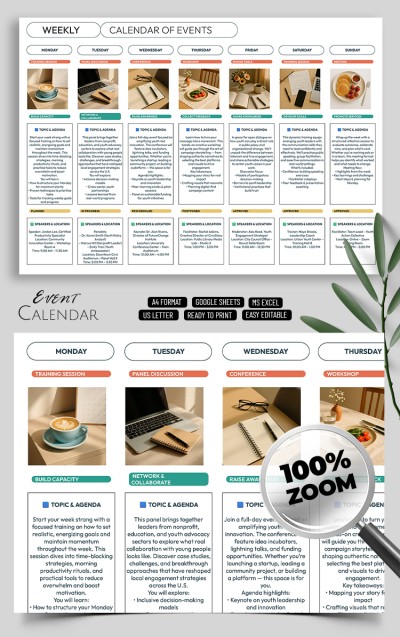
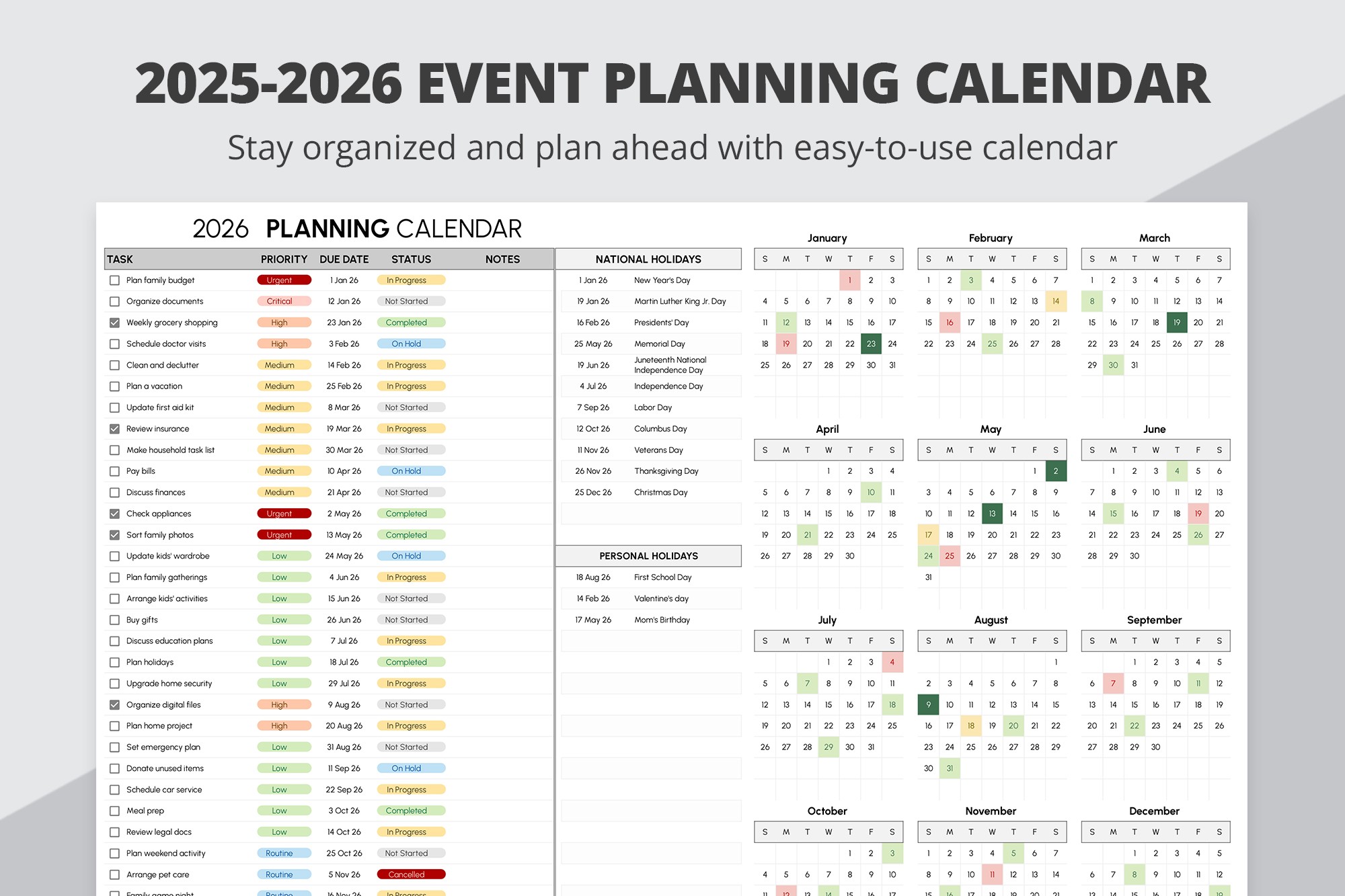
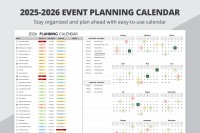
Take advantage of our 2025-2026 Event Planning Calendar Template in Google Sheets and Excel. This tool enables you to set essential tasks, priorities, due dates, statuses, and notes. You can use our calendar template for free in digital format or after printing.
Convenient and Universal Spreadsheet Calendar
Inside the activity calendar template, you will find everything you need for simple and convenient planning in 2025 and 2026:
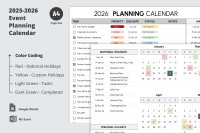
- There is a separate sheet for each year, so you will not have to look for a new calendar for a long time.
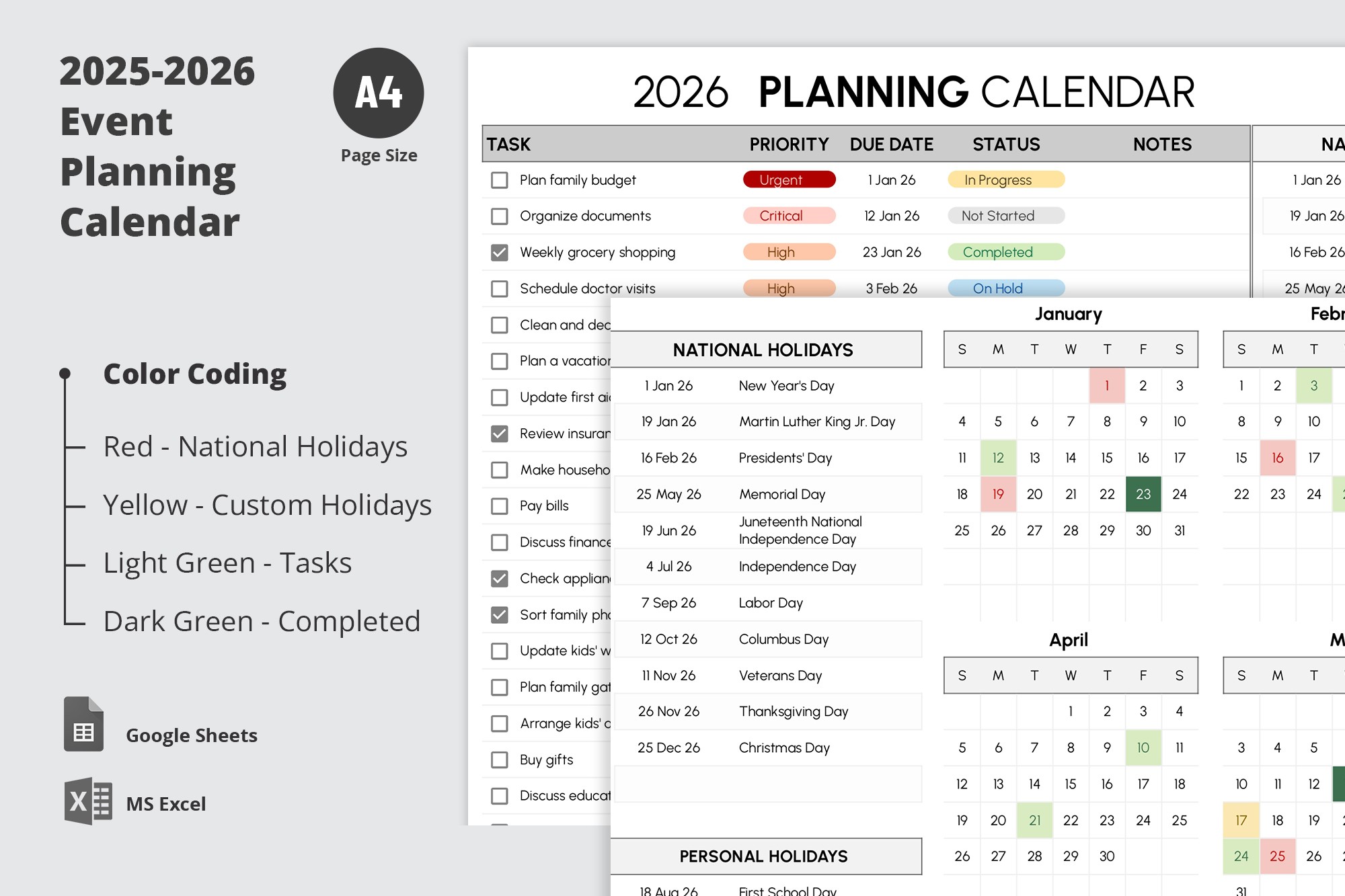
- The left part of the template consists of an editable and fillable table for tasks. You can mark completed assignments with checklists and include essential details for each.
- On the right is the calendar itself. It highlights the main national holidays, and you can also set up personal holidays.
- The Setup page is needed to assemble drop-down lists for task priorities and status. You can use the pre-made option or set them up in a few clicks.
Find a suitable calendar template in Excel or other formats on our website. Opt for dozens of free options.
ADVERTISEMENT
Free Template
Download Free Template
Choose your platform and start editing right away
PLATFORM
PAPER SIZE
A4 Landscape
No account required • Attribution required
WHAT’S INCLUDED
Editable and fillable task table
National and personal holiday highlights
Priority and status drop-down lists
Separate sheets for each year
Calendar Tips
Use color coding to track task status easily.
Set reminders for high-priority tasks.
Regularly update completed tasks to stay on track.
Customize holidays to fit personal events.
FAQ
Is this template compatible with Excel?
Yes, it works with both Google Sheets and Microsoft Excel.
How easy is it to customize?
Very easy, you can edit tasks and holidays directly in the table.
Is this template free to use?
Yes, you can download and use it for free.
Does it include automatic calculations?
It highlights deadlines and priorities, but calculations are manual.
How do I update task statuses?
Use the status drop-down to set tasks as completed, on hold, etc.
ADVERTISEMENT
How to Use and Edit This Template

Get Your Document
Click the "Edit Template" button to create your own editable copy in Google Sheets or download for Microsoft Excel

Customize Everything
Easily change colors, fonts, and layouts to match your unique style or brand identity

Add Your Content
Fill in your data, upload images, and replace the placeholder text with your own information

Print, Export, or Share
Print, export as PDF, or share instantly