Horror Book Cover Template
Use this free template with Google Slides and Microsoft PowerPoint
Template Specification
Key Features of This Template
About this template
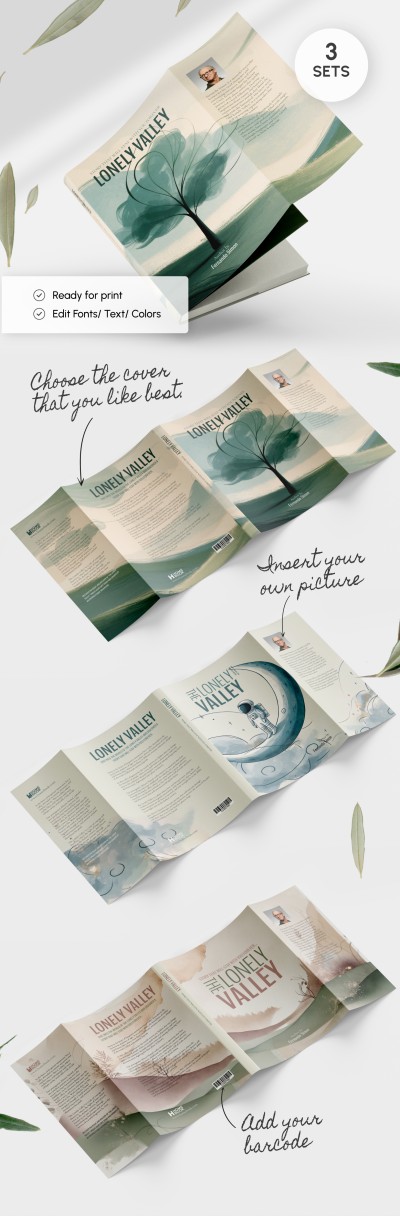
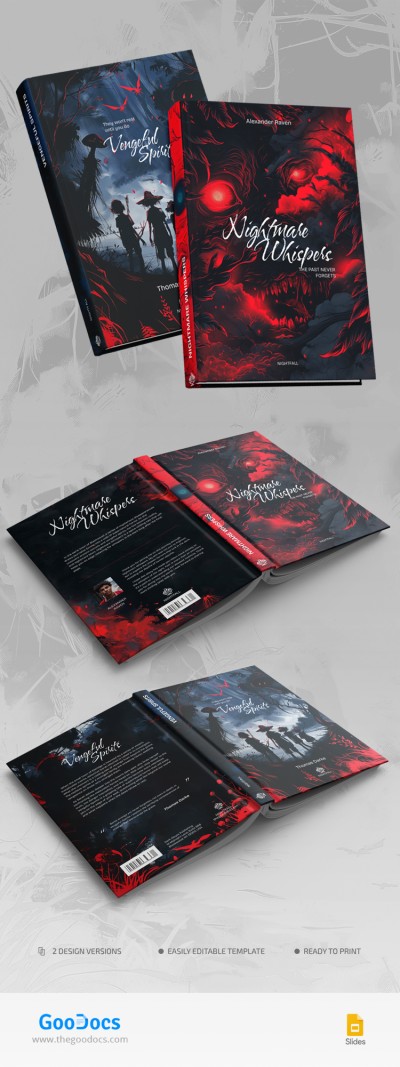
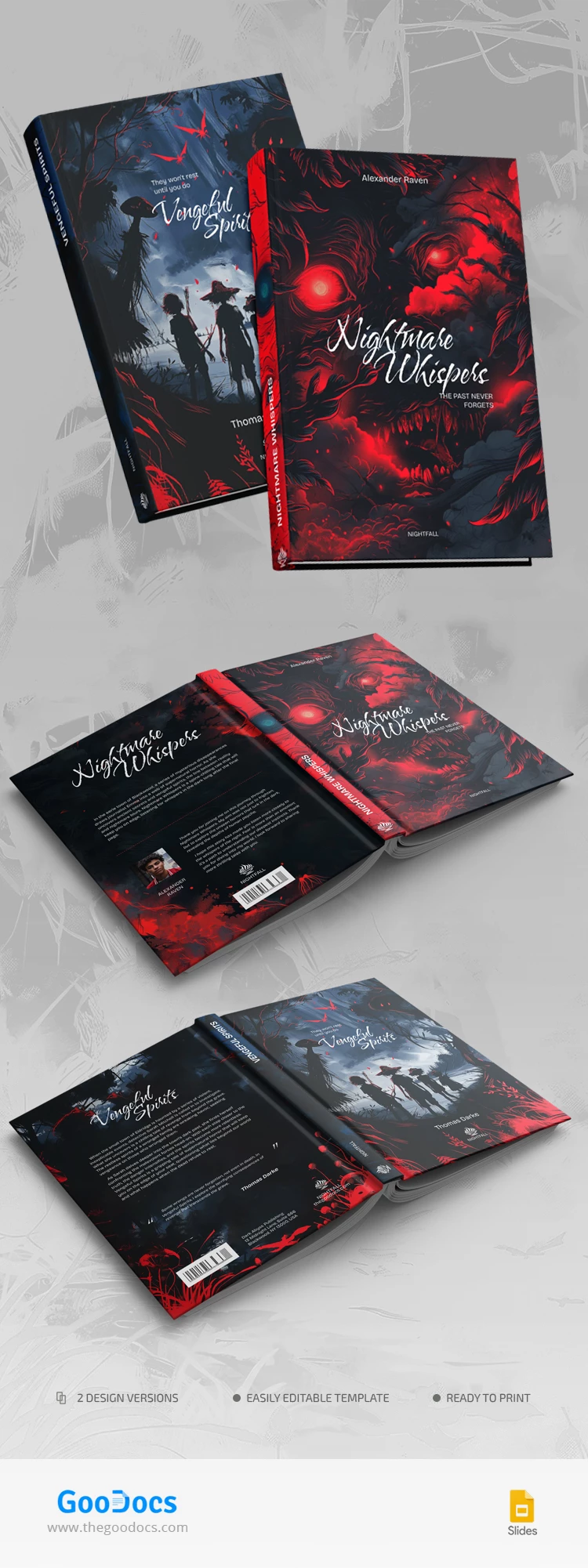
Use the bright and eye-catching Horror Book Cover Template to design the outside of the book. We have prepared a horror book cover template with two styles for front, back, and spine covers.
Contrasting and Attractive Design
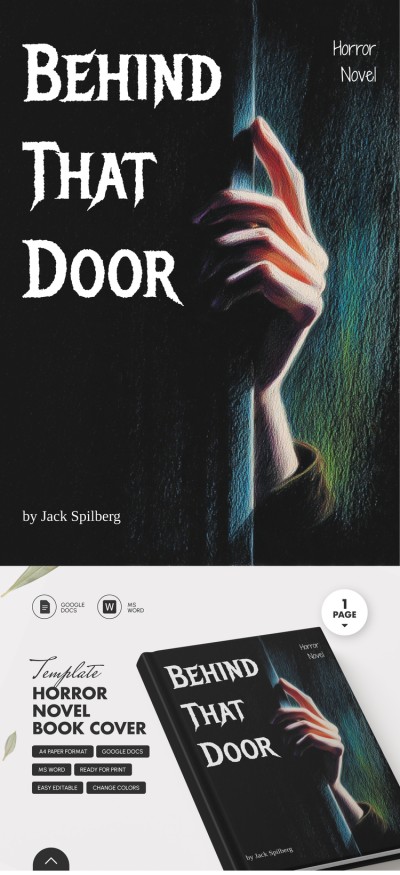
This high-quality template gives you two styles to choose from. The first design in red and dark colors shows an abstract monster. The second version of the front cover features a lake and four people. Also, check out our Goosebumps Book Cover Template, which is made in a similar style.
The dark background and contrasting bright red tones combine perfectly and add mystery to the overall layout and anticipation of wild adventures for the reader.
Fully Editable, Printable, and Downloadable Template
You can customize every element of our cover template using Google Slides or PowerPoint formats. In addition, the forms are available for printing in A4 or US Letter sizes. Grab your readers' attention with modern and professional cover and free book templates from TheGoodocs.
Download Free Template
WHAT’S INCLUDED
Book Tips
FAQ
How to Use and Edit This Template

Get Your Document

Customize Everything

Add Your Content