Artistic Back Cover of a Book Template
Use this free template with Google Slides and Microsoft PowerPoint
Template Specification
Key Features of This Template
About this template
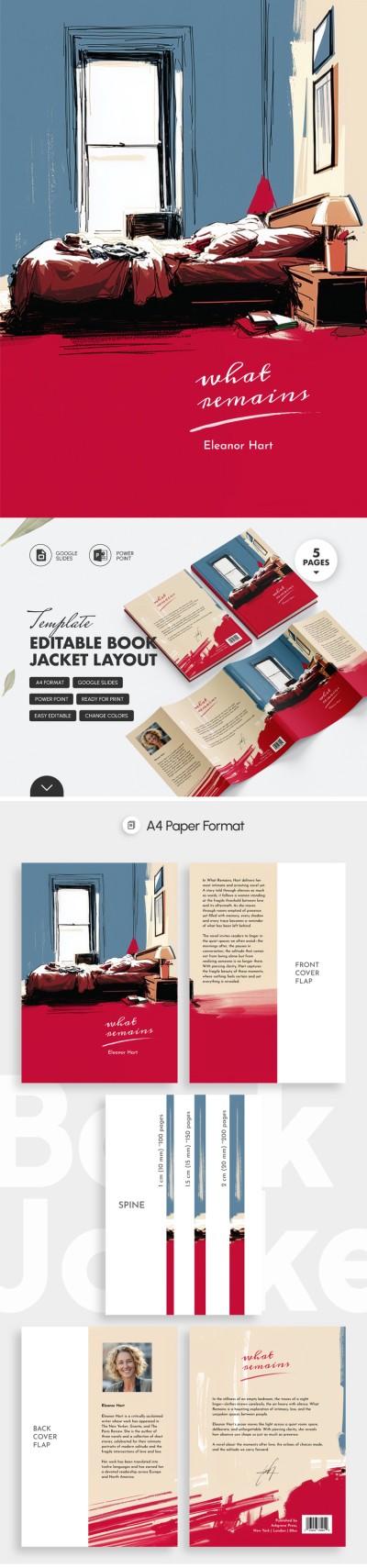
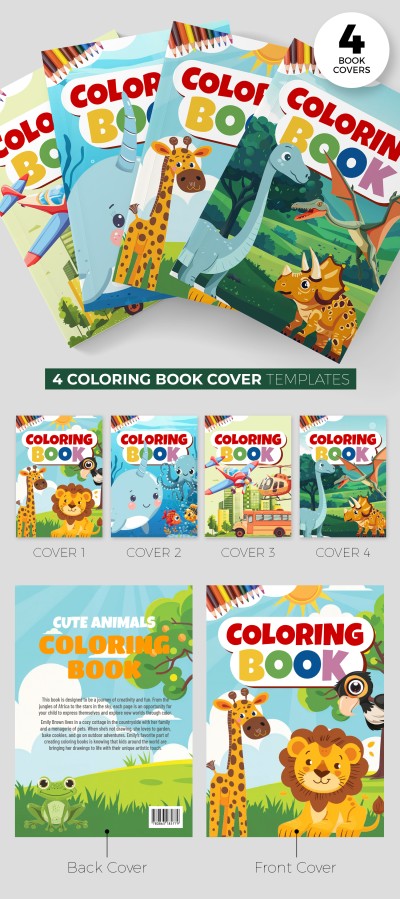
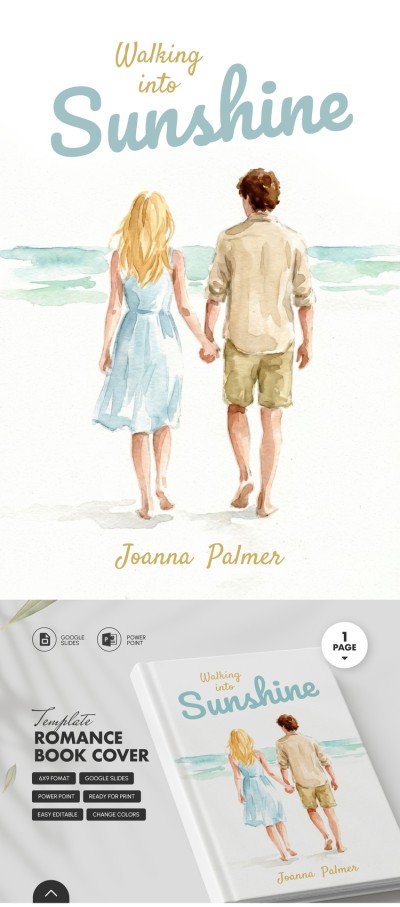
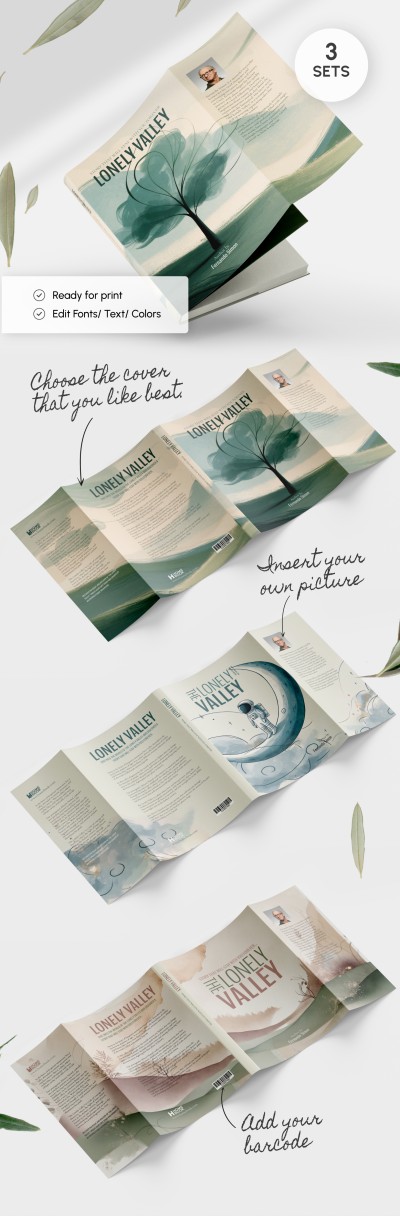
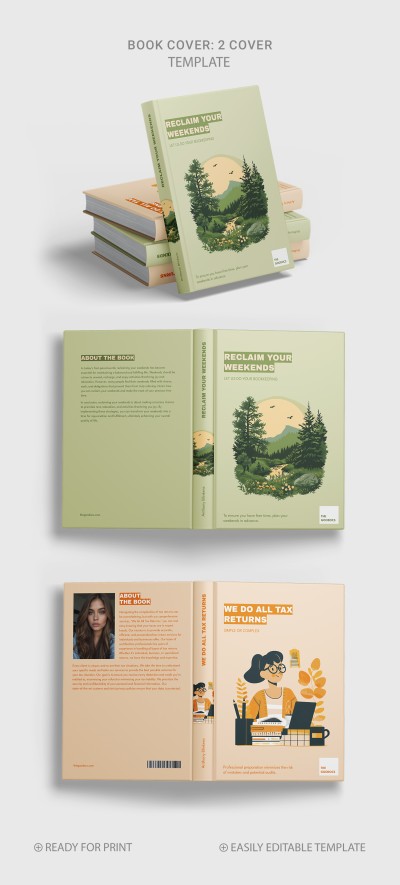
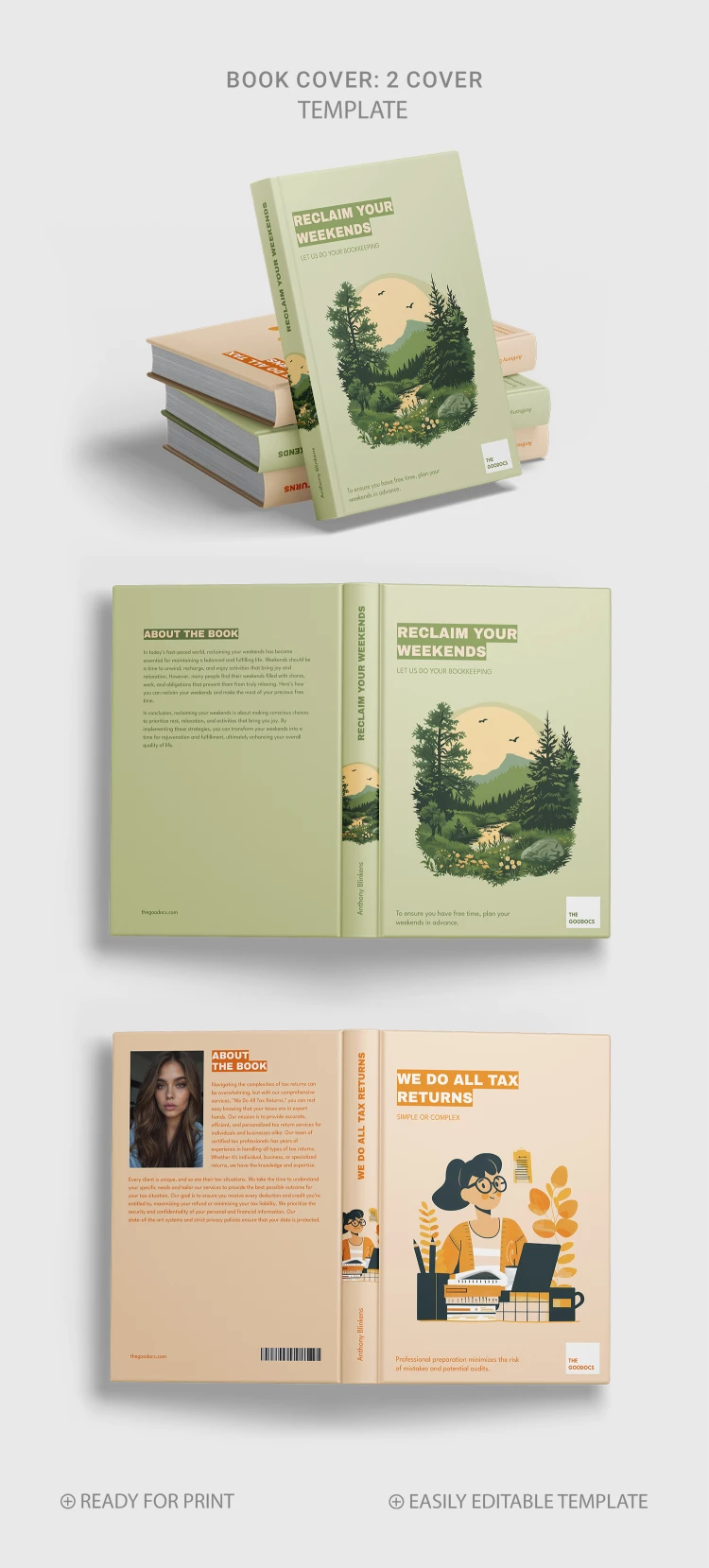
The Artistic Front and Back Cover of a Book Template features two design options for your publication. Our book cover design template is great for promotional books and many other tasks.
Green and Orange Designs
The first option features a green color palette with a picture of a beautiful forest landscape with coniferous trees, mountains, and a stream. The second cover offers an orange design with an illustration of a girl at work in a modern style.
It is up to you how to use the front, back, and spine. Print the hardcover template in A4 format using the built-in capabilities of Google Slides or PowerPoint.
Complete Freedom of Customization
You can add the author's name, social media links, barcode, author's photo, and a short description. The cover template also includes three size options for the spine.
Want to attract more attention to your publications? Find a book template for Word from professional designers.
Download Free Template
How to Use and Edit This Template

Get Your Document

Customize Everything

Add Your Content