Get unlimited access to 5000+ Templates for Google Docs, Slides and Sheets
Unlimited Access
ADVERTISEMENT
ADVERTISEMENT

Composition Book Cover Template

Use this free template with Google Slides and Microsoft PowerPoint
4.25 (1 reviews)
Last updated Updated July 11, 2026
Type Nonfiction, Aesthetic, Portrait, A4 / US Letter
ADVERTISEMENT

Template Specification

Format Google Slides
Created July 27, 2024
Last Updated July 11, 2026
Community Added to collections by 30 Users
Usage Stats 1 downloads this month

Key Features of This Template

Suitable For Publisher , Self Publish

About this template

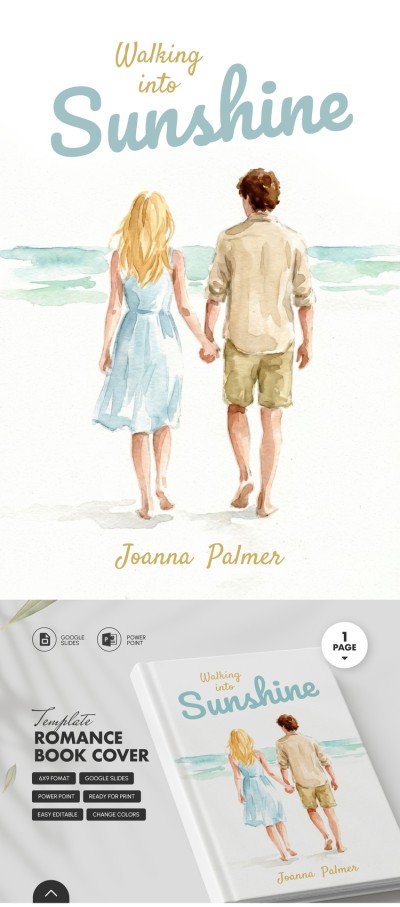
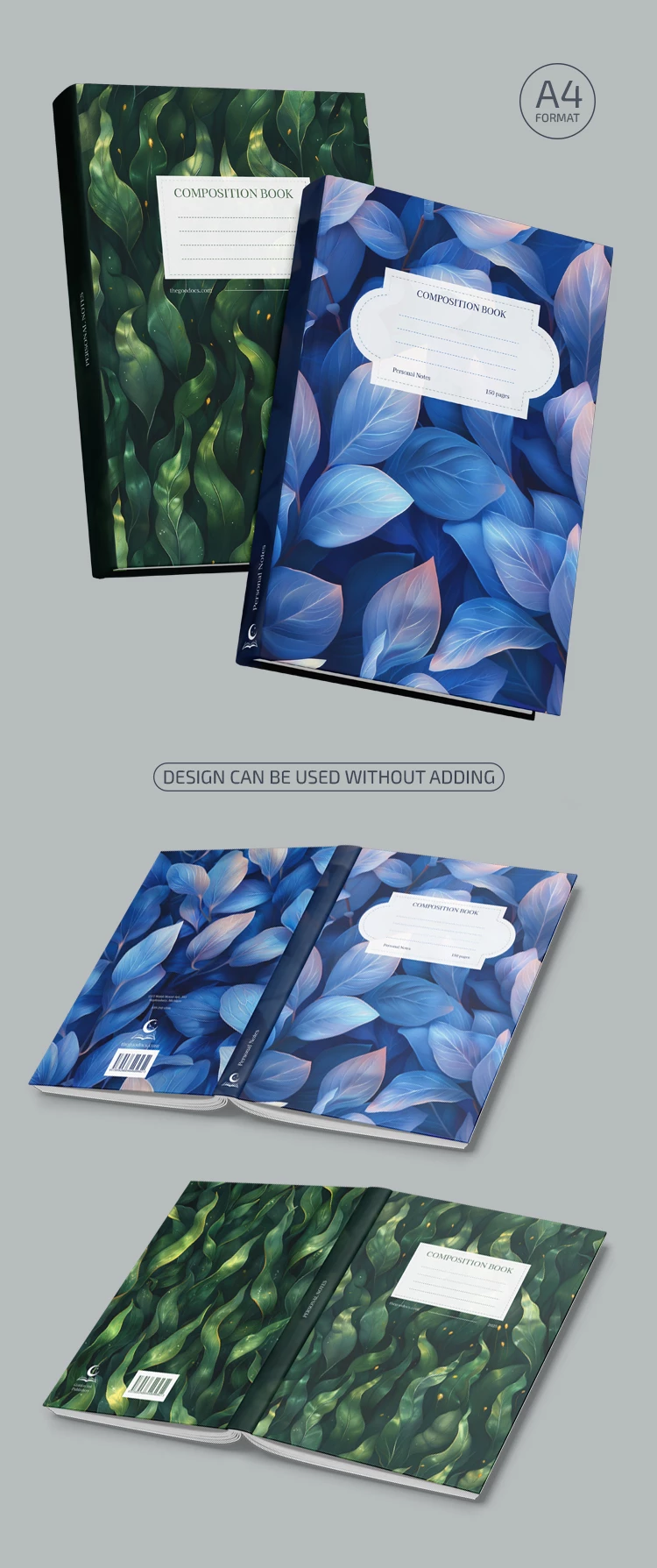
If you want a unique cover for your school notebook, get a copy of our Composition Book Cover Template! Use this composition book cover template for personal or business needs.

A4 Printable and Editable Cover

You can easily print this template or customize it online beforehand. The settings for printing in A4 size are included, so all you have to do is use a suitable printer.

To convey the beautiful colors chosen for the front, back cover, and spine, we recommend contacting a professional printing house.

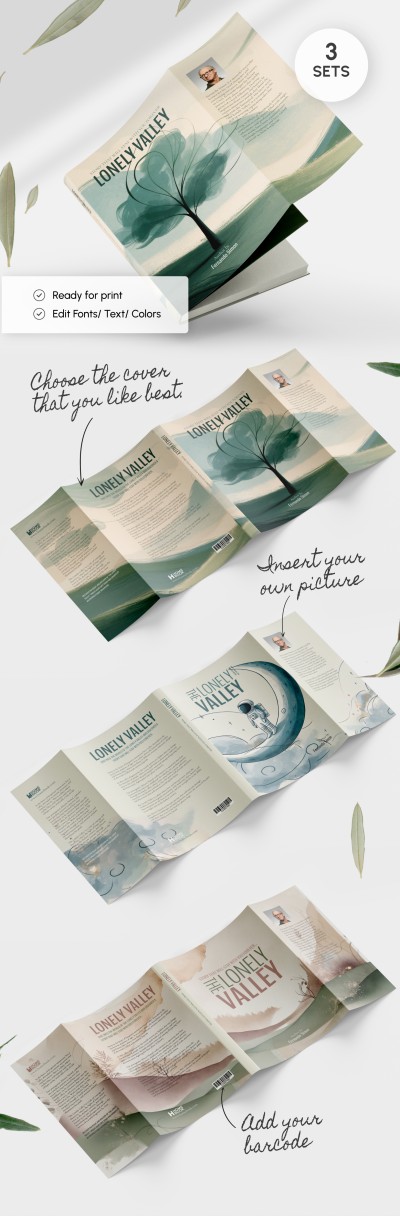
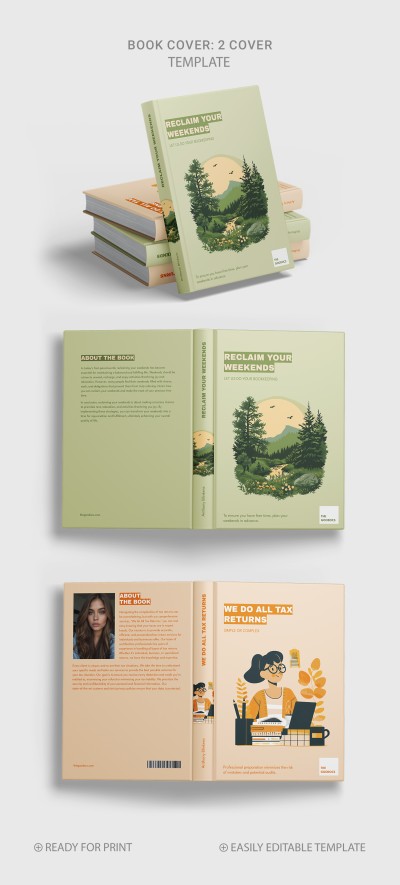
The Set of Two Designs

Do you prefer a blue gradient layout with leaves or a dark green iridescent book cover design template with seaweed? Choose one or use both, as they are included in this template. We have also prepared three spine formats, from thin to thick.

Find even more covers on our website.

ADVERTISEMENT
Free Template

Download Free Template

Choose your platform and start editing right away
PLATFORM

Google Slides

Opens in browser
PAPER SIZE
A4
Google Slides – A4
No account required • Attribution required

WHAT’S INCLUDED

Two distinct cover designs included
Customizable front and back covers
A4 format for easy printing
Three spine size options

Book Tips

1
Use high-quality paper for the best print results.
2
Customize colors to match your style preference.
3
Choose the spine size based on your notebook thickness.
4
Contact a print shop for professional results.

FAQ

Is this compatible with Google Slides and PowerPoint? Yes, it works with both Google Slides and PowerPoint.
How easy is it to customize? It's simple to customize with editable text boxes and colors.
Can I download it for free? Yes, this template is available for free download.
Are there any specific printer requirements? Use a printer that supports A4 size for best results.
What themes are available? Choose between a blue gradient or green iridescent design.
ADVERTISEMENT

How to Use and Edit This Template

Get Your Document

1

Get Your Document

Click the "Edit Template" button to create your own editable copy in Google Slides or download for Microsoft PowerPoint
Customize Everything
2

Customize Everything

Easily change colors, fonts, and layouts to match your unique style or brand identity
Add Your Content
3

Add Your Content

Fill in your data, upload images, and replace the placeholder text with your own information
Print, Export, or Share
4

Print, Export, or Share

Print, export as PDF, or share instantly

Related Templates

Recently Viewed