
Event Calendar Templates in Google Docs and Word
Start using our event calendar templates in Google Sheets and Excel today! Find Christmas and special events ready-made blanks in different formats. Edit, download, and be aware of upcoming holidays and special occasions.
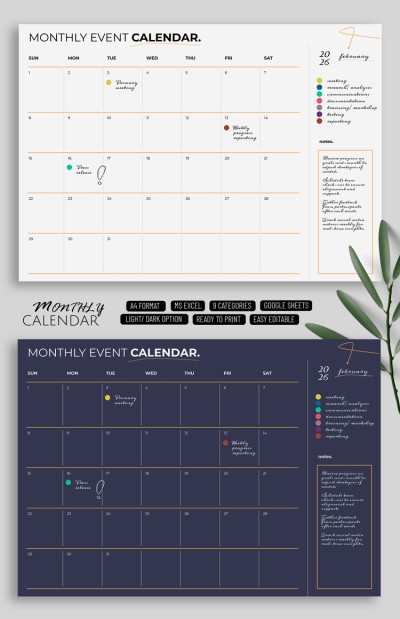
Monthly Event Calendar
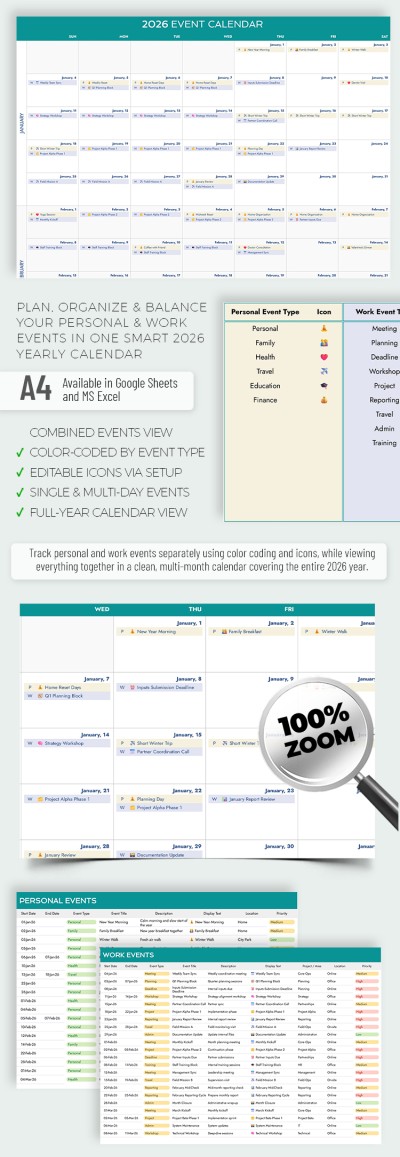
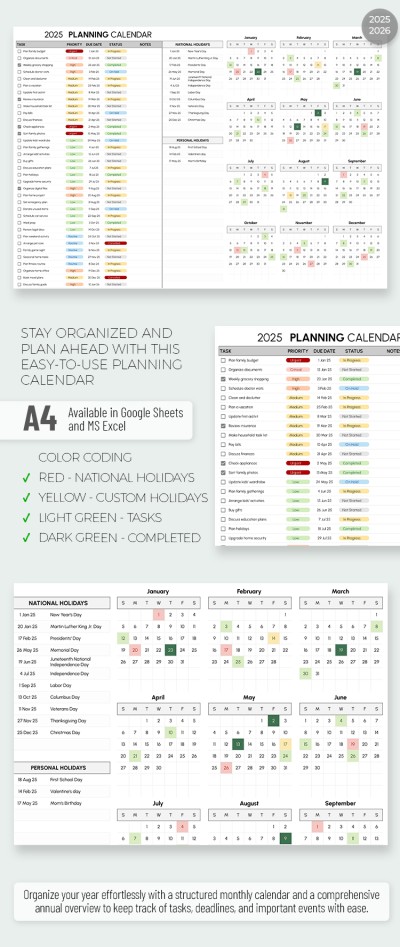
2025-2026 Event Planning Calendar
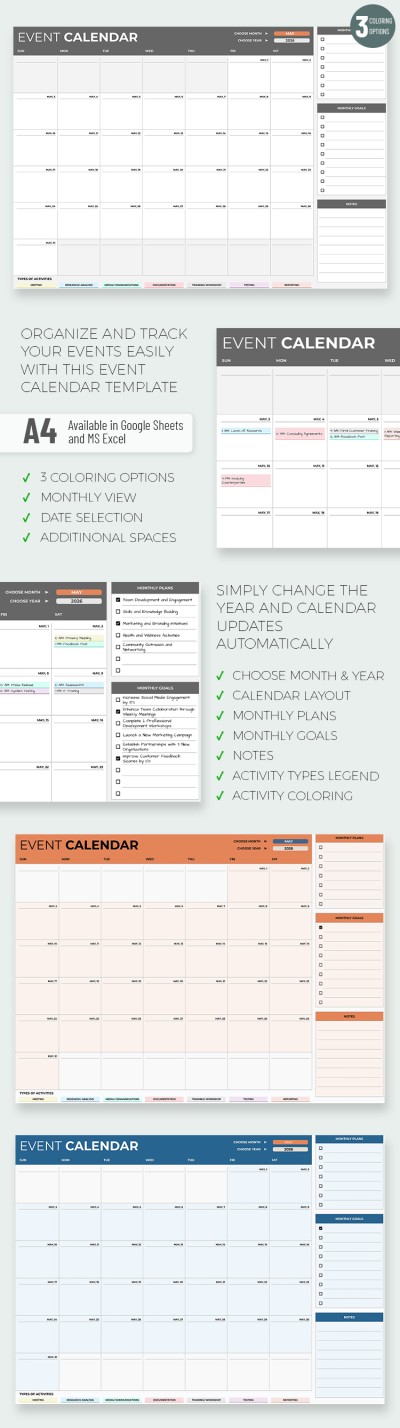
2024-2026 Automated Event Calendar
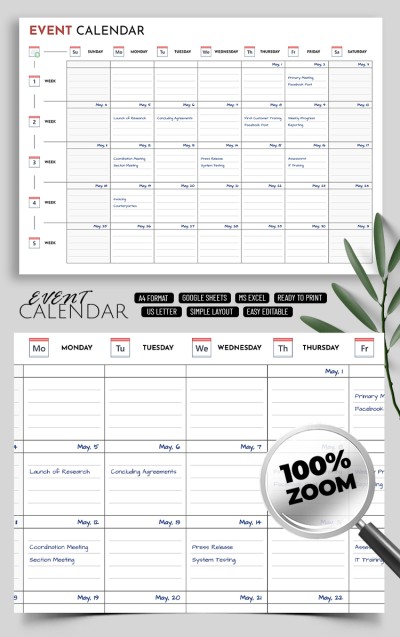
Printable & Editable Event Calendar Template
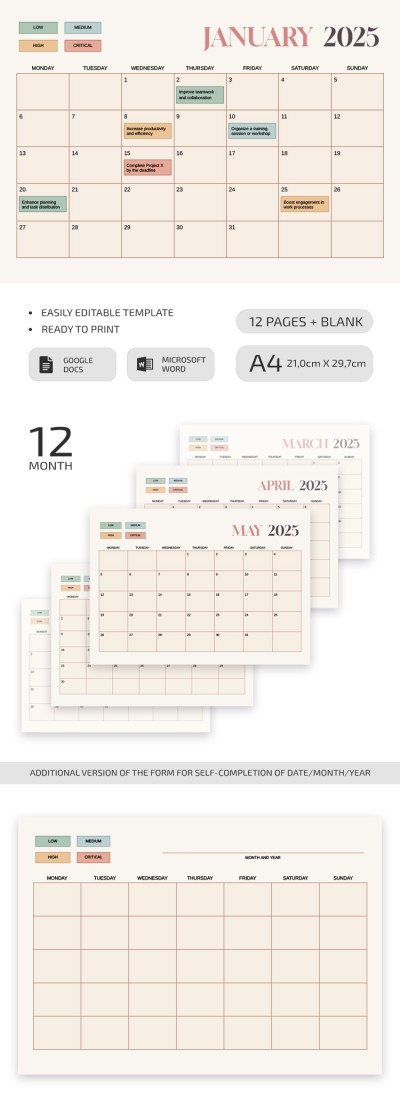
Monthly Activity Calendar
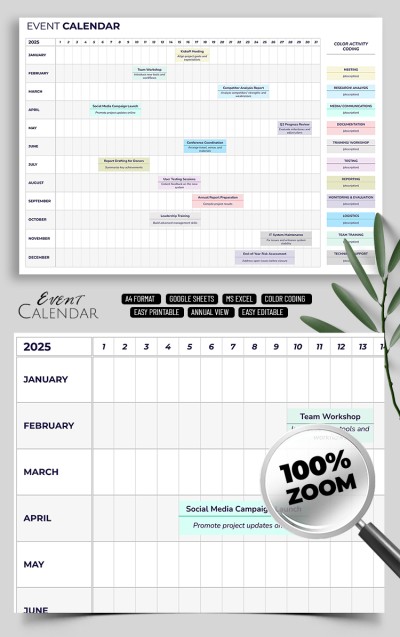
Elegant Event Calendar
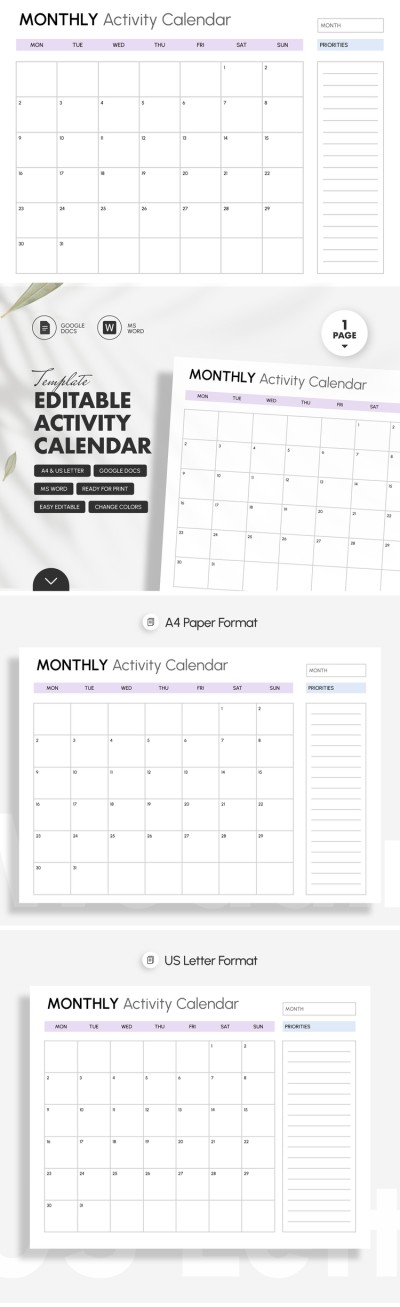
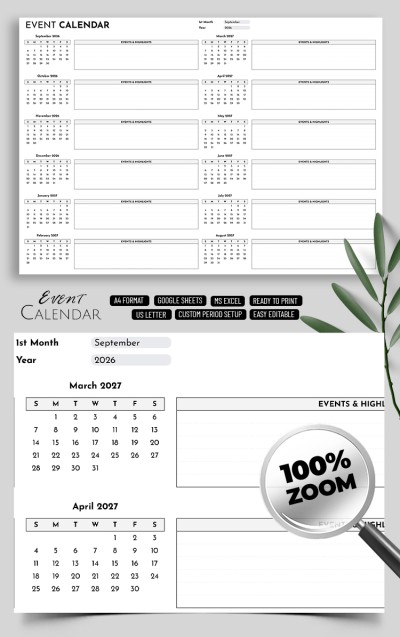
2025-2030 School Events Calendar Template
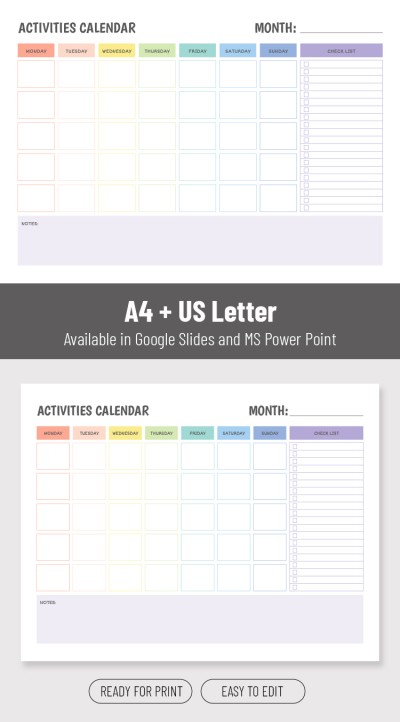
Customizable Activity Calendar Template

Printable Event Calendar Template
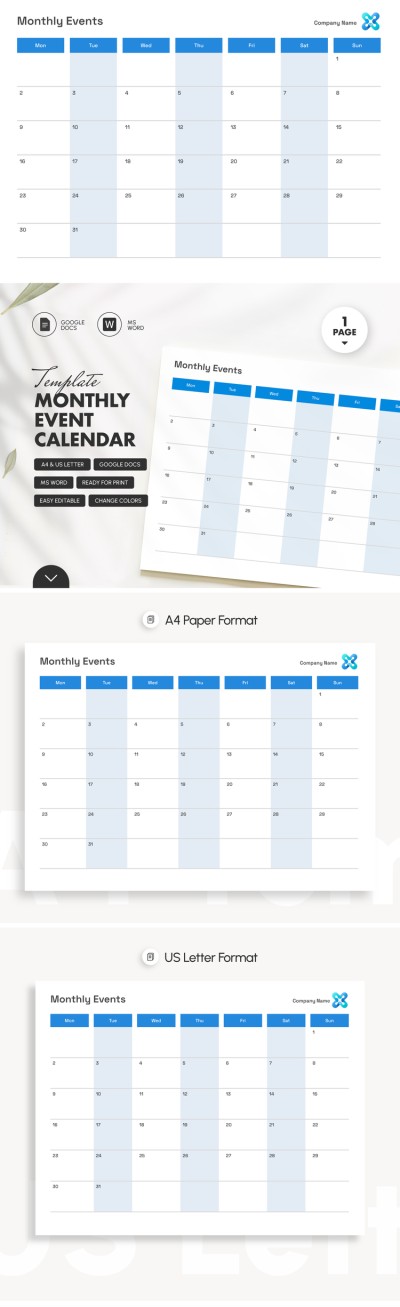
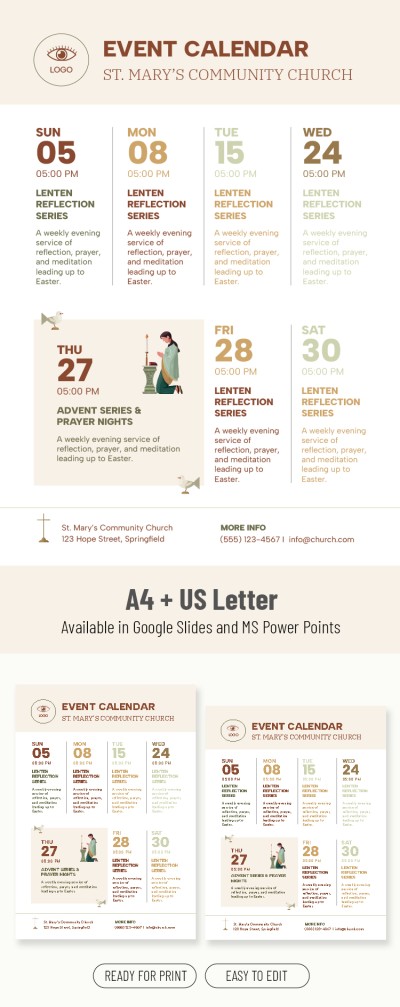
Church Event Calendar Template
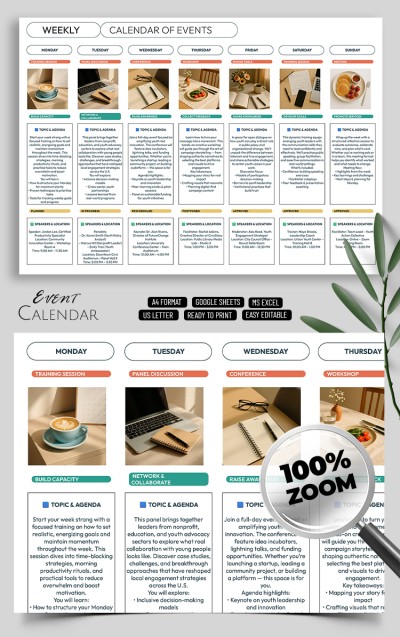
Editable Weekly Calendar Of Events Template
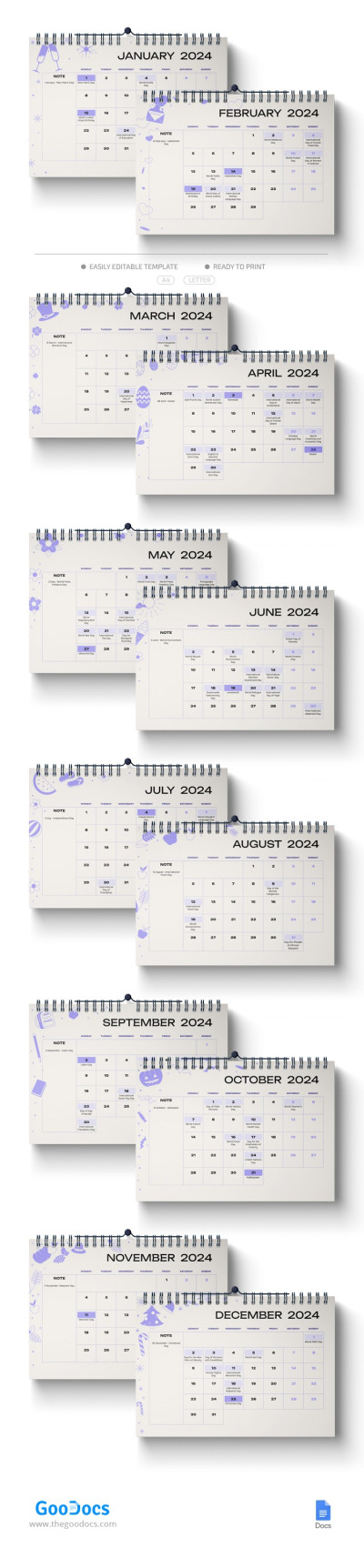
2024 Holidays Calendar
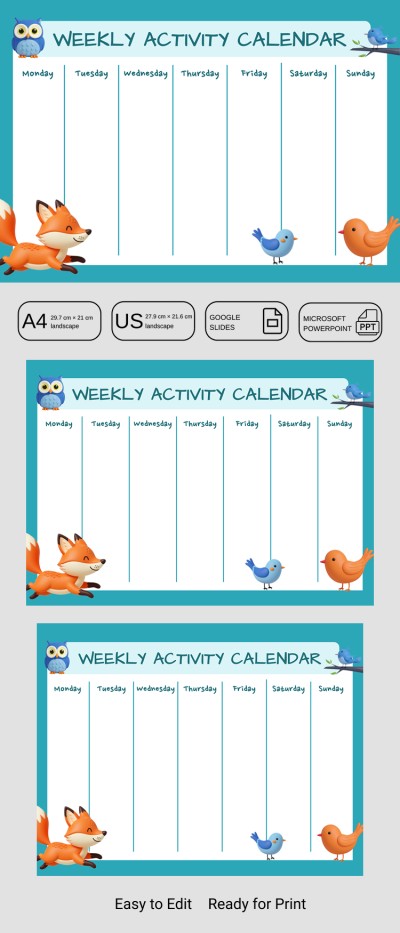
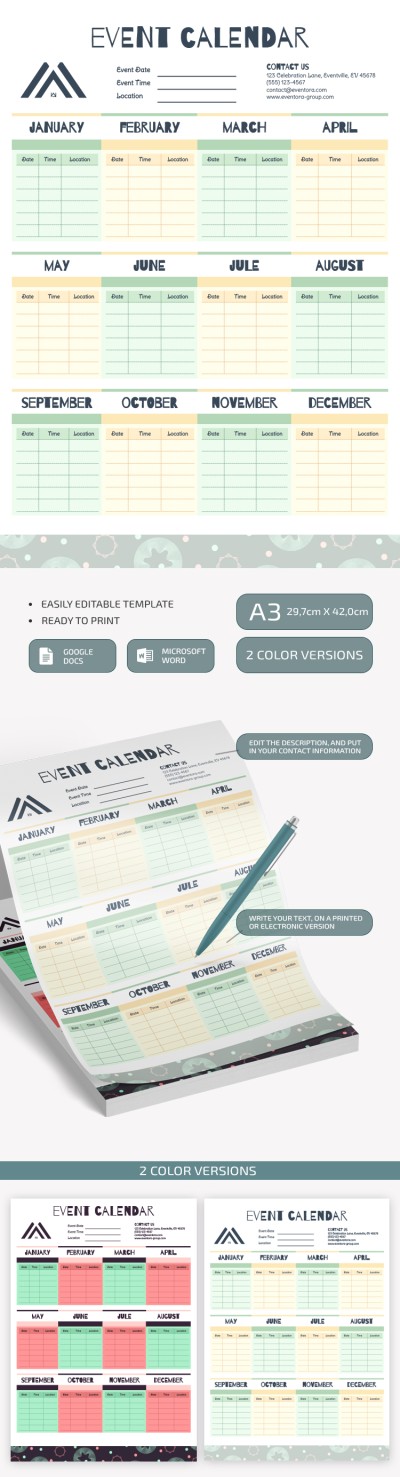
Event Calendar
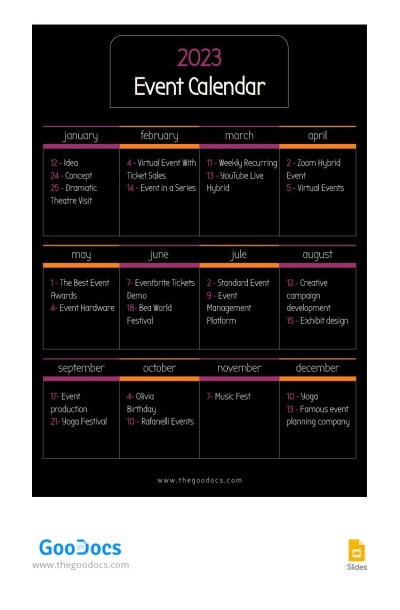
Black Event Calendar 2023
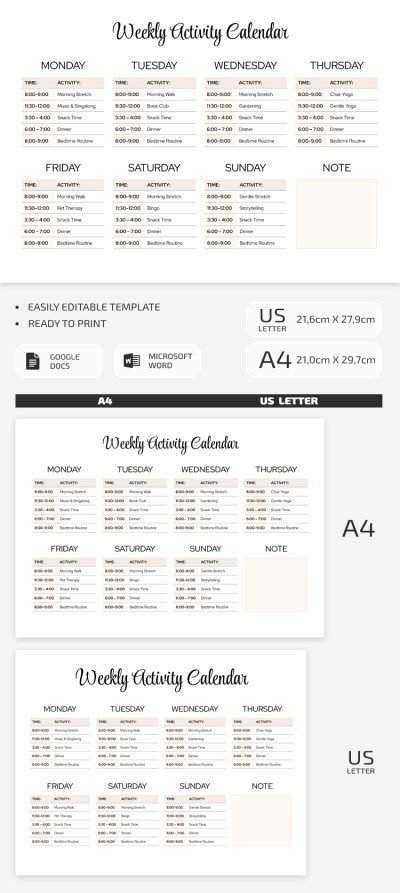
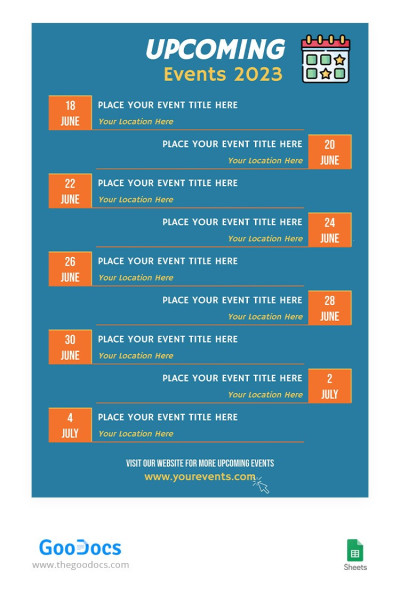
Turquoise Event Calendar
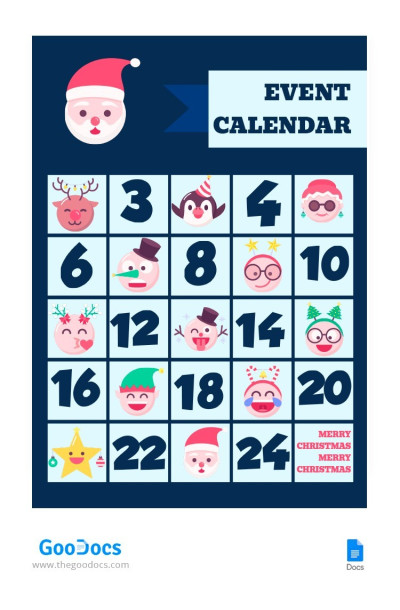
Christmas Event Calendar
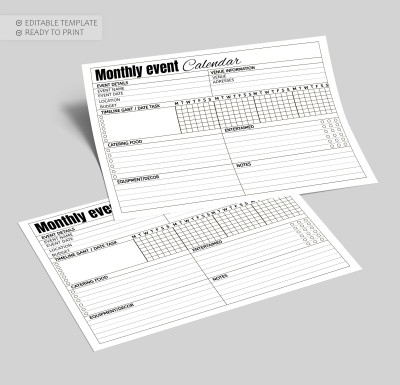
Montly Event Calendar
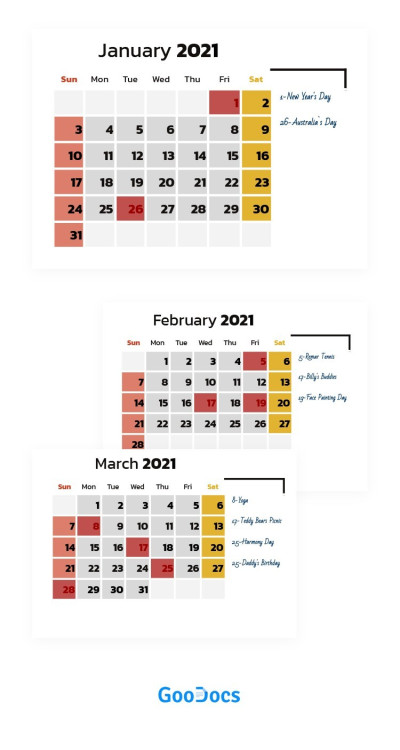
Special Event Calendar 2021
Event planning can be a daunting task, especially when it comes to creating a calendar from a blank page. However, event calendar templates can make this task easier. Let’s explore why you should start working with our templates and what they can give you.
Our event calendar templates save time and money.
Skip the lengthy process of creating a calendar from scratch with our free online templates! They already feature pre-made design and structure so the only thing left to do is to fill them out with your event schedule and other details.
All templates are editable and even printable in high quality.
It means you can add specific details and insert text blocks to your template for the events calendar. When it’s ready, simply print it out and hang it on your visual board. Alternatively, you can use a digital version which is also comfortable.
Our event calendars offer beautiful designs.
Each activity calendar template is created by professionals and comes with appealing layouts. This way, your event calendar will look professional, which is essential for business events.
You can edit our event calendar template to suit your needs right now. Add your brand colors, fonts, and other design elements to give your calendar a unique and personalized touch. You can choose a template in Google Docs, Word, Google Sheets, and Excel editors. Then, just leave the design as it is or customize it and include any event details and schedule. Download your free monthly calendar or opt for weekly and yearly options to start!
Event Calendars Templates FAQ
You don’t need any design skills to create an event calendar for free! Just follow the plan and use templates from TheGoodocs:
- Choose a suitable event calendar on this page. We recommend paying attention to the format. The most convenient for digital use are Google Sheets and Excel, while Word and Google Docs calendars are better for printing.
- Make a copy or download the calendar for free. Go to the template page and click Download or Get a Copy. Wait until the automatic download starts.
- Add a schedule. Each template includes fields for your notes, schedule, budget, and other details. You can choose from weekly and monthly event planner calendars.
- Use your calendar on any device or print it. Editors from Google allow you to work with your team remotely, and you can access the table or document from any device. You can also save the calendar in PDF to print.
You can create a convenient schedule in a few minutes with event calendar templates. They allow you to organize all your notes in one place and not miss a single detail. Try our samples today for free.

