ADVERTISEMENT
ADVERTISEMENT
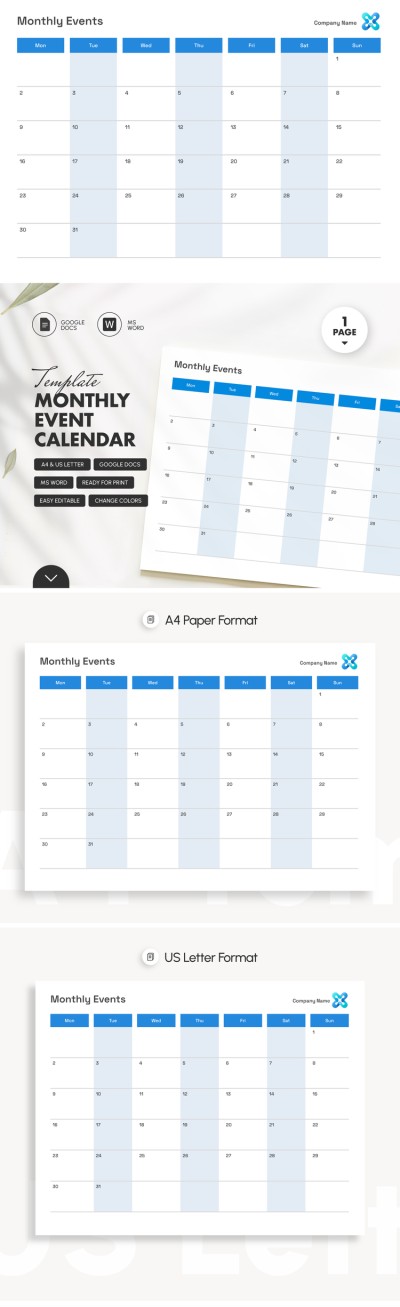
Montly Event Calendar Template
Use this free template with Google Docs and Microsoft Word
ADVERTISEMENT
Template Specification
Format
Google Docs, Microsoft Word
Created
July 12, 2024
Last Updated
October 3, 2026
Community
Added to collections by 14 Users
Usage Stats
2 downloads this month
Key Features of This Template
Suitable For
Event , Event Organizers , Personal
About this template
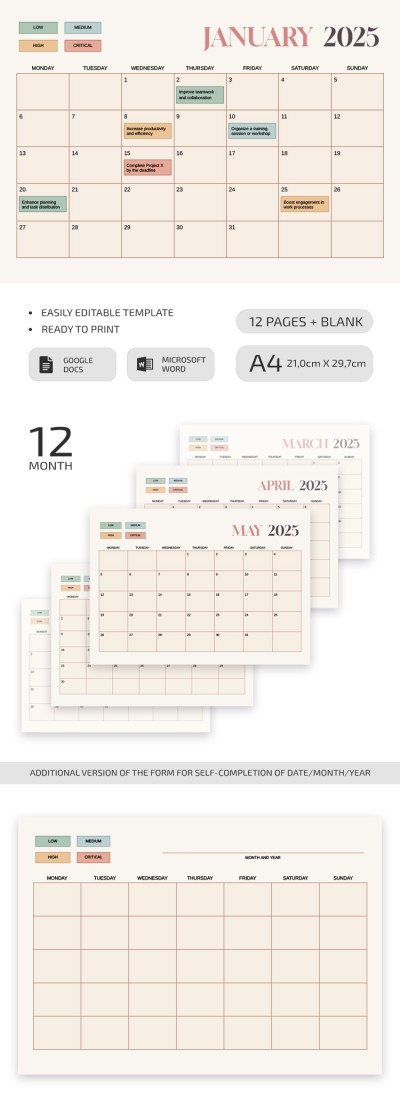
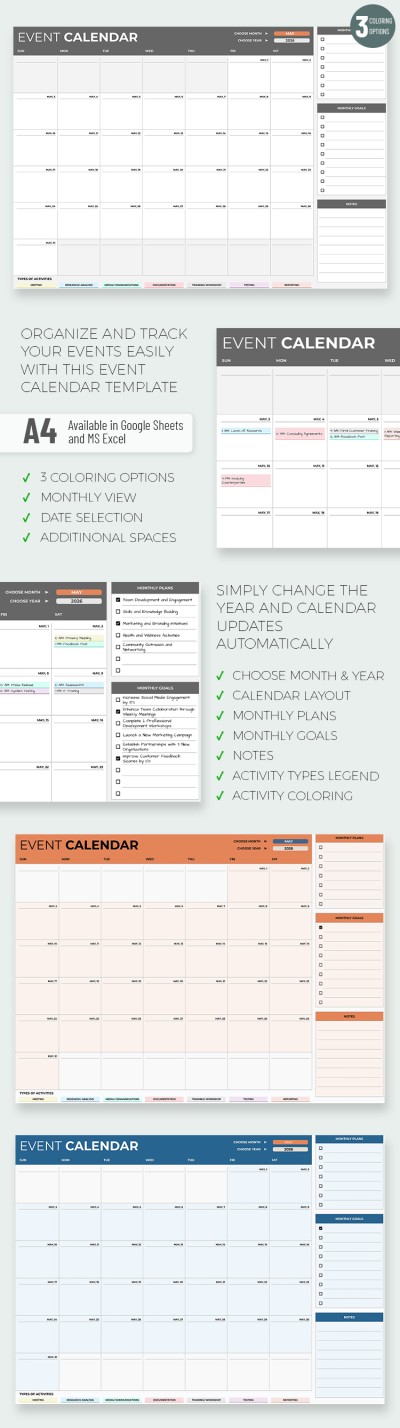
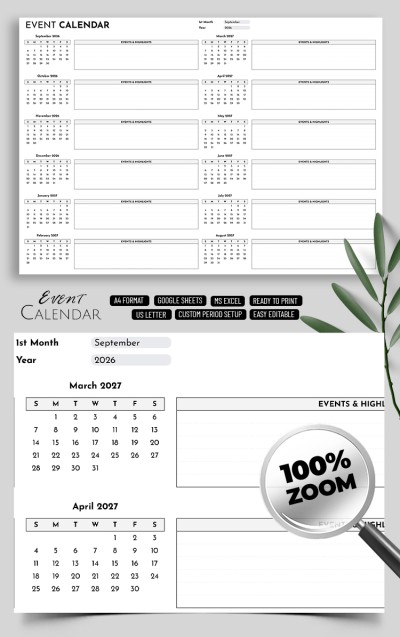
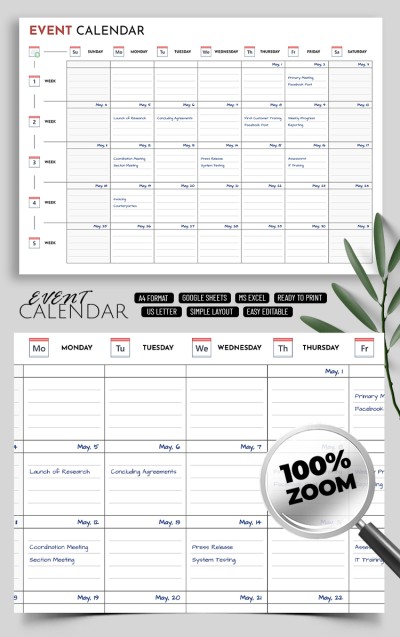
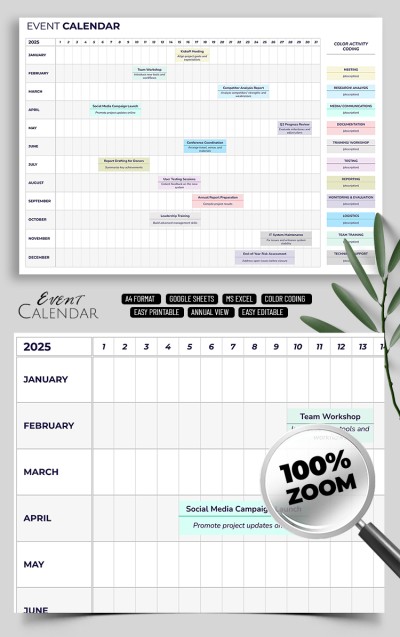
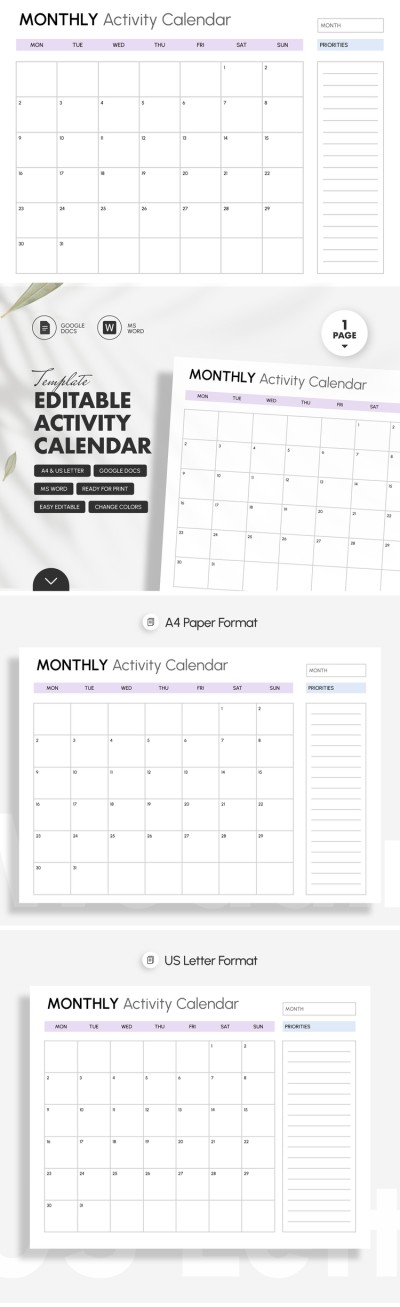
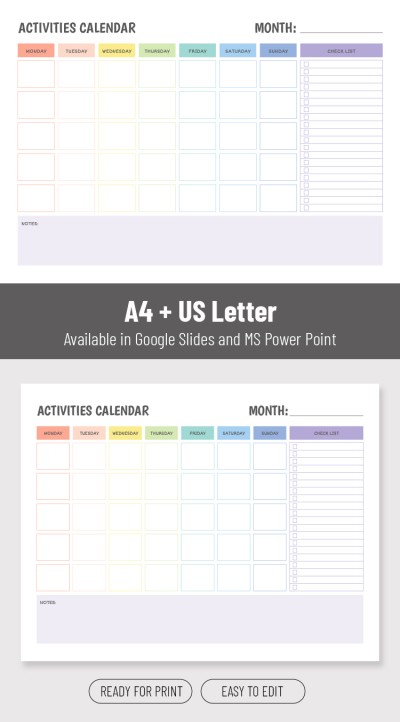
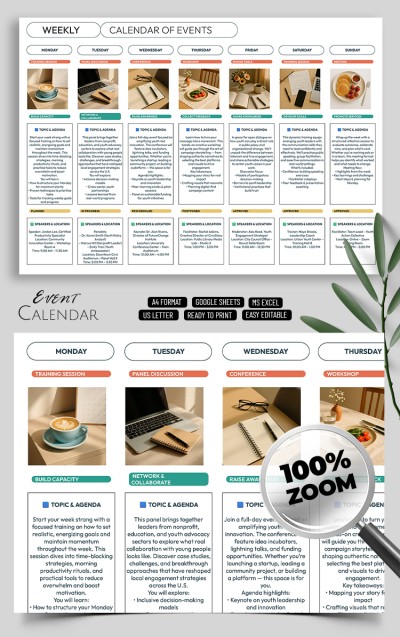
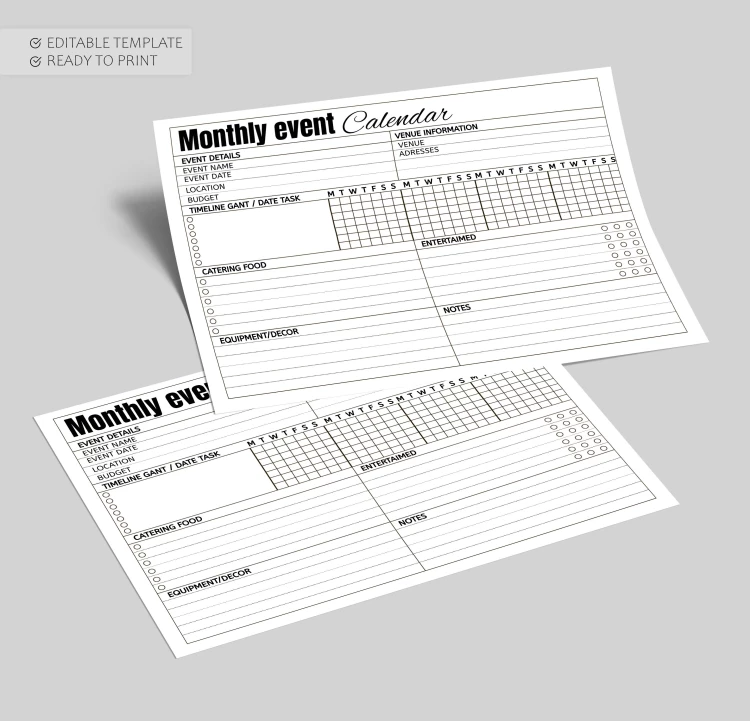
The Monthly Event Calendar Template is the only tool you need to track, schedule, and plan events. This one-page black-and-white Google Docs form includes seven sections for comprehensive scheduling.
Simple Blank with Formal Design
The black-and-white layout is a versatile choice that will suit agencies, event makers, and even people who don’t want to miss the concert of their favorite band. Included capitalized fonts and division into separate blocks will help you quickly find the necessary information in a filled template.
Practical Sections for Your Tasks
Our event calendar template consists of the following sections:
- Event details (name, date, location, budget).
- Venue information (venue, address).
- Timeline gant (date task).
- Catering food, entertainment, decor, and notes.
You can use the calendar online, offline, or in printed form. Find even more relevant calendar templates for your tasks.
ADVERTISEMENT
Free Template
Download Free Template
Choose your platform and start editing right away
PLATFORM
PAPER SIZE
A4
No account required • Attribution required
WHAT’S INCLUDED
Editable monthly planning sections
Date-specific task tracking grid
Comprehensive event detail fields
Catering and decor organization
Calendar Tips
Update the calendar at the start of each month.
Use distinct colors for easy task tracking.
Double-check venue details for accuracy.
Print multiple copies for team distribution.
FAQ
Is this template compatible with other editors?
No, it's designed for Google Docs and Microsoft Word only.
Is the template easy to use?
Yes, it's user-friendly with a clear layout.
Can I customize this template?
Yes, you can fully customize text and sections.
Is this template free to download?
Yes, it's completely free for all users.
How do I edit the text?
Simply click any text area to edit in Google Docs or Word.
ADVERTISEMENT
How to Use and Edit This Template

Get Your Document
Click the "Edit Template" button to create your own editable copy in Google Docs or download for Microsoft Word

Customize Everything
Easily change colors, fonts, and layouts to match your unique style or brand identity

Add Your Content
Fill in your data, upload images, and replace the placeholder text with your own information

Print, Export, or Share
Print, export as PDF, or share instantly