Get unlimited access to 5000+ Templates for Google Docs, Slides and Sheets
Unlimited Access
ADVERTISEMENT
ADVERTISEMENT

Printable & Editable Event Calendar Template

Use this free template with Google Sheets and Microsoft Excel
4.25 (1 reviews)
Last updated Updated July 14, 2026
Created by Natalia Prokhorenko
Type Weekly, Simple
ADVERTISEMENT

Template Specification

Format Google Sheets, Microsoft Excel
Created April 3, 2025
Last Updated July 14, 2026
Community Added to collections by 38 Users
Usage Stats 28 downloads this month

Key Features of This Template

Suitable For Event , Personal

About this template

Are you getting stuck with deadlines and assignments? Our Printable & Editable Event Calendar Template helps to structure all tasks by day and month. It's intuitive, simple, and edit-friendly. What sets it apart? 

First, the visuals. 

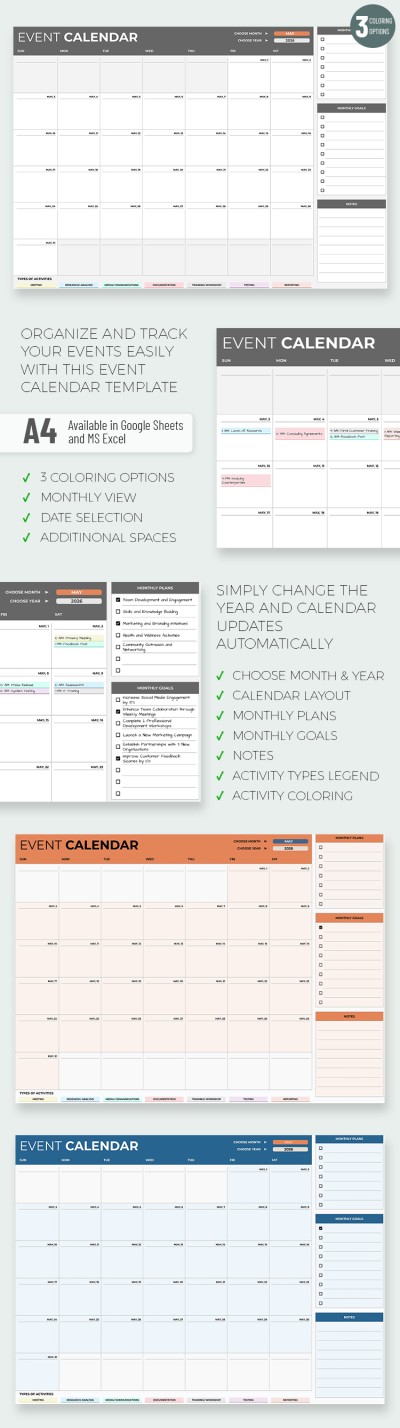
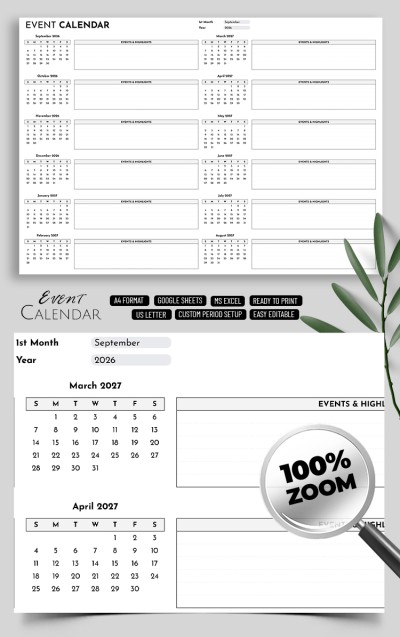
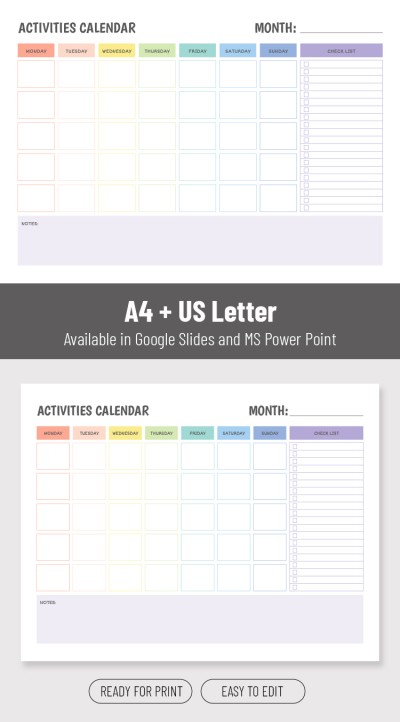
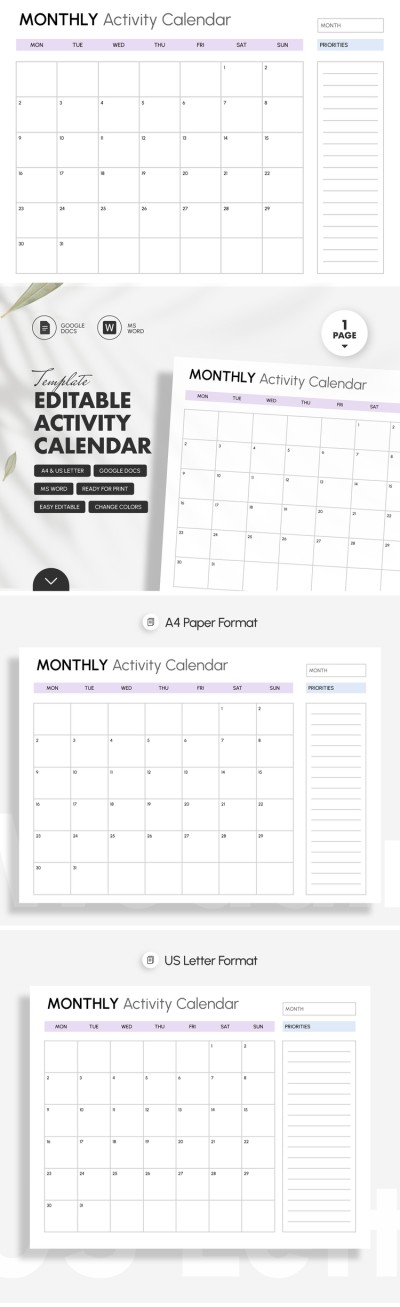
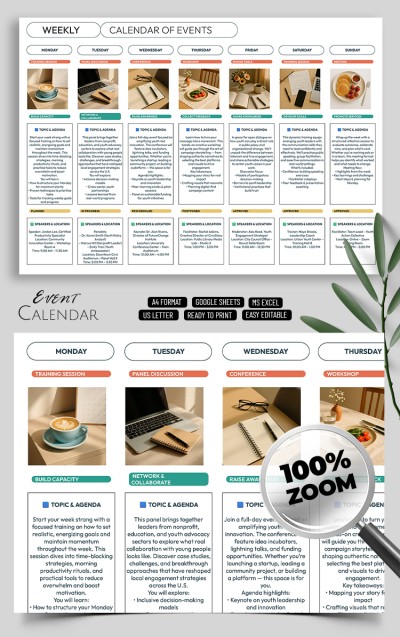
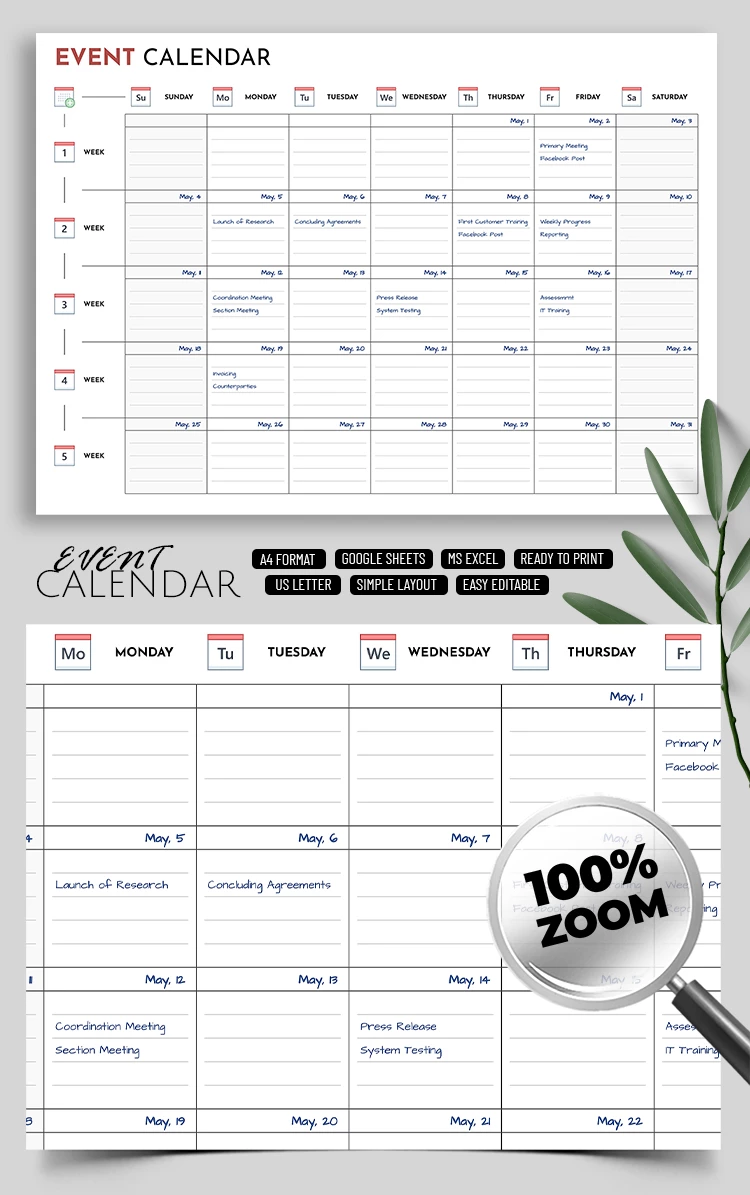
This activity calendar template is modest and understated, with occasional red and blue accents. There's a white background and black text, benefiting from the contrast. Red is rarely visible, in the mini graphic images of the calendar and title, mostly. The blue here marks the text inside the boxes. When editing online, the blue coloring and cursive feel like handwritten text. 

Second, the navigation. 

You will need a minute or less to understand the Google Sheets calendar template. All the elements, including weekdays, weeks, and note lines, are arranged logically. You should start filling it out and then share it online or print it out. 

Third, the flexibility of customization. 

Usually, our calendar templates are compatible with Google Sheets and Microsoft Excel tools. It means you can turn the most humble design into a flashy and expressive one. Whereas, minimal edits take minutes, for example, changing text color, background, typeface, and more.

ADVERTISEMENT
Free Template

Download Free Template

Choose your platform and start editing right away
PLATFORM

Google Sheets

Opens in browser

Microsoft Excel

.xlsx
PAPER SIZE
A4
US Letter
Google Sheets – A4
No account required • Attribution required

WHAT’S INCLUDED

Monthly and weekly views
Editable event description fields
Color-coded for easy navigation
Printable A4 and US Letter

Calendar Tips

1
Regularly update events to keep organized
2
Use color codes for different priorities
3
Share with team members for collaboration
4
Print weekly to stay on track

FAQ

Is the calendar compatible with my software? Yes, it's compatible with Google Sheets and Microsoft Excel.
How easy is it to use? Very easy — intuitive design for quick updates and navigation.
Can I customize the calendar layout? Yes, easily change colors and text in both Google Sheets and Excel.
Is there a cost to download? No, it's completely free to download and use.
How does event scheduling work? Simply enter event details in Google Sheets and Excel cells.
ADVERTISEMENT

How to Use and Edit This Template

Get Your Document

1

Get Your Document

Click the "Edit Template" button to create your own editable copy in Google Sheets or download for Microsoft Excel
Customize Everything
2

Customize Everything

Easily change colors, fonts, and layouts to match your unique style or brand identity
Add Your Content
3

Add Your Content

Fill in your data, upload images, and replace the placeholder text with your own information
Print, Export, or Share
4

Print, Export, or Share

Print, export as PDF, or share instantly

Related Templates

Recently Viewed