
Company Newsletter Templates
Make your company newsletter engaging with our professionally designed company newsletter templates! These editable and printable examples are available in Google Docs, Word, Slides, and PowerPoint formats. Choose from ready-made modern, simple, and other great options. Customize for free in a convenient format.
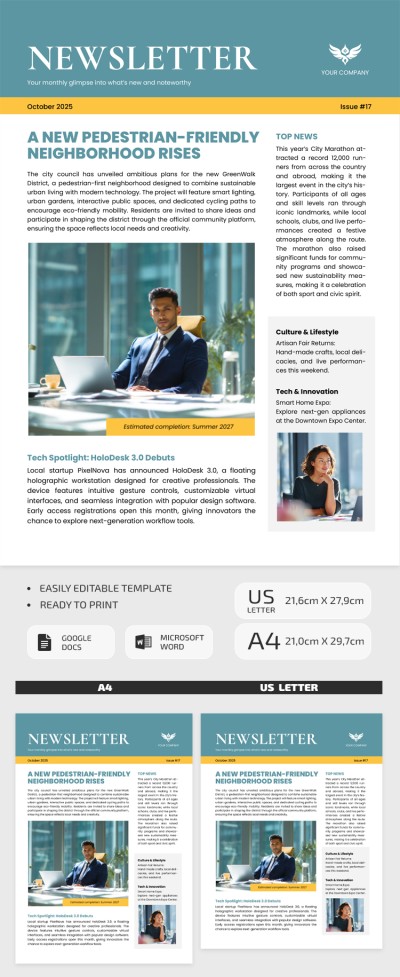
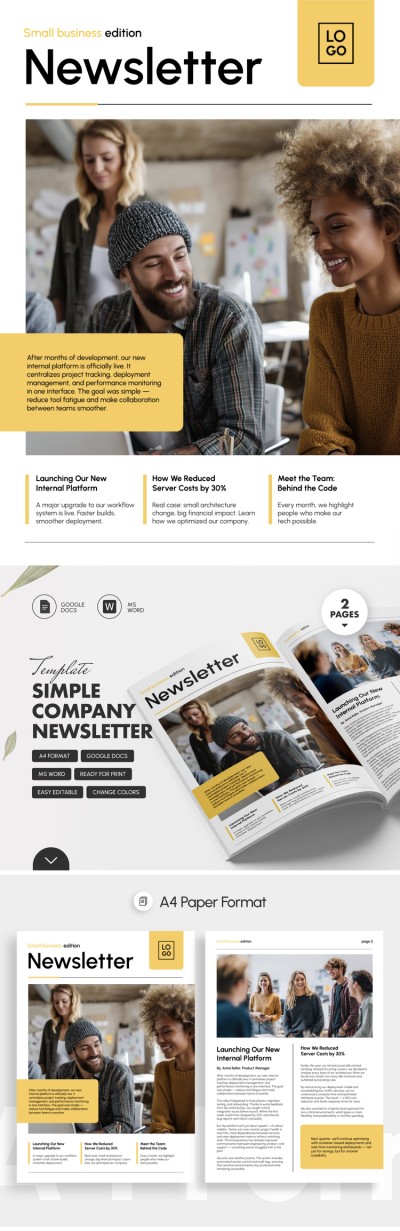
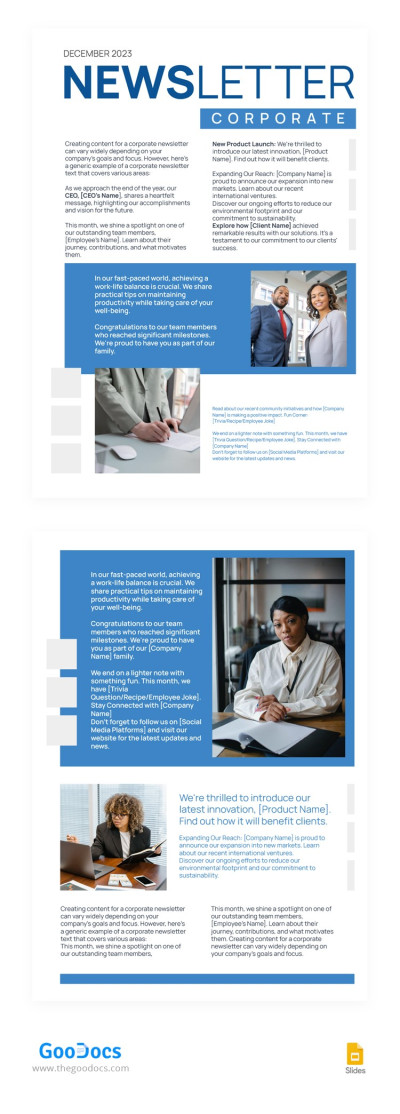
Corporate Blue Newsletter
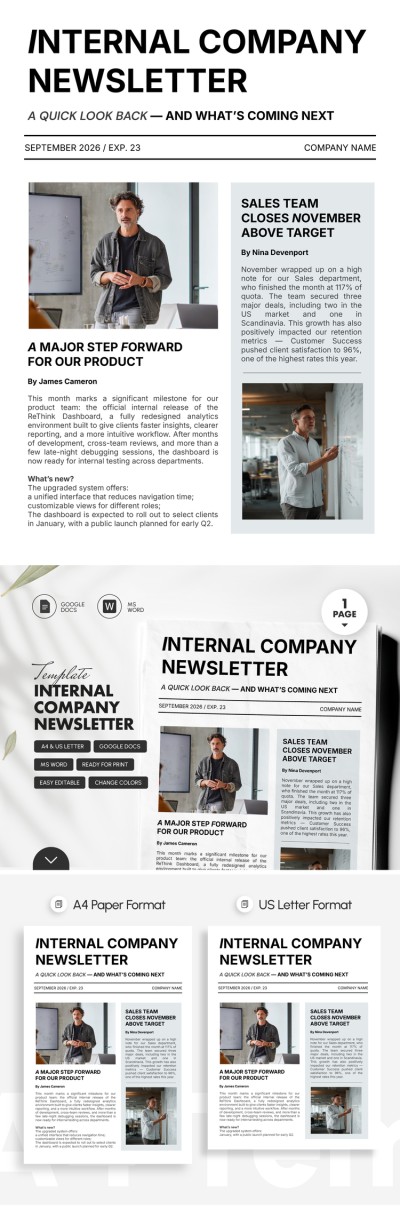

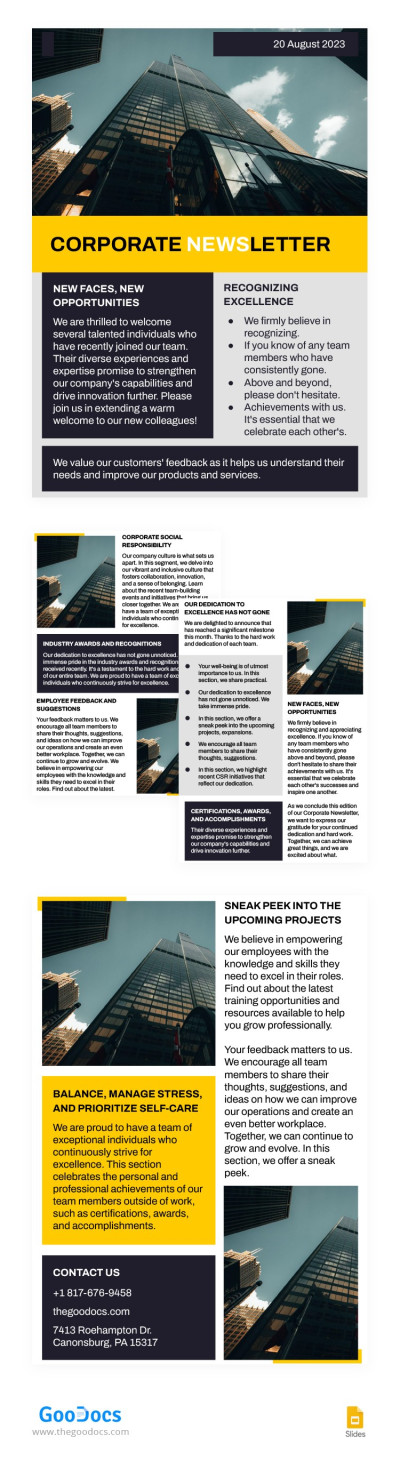
Minimal Austere Corporate Newsletter
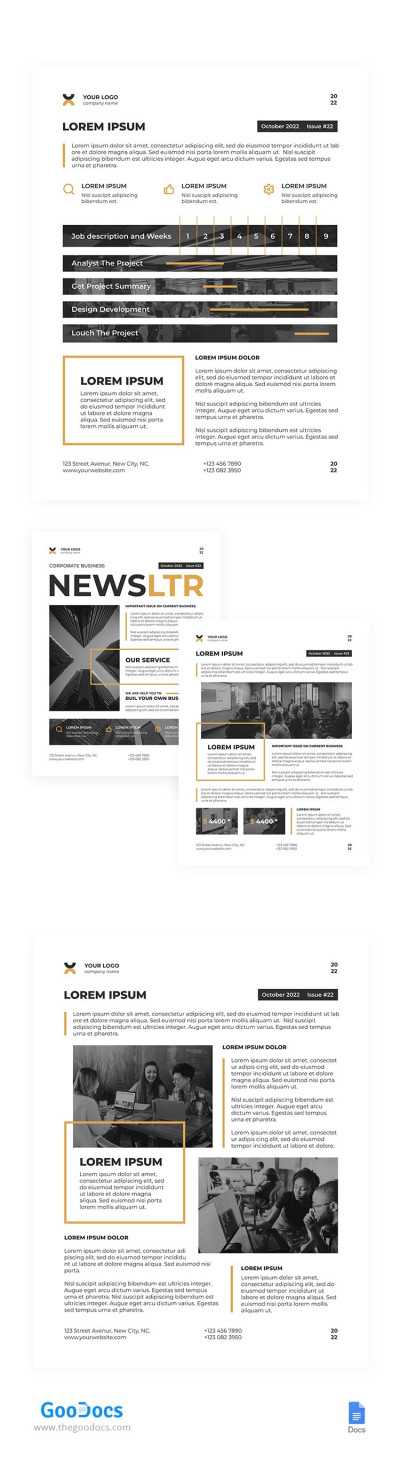
Informative Corporate Newsletter
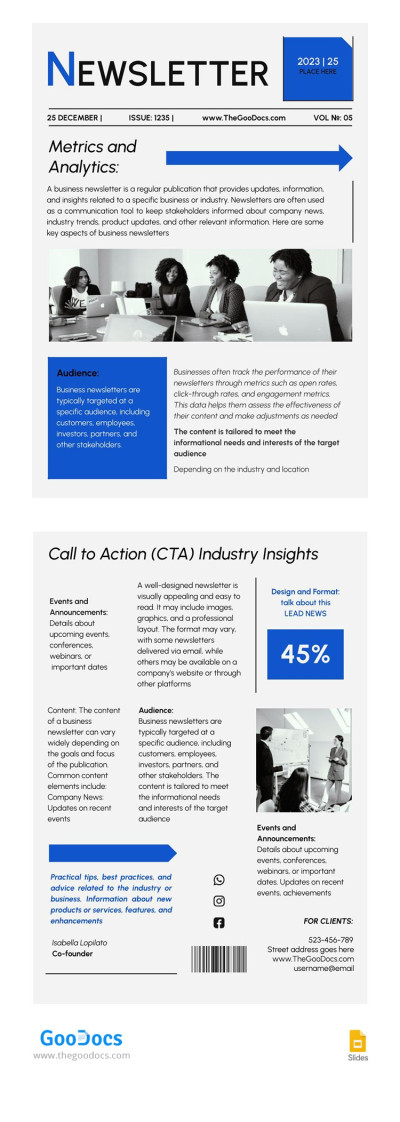
Industry Company Newsletter
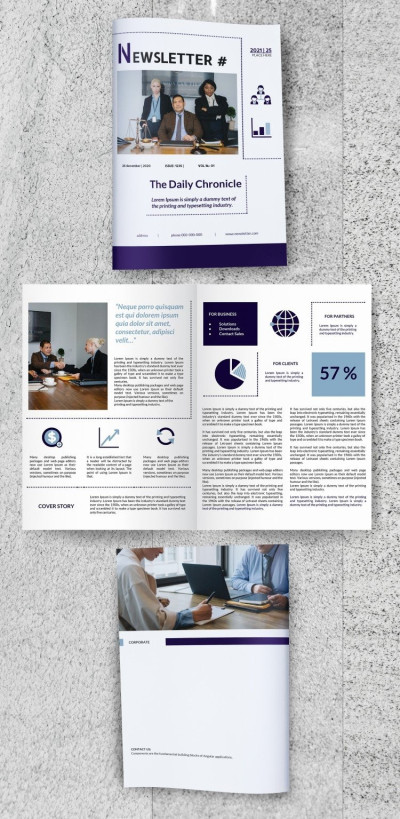
Company Newsletter
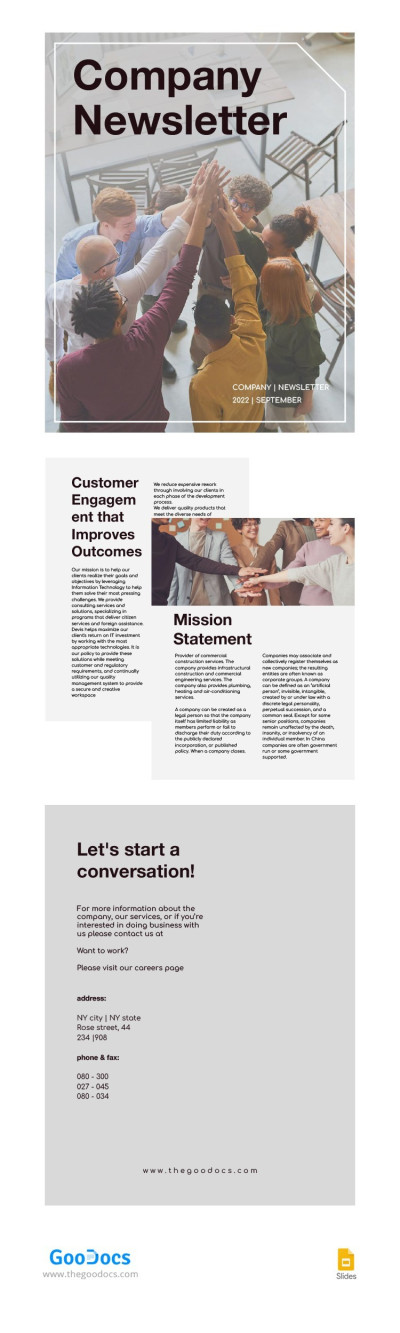
Pastel Company Newsletter
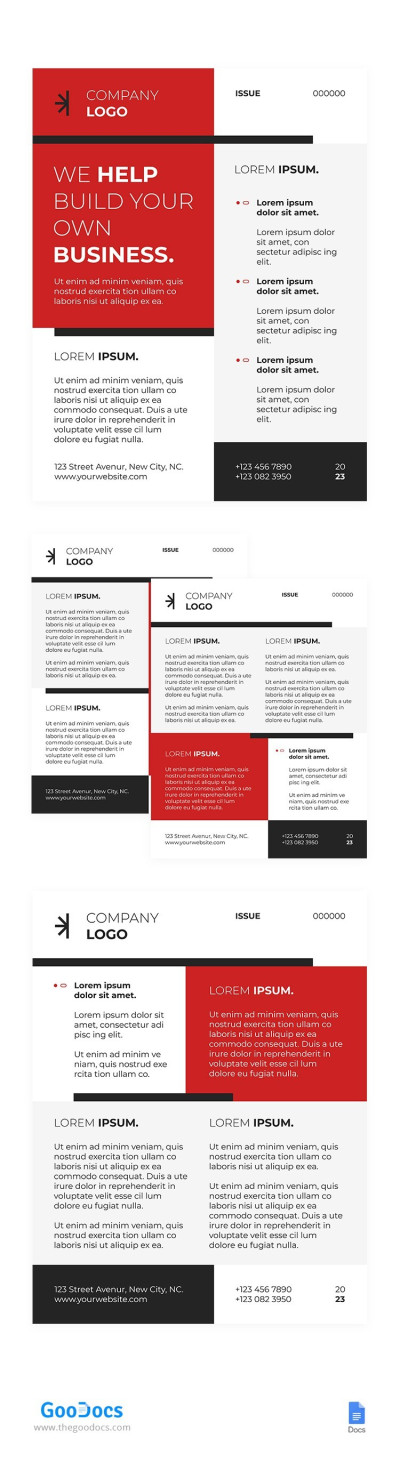
Modern Red Newsletter
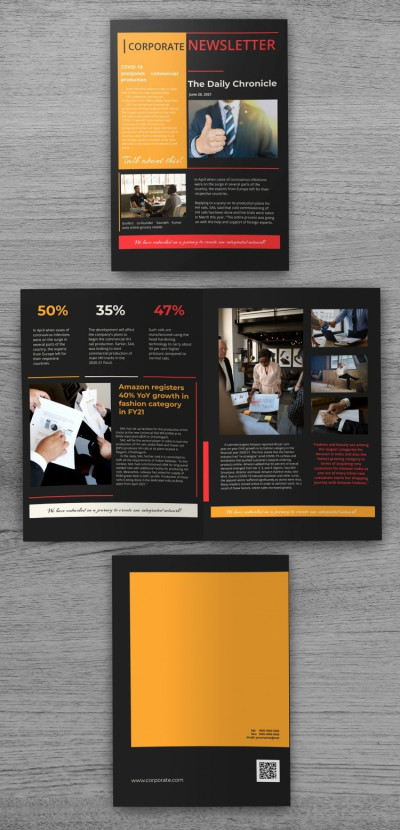
Dark Corporate Newsletter
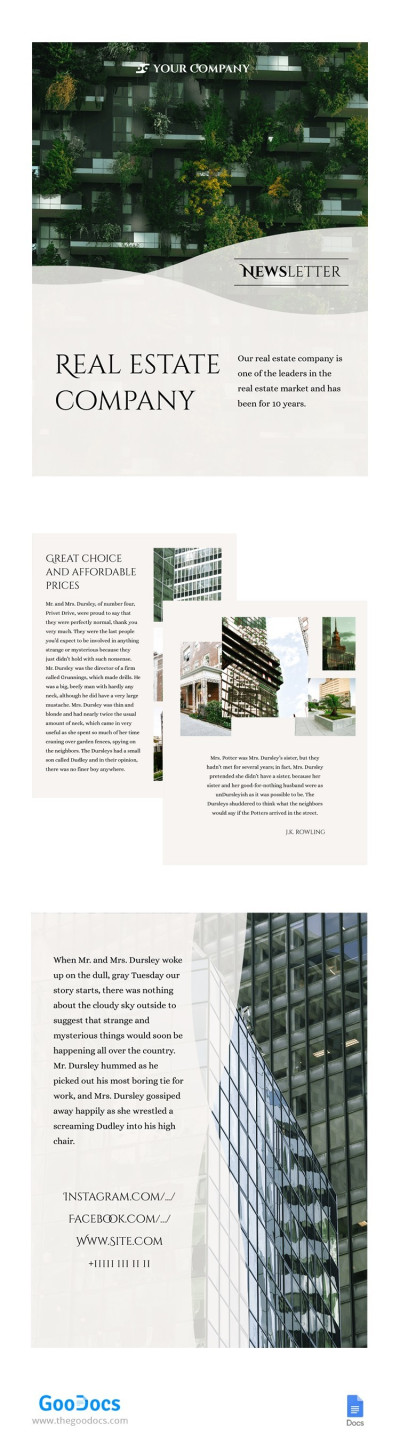
Real Estate Company Newsletter
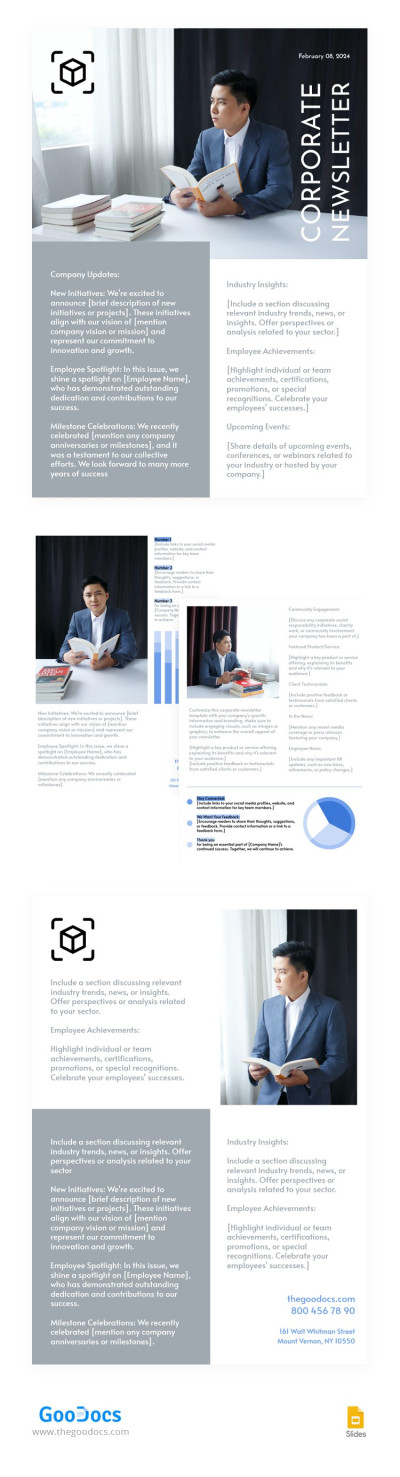
Corporate Grey Newsletter
Is your company short on staff to create newsletters, or do you want to take their design and content to the next level? Our collection of company newsletter templates will help you kill two birds with one stone. We offer newsletter options for both internal and external use. Add any news, updates, and announcements to the pre-made fields, and you're ready to go in just a couple of minutes.
Here are some of the advantages of using our corporate newsletter templates:
- Format your newsletters quickly and professionally, even without a designer. All you need to do is start filling out the ready-made layout. Creating the structure and design of the email is now a thing of the past. Our templates include sections for company news, announcements, analytics, CTAs, and more.
- Edit templates in various formats. On this page, you'll find newsletters available in Google Docs, Word, Google Slides, and PowerPoint. These editors allow you to incorporate your brand style into our templates without any special skills. Click on the desired placeholder to insert new text or replace a photo. Customize fonts, add a logo, and change colors in just a few clicks.
- Create materials for both print and digital use. Importantly, our company newsletter samples look equally good digitally and after printing. You can use them for email newsletters, internal announcements, corporate displays, and meeting presentations. Our newsletters are among the most versatile.
Simply add text and relevant photos or customize the initial design to suit your company's needs. With complete creative freedom, our templates allow you to produce the most personalized issues. Find more PowerPoint newsletter templates on this page.
Company Newsletters Templates FAQ
Creating a newsletter format for your company that drives conversions and keeps your audience engaged varies greatly depending on your industry.
However, there are some guidelines you can follow when creating a newsletter:
- Decide what you need the newsletter for. Before creating a new edition, you need to understand your goals. Do you want to increase traffic, promote a new product, introduce your audience to your services, or maintain contact? Based on this, you'll need to choose the tone, content format, and CTA.
- Understand your audience. A one-size-fits-all newsletter is rarely effective, so it's best to create several editions. The better you know your audience, the easier this becomes. Start by segmenting subscribers by interests and behavior, and then track the results and adjust your scenarios accordingly.
- Pay attention to the email subject line. If the subject line doesn't grab attention, no one will open your email. The wording should be specific and spark curiosity. There are three main techniques for this: offer benefits (“get a discount/product/top 5 tips”), help avoid mistakes (“how to avoid common errors/80% of customers didn’t know this”), or create a sense of urgency (“only 2 days left”).
- Use a company newsletter template. The content should be easy to read and include visuals, a modern design, and a clear hierarchy of headings. To ensure your newsletter aligns with current trends, you can choose an editable company newsletter template from TheGoodocs.
- Send your newsletter at the right time. This depends on your niche and audience. However, in general, Tuesday, Wednesday, and Thursday are considered the best days. Weekends are better suited for non-promotional email campaigns.
If your newsletter follows all these guidelines, you'll have a greater chance of engaging your audience. And of course, don’t forget to try company newsletter templates from TheGoodocs for a professional design, especially on mobile devices.
Depending on the type and frequency of your newsletter, you can include different sections. Most companies add industry events and news, success stories, job openings, product updates, and more. Anything that could be useful and interesting to readers is suitable, including marketing campaigns and discounts for regular customers.
We recommend checking out the templates from TheGoodocs to create a company newsletter that really works. Our templates include pre-designed sections for text and images, as well as sample content, allowing you to build a personalized newsletter for your brand with ease.