
Address Book Templates in Google Docs and Word
Our printable address book templates offer fun, floral, modern, and abstract designs with unique covers for each option. You can find dozens of ready-made, editable, and printable book samples in Google Docs, Word, Google Sheets, and Excel formats. These blanks offer easy editing and personalization to make organizing your contact information a breeze.
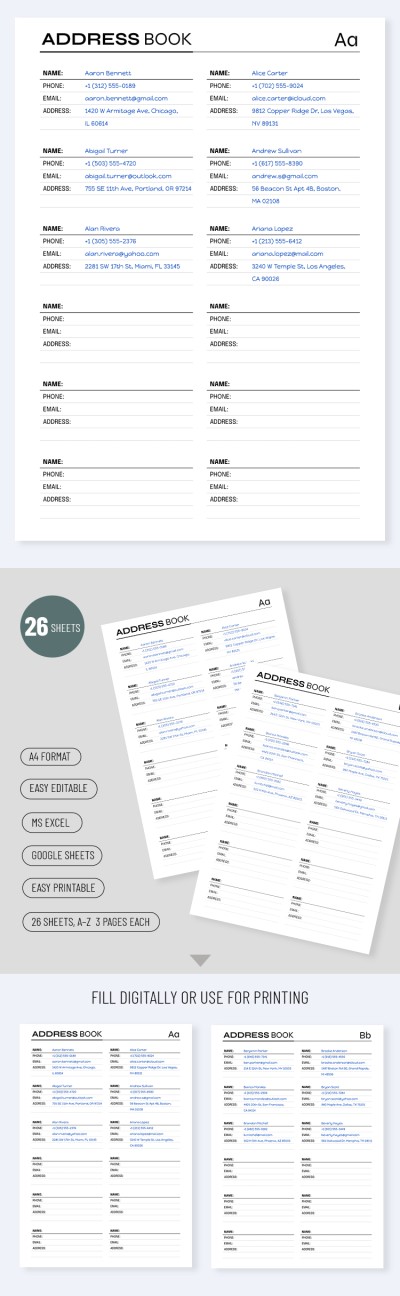
Simple Address Book Template
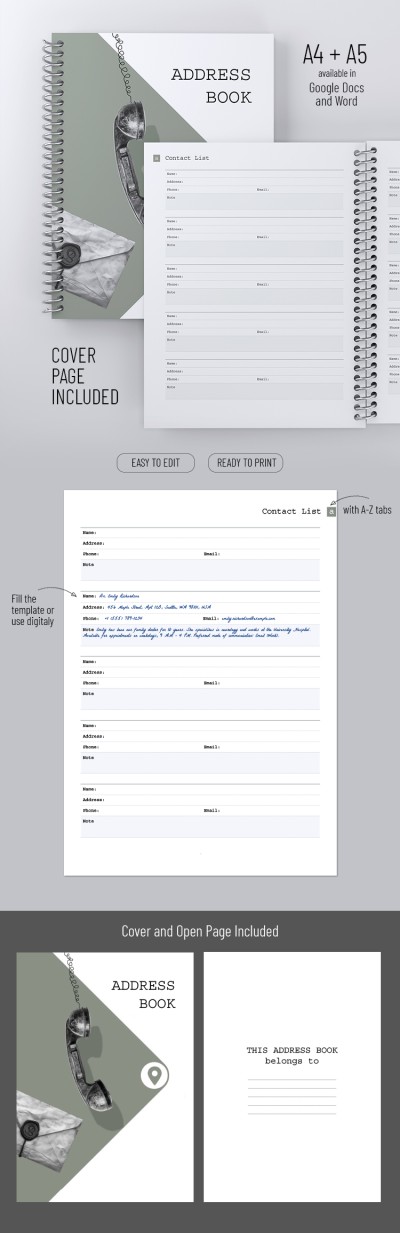
Simple Address Book
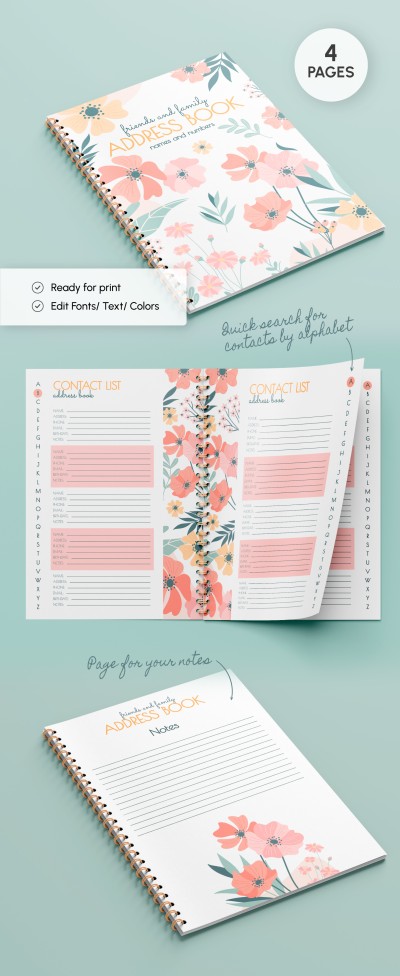
Address Book
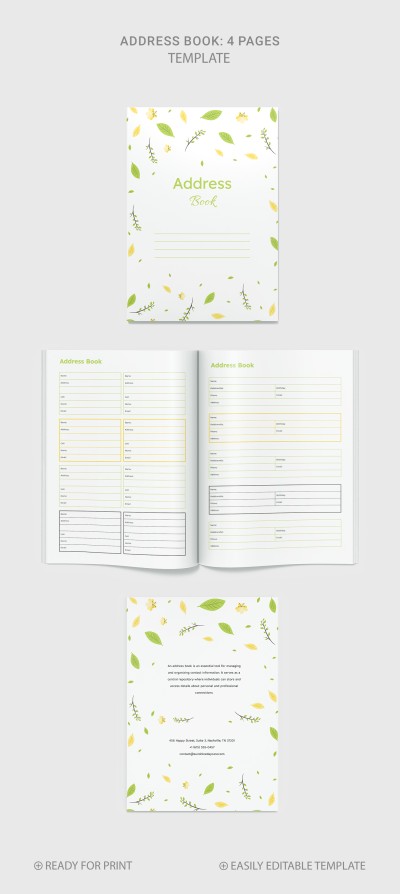
Large Print Address Book
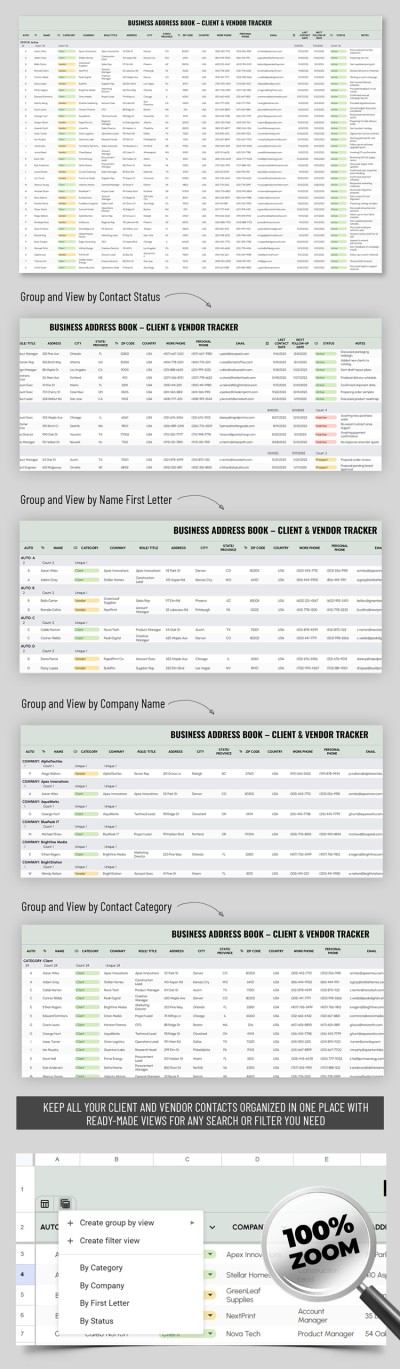
Business Address Book – Client & Vendor Tracker Template

Classic Address Book
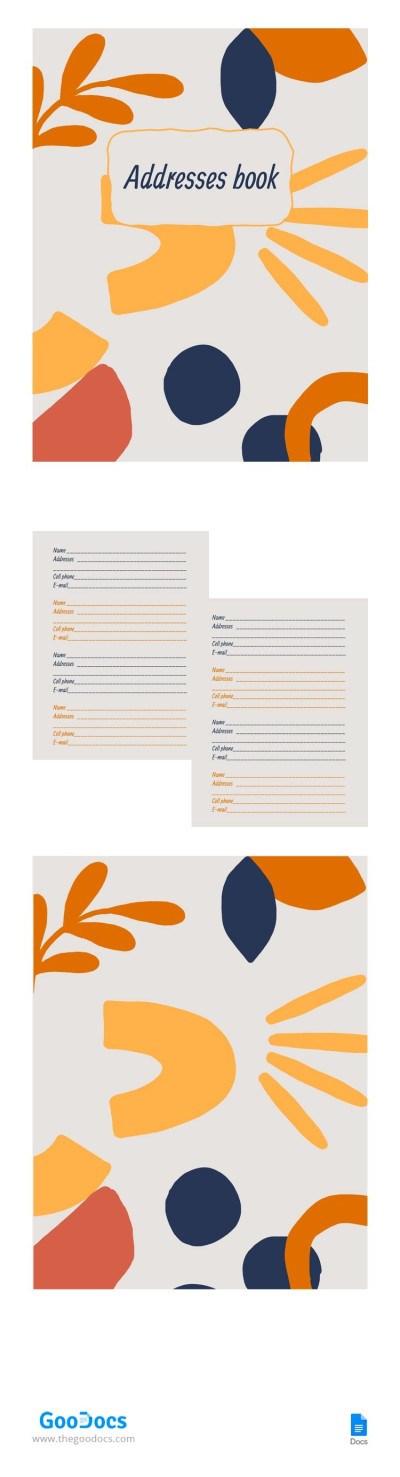
Addresses Book
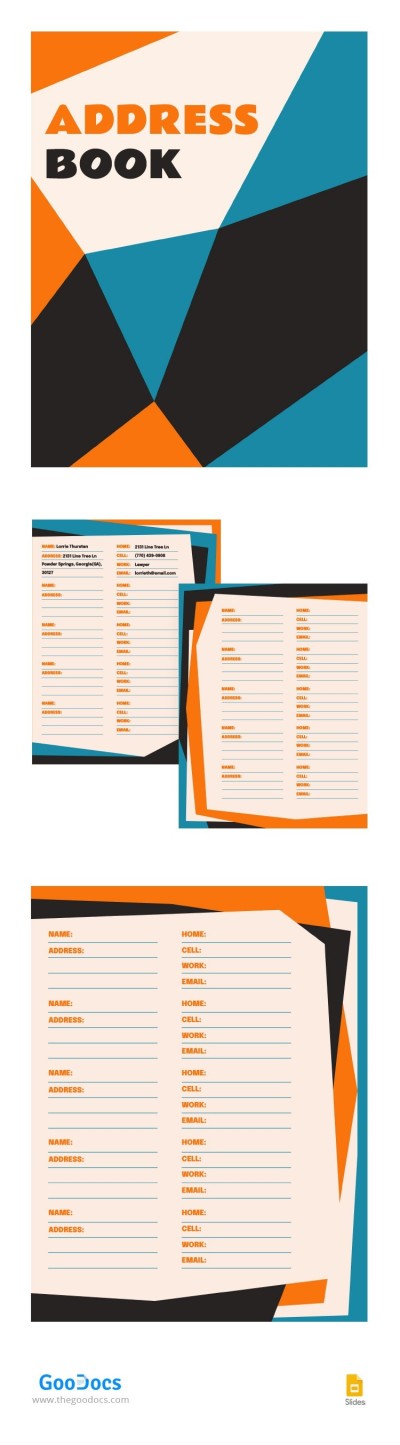
Appealing Address Book
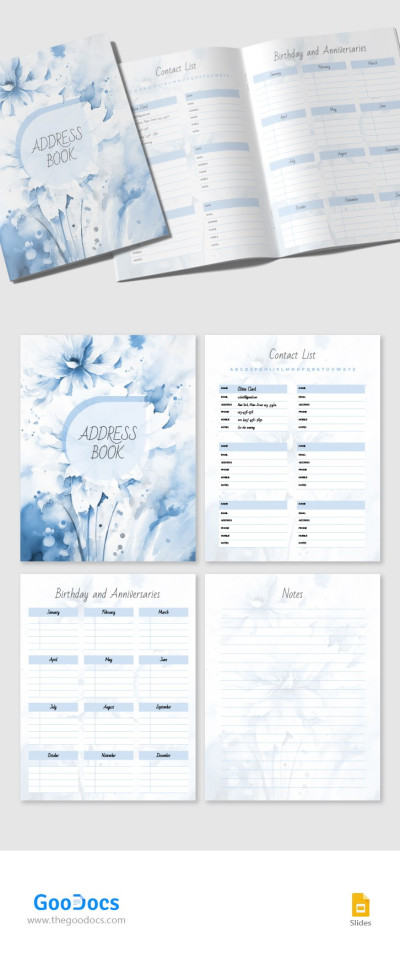
Blue Address Book
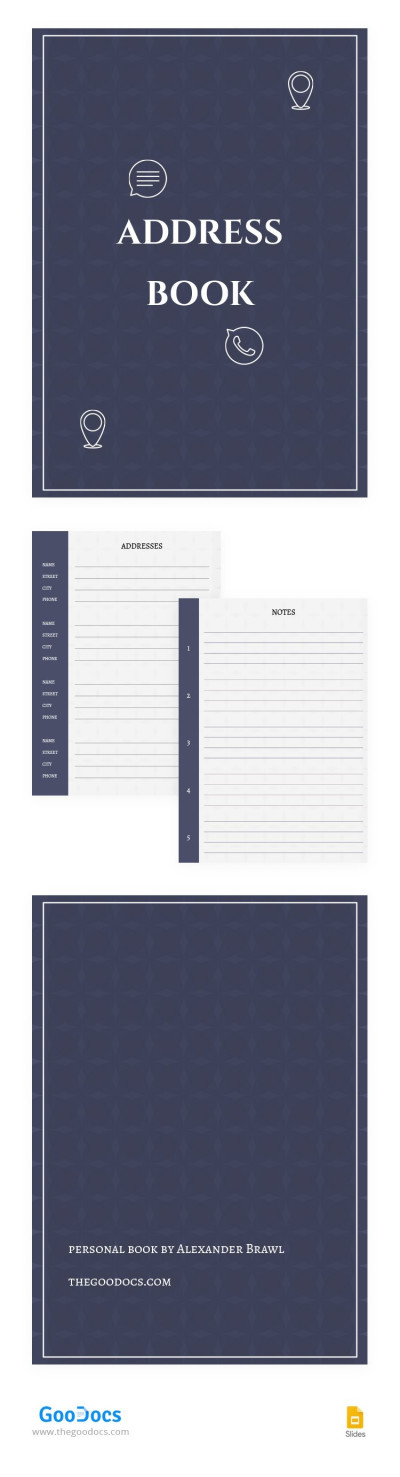
Modern Book Address
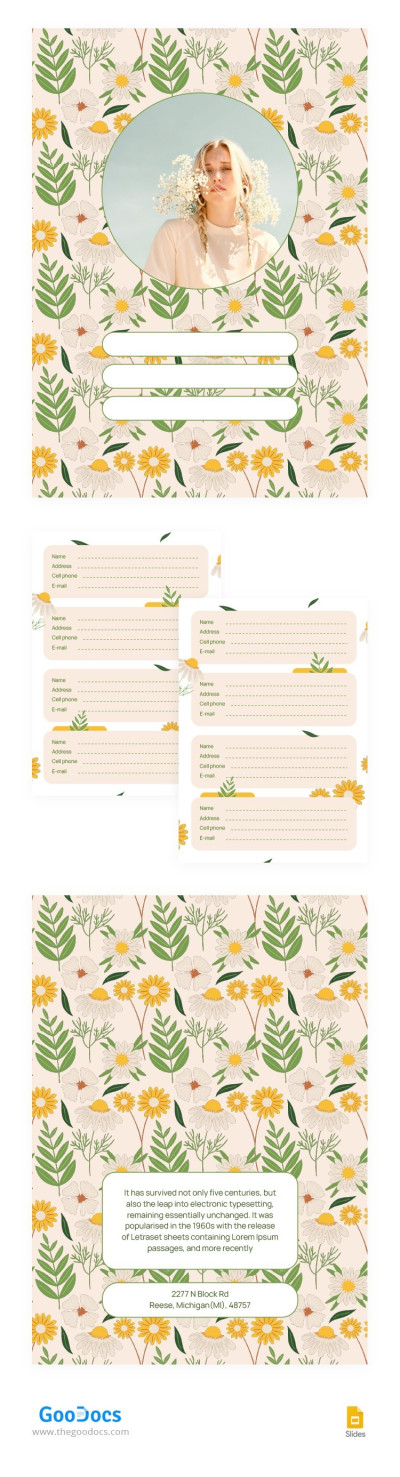
Address Book with Flowers
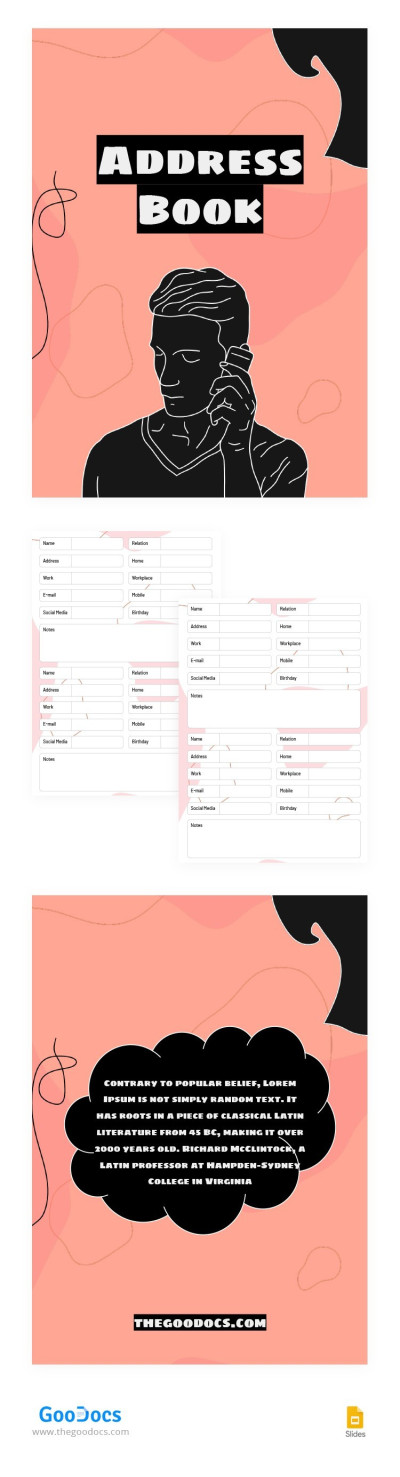
Drawing Address Book
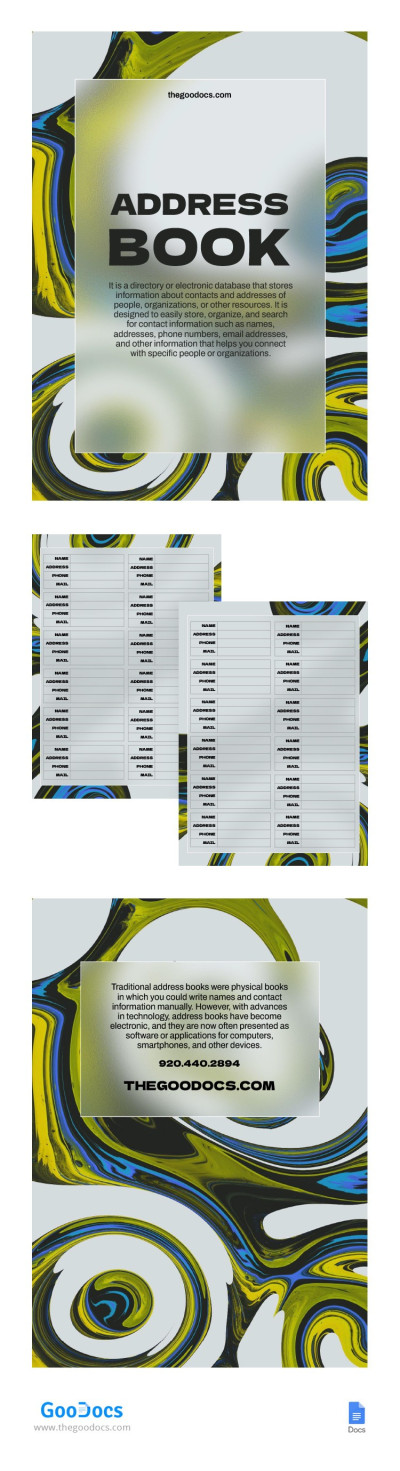
Abstract Modern Address Book
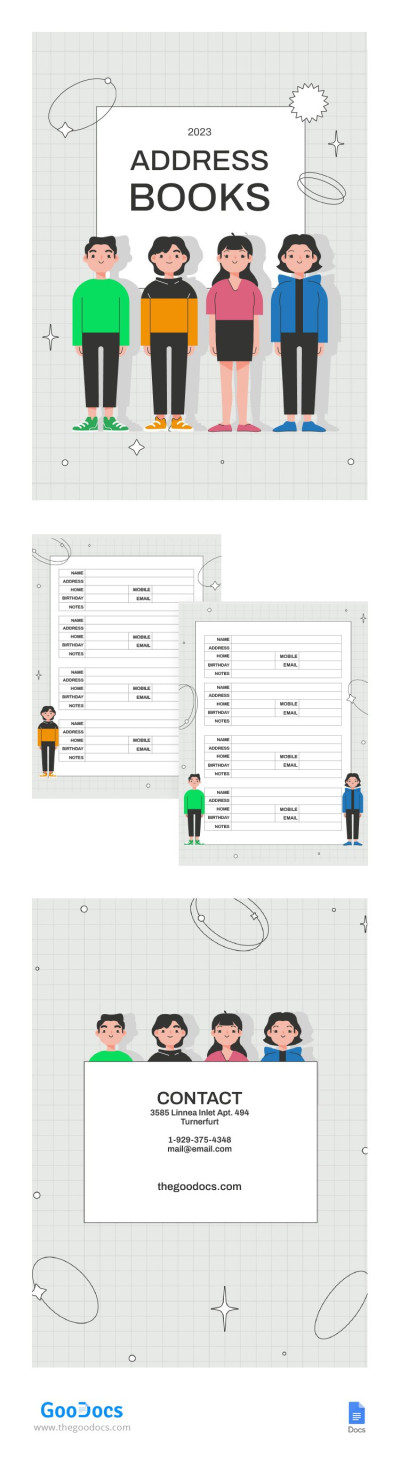
Funny Modern Address Book
Please try different filters or clear all to start over.
Address books are very convenient to store contact information. You can use them to manage all phone numbers, e-mail addresses, and postal addresses of clients or friends in one place. Our ready-made address list template will help you to organize and find the necessary contacts and maintain their relevance. This way, you can avoid chaos in your records and easily find relevant contacts!
On this page, you will find large print, basic, simple, and creative address book templates to help you efficiently organize your communications. Our templates are designed with all requirements of convenience and style in mind!
The best sides of our book templates:
- They are easy-to-use, editable, and printable;
- You can find the address book template in Google Docs, Word, Google Sheets, and even Excel formats;
- We offer instant loading and adjustment to your needs online;
- Dozens of beautifully designed printable address book templates in Word are available for free.
Choose a phone book template on our website and start managing your contacts today! Don't forget to check our our collection of book templates in Google Docs for any of your tasks!
Address Books Templates FAQ
The easiest way to create an address book is to use a ready-made template from TheGoodocs. This way, you don’t need to plan the structure or build automated search and other advanced features from scratch.
You can create your address book in minutes:
- Decide whether you prefer a printed or digital address book. Google Sheets and Excel templates are best suited for digital use, while Google Docs or Word are ideal for printing.
- Select the address book template that best matches your preferred design and structure on this page. We’ve sorted the templates by style for your convenience.
- Download the template to your device or make a copy in one of Google’s formats directly to your Google Drive. To do this, go to the template page and click the corresponding button next to the preview.
- Enter your data using the editor or print the template first. Click on any placeholder and type in contact names, addresses, phone numbers, emails, and notes. All our templates are also ready for printing in standard A4 and US Letter sizes.
Now your address book is ready and features a convenient structure and professional design. Choose from our selection of free and premium options and start customizing and filling them out today.
You can create an address book in Google Sheets by following this step-by-step guide:
- Open a blank spreadsheet in Google Sheets.
- Create a table with the columns Name, Email, Phone, Address, and Notes. You can also add Gender and Birthday if needed.
- Fill the table with all your contacts.
- Sort the Name column alphabetically. To do this, right-click the top cell, click Create a filter, and select Sort A–Z (or “Sort Alphabetically”).
In just a few simple steps, you can create a basic address book in Google Sheets that allows you to quickly search contacts alphabetically. You can also press Ctrl + F to search by name, phone number, birthday, or any other parameter to find a specific contact.
If you prefer a more attractive or professional design with advanced features, you can find a suitable address book template on our website. This way, you won’t have to build the structure from scratch, and the layout will look polished and professional. With our templates, all you need to do is enter your contacts — and your address book is ready to use.