Get unlimited access to 5000+ Templates for Google Docs, Slides and Sheets
Unlimited Access
ADVERTISEMENT
ADVERTISEMENT

Simple Address Book Template

Use this free template with Google Docs and Microsoft Word
4.25 (1 reviews)
Last updated Updated July 11, 2026
Created by Halyna Uygur
Type Nonfiction, Modern, Portrait, A4 / US Letter, A5 / Half Letter
ADVERTISEMENT

Template Specification

Format Google Docs, Microsoft Word
Created October 6, 2024
Last Updated July 11, 2026
Community Added to collections by 34 Users
Usage Stats 79 downloads this month

Key Features of This Template

Suitable For Personal

About this template

Seeking a convenient phone database to organize contacts by alphabet? You've already found it. Use a simple address book template to keep in touch with your friends and acquaintances. 

Clean Design 

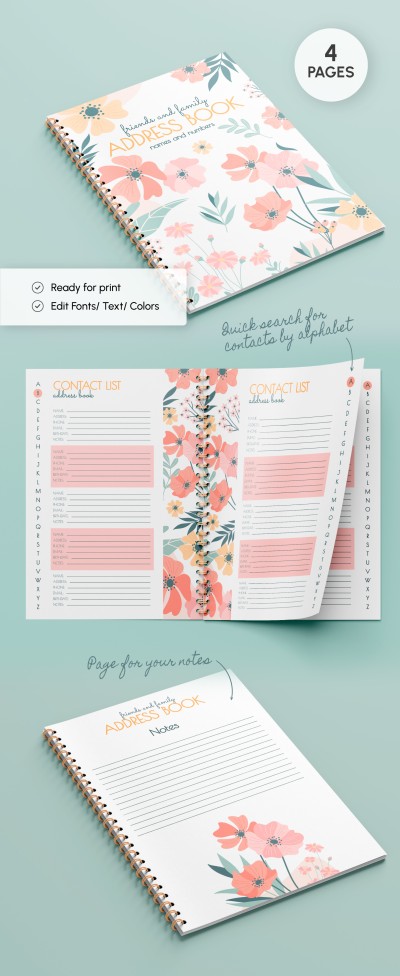
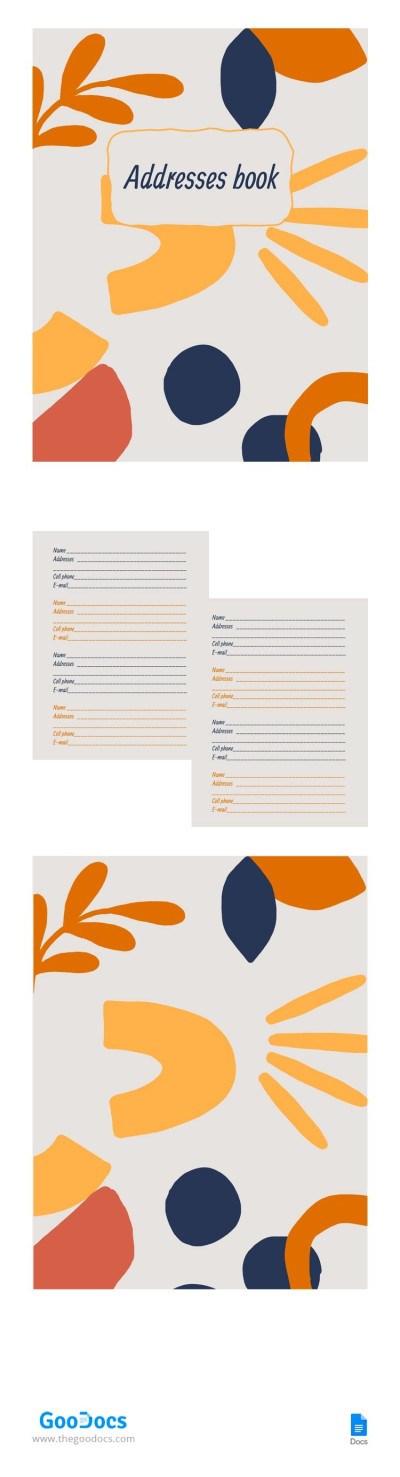
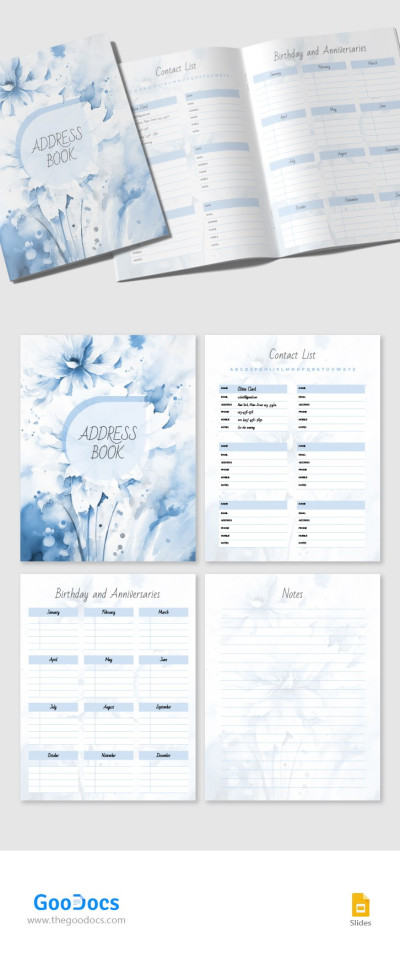
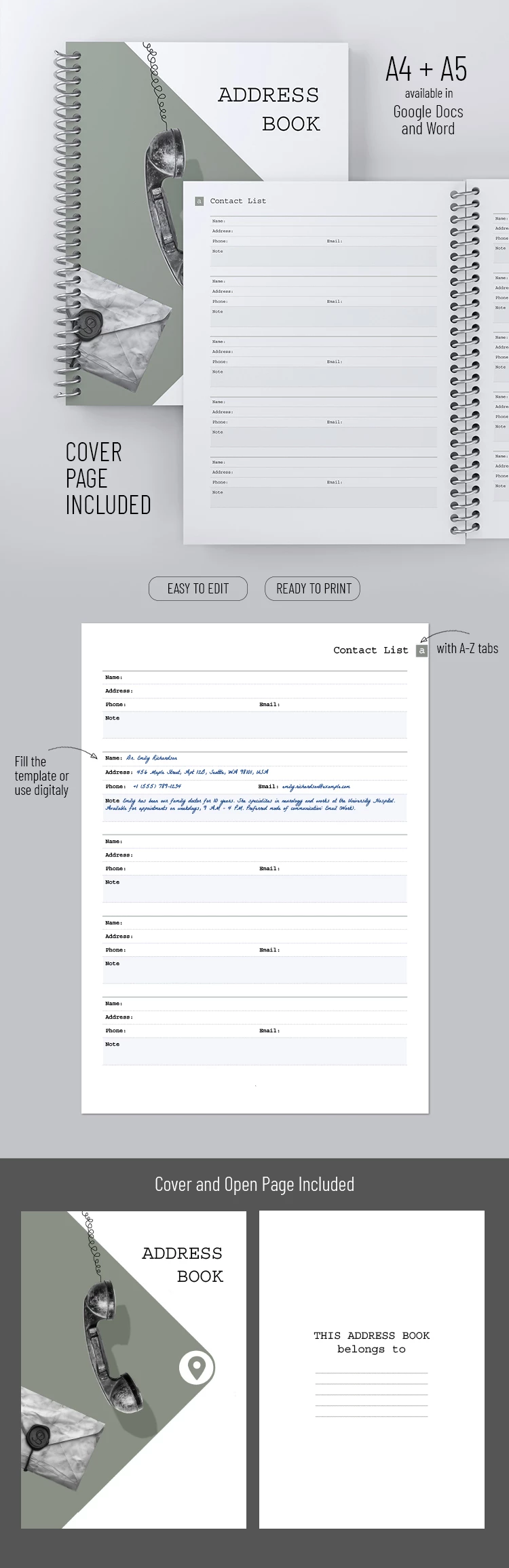
This modern book template features a minimalist design that catches an eye at first sight. It comes in pastel shades and a white background. The telephone receiver and the stamped letter on the cover serve to emphasize the book's purpose. 

Smart Structure 

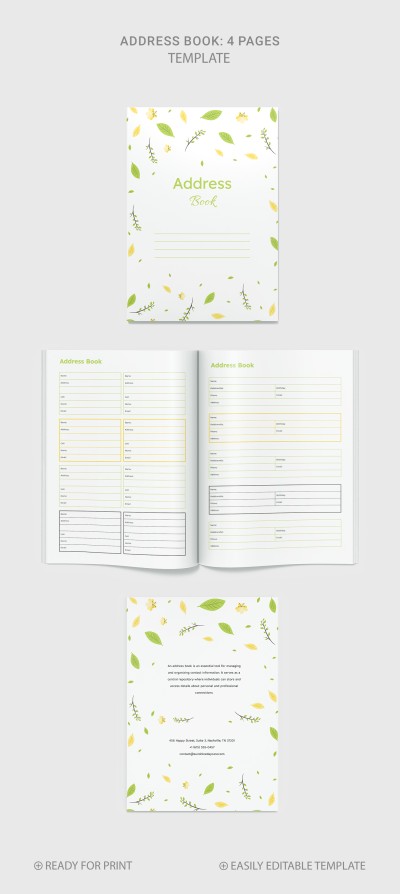
Inside, everything is super structured to make searching by name easy. Here the open page and A-Z tabs for your contacts are greeting you. Feel free to write down the name, address, phone, email, and specific notes. 

Easy Editing

Do you know what the most convenient thing is? You can either print the file beforehand, fill out the form manually, or edit the phonebook for free online. Moreover, the digital version is available in two formats, namely A4 and A5. Plus, it is flexible and editable. Do pastel hues seem boring to you? Tweak the color scheme to suit you! Add more pictures, text, and more to ensure the book layout template is your indispensable tool.

ADVERTISEMENT
Free Template

Download Free Template

Choose your platform and start editing right away
PLATFORM

Google Docs

Opens in browser

Microsoft Word

.docs
PAPER SIZE
A4
A5
Google Docs – A4
No account required • Attribution required

WHAT’S INCLUDED

Customizable cover with stylish design
A-Z tabs for easy navigation
Fields for name, address, email
Available in A4 and A5 sizes

Book Tips

1
Organize contacts alphabetically for quick access.
2
Use digital format for easy editing and backup.
3
Update contact information regularly for accuracy.
4
Personalize with colors and additional notes.

FAQ

Is this template compatible with Google Docs? Yes, it works with Google Docs and Microsoft Word.
Can I customize the template design? Absolutely! You can edit colors and add personal touches.
Is this template free? Yes, it's available for free download and use.
How easy is it to use? It's user-friendly with clear sections for each contact.
Can I print this address book? Yes, it's ready to print in both A4 and A5 sizes.
ADVERTISEMENT

How to Use and Edit This Template

Get Your Document

1

Get Your Document

Click the "Edit Template" button to create your own editable copy in Google Docs or download for Microsoft Word
Customize Everything
2

Customize Everything

Easily change colors, fonts, and layouts to match your unique style or brand identity
Add Your Content
3

Add Your Content

Fill in your data, upload images, and replace the placeholder text with your own information
Print, Export, or Share
4

Print, Export, or Share

Print, export as PDF, or share instantly

Related Templates

Recently Viewed