ADVERTISEMENT
ADVERTISEMENT
Large Print Address Book Template
Use this free template with Google Docs and Microsoft Word
4.25 (1 reviews)
•
Last updated
Updated
October 17, 2026
•
Created by
Yurii Zakhidnyi
•
Type
Nonfiction, Cute, Portrait, A4 / US Letter
ADVERTISEMENT
Template Specification
Format
Google Docs, Microsoft Word
Orientation
Portrait Book Templates
Created
July 17, 2024
Last Updated
October 17, 2026
Community
Added to collections by 20 Users
Usage Stats
16 downloads this month
Key Features of This Template
About this template
Our Large Print Address Book Template is perfect for organizing your contacts in one place. You can fill out the book template for Google Docs online or after printing. Everything done is for your convenience!
Copyable Four Pages Set
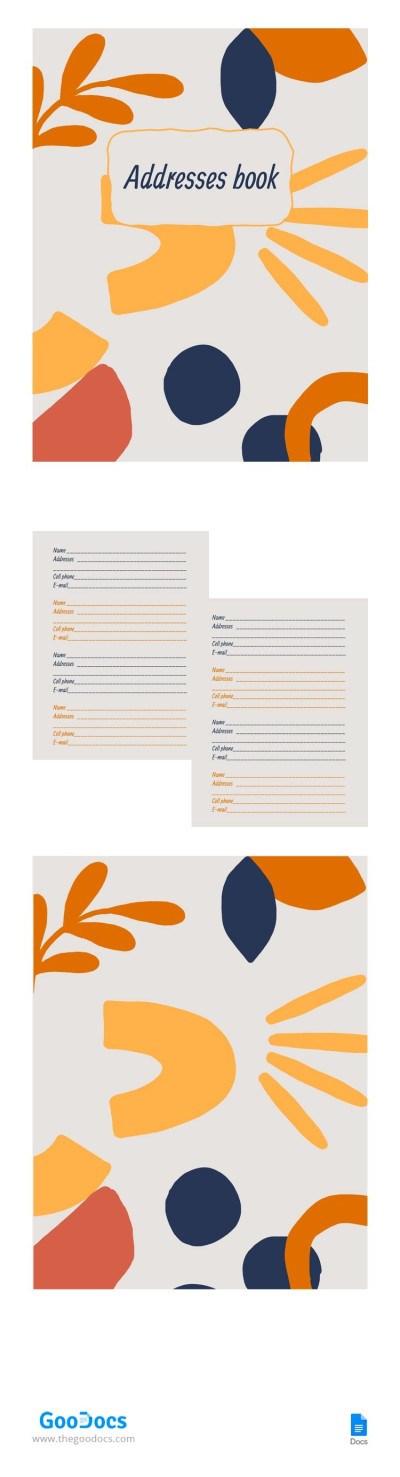
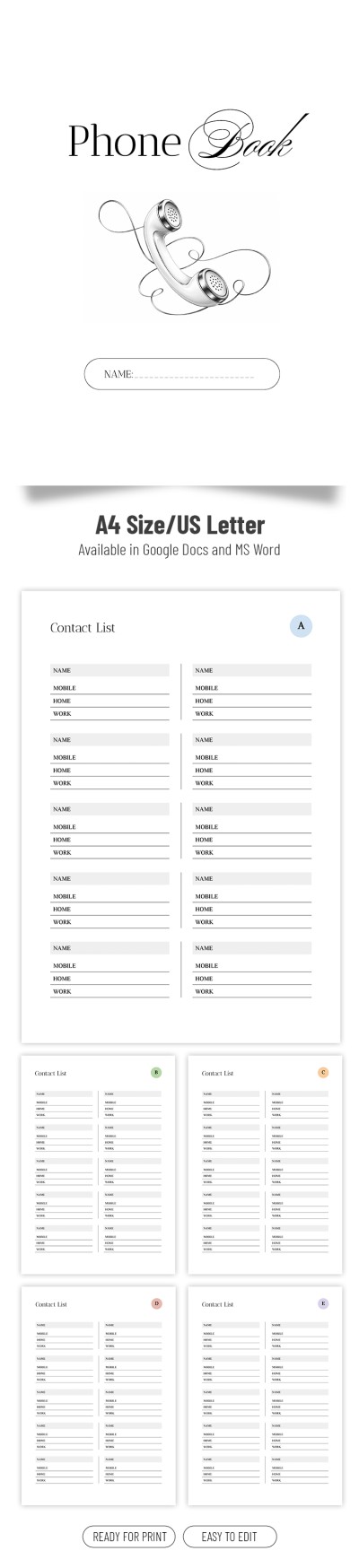
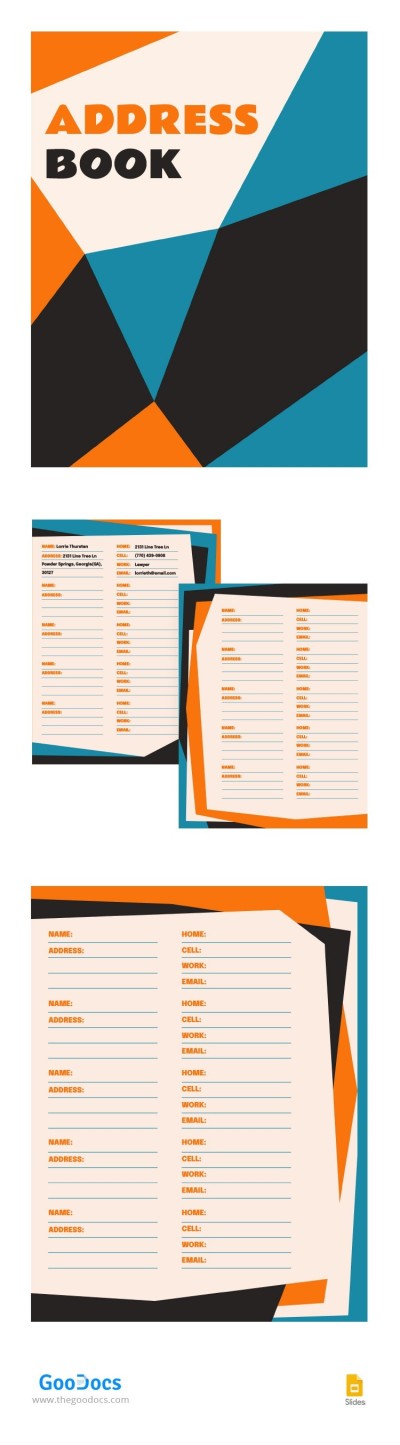
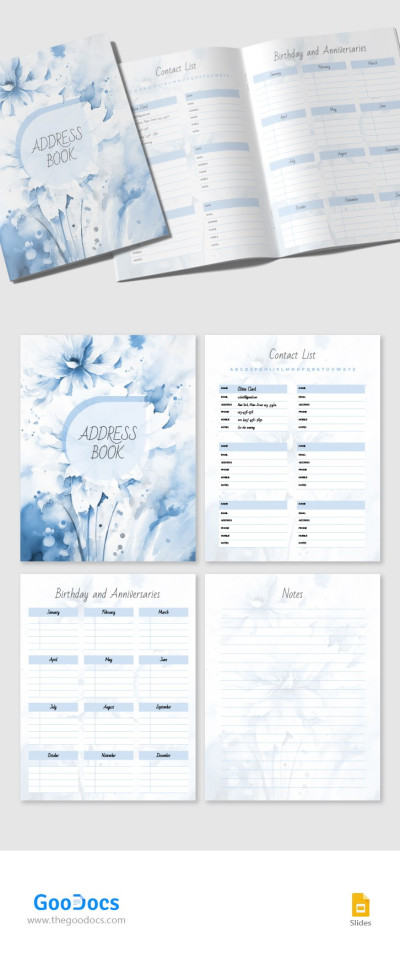
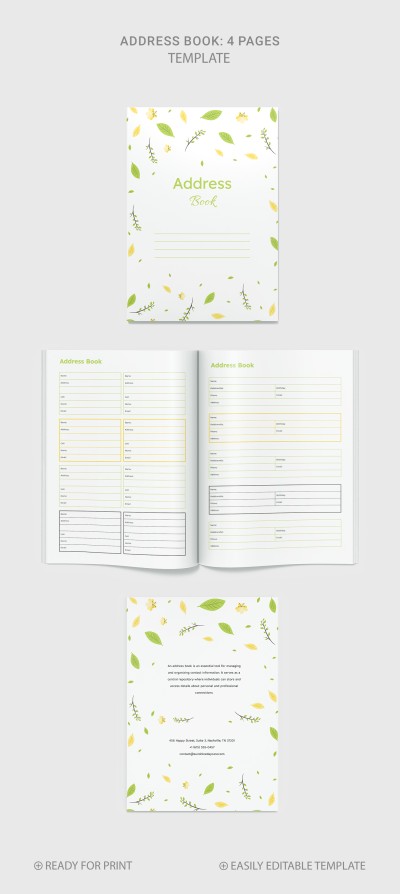
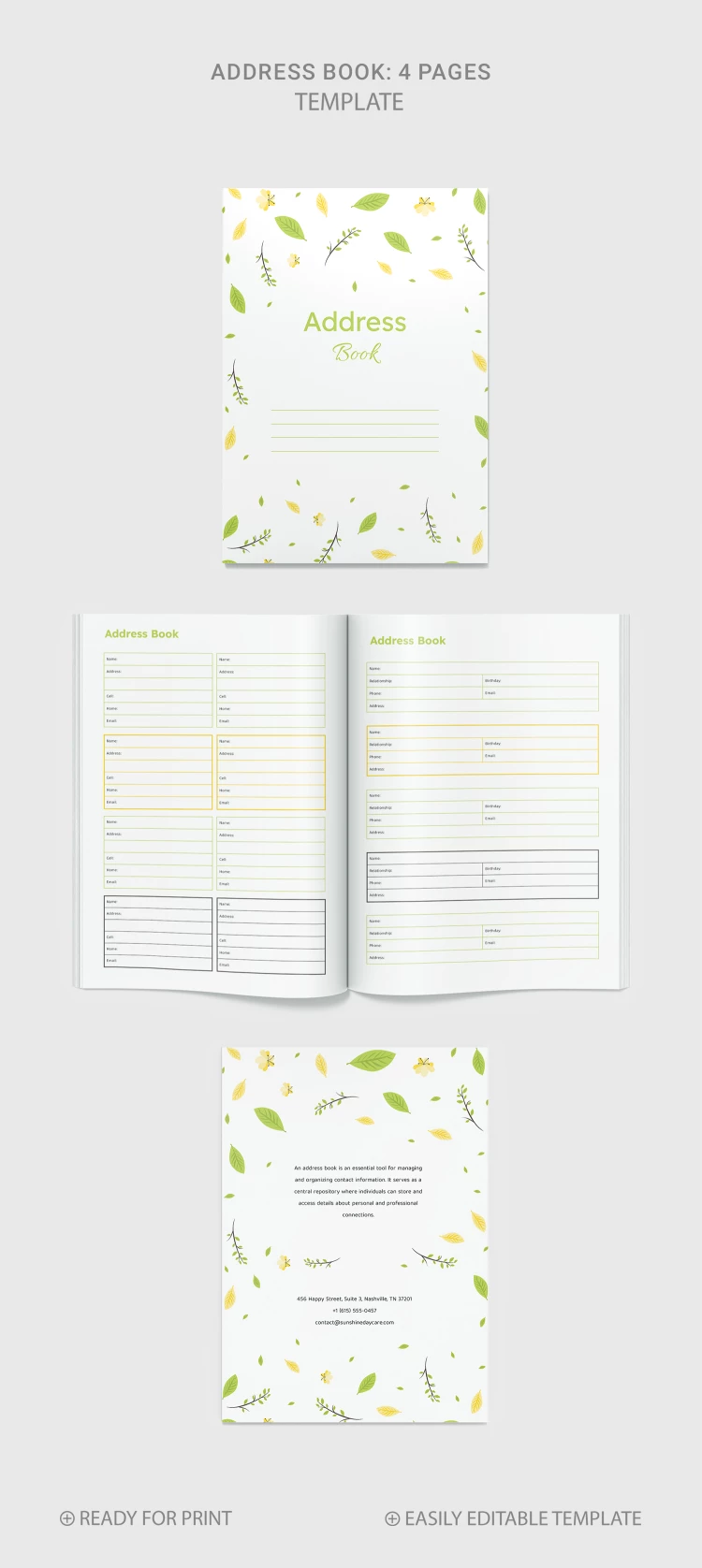
This address book template consists of four pages that you can copy as many times as you need. It will be much more comfortable to make an address book based on them.
The A4 book template includes:
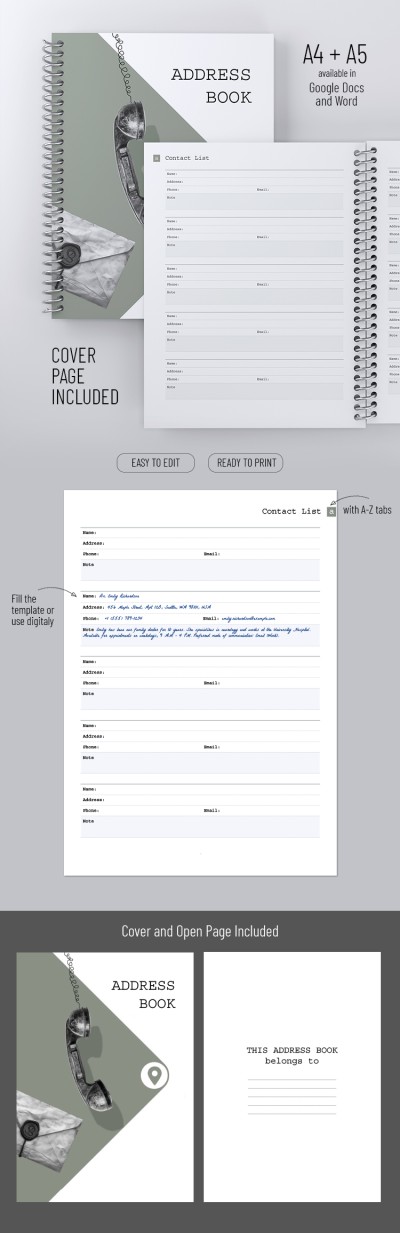
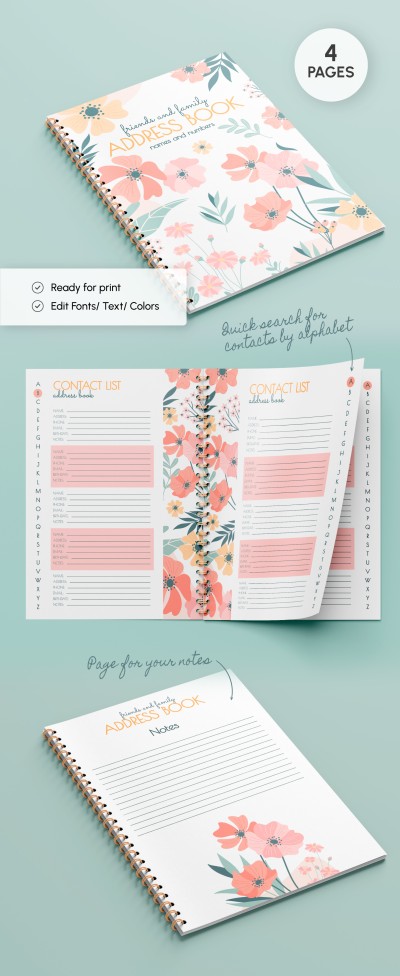
- The front cover page in green and yellow colors with falling leaves on the background and a place for the title.
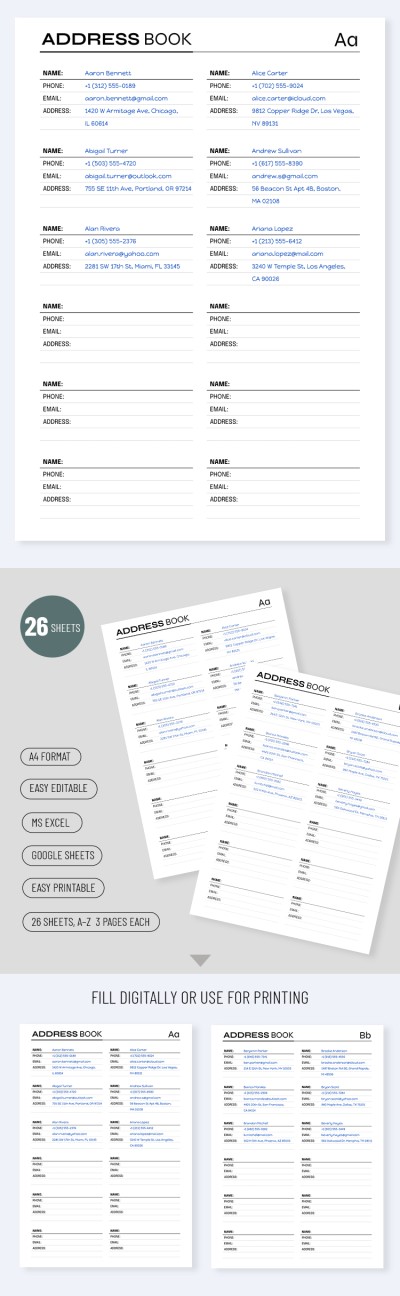
- Two address book pages with tables featuring name, address, cell, home, relationship, birthday, and email fields.
- Back cover page with placeholders for text.
Even people without special skills can use the printable address book template in Word and Google Docs! Find the address book template for any occasion on our website.
ADVERTISEMENT
Free Template
Download Free Template
Choose your platform and start editing right away
PLATFORM
PAPER SIZE
A4
No account required • Attribution required
WHAT’S INCLUDED
4 customizable pages with tables
Easy-to-edit contact fields
Printable in green and yellow theme
Copyable format for multiple uses
Book Tips
Update contact details regularly to keep information current.
Use the notes section for additional contact info.
Organize contacts by relationship for efficient access.
Print extra copies for backup and offline access.
FAQ
Is this template compatible with Google Docs and Word?
Yes, it's designed for both Google Docs and Microsoft Word.
Can I easily edit this template?
Absolutely, it's fully customizable for your needs.
Is the template free to download?
Yes, it is available for free download.
Can I add more pages to the book?
Yes, you can copy pages as needed.
How do I print this address book?
Use the print option in your document software to print.
ADVERTISEMENT
How to Use and Edit This Template

Get Your Document
Click the "Edit Template" button to create your own editable copy in Google Docs or download for Microsoft Word

Customize Everything
Easily change colors, fonts, and layouts to match your unique style or brand identity

Add Your Content
Fill in your data, upload images, and replace the placeholder text with your own information

Print, Export, or Share
Print, export as PDF, or share instantly