Get unlimited access to 5000+ Templates for Google Docs, Slides and Sheets
Unlimited Access
ADVERTISEMENT
ADVERTISEMENT

Classic Address Book Template

Use this free template with Google Docs and Microsoft Word

4.25 (1 reviews)
Last updated Updated July 4, 2026
Created by Vladimir Belyakin
Type Nonfiction, Simple, Portrait, A4 / US Letter, A5 / Half Letter
ADVERTISEMENT

Template Specification

Format Google Docs, Microsoft Word
Created January 24, 2025
Last Updated July 4, 2026
Community Added to collections by 11 Users
Usage Stats 21 downloads this month

Key Features of This Template

Suitable For Personal

About this template

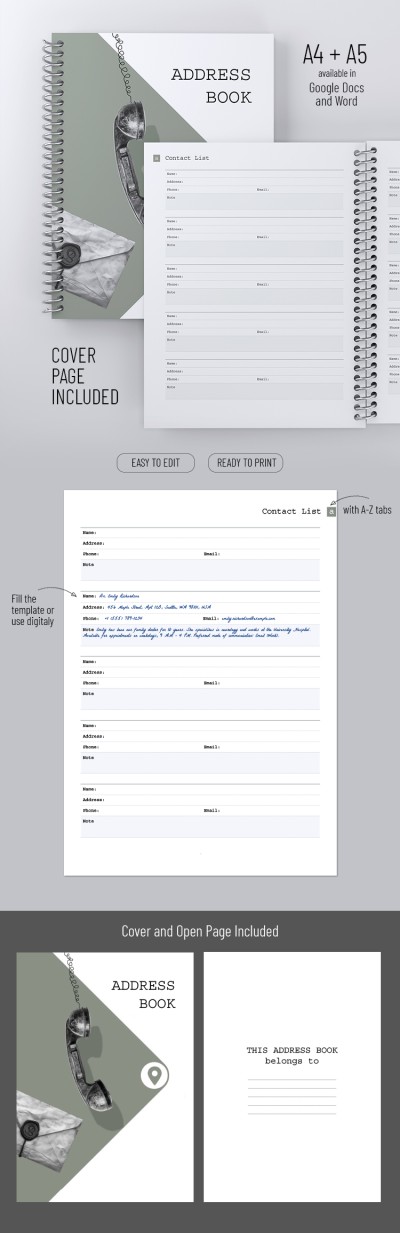
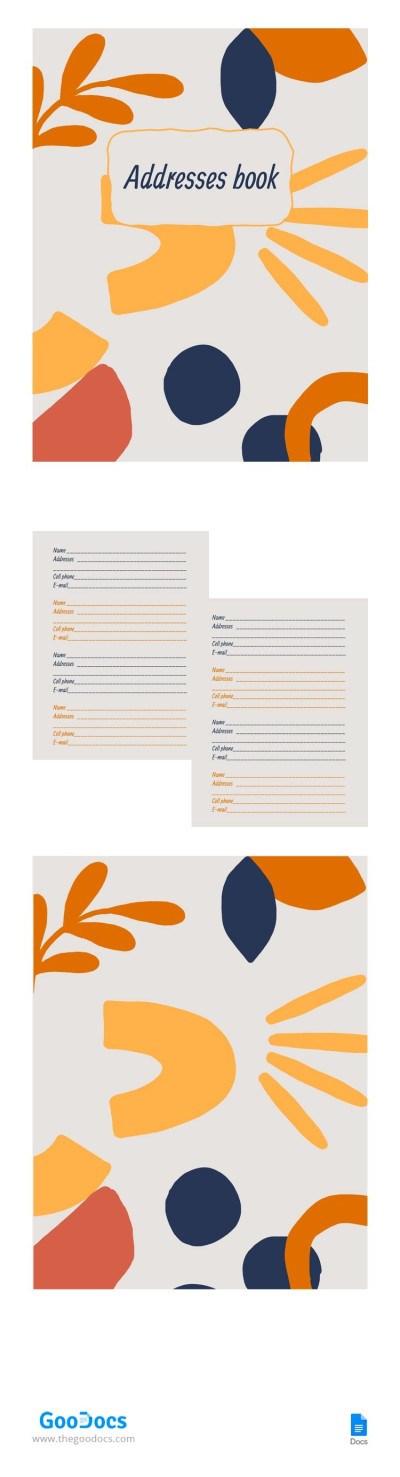
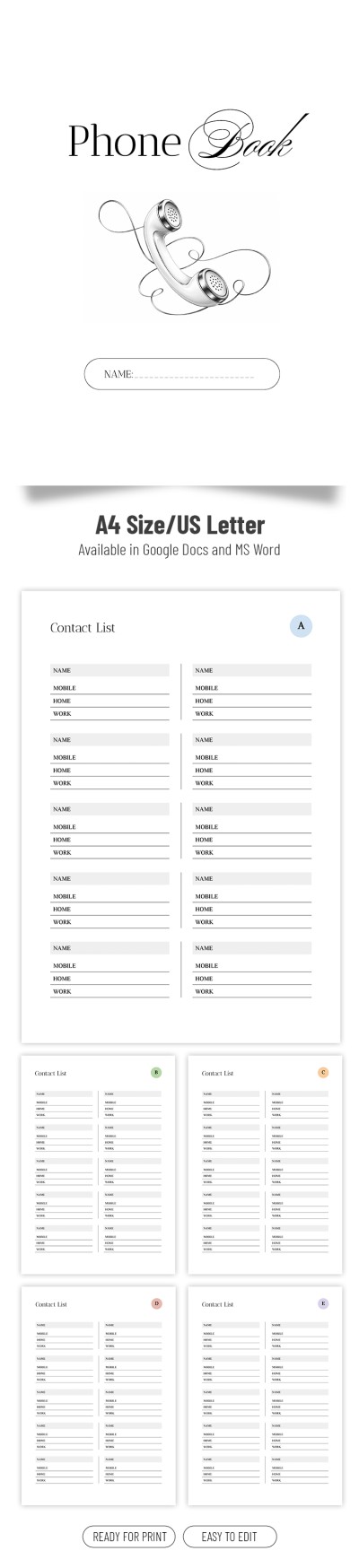
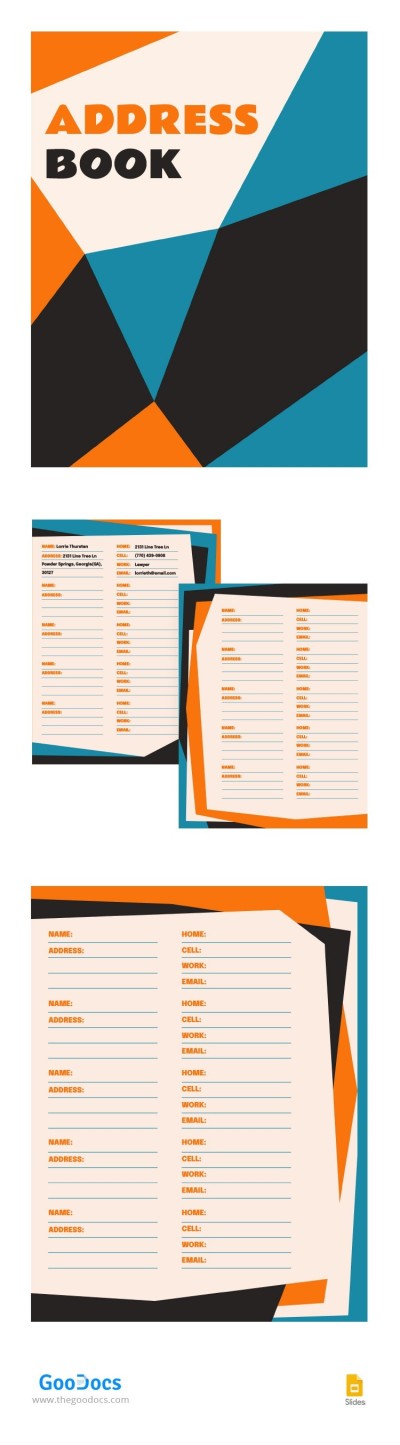
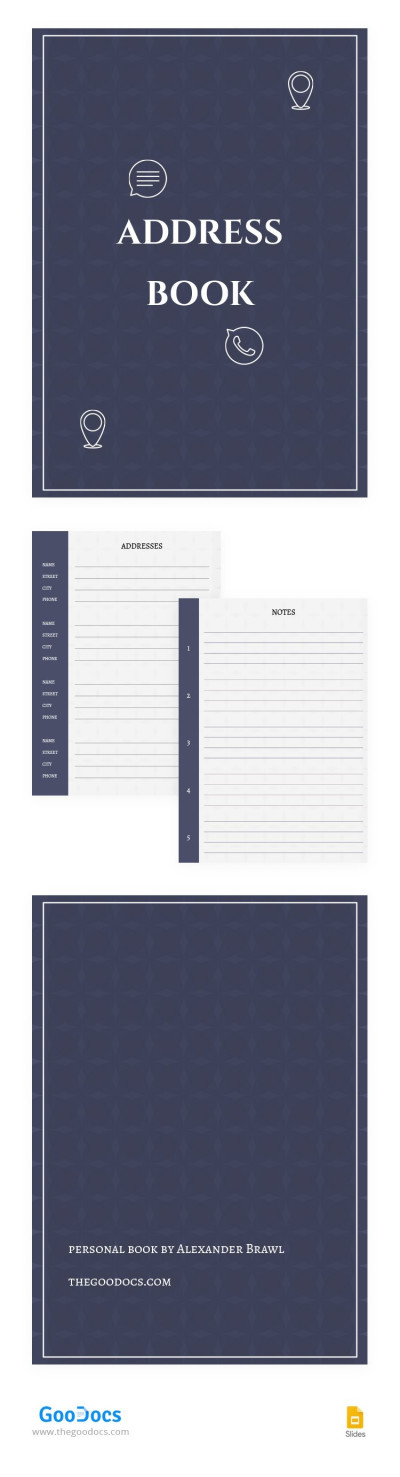
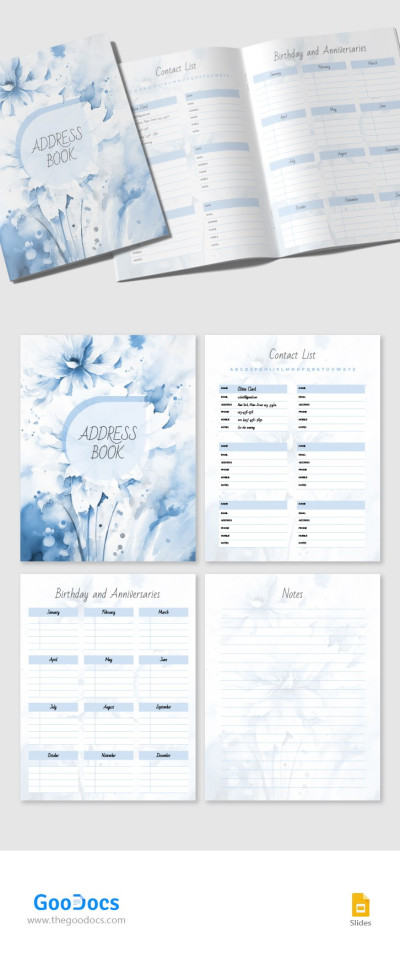
Our Classic Address Book Template will help you organize and record all the addresses and contacts of friends, relatives, colleagues, or clients in one place! This multi-page book template in Google Docs and Word formats will become the only address book you will need!

Cover + Blanks for 28 Pages

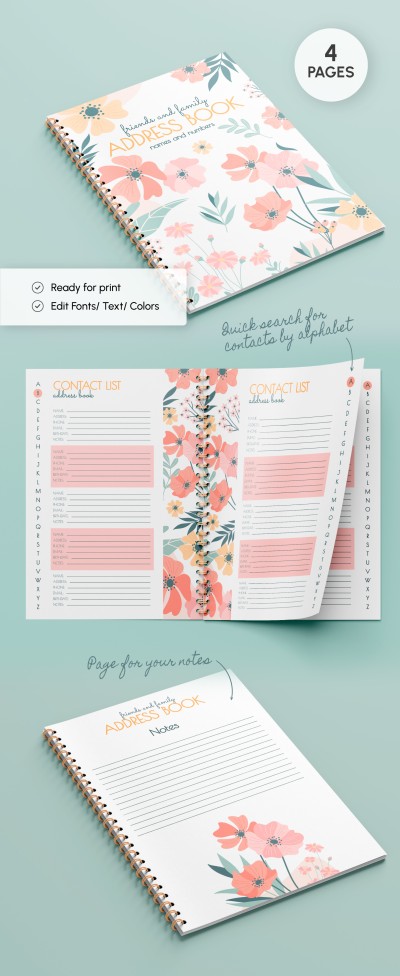
We have added a cover, table of contents, and 28 pages, so you will not need to create additional pages. You can easily find the address and phone number you need thanks to the alphabetically arranged pages.

In the table of contents, you can assign the first letter of a person's first or last name to the desired page and then simply open it. Each sheet is additionally marked with a letter corresponding to the first letters of the names.

Comprehensive Layouts

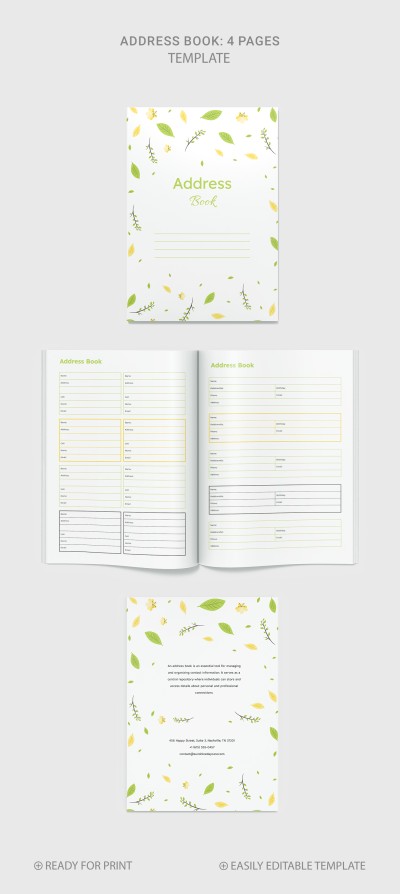
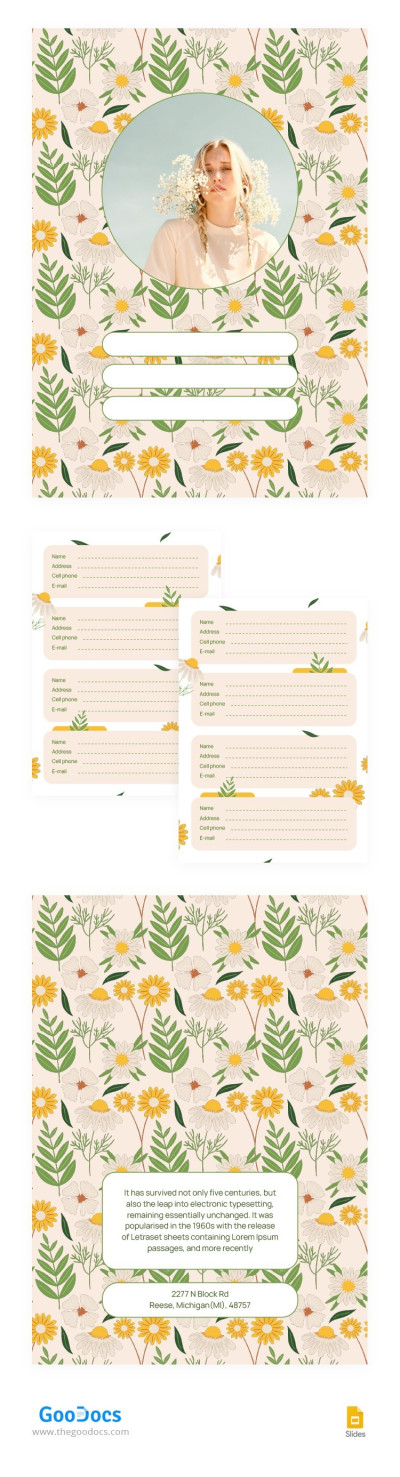
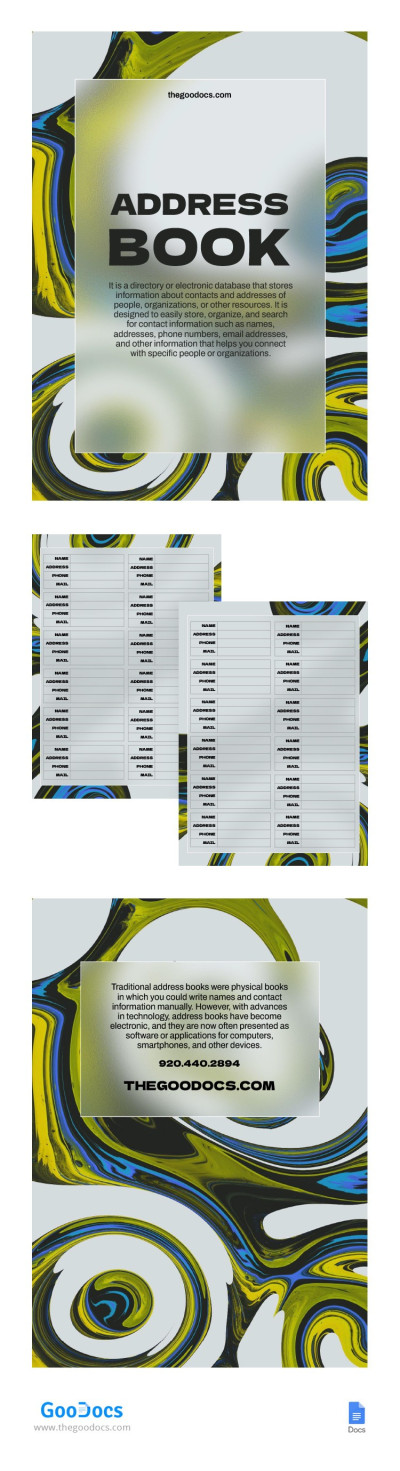
There are blocks where you can type the name, address, phone number, email, and additional notes for each contact. On our website, you can also find many other address books with different designs and in various formats.

ADVERTISEMENT
Free Template

Download Free Template

Choose your platform and start editing right away
PLATFORM

Google Docs

Opens in browser

Microsoft Word

.docs
PAPER SIZE
A4
A5
Google Docs – A4
No account required • Attribution required

WHAT’S INCLUDED

Alphabetically organized contact pages
A4 and A5 paper formats
Customizable table of contents
28 pages including cover

Book Tips

1
Update contacts regularly for accurate information.
2
Use the notes section for additional details.
3
Print a copy for easy offline access.
4
Highlight important contacts for quick reference.

FAQ

Is this template compatible with Word? Yes, it's compatible with both Word and Google Docs.
Is the template easy to use? Absolutely, it's designed for simplicity and efficiency.
Can I customize the layout? Yes, it is fully customizable to suit your needs.
Is this template free? Yes, you can download it for free.
How are contacts organized? Contacts are organized alphabetically for quick access.
ADVERTISEMENT

How to Use and Edit This Template

Get Your Document

1

Get Your Document

Click the "Edit Template" button to create your own editable copy in Google Docs or download for Microsoft Word
Customize Everything
2

Customize Everything

Easily change colors, fonts, and layouts to match your unique style or brand identity
Add Your Content
3

Add Your Content

Fill in your data, upload images, and replace the placeholder text with your own information
Print, Export, or Share
4

Print, Export, or Share

Print, export as PDF, or share instantly

Related Templates

Recently Viewed