ADVERTISEMENT
ADVERTISEMENT
Appealing Address Book Template
Use this free template with Google Slides and Microsoft PowerPoint
4.47 (2 reviews)
•
Last updated
Updated
October 17, 2026
•
Created by
Jackson Wright
•
Type
Nonfiction, Modern, Portrait, A4 / US Letter
ADVERTISEMENT
Template Specification
Format
Google Slides
Orientation
Portrait Book Templates
Created
December 13, 2022
Last Updated
October 17, 2026
Community
Added to collections by 6 Users
Usage Stats
0 downloads this month
Key Features of This Template
About this template
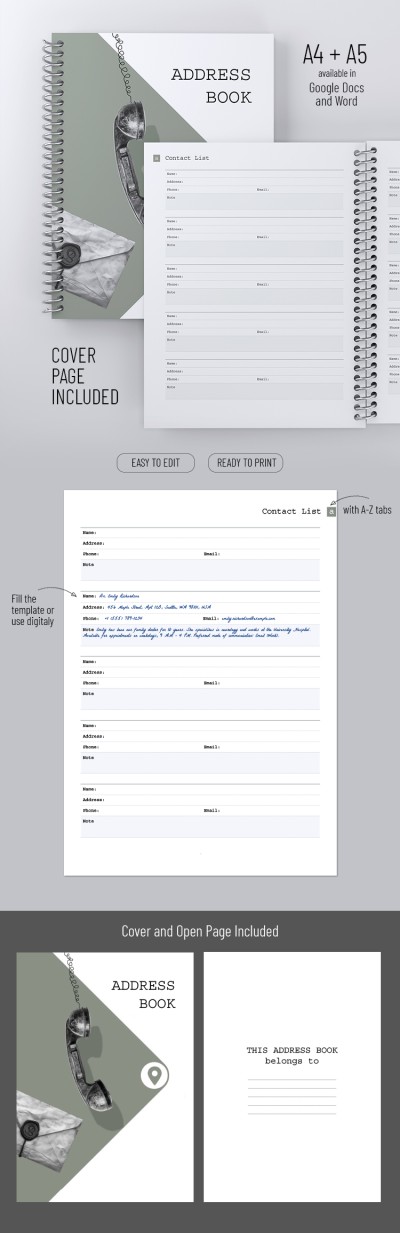
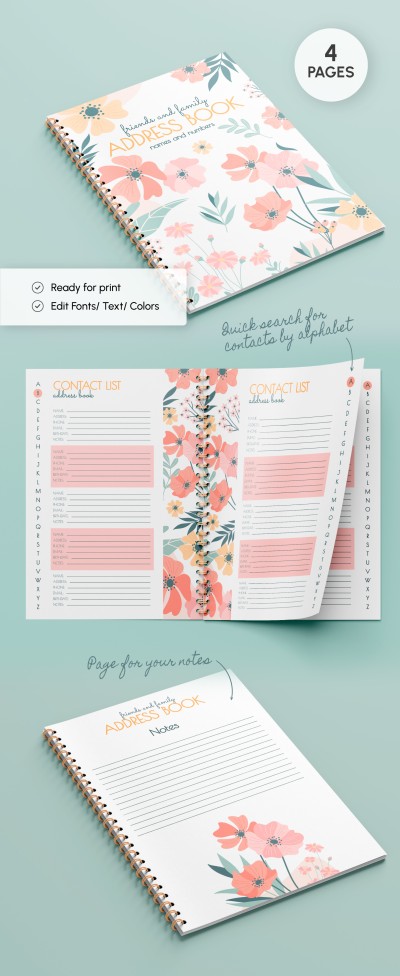
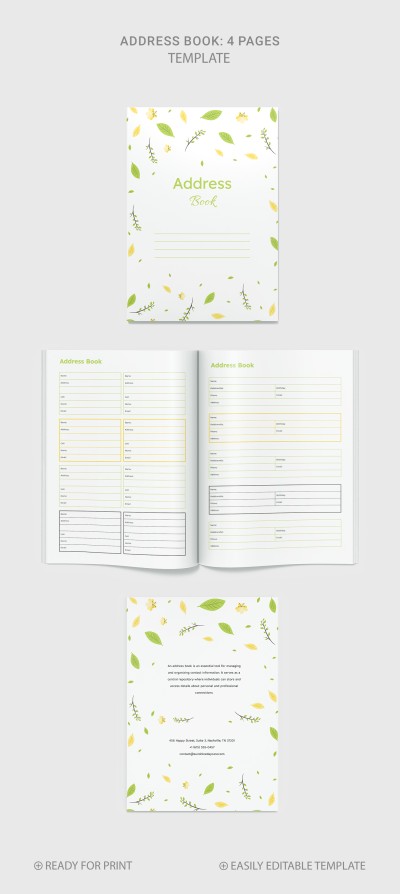
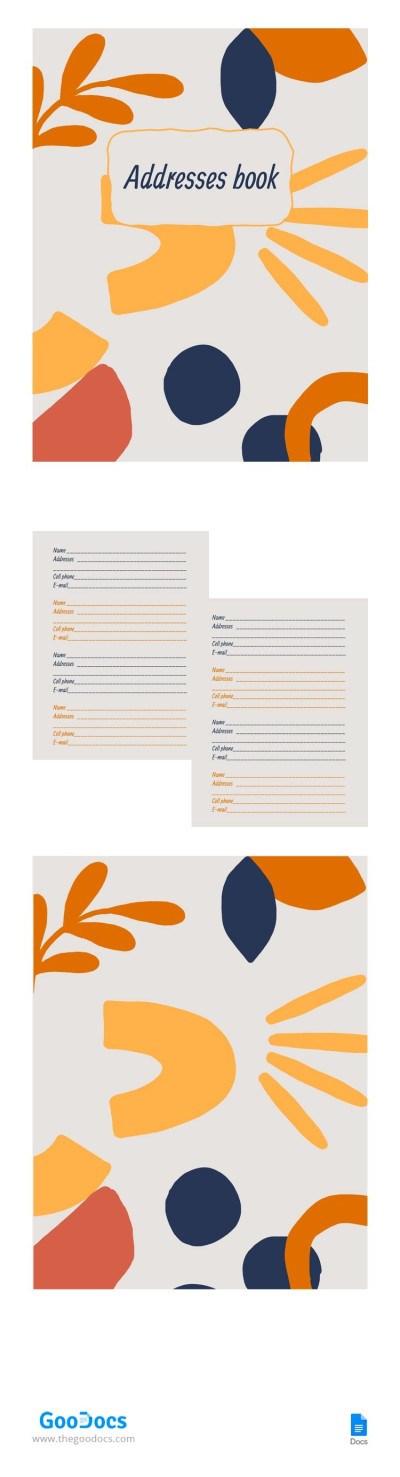
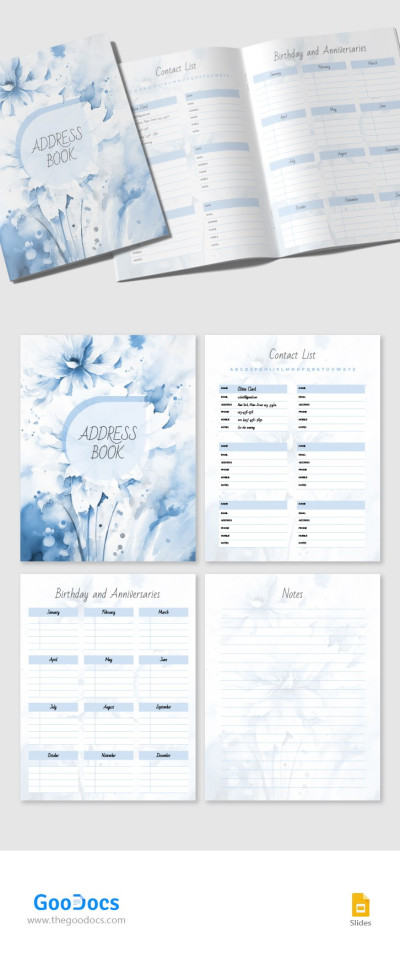
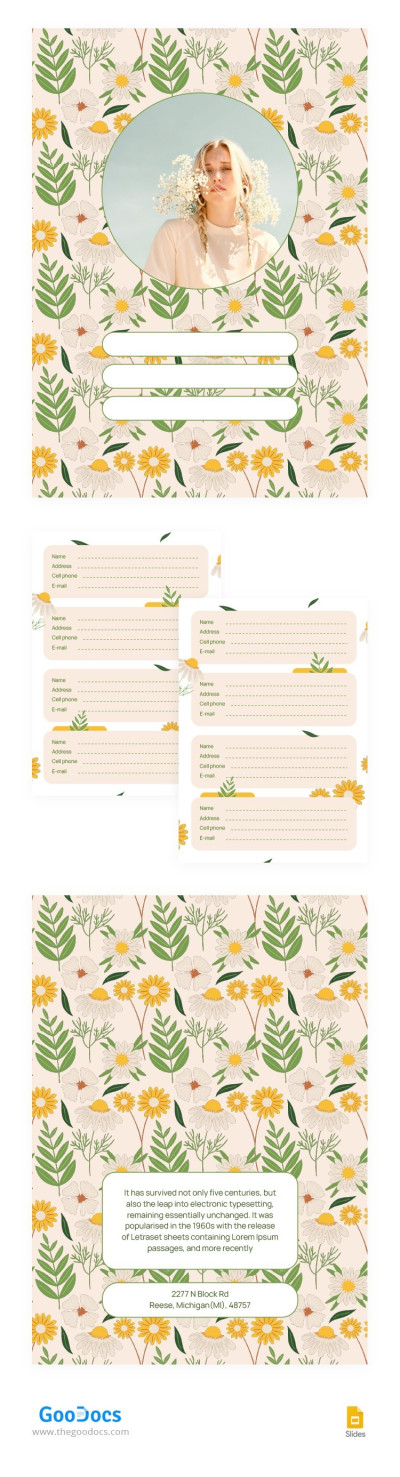
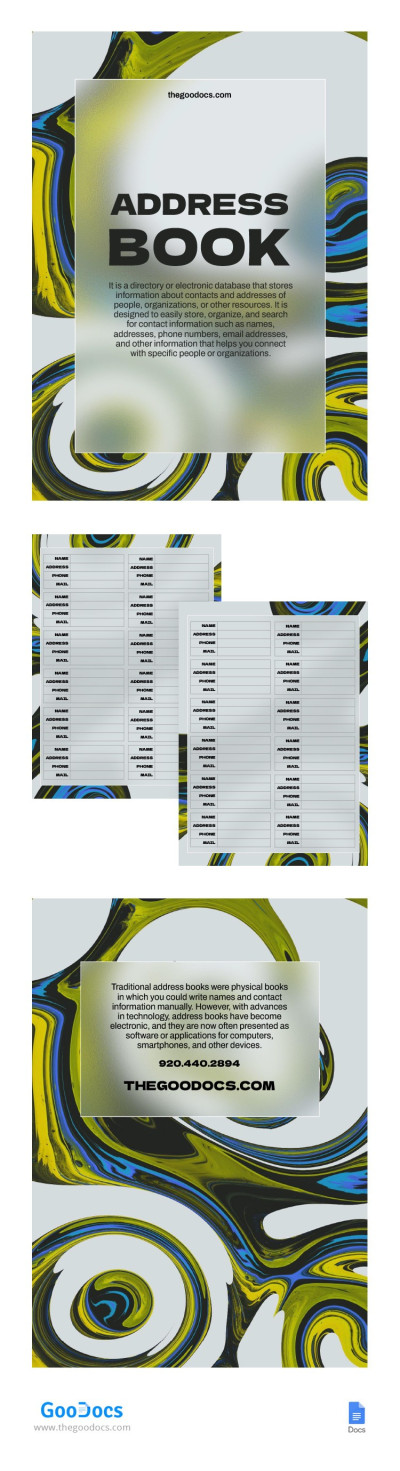
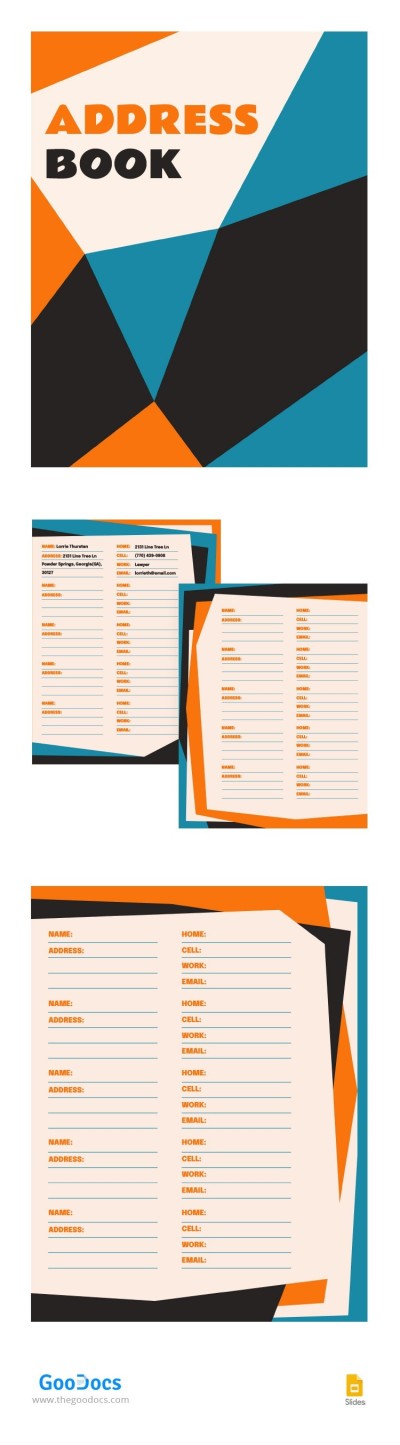
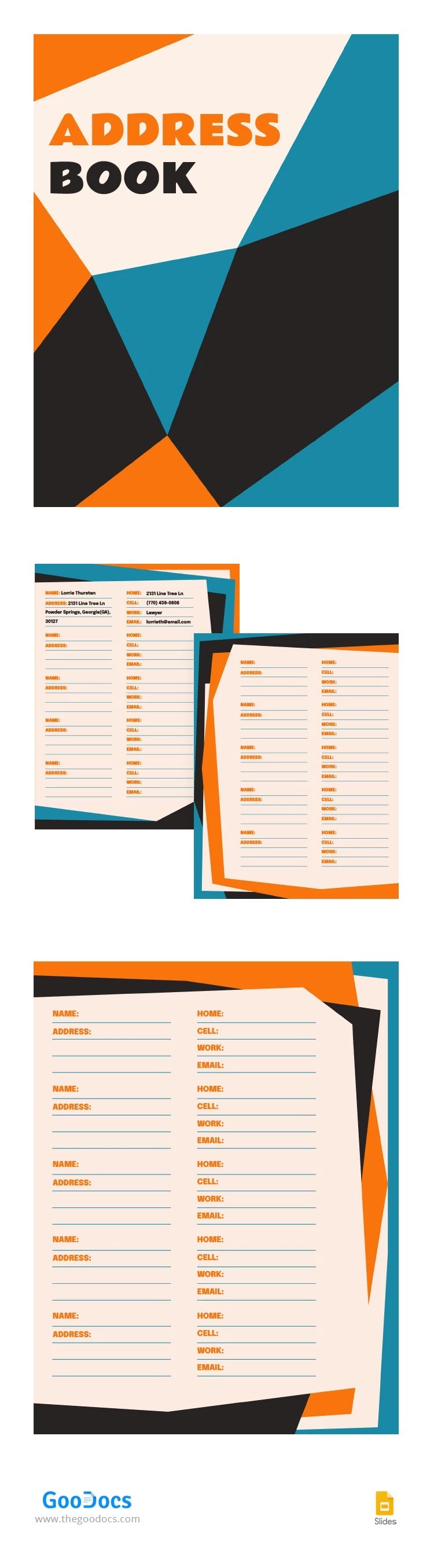
Do you work with clients? Need a handy notepad for all addresses and other information? With our Appealing Address Book, you won't face this problem again. A bright and ready-to-use layout will help you work as efficiently as possible. Add any data and addresses to the finished preset using Google Slides.
ADVERTISEMENT
Free Template
Download Free Template
Choose your platform and start editing right away
PLATFORM
PAPER SIZE
A4
No account required • Attribution required
WHAT’S INCLUDED
Colorful and eye-catching cover design
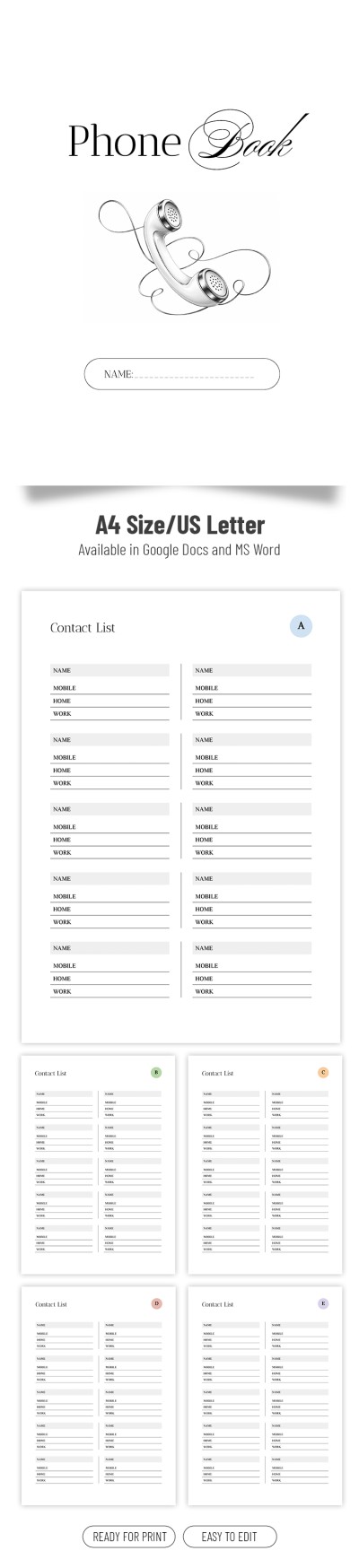
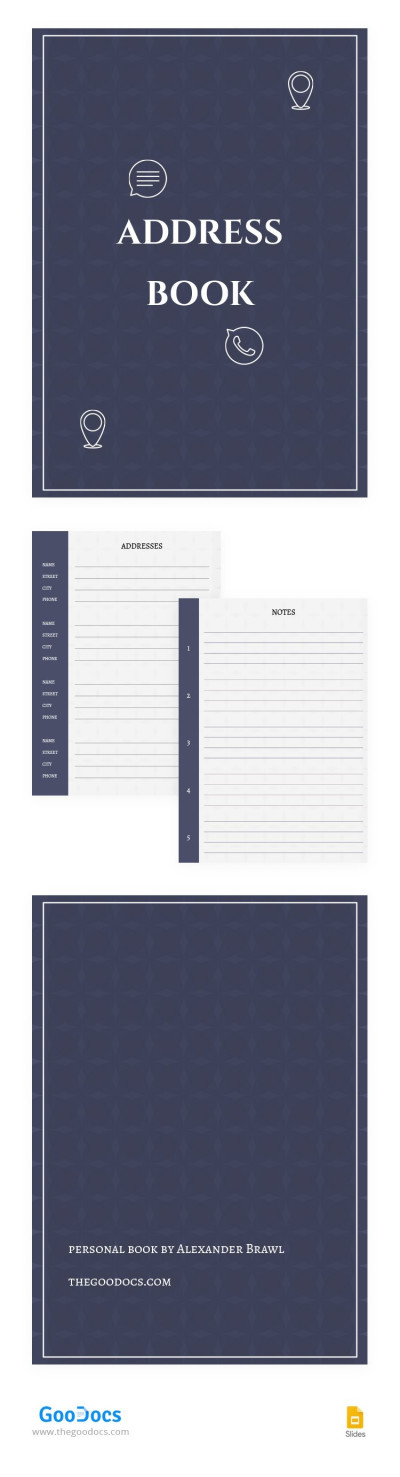
Pre-formatted contact information sections
Editable name and address fields
Printable for easy offline use
Book Tips
Organize contacts alphabetically for quick access.
Update addresses regularly to keep information current.
Back up digitally to prevent data loss.
Use clear and concise contact titles.
FAQ
Is this template free?
Yes, it's free to download and use.
Can I customize the layout?
Yes, all sections are fully customizable.
Is it compatible with PowerPoint?
Yes, it works with Google Slides and PowerPoint.
Is it easy to use?
The template is user-friendly and intuitive.
Can I print the address book?
Yes, it is designed for easy printing.
ADVERTISEMENT
How to Use and Edit This Template

Get Your Document
Click the "Edit Template" button to create your own editable copy in Google Slides or download for Microsoft PowerPoint

Customize Everything
Easily change colors, fonts, and layouts to match your unique style or brand identity

Add Your Content
Fill in your data, upload images, and replace the placeholder text with your own information

Print, Export, or Share
Print, export as PDF, or share instantly