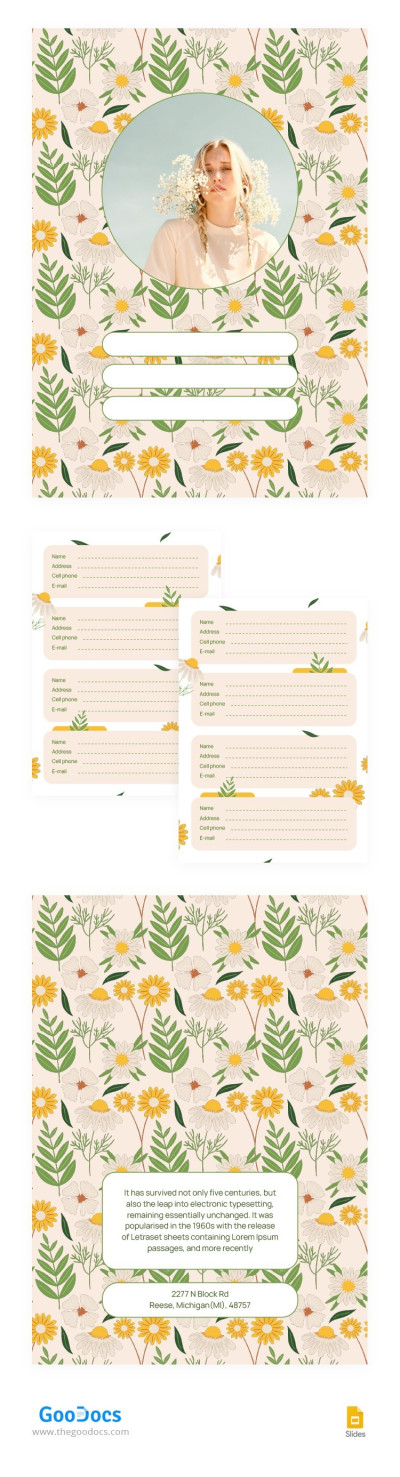
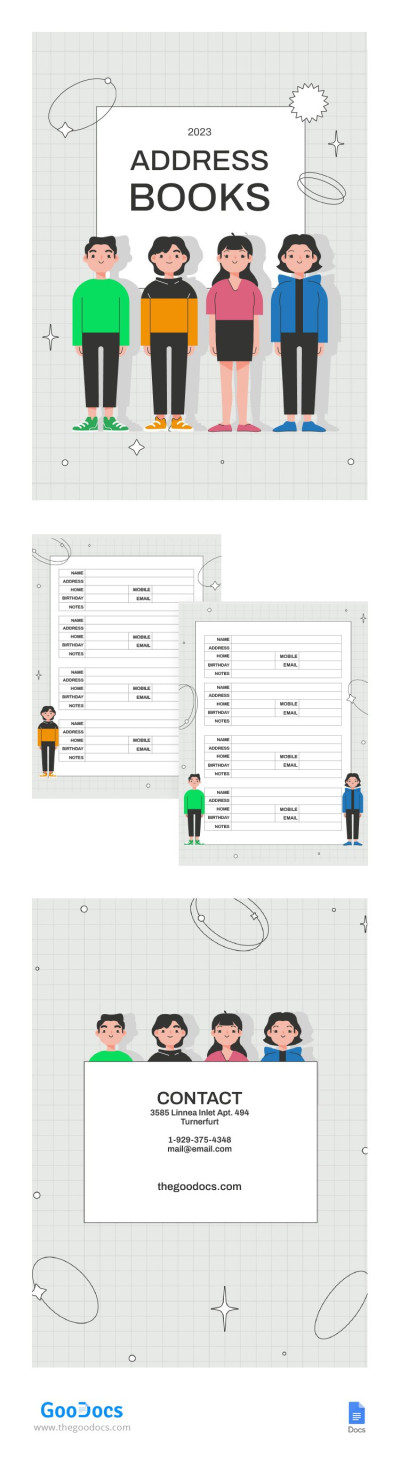
Get unlimited access to 5000+ Templates for Google Docs, Slides and Sheets
Unlimited Access
ADVERTISEMENT
ADVERTISEMENT

Address Book Template

Use this free template with Google Docs and Microsoft Word
4.25 (1 reviews)
Last updated Updated July 11, 2026
Created by Vladimir Belyakin
Type Nonfiction, Cute, Portrait, A4 / US Letter
ADVERTISEMENT

Template Specification

Format Google Docs, Microsoft Word
Created August 6, 2024
Last Updated July 11, 2026
Community Added to collections by 20 Users
Usage Stats 27 downloads this month

Key Features of This Template

Suitable For Personal

About this template

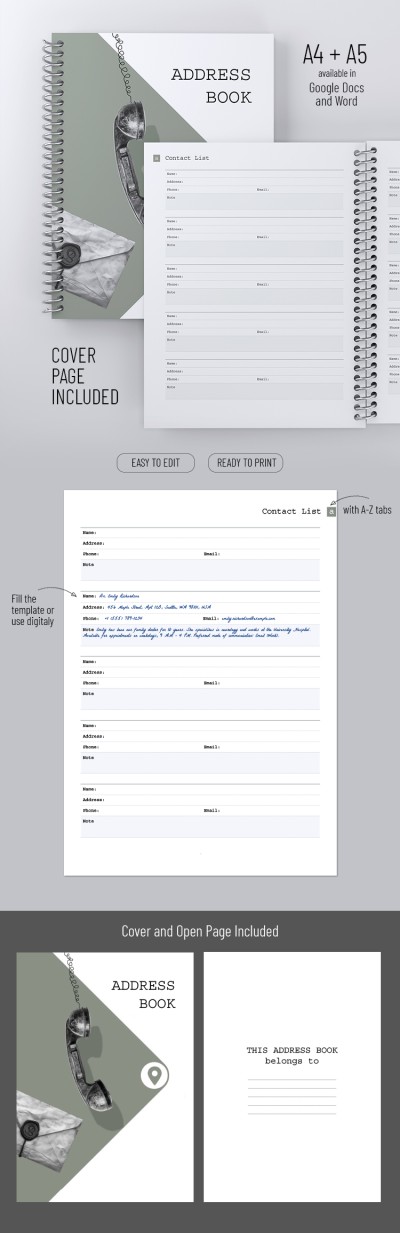
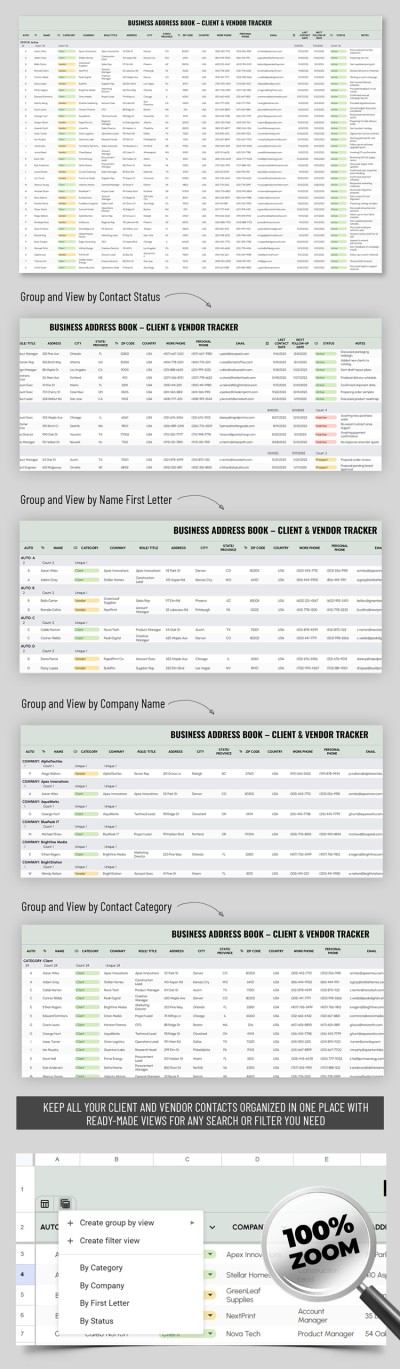
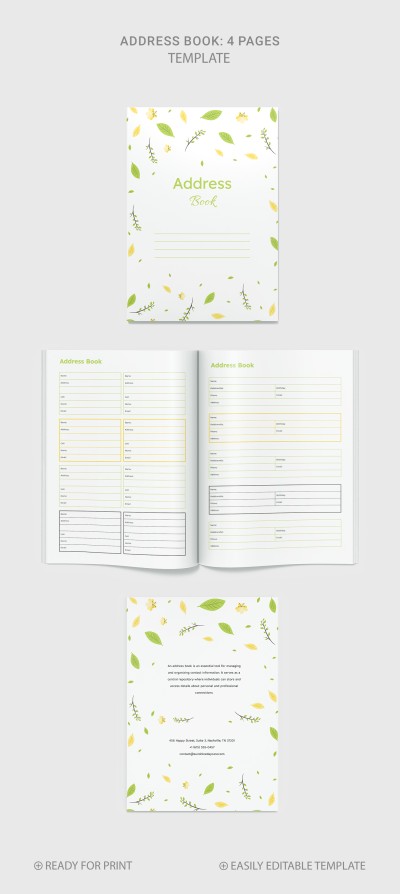
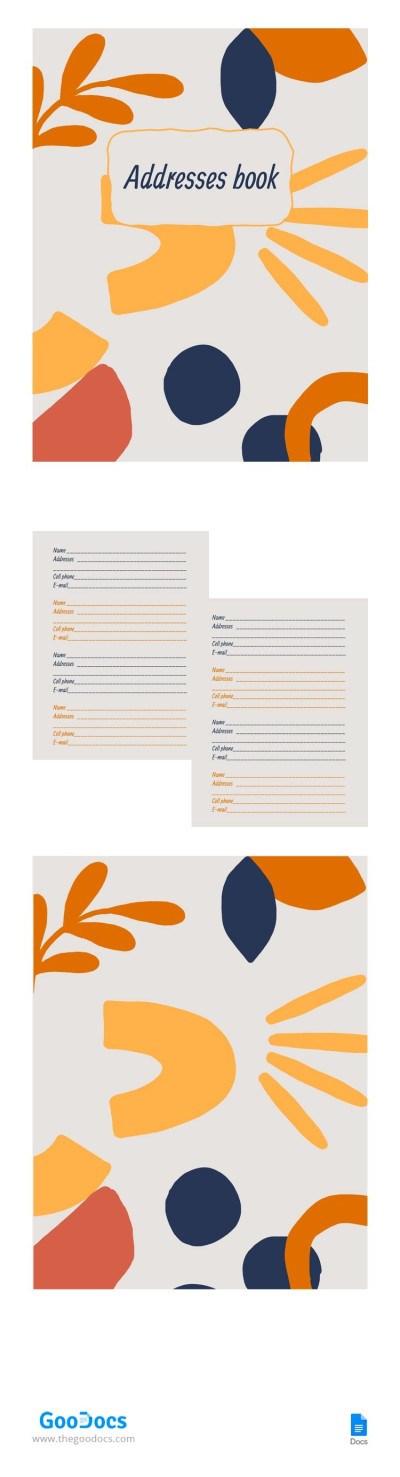
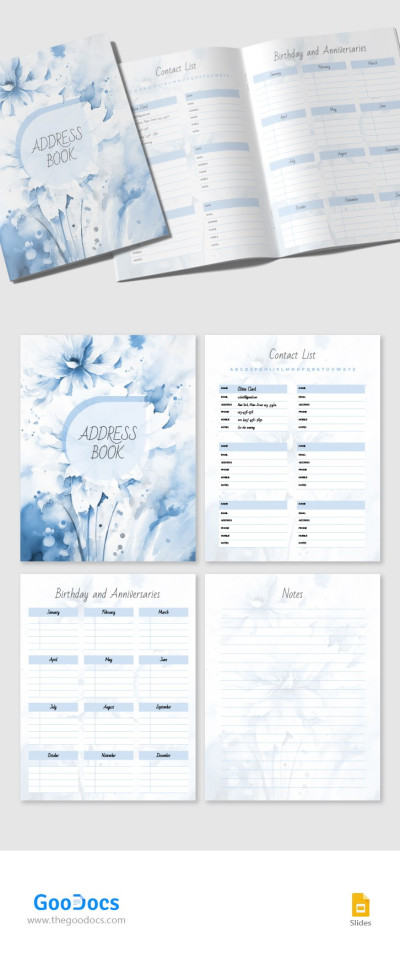
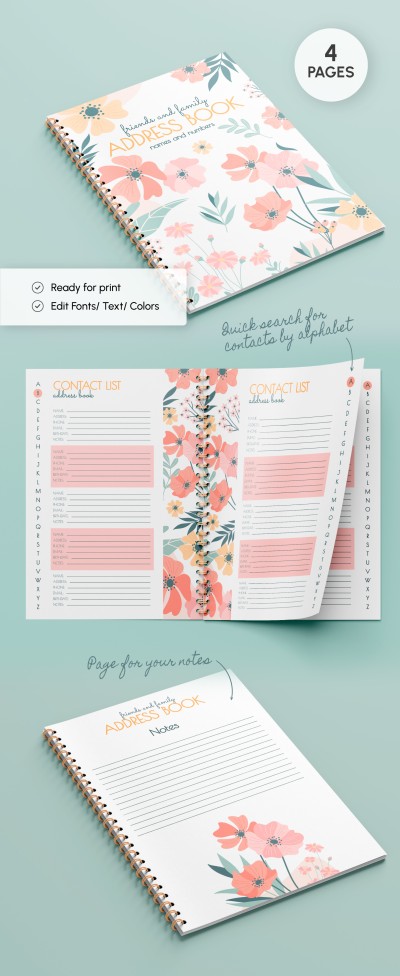
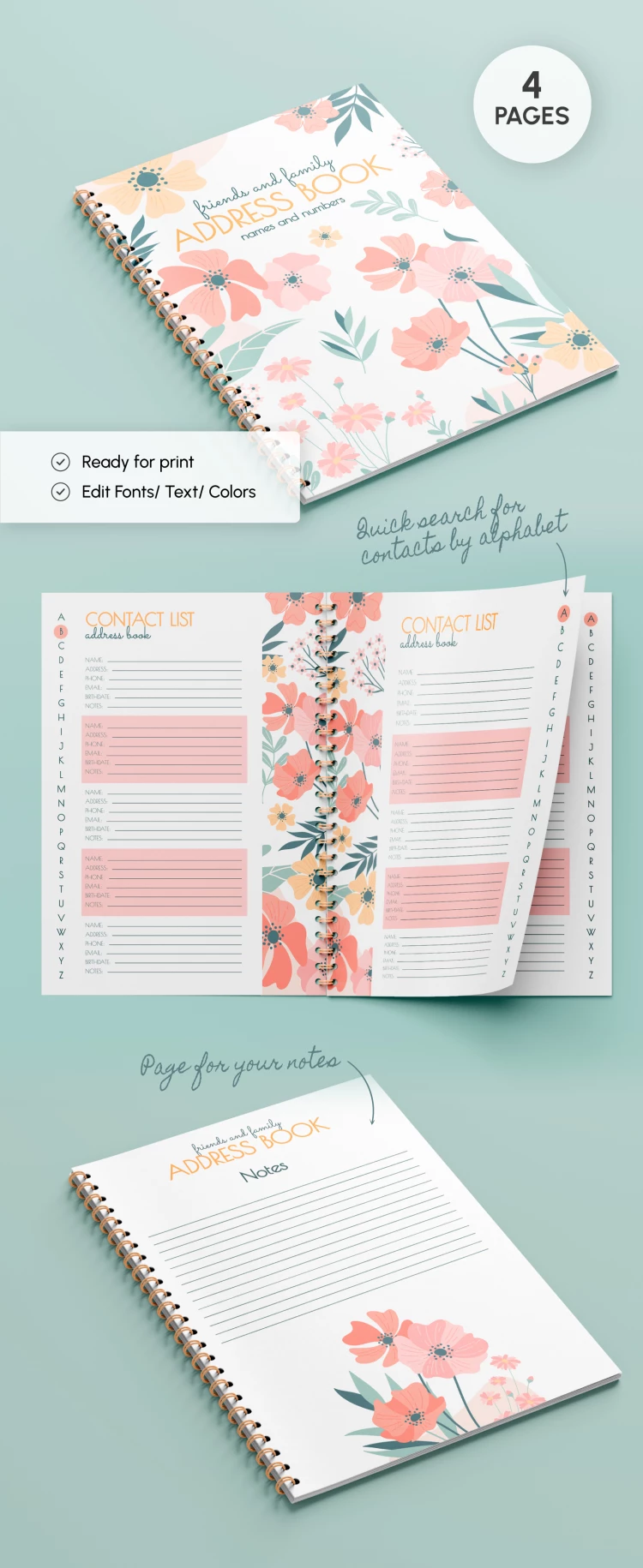
Get a copy or download our Address Book Template in Word or Google Docs formats! Get a cover, two blanks for contacts, and a page for notes at once - everything is included within our address book template.

Fully Customizable Template

Anyone can use this large print address book template in digital or printed format. This editable layout includes many elements for your convenience:

  • The front cover with a floral design and a box for the book title.
  • Two different layouts of contact sheets (right-sided and left-sided).
  • Marks for quick alphabetical search in digital or printed form.
  • A special section for your notes during calls.

You can also easily adjust the structure, cover, and even colors. Are you still looking for an address book template in Word with another layout? Just click the link and opt for dozens of free samples.

This universal format is suitable for a work address book and personal use. You can print it in A4 format because all the settings are ready.

Are you going to write a novel, create an address, or a comic book? Our premium and free book templates will come to the rescue!

ADVERTISEMENT
Free Template

Download Free Template

Choose your platform and start editing right away
PLATFORM

Google Docs

Opens in browser

Microsoft Word

.docs
PAPER SIZE
A4
Google Docs – A4
No account required • Attribution required

WHAT’S INCLUDED

Floral design customizable cover
Alphabetical contact search feature
Two contact list layouts
Notes section for quick memos

Book Tips

1
Add contact details immediately to avoid forgetting.
2
Use the notes section for key information.
3
Regularly update contact changes for accuracy.
4
Organize contacts alphabetically for easy access.

FAQ

Is the template compatible with Microsoft Word? Yes, it works with both Word and Google Docs.
Can I customize colors and fonts? Yes, it's fully customizable to fit your style.
Is the template free to download? Yes, you can download it for free from our site.
Is it easy to use for beginners? Absolutely, it's designed to be intuitive and user-friendly.
Can I print the address book in A4 format? Yes, the settings are optimized for A4 printing.
ADVERTISEMENT

How to Use and Edit This Template

Get Your Document

1

Get Your Document

Click the "Edit Template" button to create your own editable copy in Google Docs or download for Microsoft Word
Customize Everything
2

Customize Everything

Easily change colors, fonts, and layouts to match your unique style or brand identity
Add Your Content
3

Add Your Content

Fill in your data, upload images, and replace the placeholder text with your own information
Print, Export, or Share
4

Print, Export, or Share

Print, export as PDF, or share instantly

Related Templates

Recently Viewed