Get unlimited access to 5000+ Templates for Google Docs, Slides and Sheets
Unlimited Access

Digital Journal Book Template

Use this template with Google Docs and Microsoft Word

3.38 (2 reviews)
Last updated Updated June 30, 2026
Created by Halyna Uygur
Type Nonfiction, Portrait, A4 / US Letter
ADVERTISEMENT

Template Specification

Format Google Docs
Created June 3, 2024
Last Updated June 30, 2026
Community Added to collections by 31 Users
Usage Stats 1 downloads this month

Key Features of This Template

About this template

Unlock the possibilities provided by our Digital Book Journal template! We offer a versatile and stylish black-and-white book layout template that is suitable for any task.

Eight Editable Pages

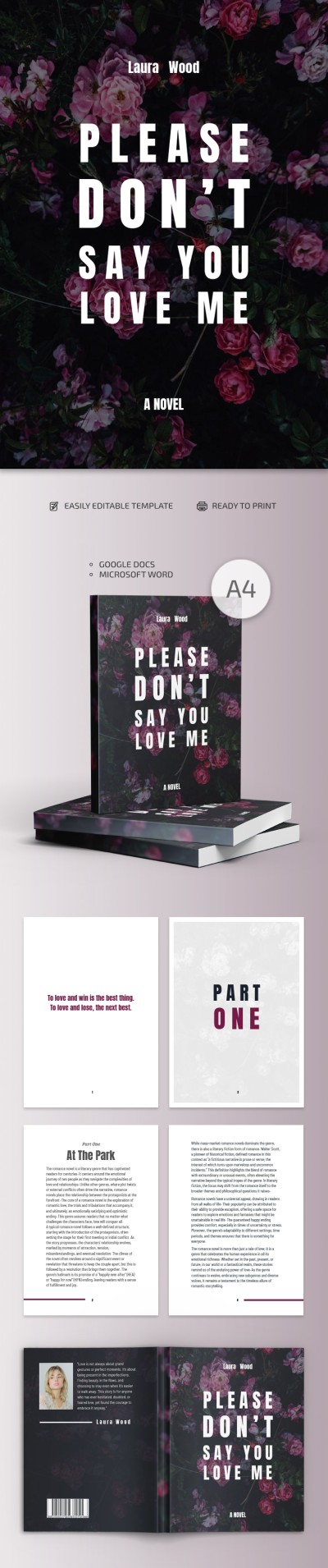
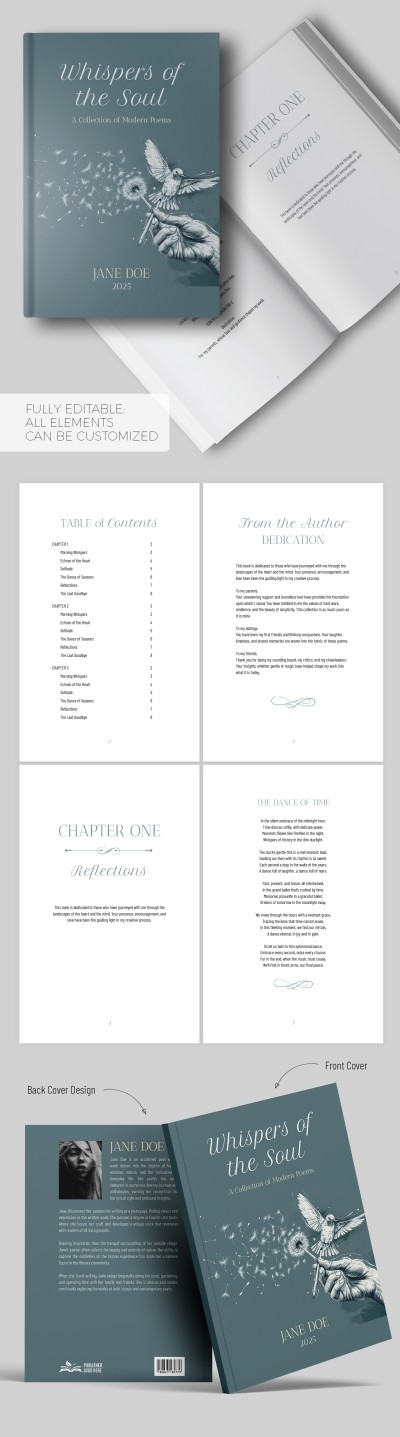
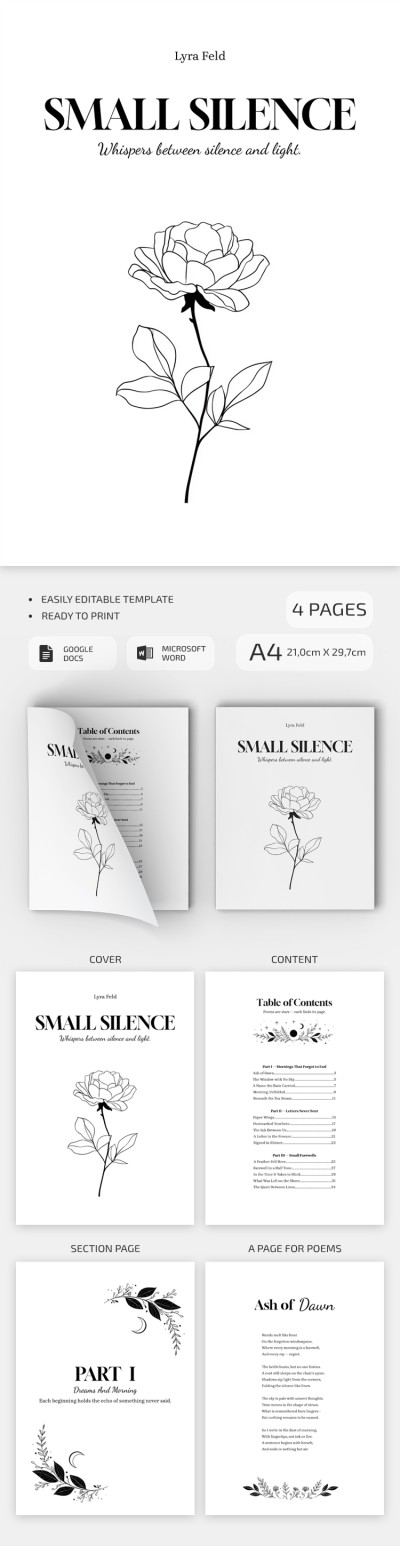
This Google Docs book template is 100% editable and printable. Our professional designers have created eight pages that you can print in A4 format or use digitally. The template features a consistent black-and-white design with placeholders for elegant photos, catching headings, and other elements.

Professional Structure and Layout

It doesn’t matter if you want to inform about marketing strategies or redesign the template - it’s perfect for any task.

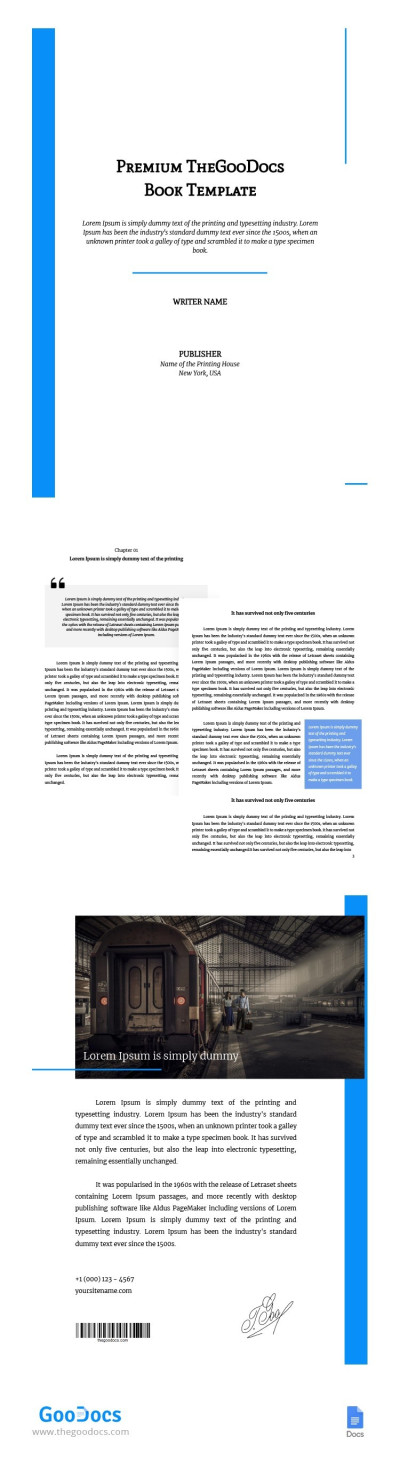
Use a ready-made structure consisting of a cover page with a placeholder for a photo and a catchy title, a table of contents with up to six sections, and four more pages for your text and closing remarks.

Be sure you found the perfect Google Docs book template for free.

Premium Template
50% OFF
Started at
$2.50 $4.99 /month
Instant download after signup
Access to 7,000+ templates
No attribution required
Cancel anytime
UNLOCK THIS TEMPLATE
💳 Safe Payments • 🔒 SSL Secured

WHAT’S INCLUDED

Eight editable pages in black-and-white
Customizable headings and placeholder images
Table of contents with six sections
Professional cover page with photo spot

Book Tips

1
Customize colors for a personal touch.
2
Include your own images for impact.
3
Use headings for clear section breaks.
4
Print in high quality for best results.

FAQ

Is it compatible with Google Docs? Yes, it works seamlessly with Google Docs.
Can I easily customize the template? Yes, you can edit all text and images.
Is this template free to download? Yes, it is completely free.
Is a design background needed? No, it's designed for easy use by anyone.
Can it be used for other topics? Yes, it's perfect for various subjects beyond marketing.
ADVERTISEMENT

How to Use and Edit This Template

Get Your Document

1

Get Your Document

Click the "Edit Template" button to create your own editable copy in Google Docs or download for Microsoft Word
Customize Everything
2

Customize Everything

Easily change colors, fonts, and layouts to match your unique style or brand identity
Add Your Content
3

Add Your Content

Fill in your data, upload images, and replace the placeholder text with your own information
Print, Export, or Share
4

Print, Export, or Share

Print, export as PDF, or share instantly

Related Templates

Recently Viewed