Perfect TheGooDocs Book Template
Use this free template with Google Docs and Microsoft Word


Template Specification
Key Features of This Template
About this template
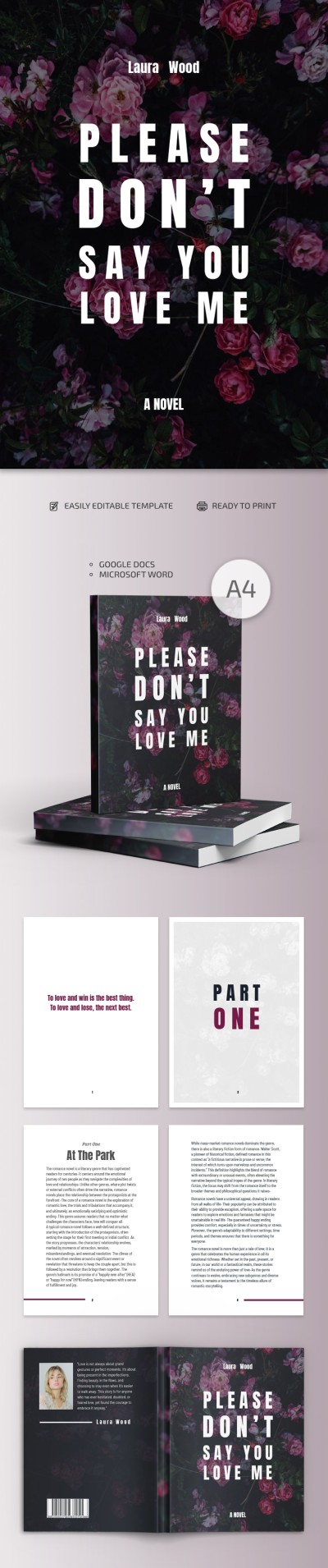
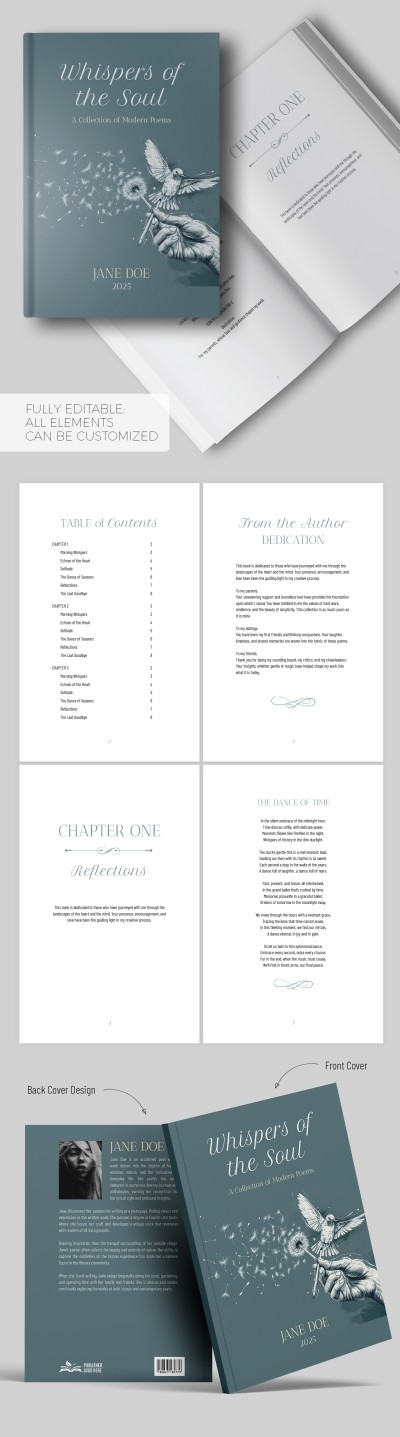
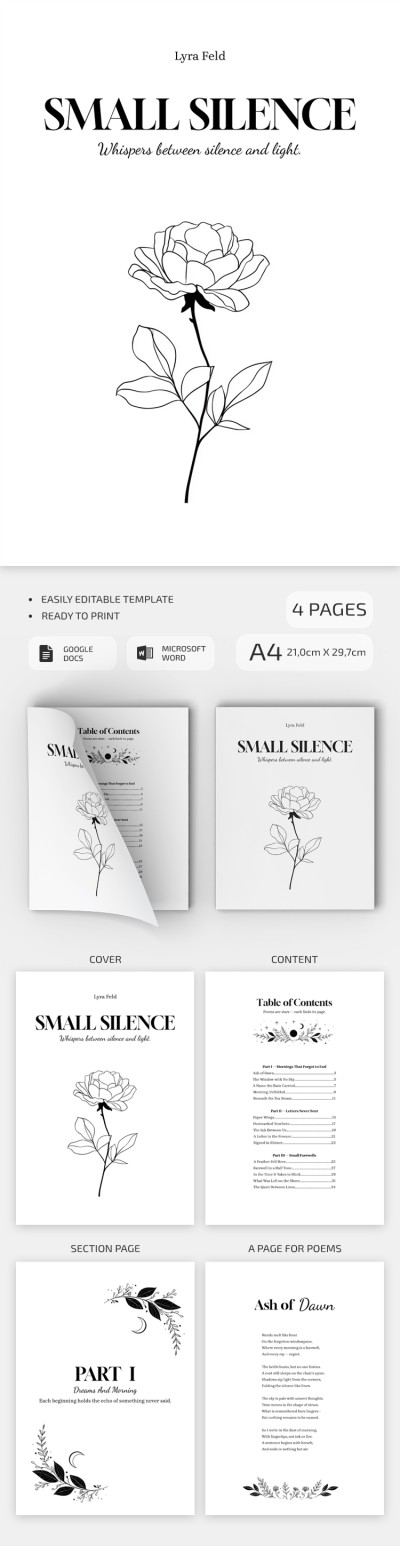
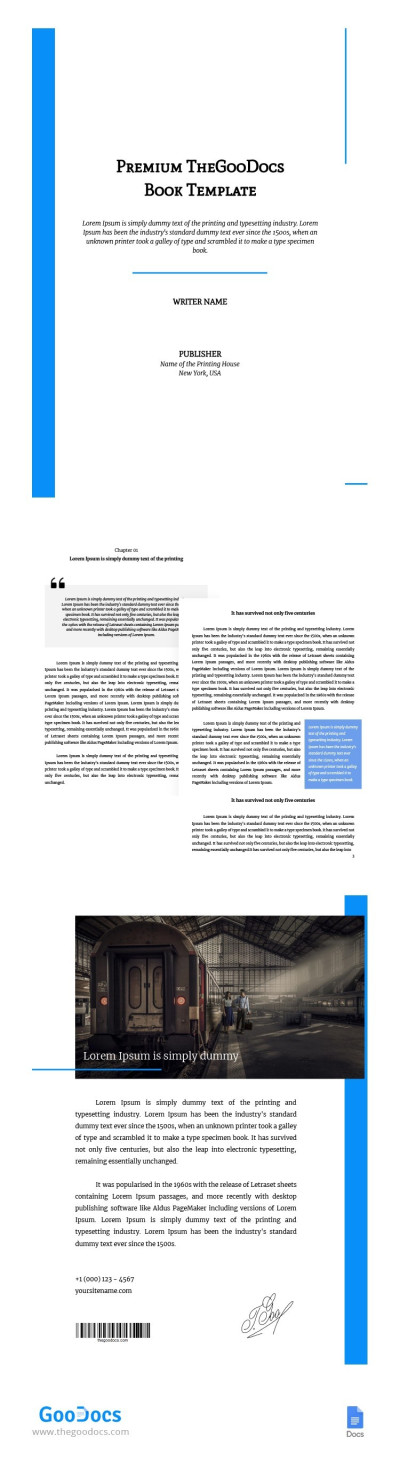
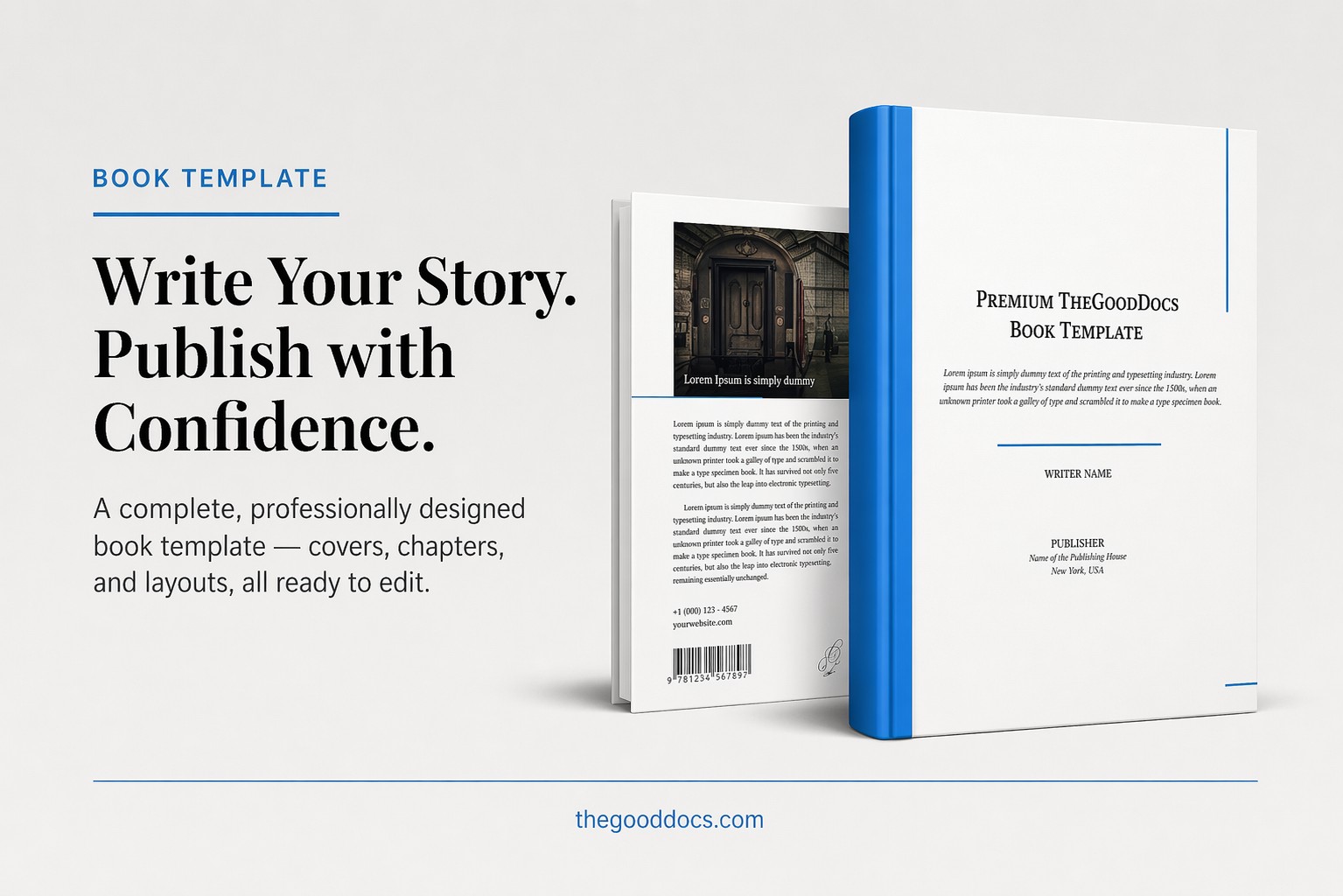
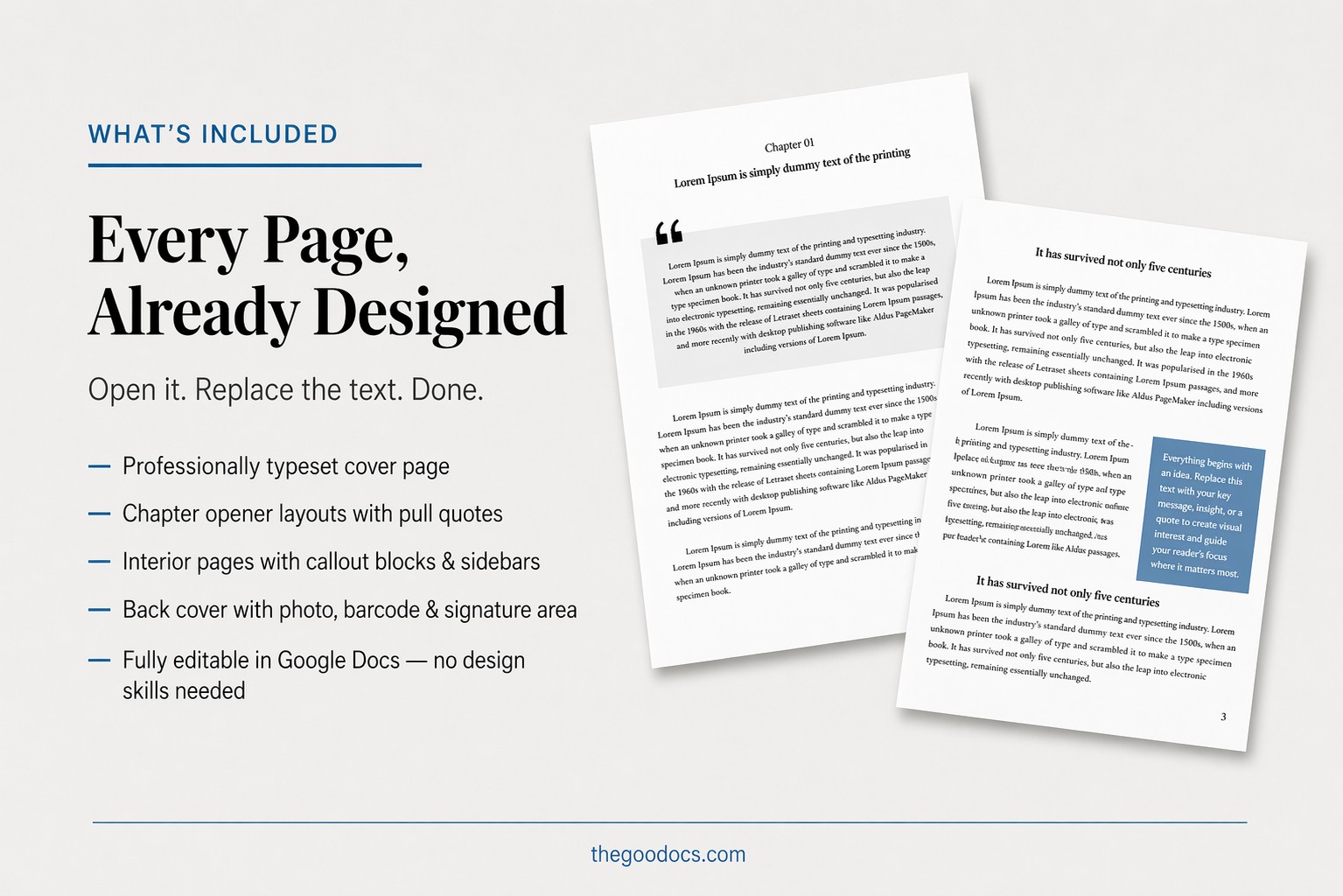
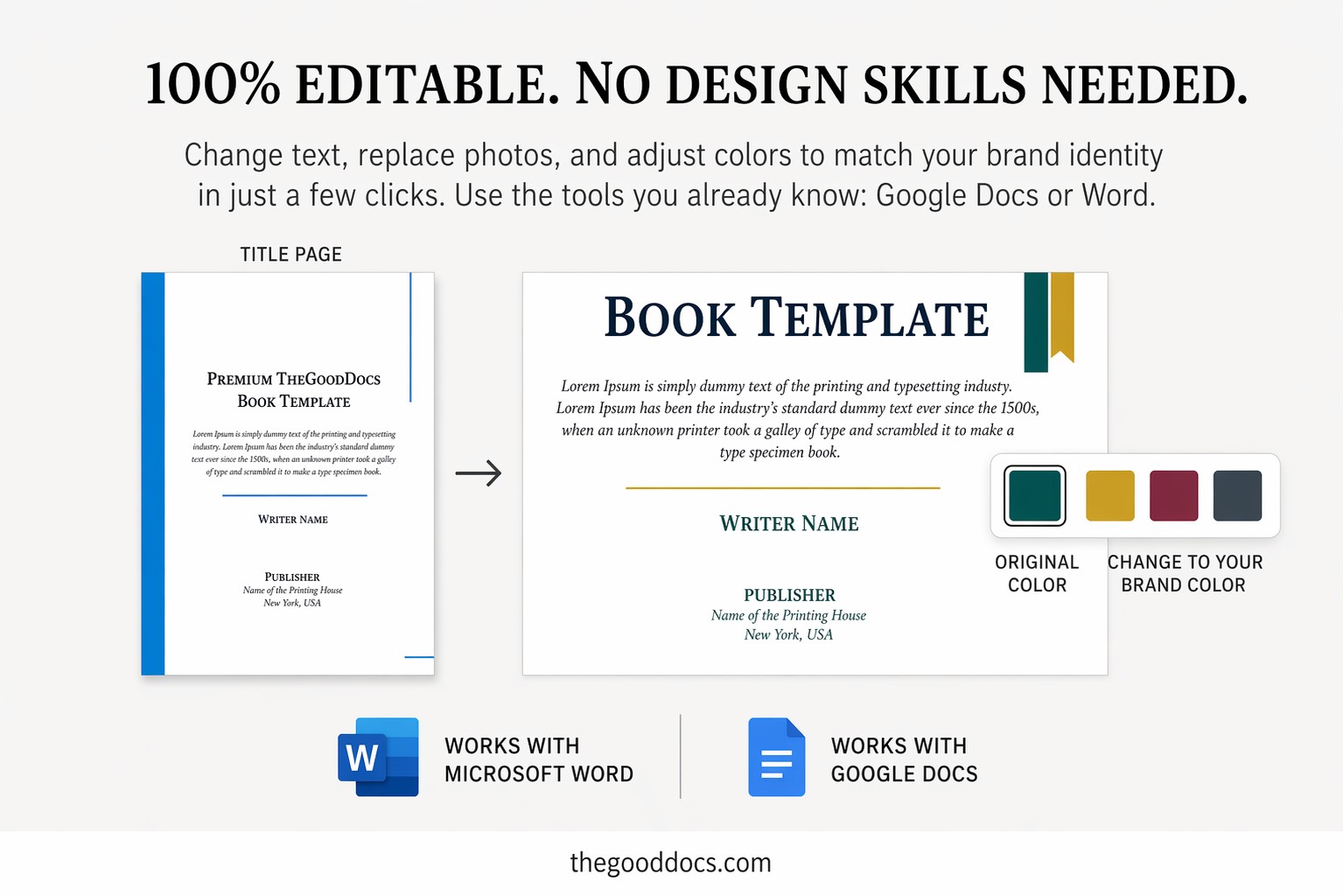
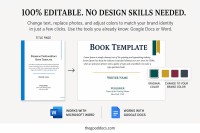
Your novel or nonfiction book will take on a whole new look with TheGooDocs Book Template. We've prepared a complete design for the front and back covers, as well as the interior pages. Simply insert your text and customize the formatting—from fonts and margins to special blocks for your most important information.
Use Premade Formatting for Free
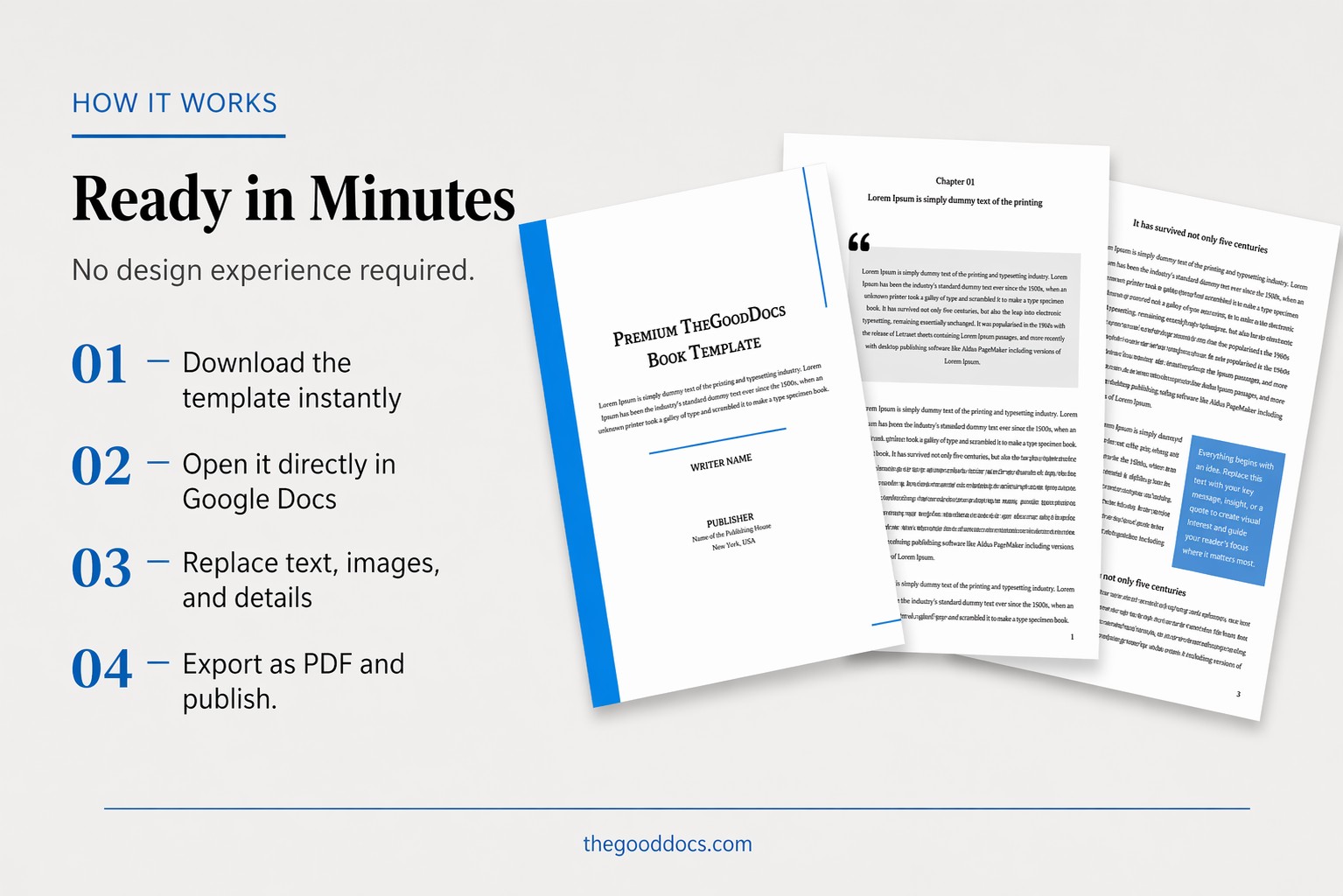
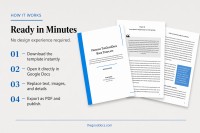
Thanks to the familiar Google Docs book format, you won't have to learn any complicated design tools. Open the template on any device, add your content, save it as a PDF, and print it in A4 size.
It's that simple! The nonfiction book template offers:
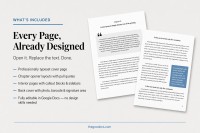
- A front cover with placeholders for the book title, author's name, publisher, and summary.
- Two layouts for interior pages with space for your main text and blue blocks for highlighting quotes or key points.
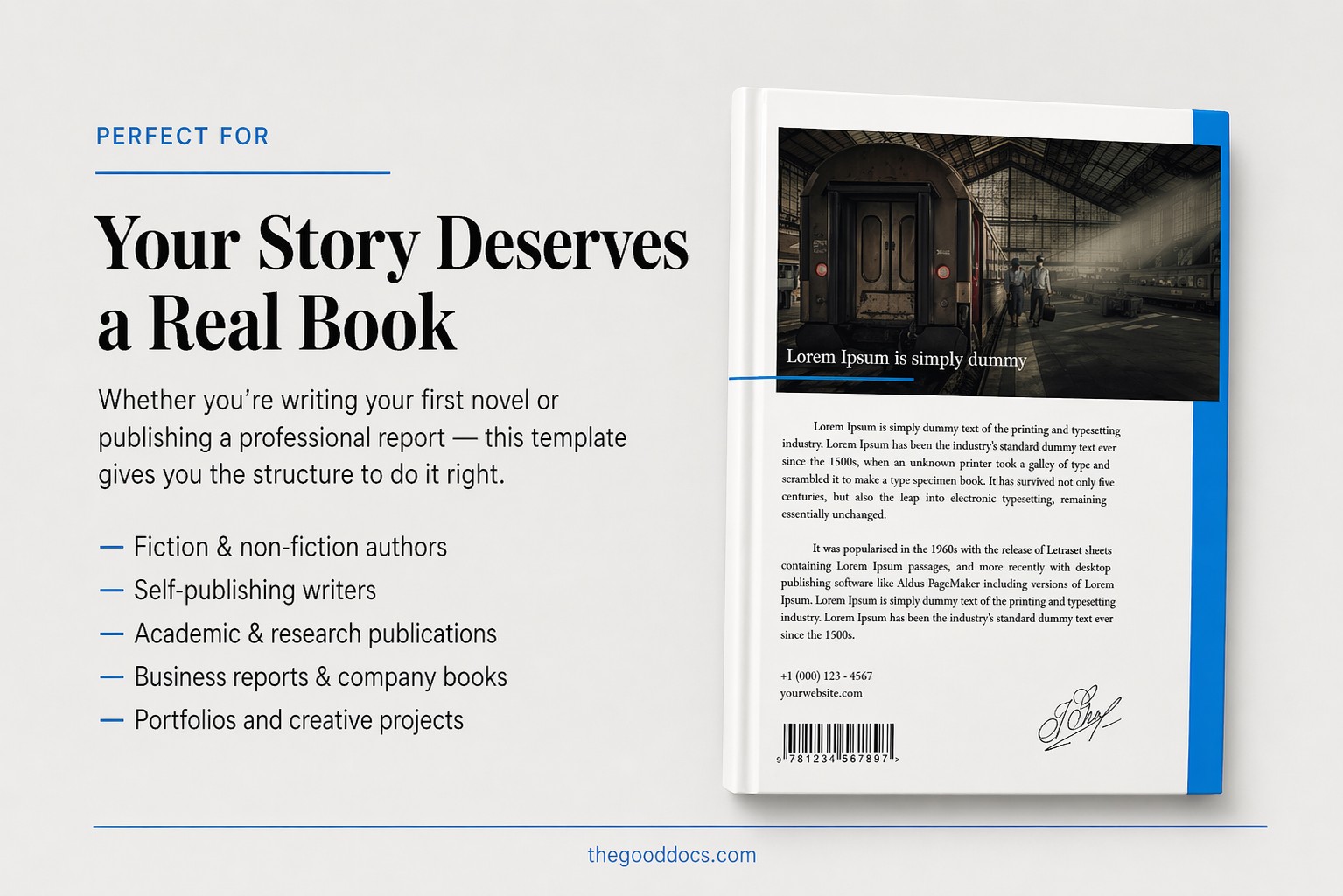
- A matching back cover with sample text and blocks for your website, barcode, social media, and more.
By the way, if you're looking for a unique cover, we recommend checking out our Goosebumps Book Cover Template. It's perfect for thrillers and horror stories.
Download Free Template
WHAT’S INCLUDED
Book Tips
FAQ
How to Use and Edit This Template

Get Your Document

Customize Everything

Add Your Content