Get unlimited access to 5000+ Templates for Google Docs, Slides and Sheets
Unlimited Access
ADVERTISEMENT
ADVERTISEMENT

Travel Guide Book Template

Use this free template with Google Slides and Microsoft PowerPoint

4.25 (1 reviews)
Last updated Updated July 11, 2026
Type Nonfiction, Aesthetic
ADVERTISEMENT

Template Specification

Format Google Slides, Microsoft PowerPoint
Created November 26, 2024
Last Updated July 11, 2026
Community Added to collections by 33 Users
Usage Stats 6 downloads this month

Key Features of This Template

Suitable For Travel Tours

About this template

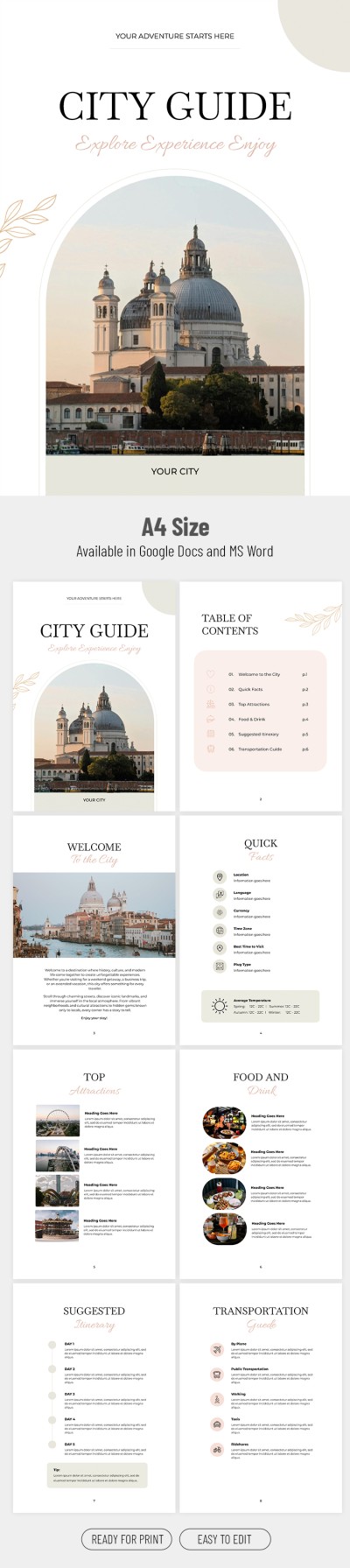
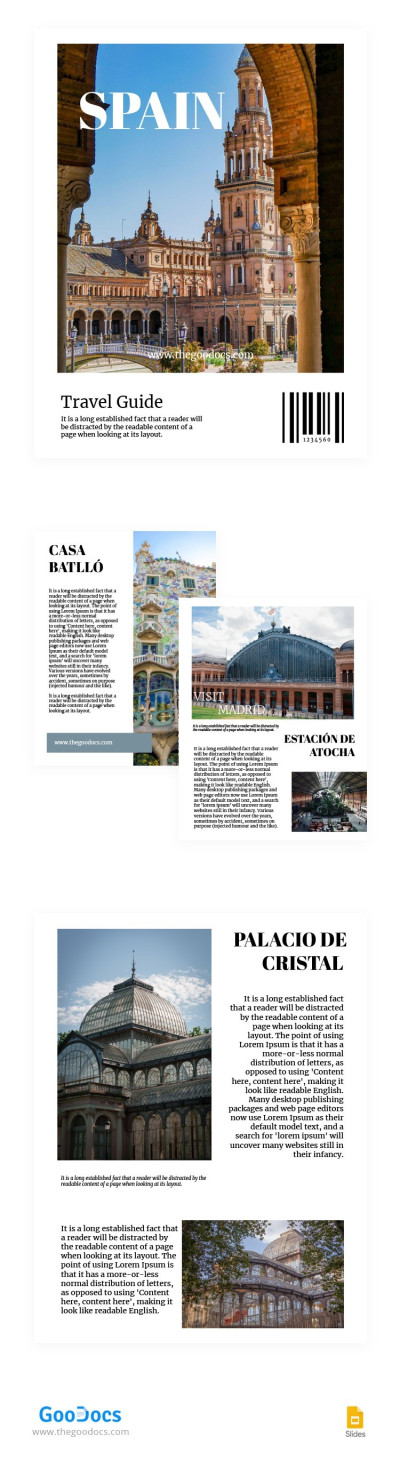
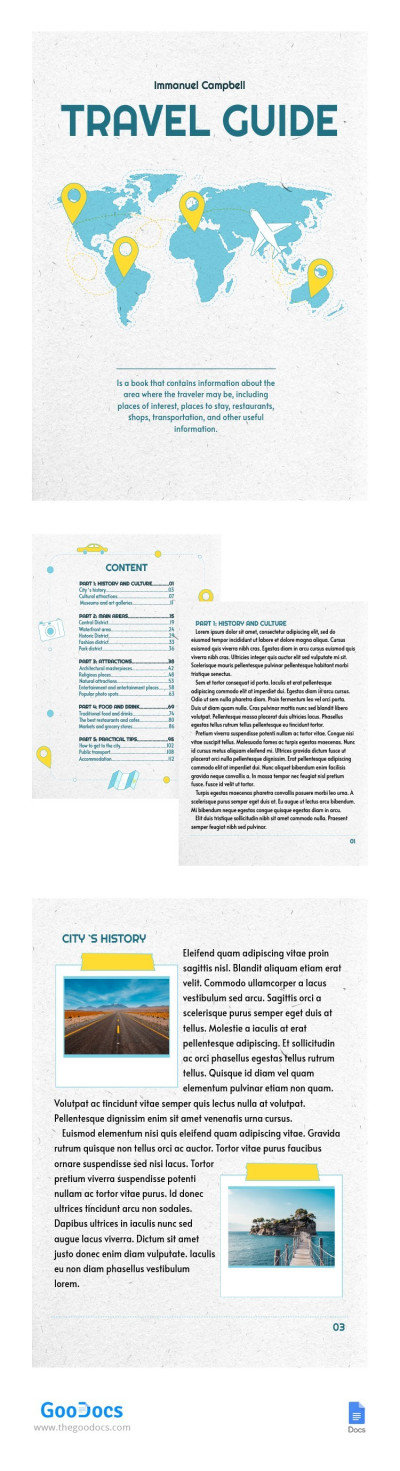
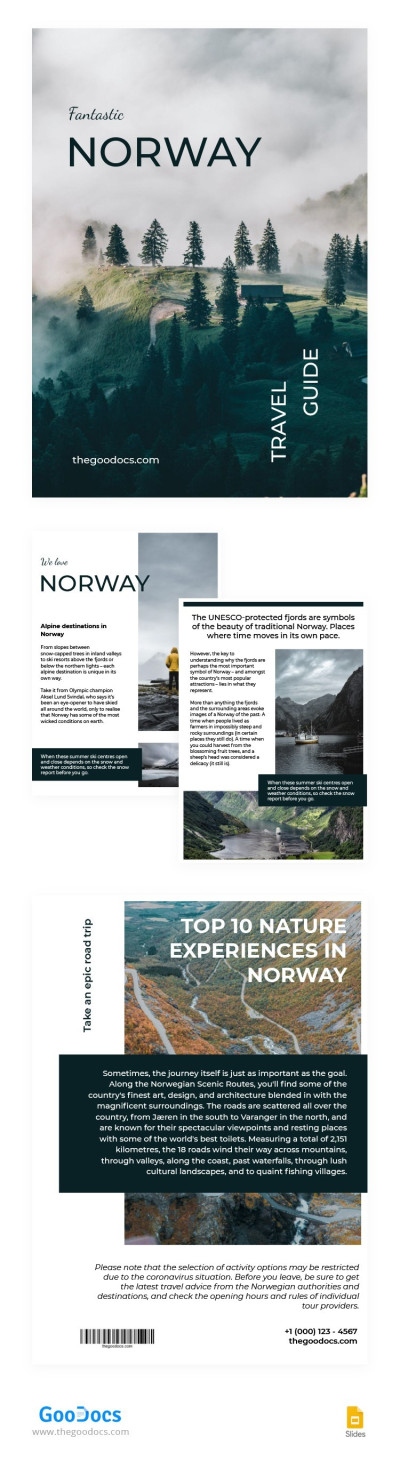
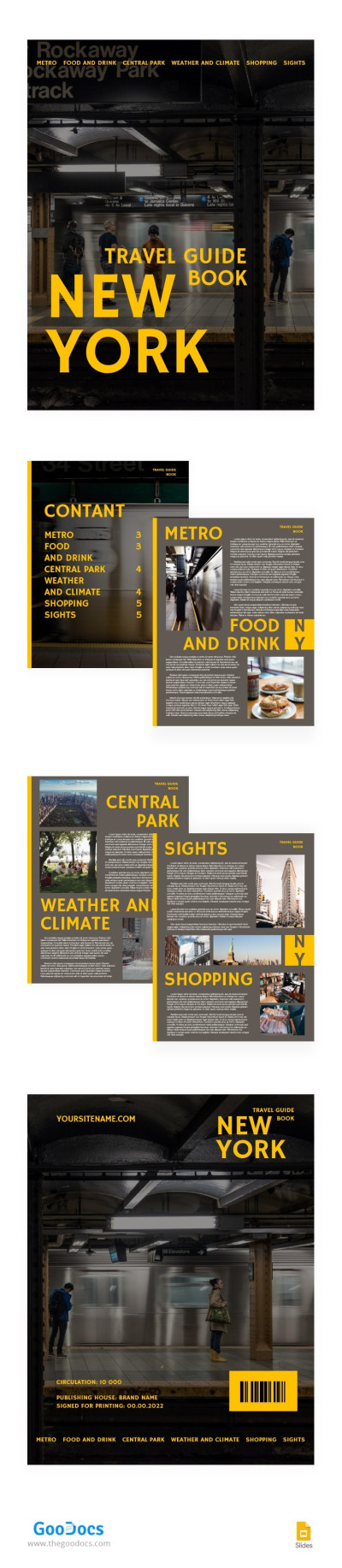
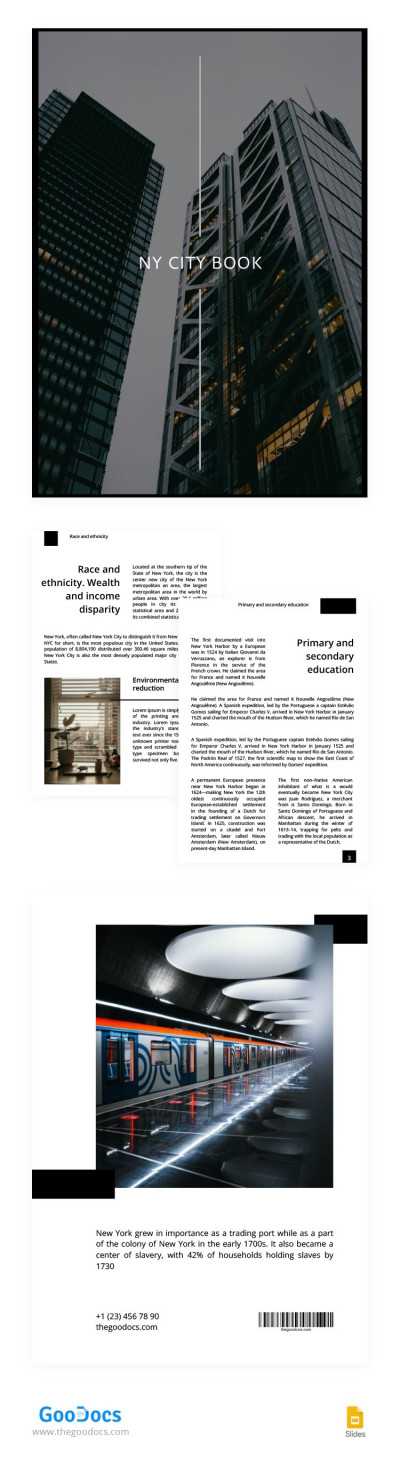
Do you want to create a fascinating travel guide for your blog, Instagram, or print it? Our Travel Guide Book Template is perfect for these tasks. We offer a ready-made design that can be edited and even printed in 1080 x 1920 px.

Consistent Tropical-Style Design

The cover of this travel book greets potential readers with an image of a waterfall against a background of tropical plants. In the center, there is a placeholder for the title, and at the top is a place for the author's name.

7 Pages for Your Travel Guide

In addition, the template includes seven pages: Content, Introduction, Quick Facts, Travel Etiquette, Local Food & Drink, Things To Do, Contact & Tips. You can reconfigure the layouts for these pages using Google Slides or PowerPoint. It's easy, and no additional skills are needed.

Use this layout or find a suitable travel guide template for the destination you want to cover.

ADVERTISEMENT
Free Template

Download Free Template

Choose your platform and start editing right away
PLATFORM

Google Slides

Opens in browser

Microsoft PowerPoint

.pptx
PAPER SIZE
1080x1920 px
Google Slides – 1080x1920 px
No account required • Attribution required

WHAT’S INCLUDED

8 customizable tropical-themed pages
Editable text and image placeholders
Comprehensive travel guide sections
Printable in 1080x1920 pixels

Book Tips

1
Add high-quality images for better engagement.
2
Include local phrases for travel authenticity.
3
Highlight must-see attractions prominently.
4
Use vivid colors to attract attention.

FAQ

Is this template compatible with Google Slides? Yes, it's compatible with both Google Slides and PowerPoint.
How easy is it to customize? Very easy; no special skills are required.
Can I change the images? Yes, you can replace images with your own.
Is the template free to download? Yes, it's free to download and use.
Does it include travel tips? Yes, it includes sections for travel etiquette, tips, and more.
ADVERTISEMENT

How to Use and Edit This Template

Get Your Document

1

Get Your Document

Click the "Edit Template" button to create your own editable copy in Google Slides or download for Microsoft PowerPoint
Customize Everything
2

Customize Everything

Easily change colors, fonts, and layouts to match your unique style or brand identity
Add Your Content
3

Add Your Content

Fill in your data, upload images, and replace the placeholder text with your own information
Print, Export, or Share
4

Print, Export, or Share

Print, export as PDF, or share instantly

Related Templates

Recently Viewed