
Monthly Report Templates
Our collection of monthly report templates contains dozens of options for various purposes, from businesses to schools and universities. These templates are available in Google Sheets and Excel formats, allowing you to enter employee KPI calculations and use pre-made automatic charts. Our Google Docs and Word monthly reports help you create written reports and presentations. Easily create monthly progress reports in marketing, sales, or other areas.
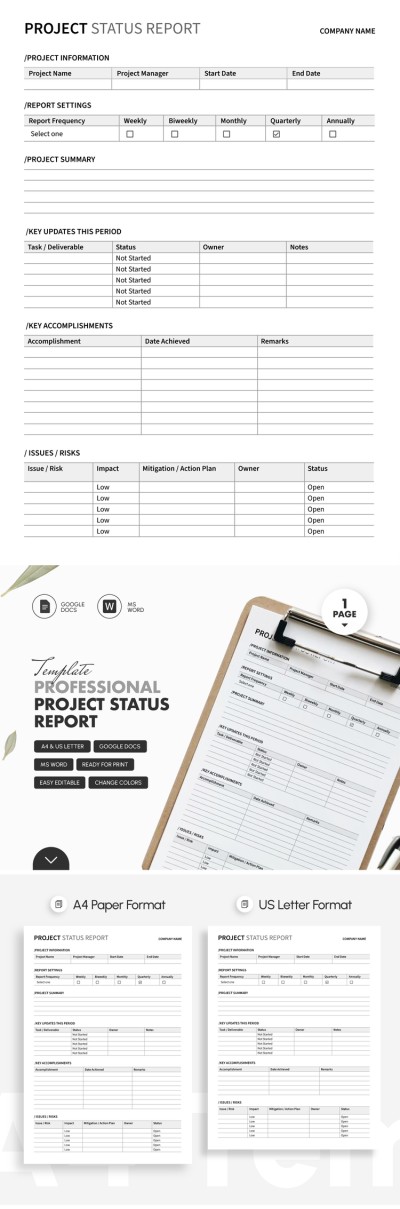
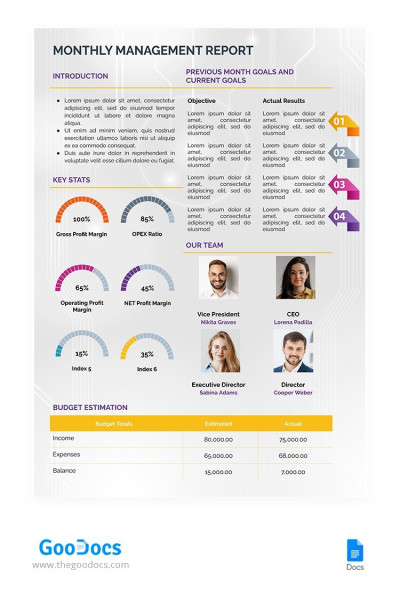
Monthly Management Report
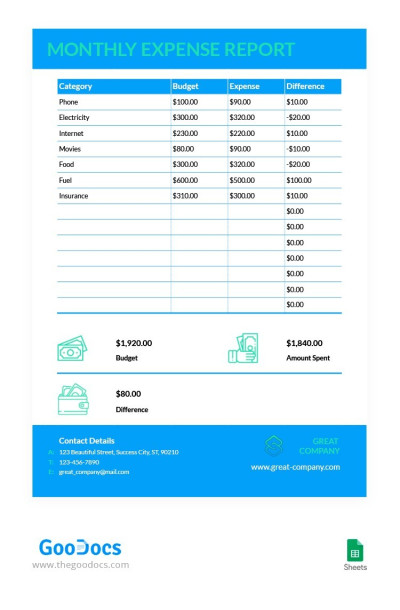
Simple Business Monthly Expense Report
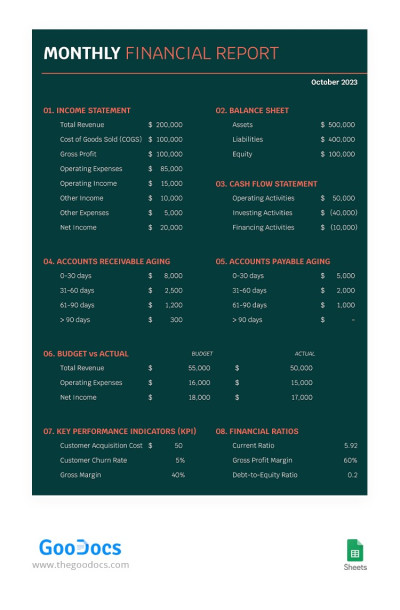
Dark Monthly Financial Report
Pink One Page Monthly Report
One-Page Monthly Report
Grey Modern Monthly Report
Monthly Sales Report
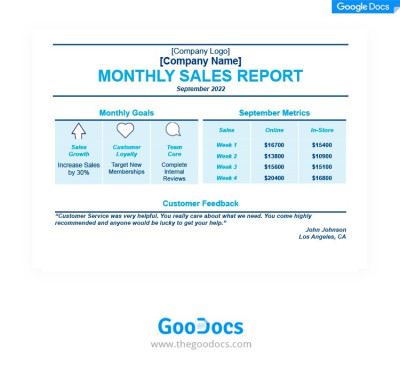
Blue Monthly Sales Report
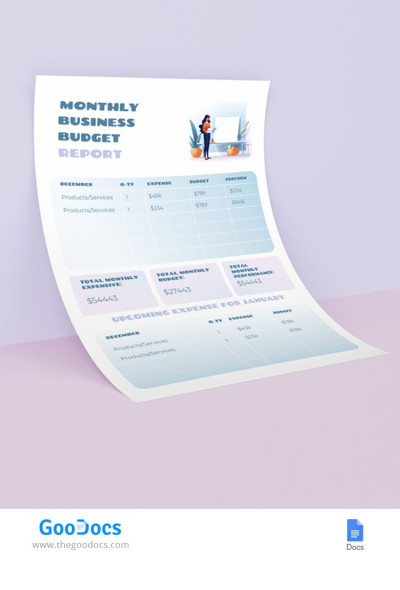
Monthly Budget Report
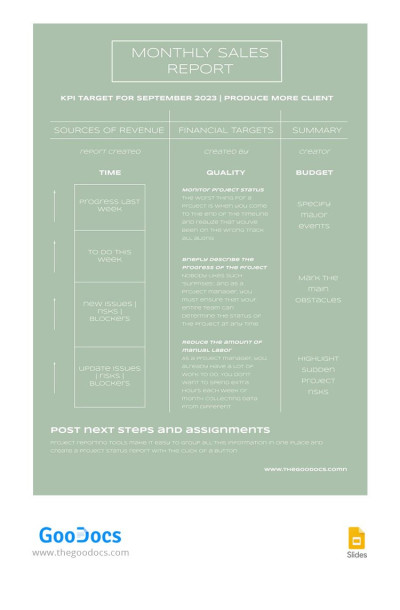
Pastel Monthly Sales Report
Please try different filters or clear all to start over.
Any freelancer, small business owner, startup founder, or education professional knows why monthly reporting is of essence. We make this process simple for those without specialized design skills or experience. You can use our monthly report templates and focus on crucial tasks rather than creating a template from scratch.
Evaluate all the benefits of our monthly report templates:
- You can easily find options that suit your industry. Our collection features templates for various spheres and teams, including marketing, sales, IT, HR, finance, and more. We also offer universal examples, and each template is easily adaptable to your brand's specific needs.
- We offer templates compatible with popular editors. You can choose an editable sample that is editable in Word, Google Docs, Sheets, and Excel. You can also save the file as a PDF at any stage for printing. These editors offer straightforward tools and don't require any special skills to personalize our templates.
- You can save up to 90% of the time spent preparing a report. Why bother creating a report’s structure, formatting, and visuals from scratch? Use the optimized design of any of our templates. They include headers, tables, graphs, summary sections, and other essential elements.
Most of our templates are available for free, even without registration. You can now use the right tools to create professional monthly reports quickly. Be sure to check out our sales report templates to find more relevant options.
Monthly Report Templates FAQ
You can create a monthly report from scratch or use our templates as a basis. The second option is preferable for most, as it saves you time on design and structure. Furthermore, our templates include sample text that can serve as a starting point for creating a comprehensive report.
That's a step-by-step plan:
- Determine the purpose of your report and who it’s intended for. Based on this information, you can select the most suitable monthly report template on this page.
- Gather metrics for a month to support your report. Consult with your management or colleagues about which metrics and KPIs to include.
- Select a template on this page. You’ll find universal monthly report templates for many tasks, including sales, management, expenses, budget, finance, and more.
- Download or make a copy of the template. Click on the preview or name of the template you like to go to its page. There, you’ll find the Edit/Download button (depending on the format). Click it, and the download or creation of a copy in your Google Drive will begin automatically.
- Open it on any device and enter your report data. The file contains a pre-made monthly report layout where you only need to enter key metrics, conclusions, comparisons with the previous period, and other relevant information. You can do this in Google or Microsoft editors on any device.
- Review the template and save your changes (Google saves automatically). You can also create multiple copies of the template to have separate files for future reporting periods.
This guide makes creating a monthly report template much easier using a ready-made layout from TheGoodocs. Follow this step-by-step guide and use our templates to succeed.

