
List & Checklist Templates for Google Sheets and Excel
Make sure you can stay productive all day long with list & checklist templates in Excel and Google Sheets! Discover our collection of the best editable and printable blanks. You can download and customize free accounting, inventory, health, task, to-do, and other lists and checklists. Choose from modern, professional, girly, cute, and more designs.
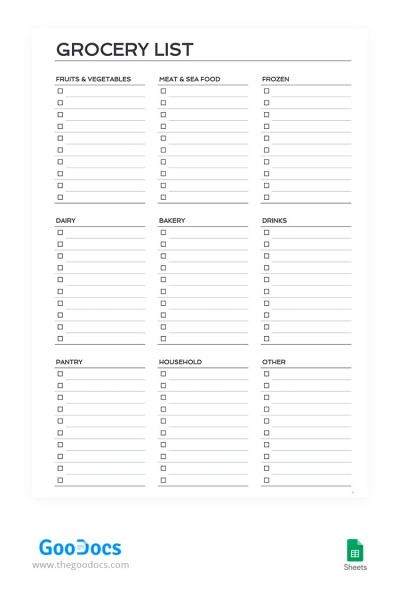
Printable Grocery Checklist
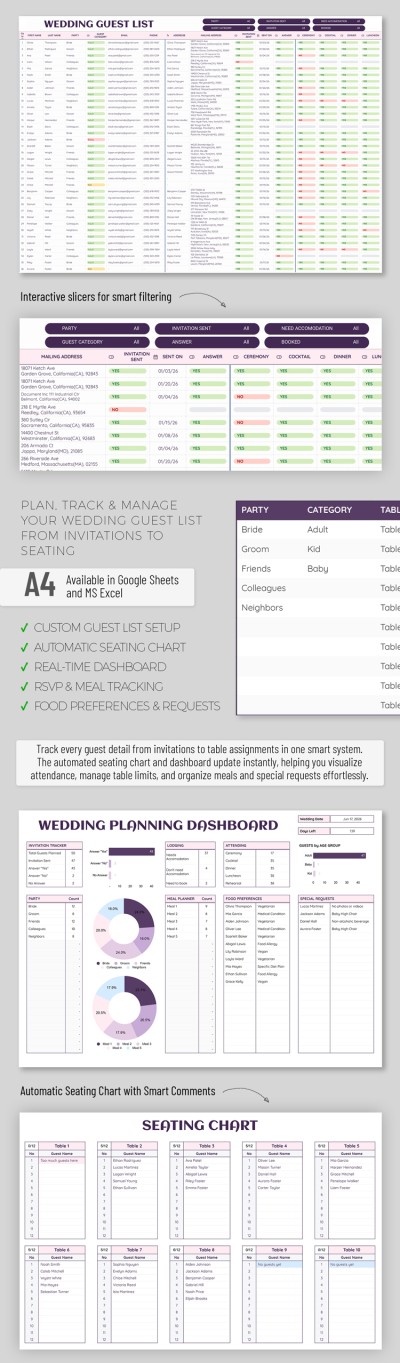
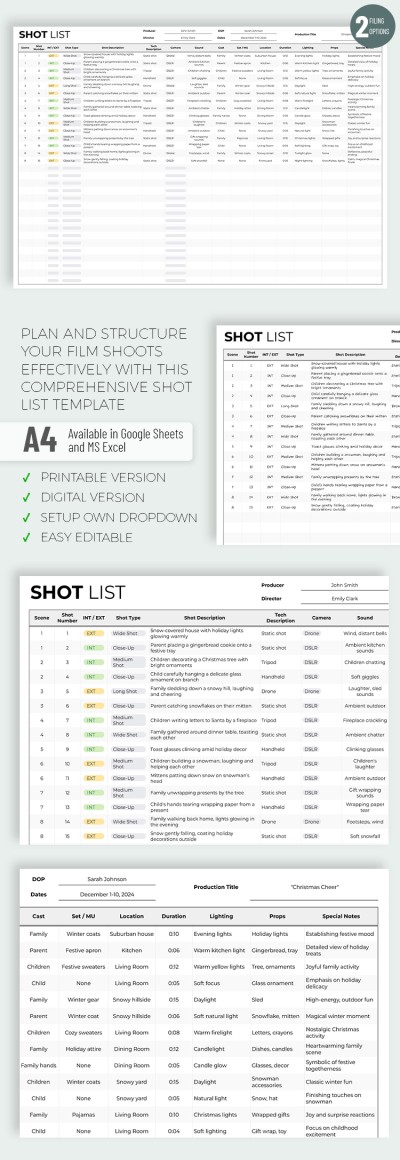
Shot List
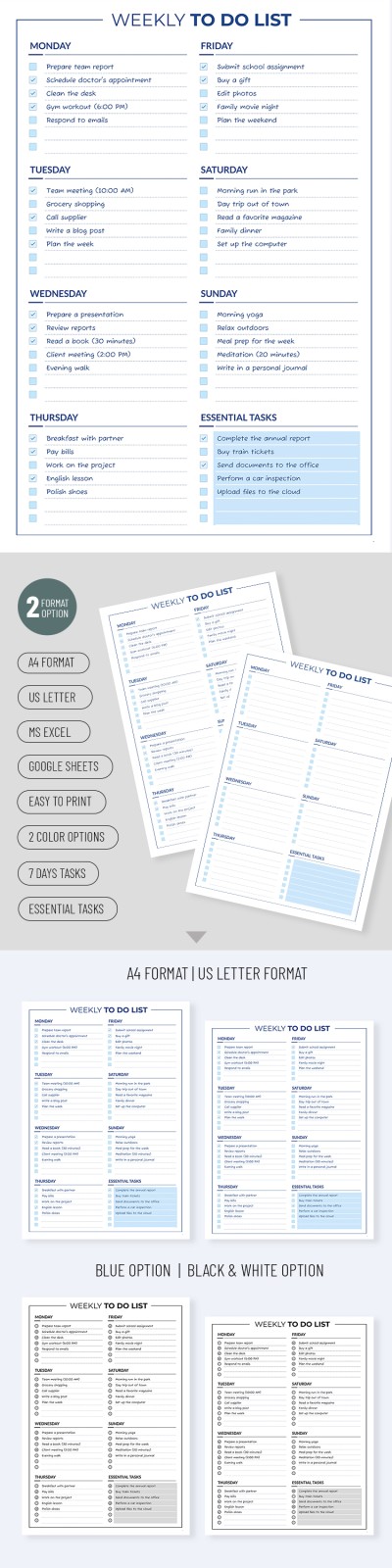
Weekly To-Do List
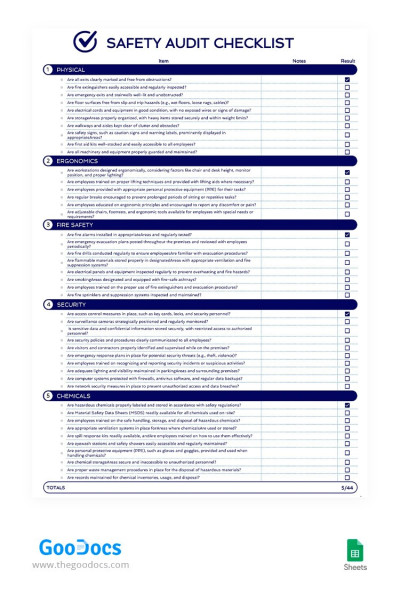
Safety Audit Checklist
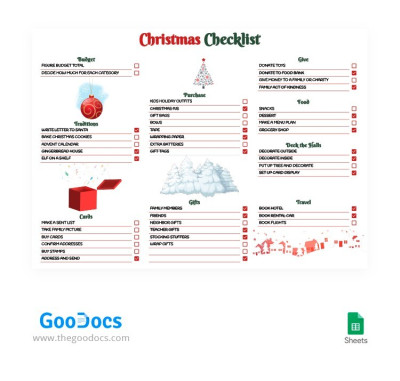
Bright Detailed Christmas Checklist
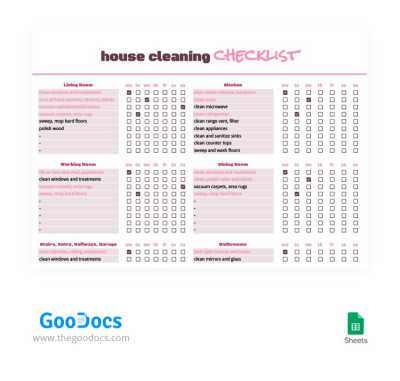
Detailed Weekly Cleaning Checklist
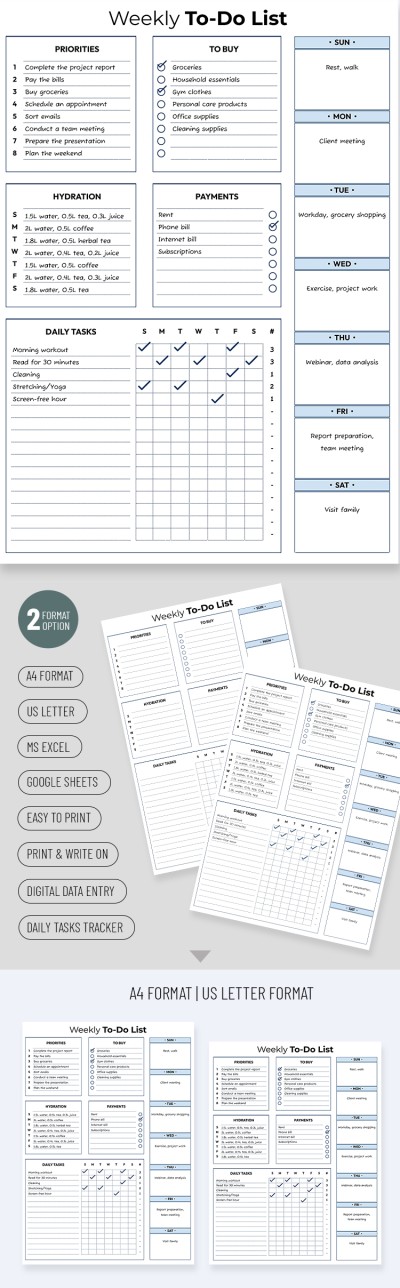
Cute Weekly To-Do List
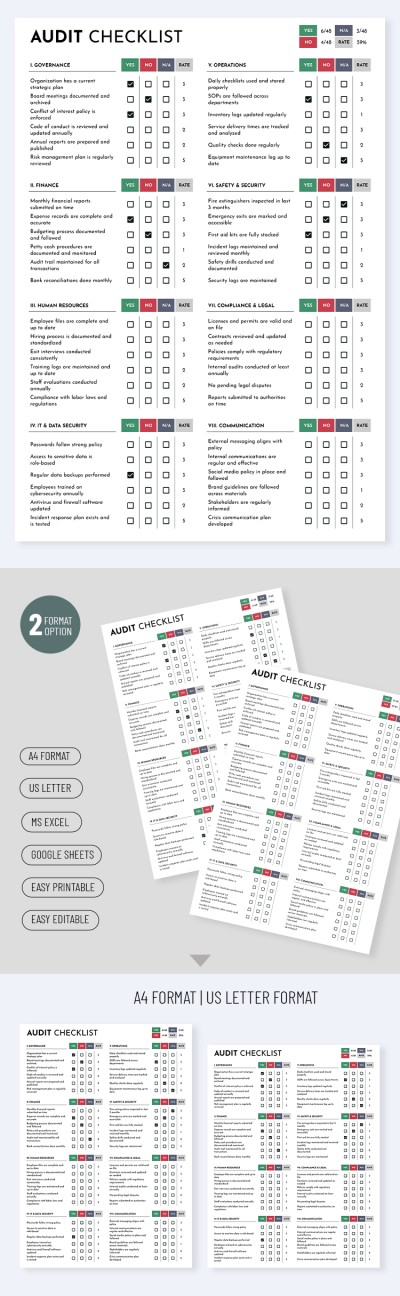
Simple Audit Checklist Template
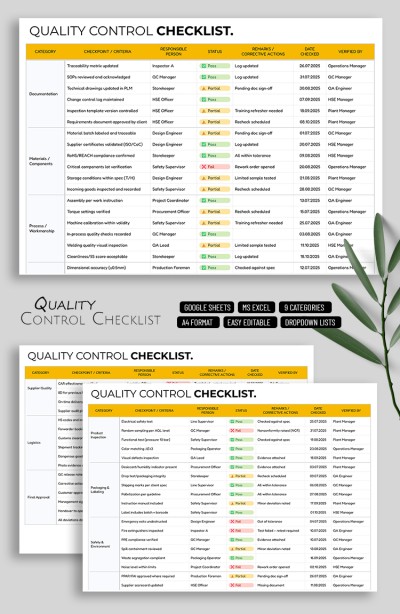
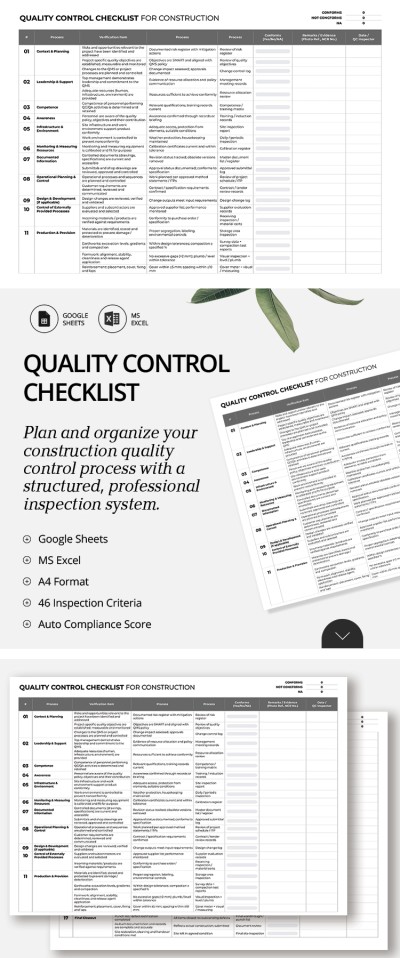
Quality Control Checklist Template
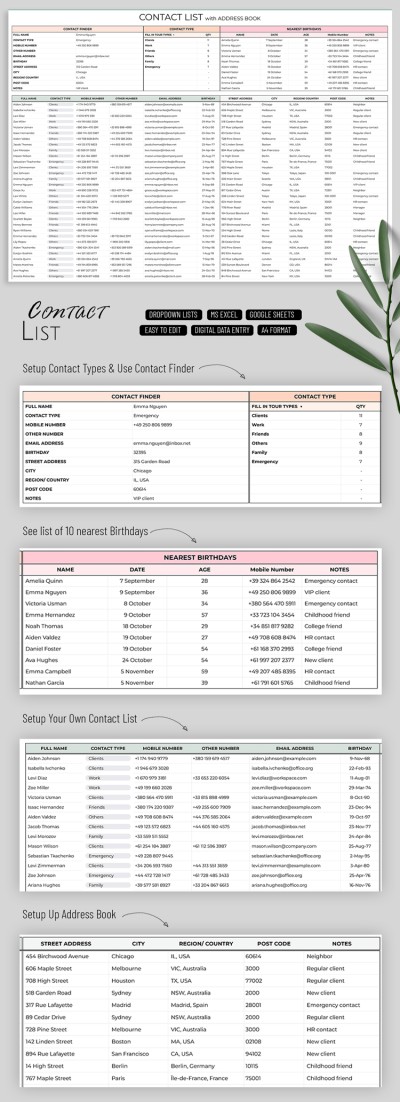
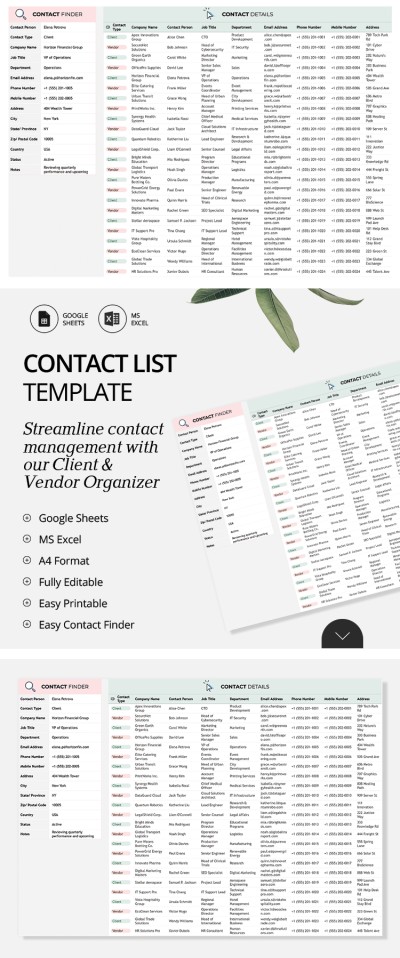
Contact List Template with Address Book
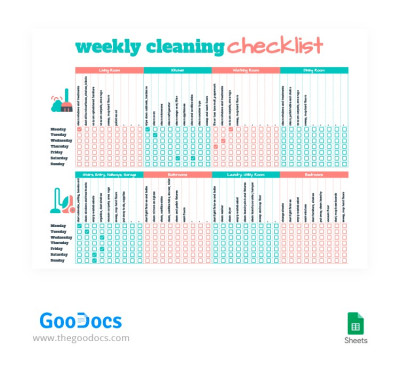
Cute Weekly Cleaning Checklist
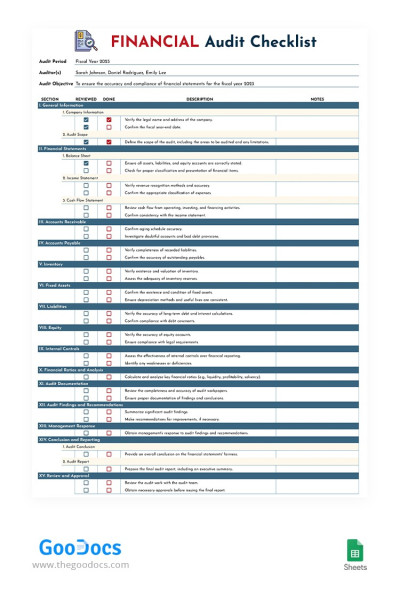
Financial Audit Checklist
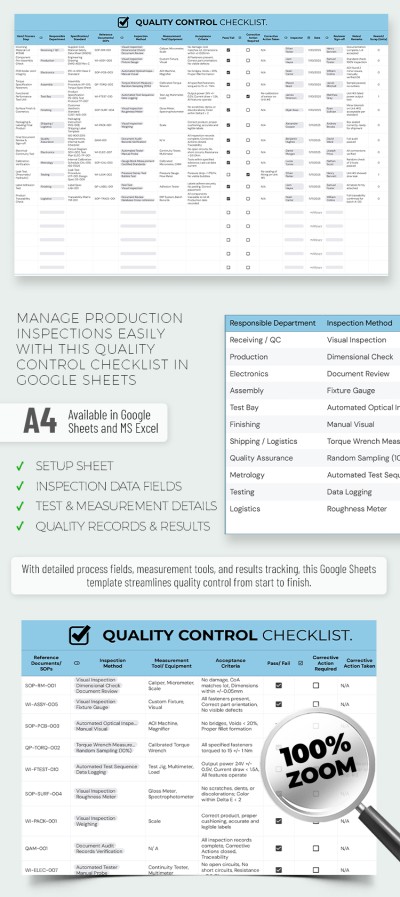
Quality Control Checklist Template – Production & Inspection Sheet
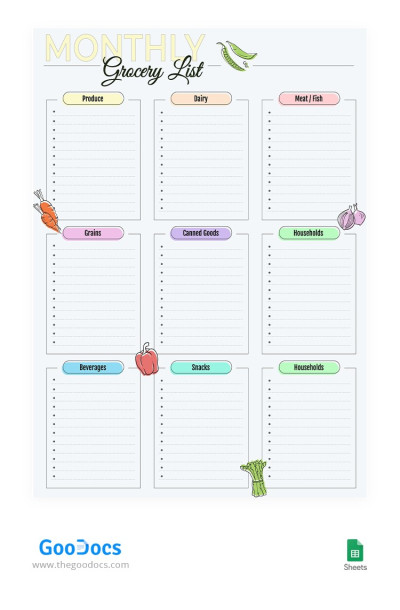
Monthly Grocery List
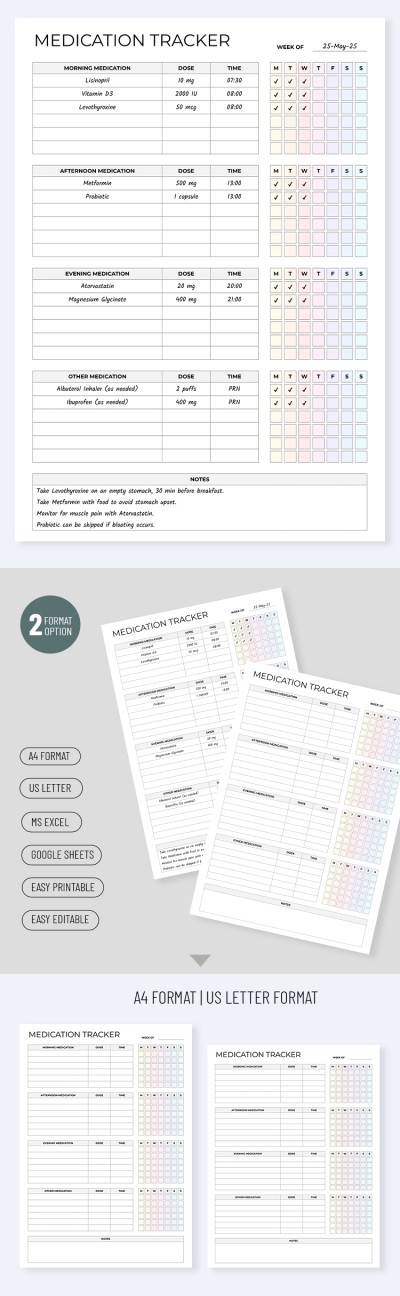
Daily Medication List Template
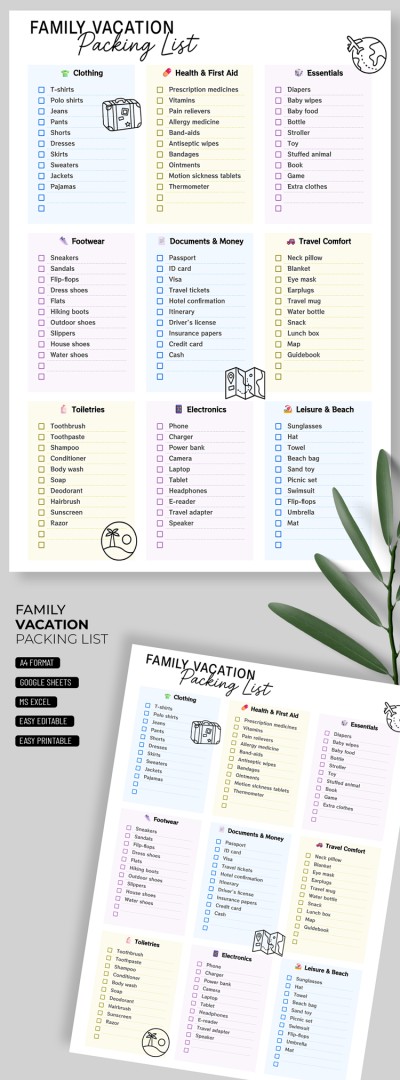
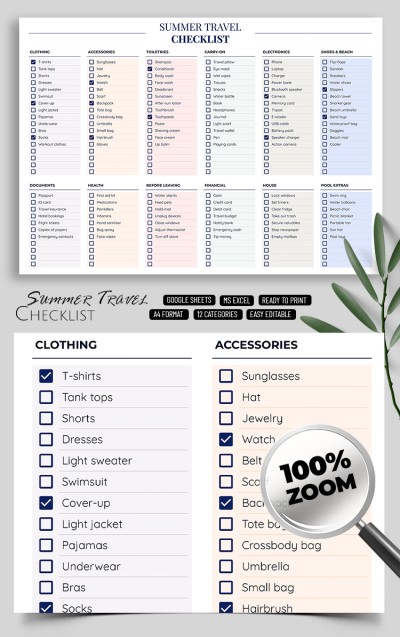
Family Vacation Packing List Template
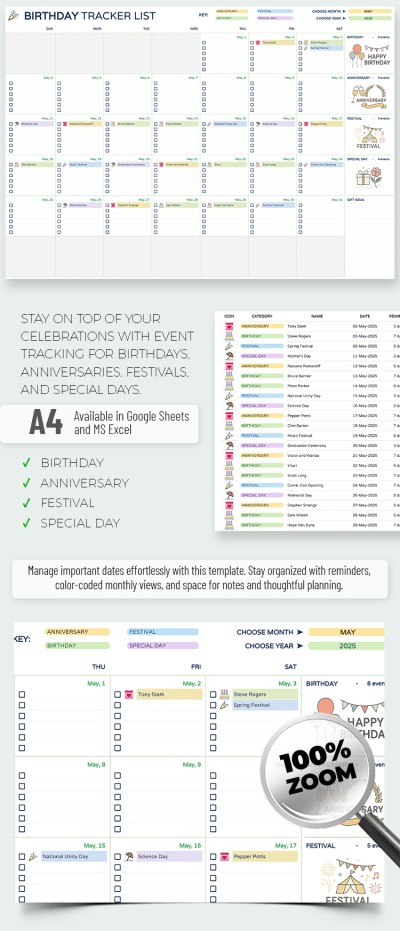
Birthday Tracker List Template
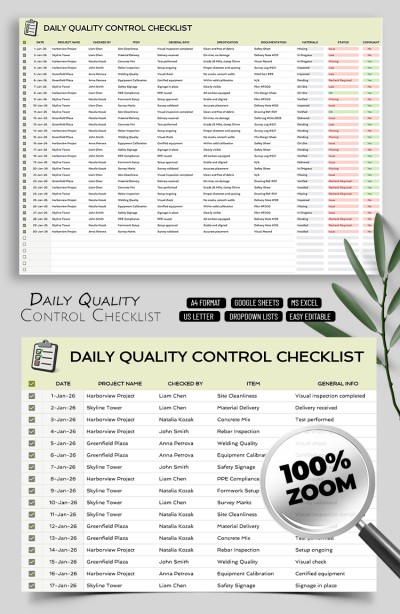
Daily Quality Control Checklist Template
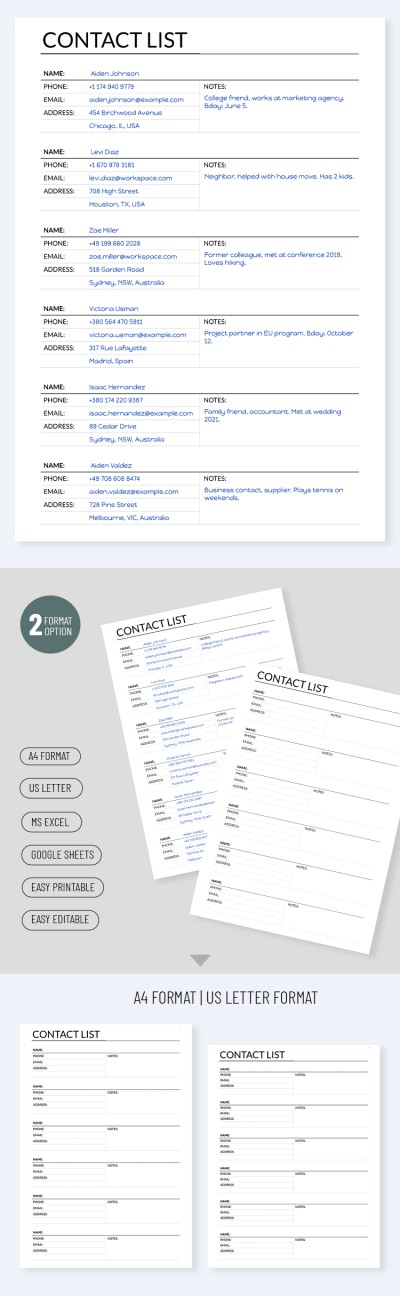
Printable Contact List Template
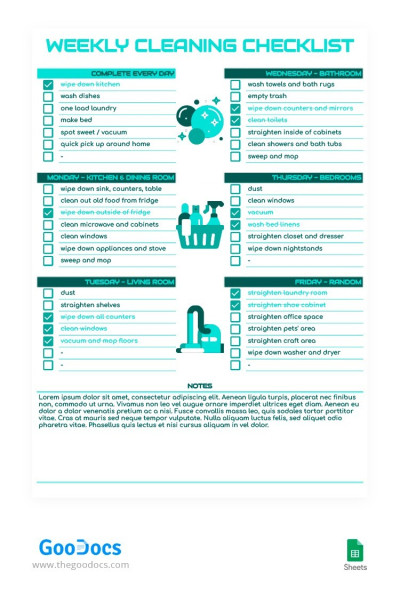
Green Weekly Cleaning Checklist
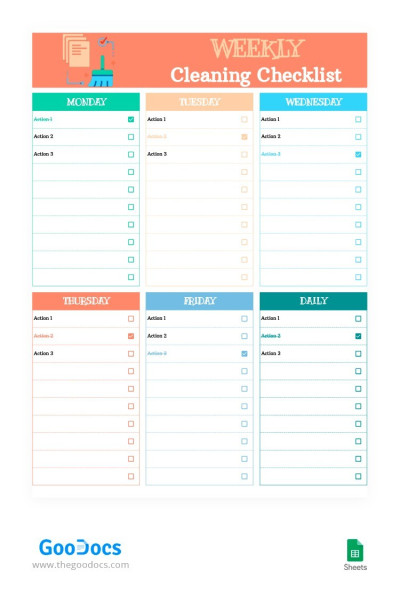
Bright Weekly Cleaning Checklist

Diabetic Food List
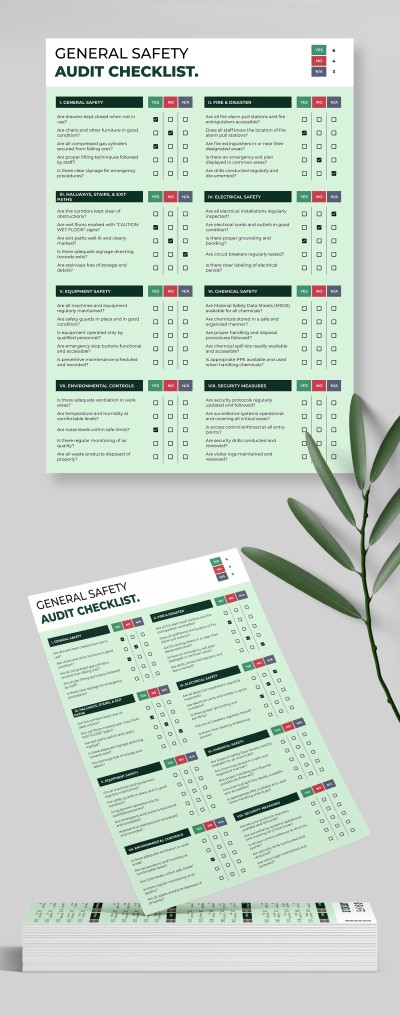
General Safety Audit Checklist
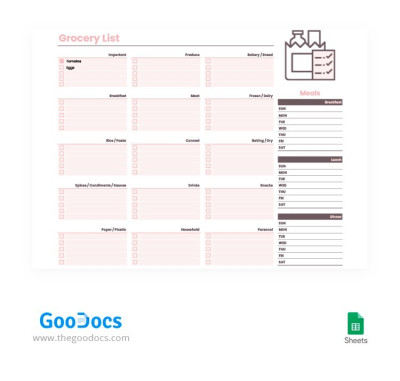
Convenient Grocery Checklist
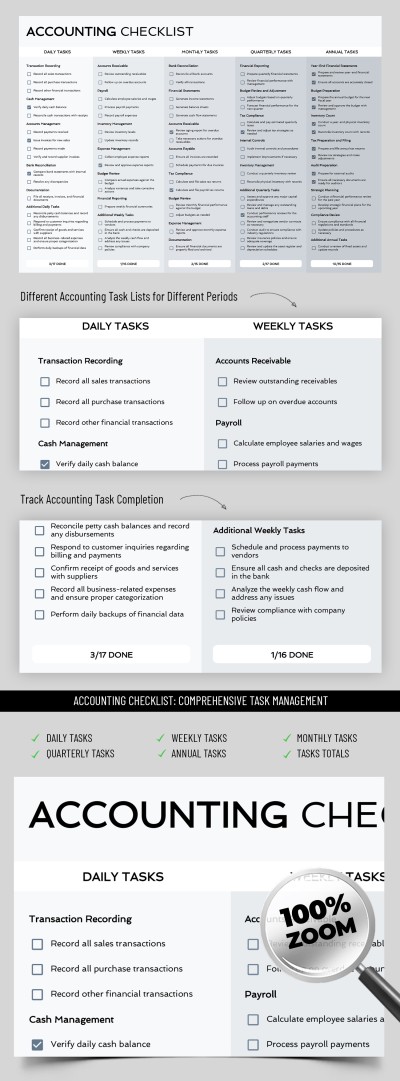
Accounting Checklist
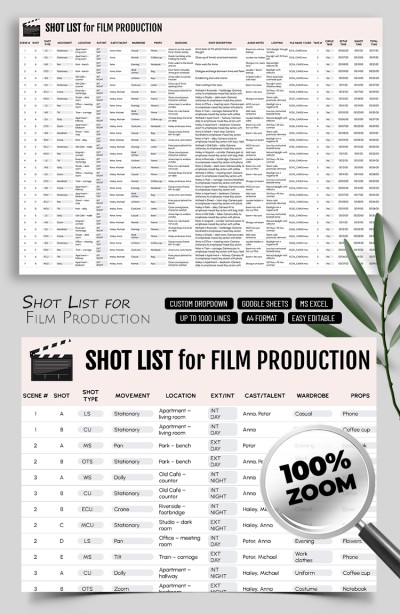
Editable Shot List Template for Film Production
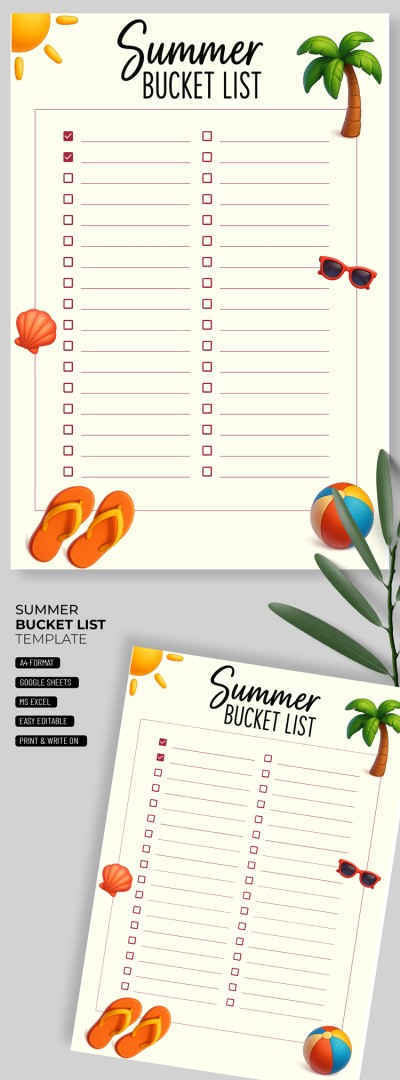
Printable Summer Bucket List Template
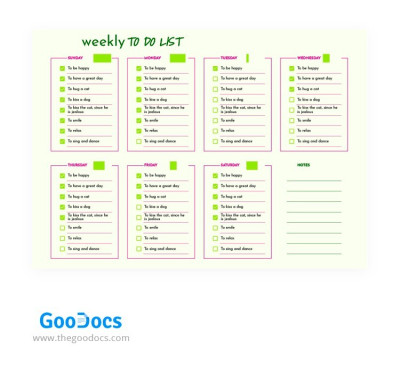
Simple Summer To Do List
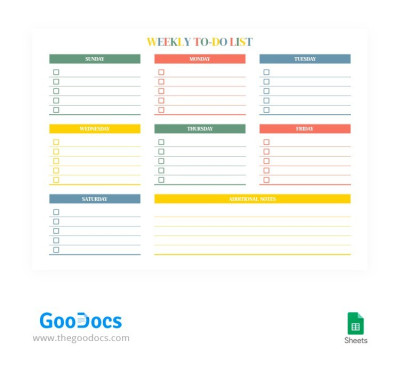
Colorful Weekly To-Do List
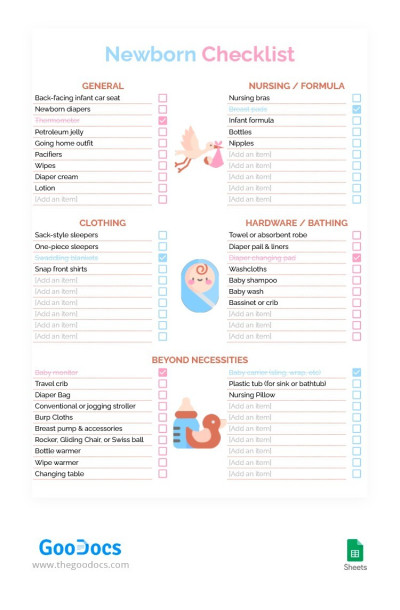
Cute Newborn Checklist
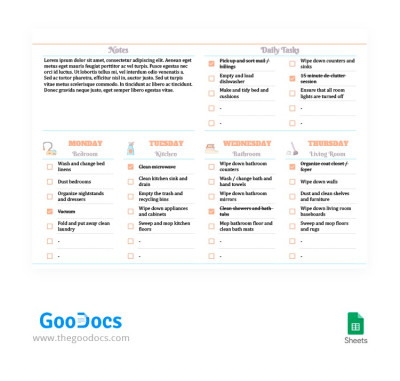
Simple Weekly Cleaning Checklist
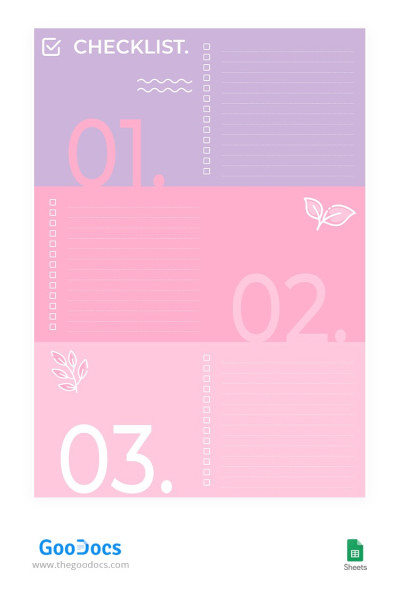
Pink Checklist
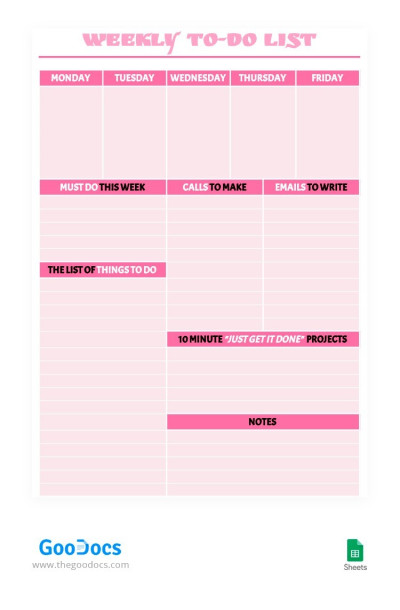
Pink Weekly To-Do List
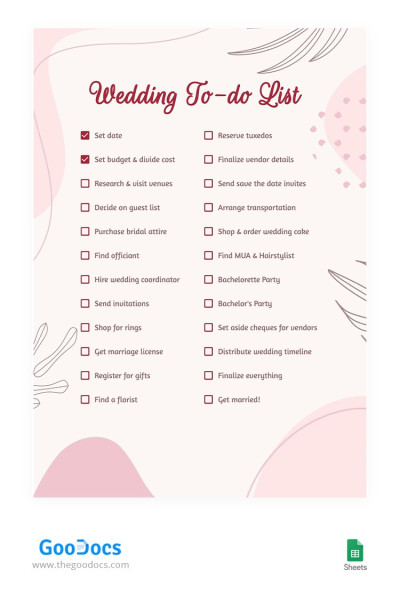
Cute Wedding To-do List
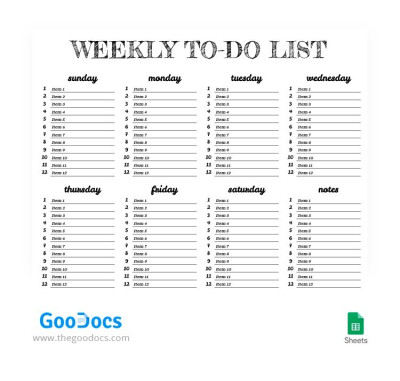
White Weekly To-Do List
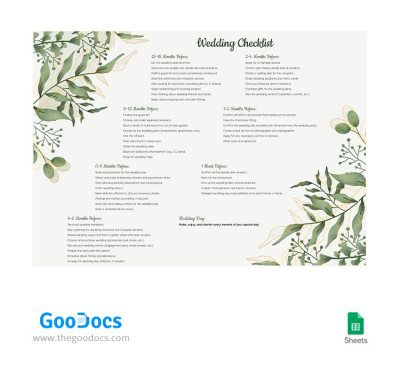
Floral Wedding Checklist
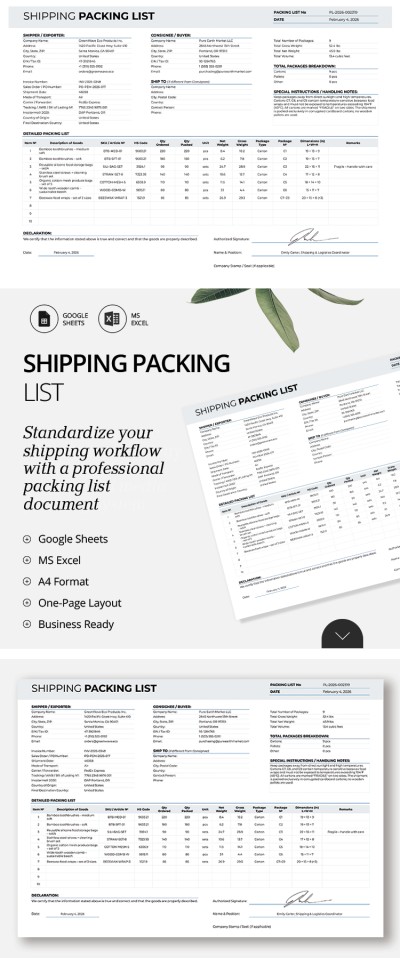
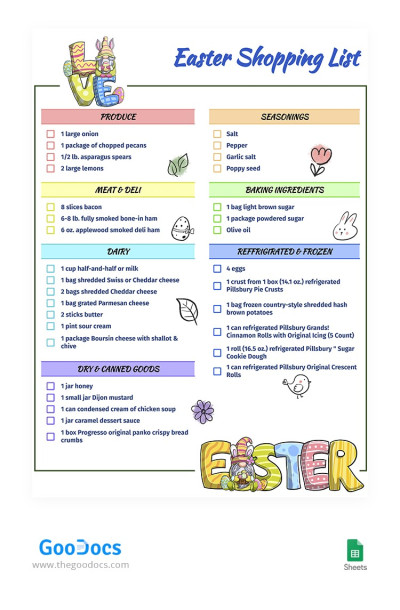
Easter Shopping List
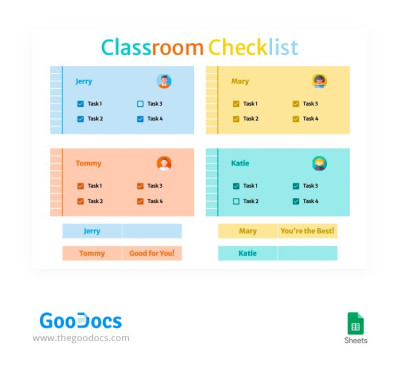
Functional Classroom Checklist
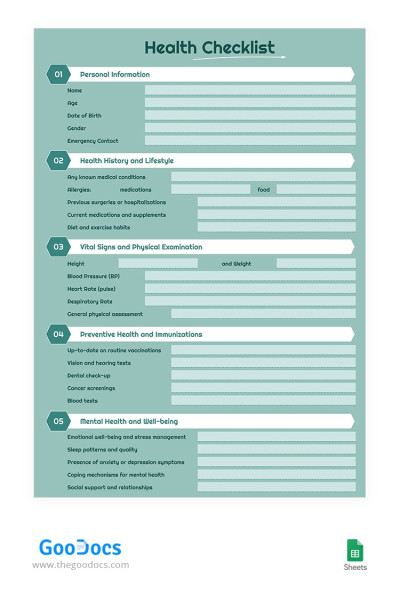
Green Health Checklist
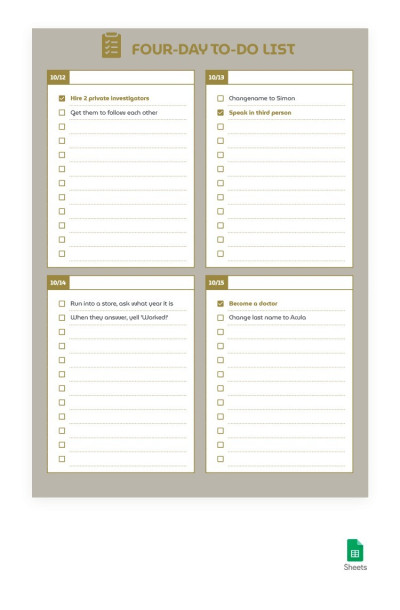
Golden Four-Day To-Do List
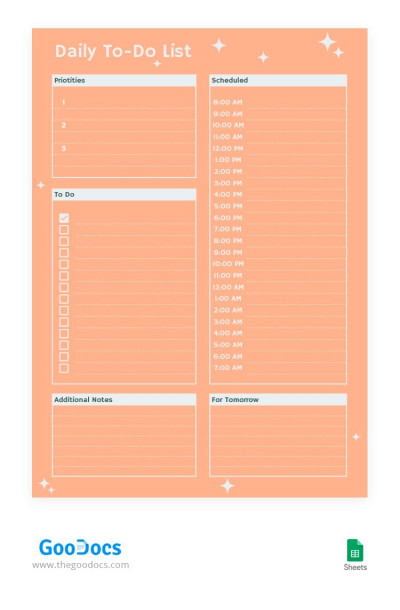
Peach Color To-Do List
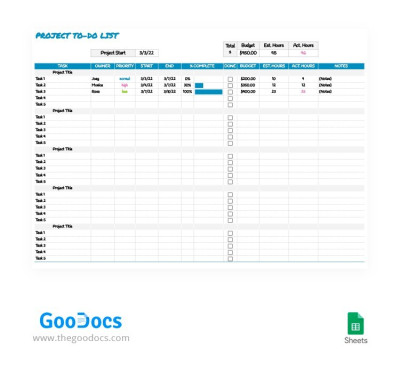
Simple Project To-Do List
- 1
- 2
Our Google Sheets and Excel checklist templates provide you with a pre-made structure and convenient features! This way, you can instantly create a professional checklist. Our samples are suitable for personal and business use - find the relevant spreadsheet on this page.
Here are the benefits that our Google Sheets checklist template opens up to you:
- A ready-made structure allows you to start editing promptly. Any tasks and projects become easier with our templates, which you can customize right after downloading. Start tracking tasks with no delays.
- Improve your data organization. Your personal and business tasks can be managed and stored in one format. This way, you can easily orient your team's work or monitor compliance with your checklists.
- Adapt the design or structure to your specific needs. Our templates are 100% editable. You can replace categories, add new items, or customize the design - it won't take much time.
- Coordinate work with your family, friends, or colleagues. You can customize one checklist in Google Sheets at the same time, even if you are in different places. It is very convenient for any task, from planning a shopping and financial audit to using birthday list templates.
We offer effective templates with pre-made drop-down lists, an example of structure and filling, and professional design. Try a checklist template in Google Sheets or Excel for free and see how convenient it is.
Lists & Checklists Templates FAQ
There are two options for creating a checklist in Google Sheets.
How to create a simple checklist with a blank spreadsheet:
- Go to Google Drive or the Google Sheets website and click Blank Spreadsheet to create a new spreadsheet.
- Select the cell in which you want to add a checkbox.
- In the top menu, find Insert => Checkbox.
- Click on the cell with the checkbox that appears and drag it down or to the left/right side to create the required number of checkboxes for your checklist.
- Create columns, categories, items, and other structure elements.
Your simple checklist is now ready, but TheGoodocs offers more convenient and beautiful options.
Our Google Sheets checklist templates already include checkboxes and a structured layout for a specific task, from creating an audit checklist to safety and birthday wish lists. Placeholder text will help you fill out the template correctly, and you will also save time on creating a design and other elements from scratch. All you have to do is select the appropriate spreadsheet, click the Edit in Google Sheets button, and start filling it out.

