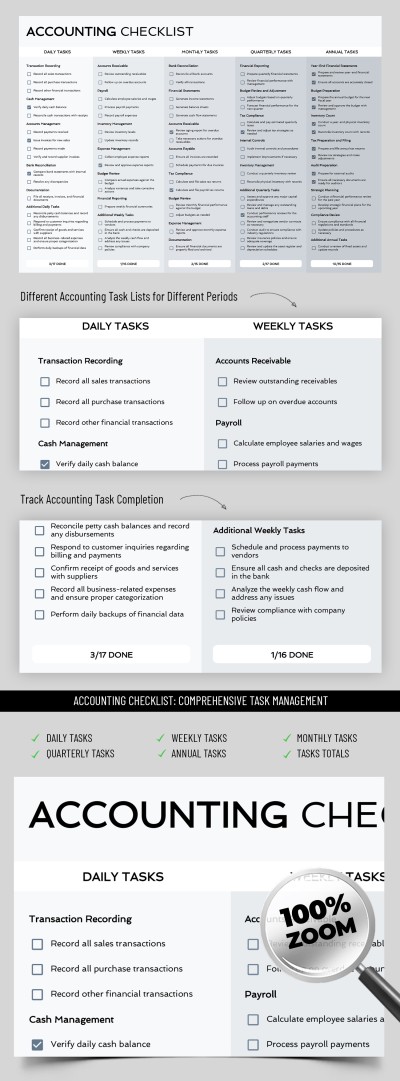
Accounting Checklist Template
Use this free template with Google Sheets and Microsoft Excel
Template Specification
About this template
Accounting is easy with the Accounting Checklist Template from TheGoodocs. Start using our versatile spreadsheet in just a couple of clicks, and don't overlook important and secondary tasks. It includes key points that need to be checked regularly: transactions, reporting, tax payments, control of invoices receivable and payable, reconciliations, etc.
Simple Design With No Frills
The main focus of this template is on content. Yet, the pleasant design in discreet white and gray tones is perfect for an accounting document in any company. Convenient division into several sections with the main tasks also helps to find information in the table quickly.
Comprehensive Structure
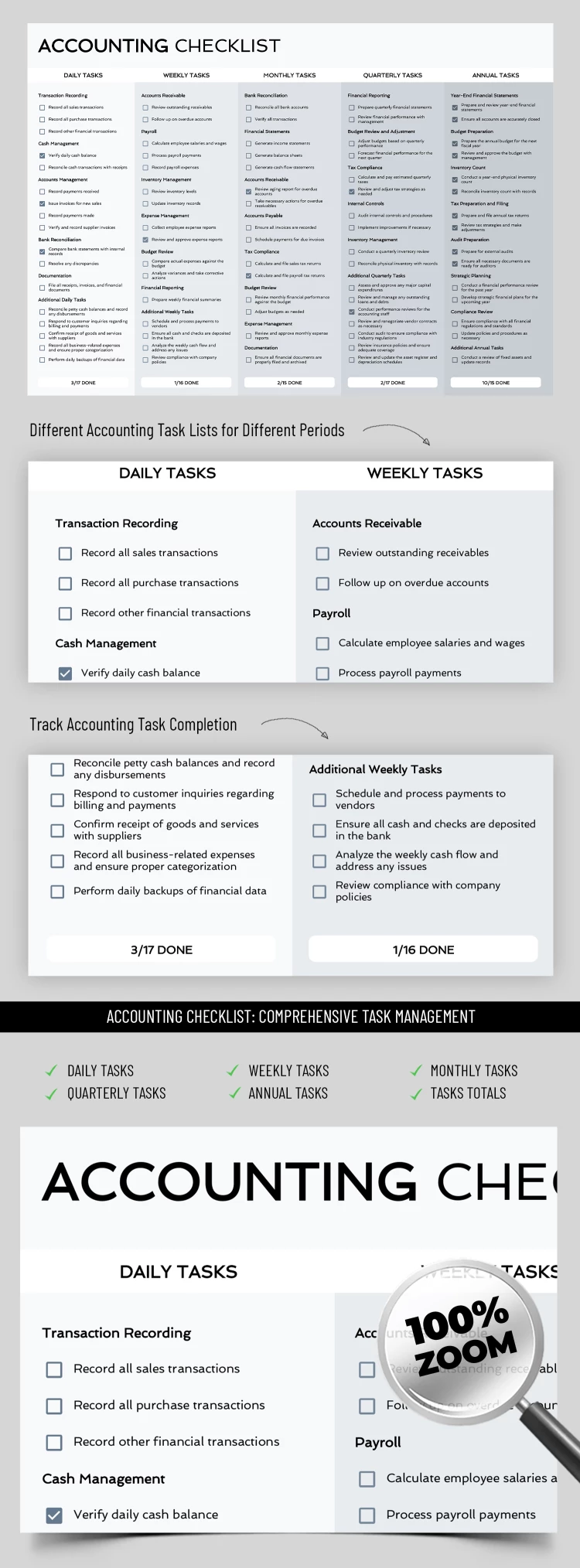
This Excel and Google Sheets checklist template is divided into five main sections, including daily, weekly, monthly, quarterly, and annual tasks. For each of them, various assignment options are offered, ranging from transaction recording to submitting an annual report to the tax office. Checklists before each task will help automatically track the number of actions performed and not lose sight of the most important things.
With an accounting checklist in Google Sheets or Excel, you can control all key processes, ensuring accuracy, deadlines, and ease of data management. Even more relevant checklist templates can be found on our website.
How to Use and Edit This Template

Get Your Document

Customize Everything

Add Your Content

Print, Export, or Share
Related Templates
Recently Viewed