Get unlimited access to 5000+ Templates for Google Docs, Slides and Sheets
Unlimited Access
ADVERTISEMENT
ADVERTISEMENT

Simple Travel Budget Template

Use this free template with Google Sheets and Microsoft Excel
3.88 (2 reviews)
Last updated Updated July 9, 2026
Created by Natalia Prokhorenko
ADVERTISEMENT

Template Specification

Format Google Sheets, Microsoft Excel
Created September 17, 2024
Last Updated July 9, 2026
Community Added to collections by 67 Users
Usage Stats 907 downloads this month

Key Features of This Template

Suitable For Travel Trips

About this template

Our Simple Travel Budget Template is as easy to use as it is comprehensive. With this tool in Google Sheets and Excel formats, you will definitely not miss a single expense.

Everything You Need for Travel in One Spreadsheet

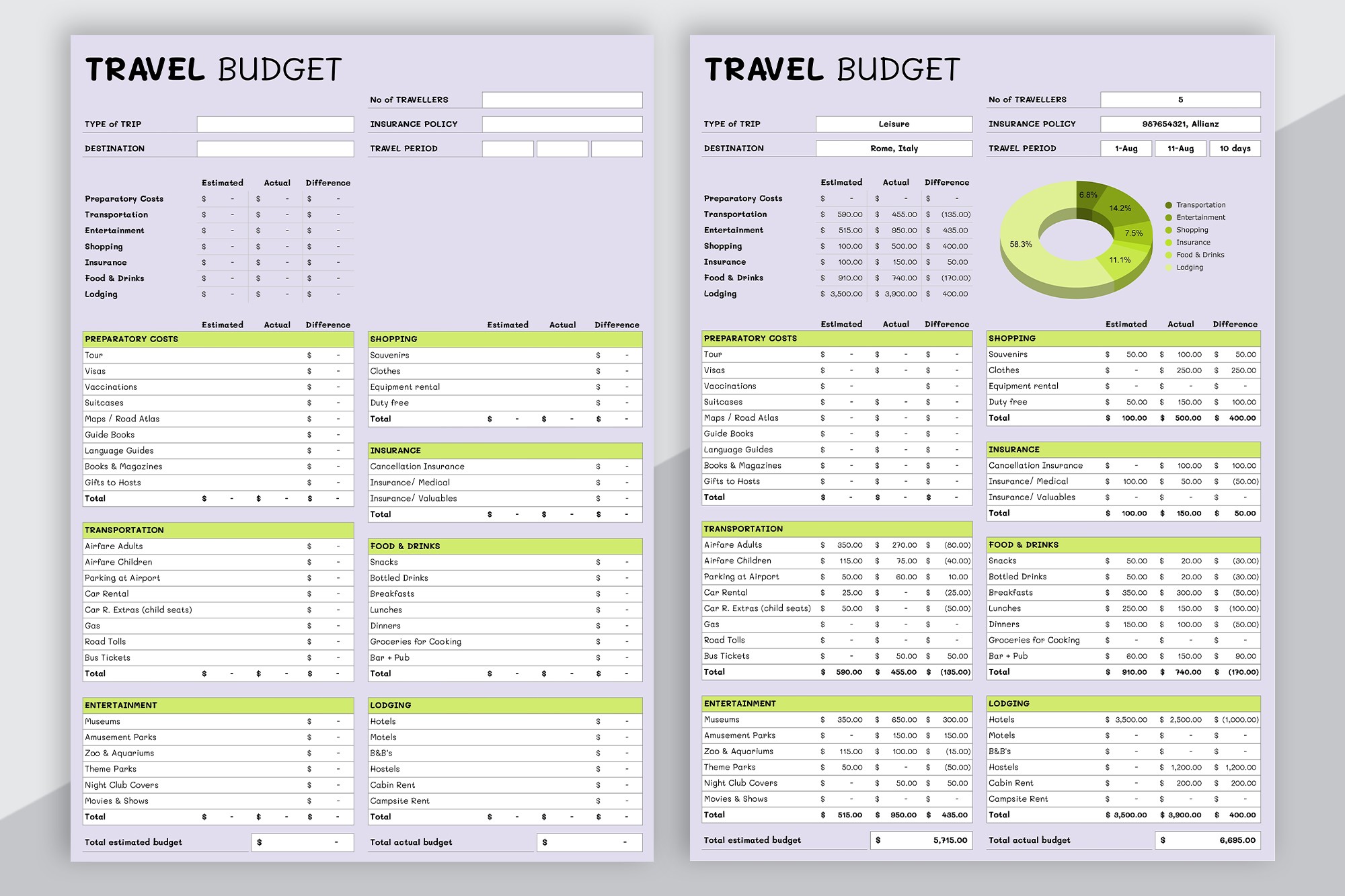
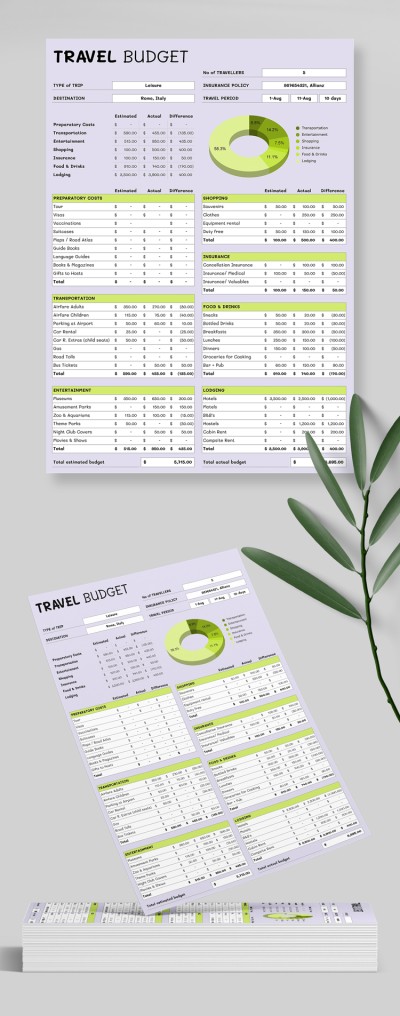
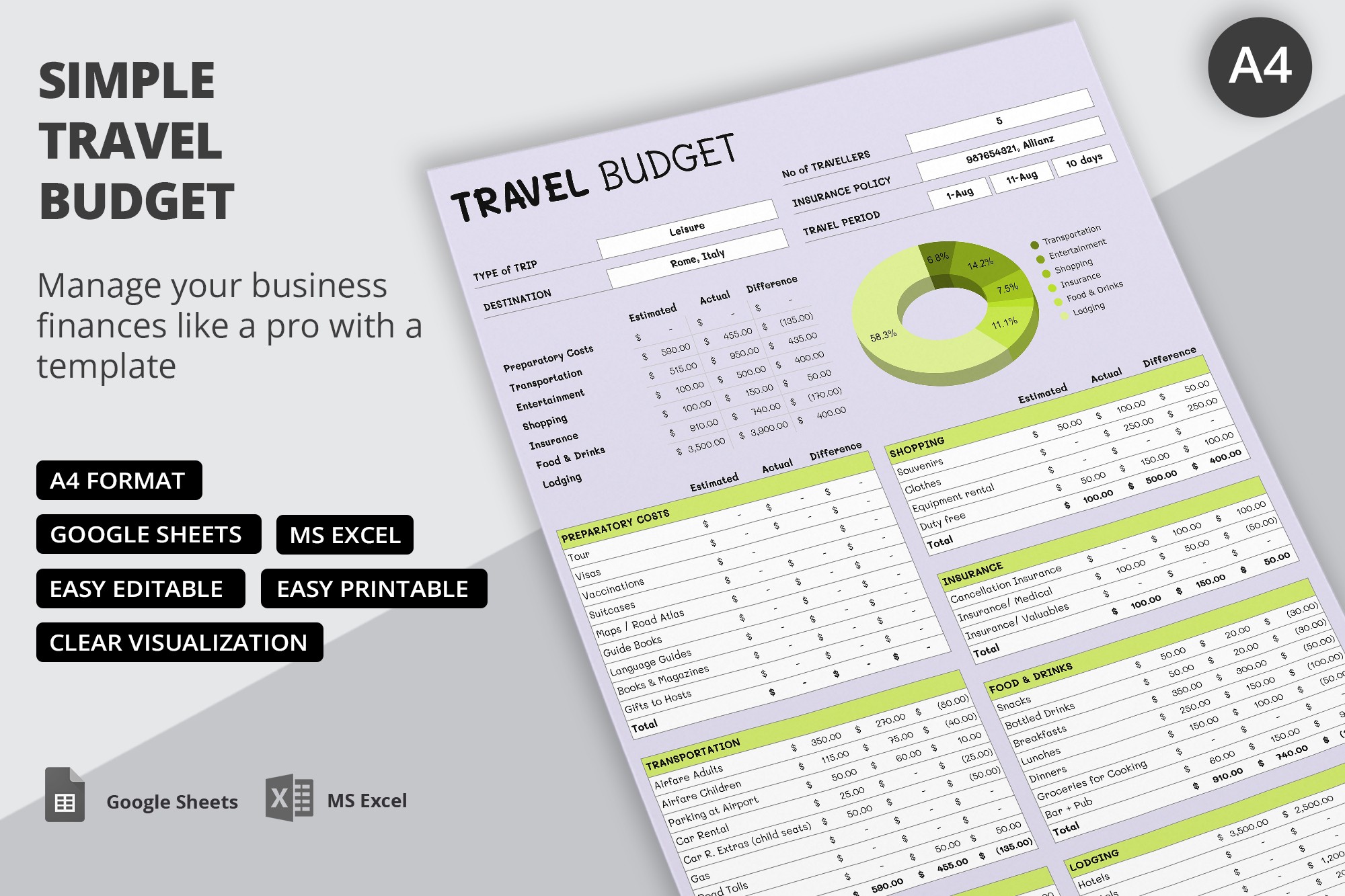
This thorough travel budget template is the only blank you will need throughout your trip. Here, you can record preparatory costs, expenses for transportation, entertainment, shopping, insurance, and more.

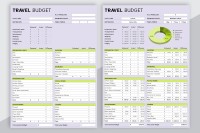
You will have a distinct table with 4-10 rows to record the estimated, actual, and difference of expenses for certain purchases for each expenditure type. The total for each category is calculated automatically. At the very bottom of the table, you will find the total estimated and actual budget.

Pie Chart and Other Add-ons

The pie chart built into this budgeting spreadsheet will allow you to clearly see the percentage of expenses by class. The header additionally contains placeholders to enter the type of trip, destination, number of travelers, insurance number, trip period, etc.

ADVERTISEMENT
Free Template

Download Free Template

Choose your platform and start editing right away
PLATFORM

Google Sheets

Opens in browser

Microsoft Excel

.xlsx
PAPER SIZE
A4
Google Sheets – A4
No account required • Attribution required

WHAT’S INCLUDED

Simple structure with clear sections
Editable in Google Sheets and Excel
Automatic expense calculations
Visual pie chart for expenses

Budget Tips

1
Update actual expenses daily for accuracy.
2
Set realistic estimates before your trip.
3
Use pie chart to monitor spending trends.
4
Record savings on unused budget portions.

FAQ

Is this template compatible with Excel? Yes, it's compatible with both Excel and Google Sheets.
Is this template easy to use? Absolutely, it features a user-friendly design for ease of use.
Can I customize the categories? Yes, you can easily customize all categories to match your needs.
Is this template free to download? Yes, it is free to download and use.
How does the pie chart work? The pie chart visualizes your expenses by category automatically.
ADVERTISEMENT

How to Use and Edit This Template

Get Your Document

1

Get Your Document

Click the "Edit Template" button to create your own editable copy in Google Sheets or download for Microsoft Excel
Customize Everything
2

Customize Everything

Easily change colors, fonts, and layouts to match your unique style or brand identity
Add Your Content
3

Add Your Content

Fill in your data, upload images, and replace the placeholder text with your own information
Print, Export, or Share
4

Print, Export, or Share

Print, export as PDF, or share instantly

Related Templates

Recently Viewed