
Daily Report Templates
Our daily report templates are suitable for dozens of business and personal improvement tasks. Find options for managers, employees, or students. Our ready-to-use daily report templates are available in popular and familiar formats, including Google Sheets, Excel, Google Docs, and Word. Spreadsheet formats include automatic calculations and color coding.
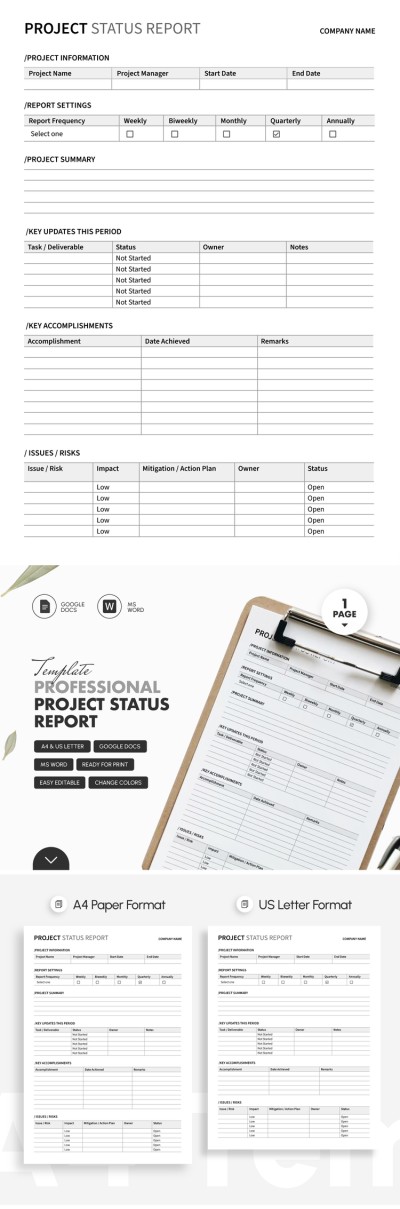
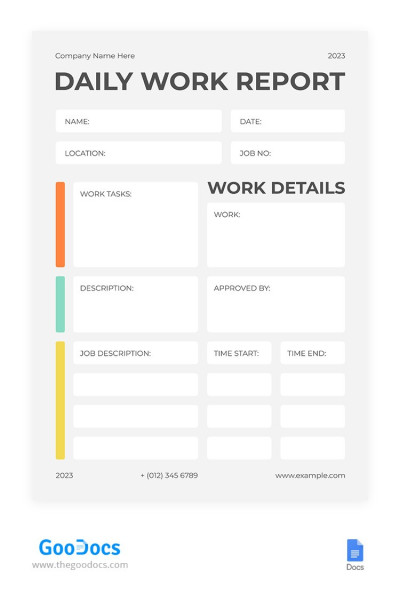
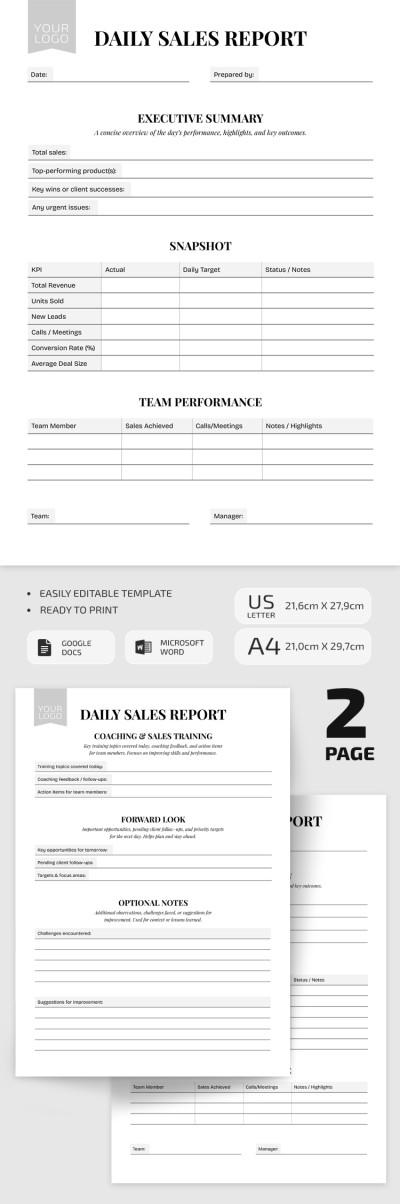
Minimalistic White Daily Report
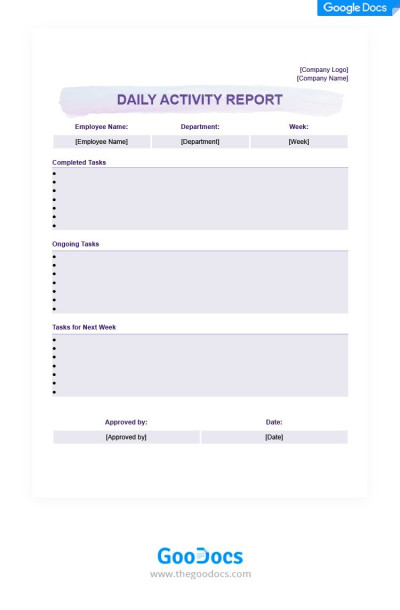
Light Purple Daily Activity Report
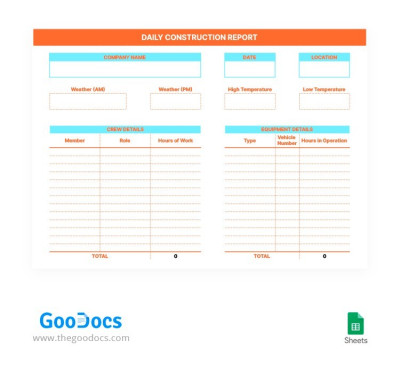
Daily Construction Report
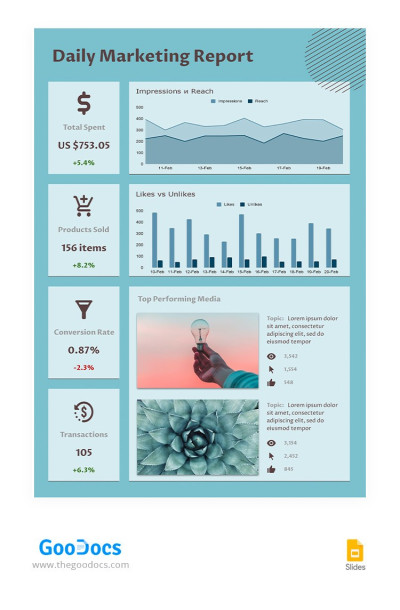
Turquoise Daily Marketing Report
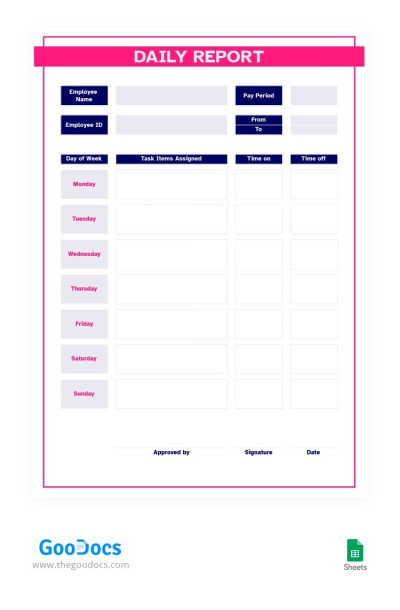
Red and Blue Daily Report
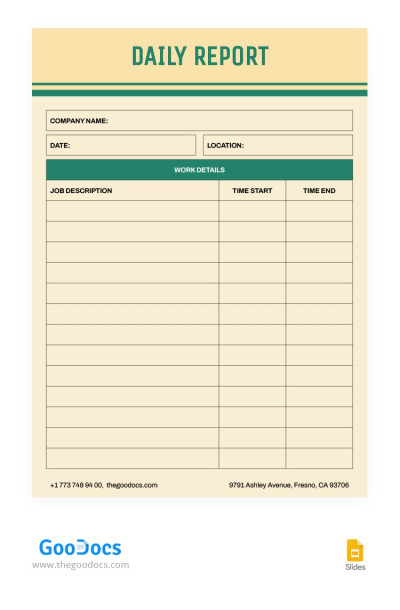
Retro Daily Report
Please try different filters or clear all to start over.
Implement daily reporting discipline without the hassle. Use our daily report templates, available in multiple Google and Microsoft editors. Our templates are superb for multitasking teams, remote workers, and many other situations. They help synchronize activities across teams and meet deadlines, while our platform makes their creation effortless.
A well-designed daily report template will help:
- Employees to avoid wasting time structuring metrics and creating a design from scratch. If your company doesn't have an in-house designer for such documents, our solution is ideal. We offer dozens of customizable daily report options, from construction to activity, marketing, and universal formats. Employees only need to fill in the fields with relevant data.
- Management to see a complete picture of work without having to intervene. Depending on the purpose, our templates will help you identify and understand potential problems and determine which tasks may require additional attention or time. Daily report templates help standardize all this information in one well-organized document.
- Everyone to share and customize them in a convenient format. Need to send or present a daily report via email, in printed form, or provide a link to a spreadsheet? Our daily report samples for Google Docs, Sheets, Excel, and Word formats can do it all and more. Each template is preconfigured for printing in A4, US Letter, and other sizes.
With our editable daily report examples for numerous tasks, managers can obtain detailed information on all processes, while employees can save time creating and filling out tedious forms. Also, be sure to check out our collection of marketing report templates.
Daily Report Templates FAQ
Creating a daily report template from scratch doesn't make sense; it's better to use a ready-made template from TheGoodocs. Moreover, we'll even help you fill it out and come up with ideas for key metrics.
Here's how you can create a daily report template based on our samples:
- Gather essential information. Depending on the report type, you can include tasks completed during the day, those still in progress, key issues, future goals, and important metrics and KPIs.
- Use our template to avoid creating a design and structure from scratch. You can choose one or more daily report templates to keep them standardized and make it easier for reviewers to find the information they need.
- Add all the details to the pre-made blocks. Depending on the format, you can use Google Docs, Word, Google Sheets, or Excel to work with the templates. Each is available in one of the editors listed.
- Make a copy of the template. Simply copy the layout or click File => Make a Copy. This way, you'll have a ready-made template for each day.
Focus on report content, not design, with ready-made options from TheGoodocs. Choose a report template that suits your goals and include all metrics using an editable and printable layout.

