3D Artist CV Template
Use this free template with Google Docs and Microsoft Word
Template Specification
About this template
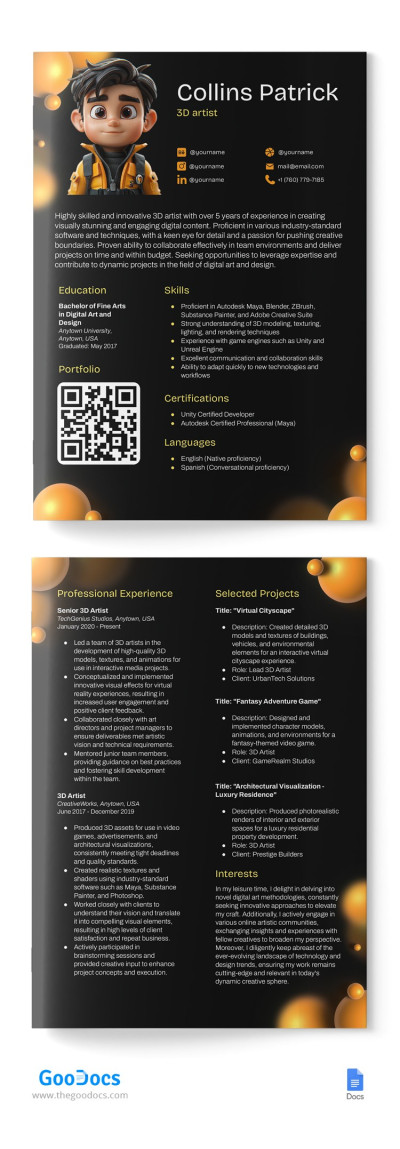
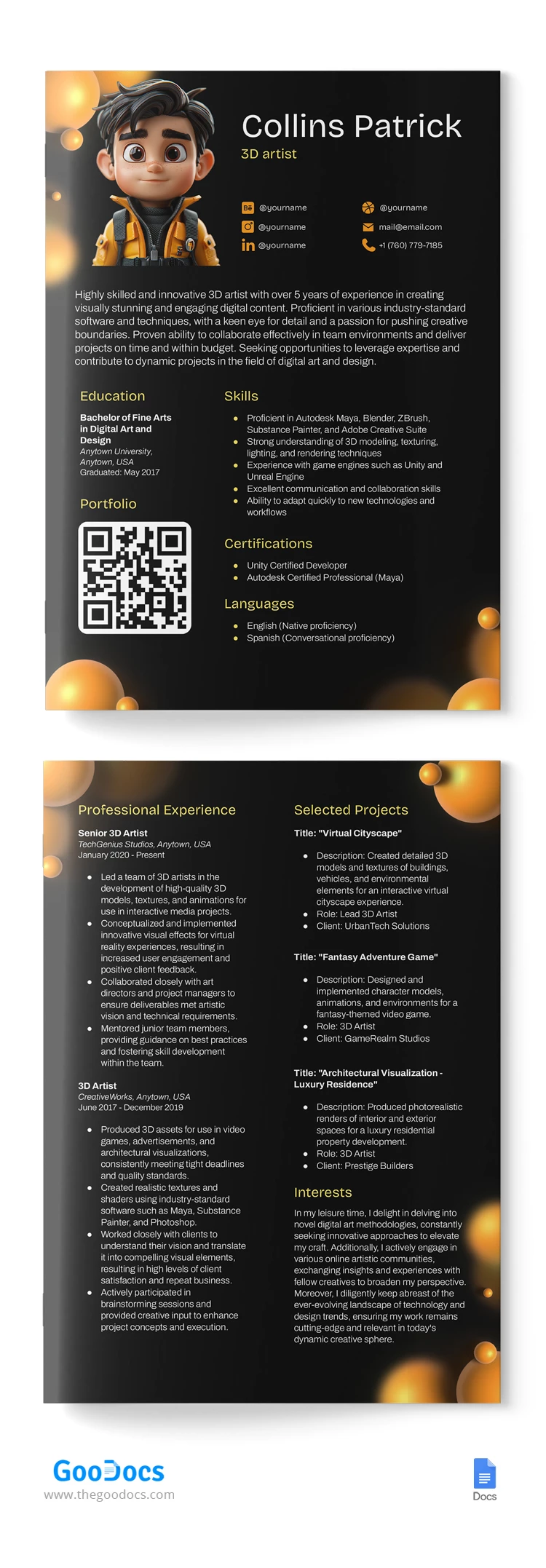
Dear 3D designers, if you need to make a CV within a short time, look at this one! We are introducing this cool 3D Artist CV template in Google Docs. It is a free CV template that can be downloaded now from any device, and customized later.
So, what is special about it? The 3D designer's CV must reflect his/her occupation and expertise, which is why we have applied a black background with 3D images.
Header
Apart from the illustration, on the right side, there is a place for name, job title, and contact details with icons.
Personal Statement
There is a wide space for writing down either a personal message or describing relevant experiences and projects. It's up to you.
Skills section and QR code
It's time to mention your skills like software knowledge, languages, any courses, or soft skills. All sections are formatted with bullet points, providing easy readability. There is a place for a QR code that can be replaced with yours - let employers see your portfolio or webpage.
Job Experience
The main part of a 3D designer's CV is work experience with details like year, company, job title, and responsibilities.
Welcome to download our free 3D designer CV now and get the job tomorrow!
How to Use and Edit This Template

Get Your Document

Customize Everything

Add Your Content

Print, Export, or Share
Related Templates
Recently Viewed