Get unlimited access to 5000+ Templates for Google Docs, Slides and Sheets
Unlimited Access
All Templates
ADVERTISEMENT
ADVERTISEMENT

Simple Nursing Student Resume Template

Use this free template with Google Docs and Microsoft Word
4.25 (1 reviews)
Last updated Updated September 17, 2026
Created by Alevtina Shavlach
Type Simple, 1 Page, Functional
ADVERTISEMENT

Template Specification

Format Google Docs
Created January 24, 2024
Last Updated September 17, 2026
Community Added to collections by 3 Users
Usage Stats 3 downloads this month

Key Features of This Template

About this template

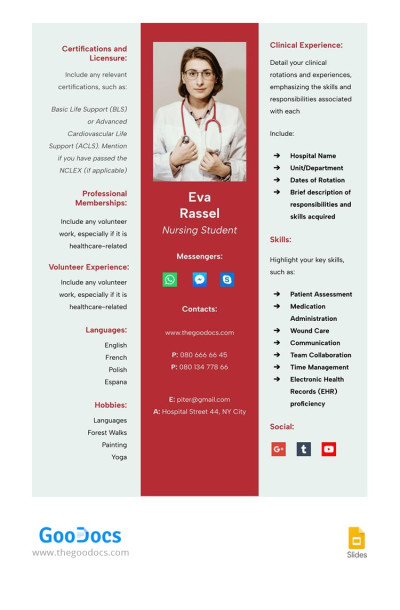
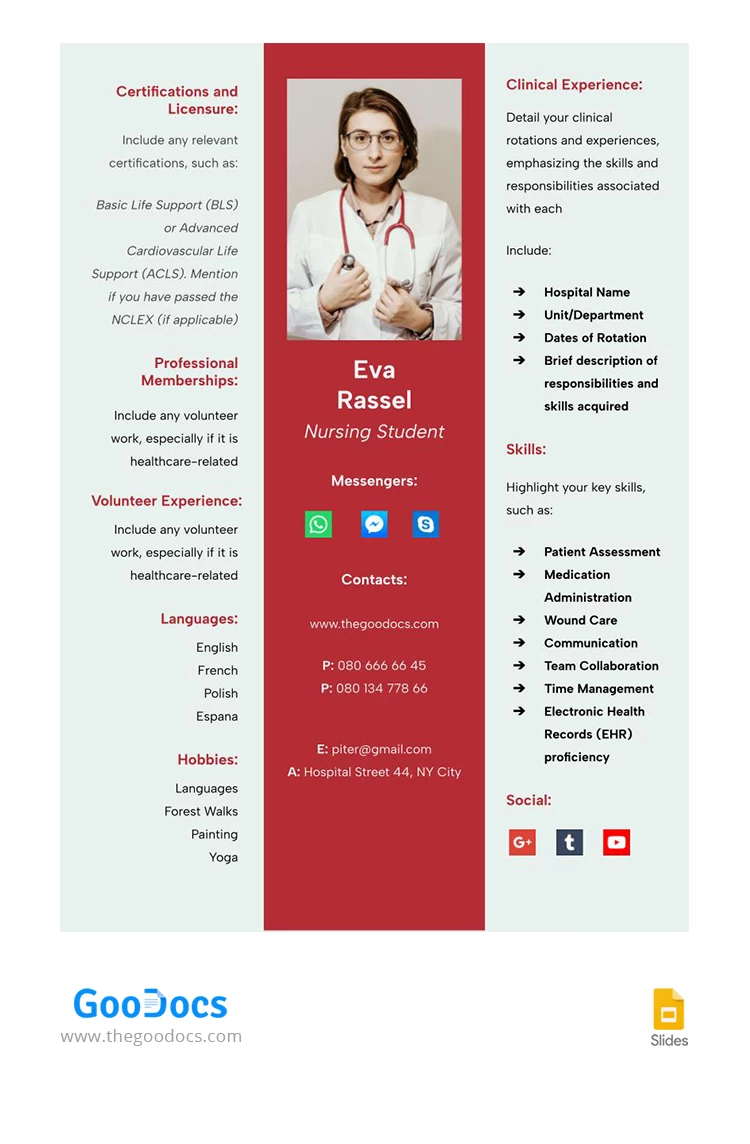
Our Nursing Student Resume template features a unique structure divided into three vertical parts. It will help you leave the right first impression on an HR manager.

Attract Attention with a Unique Design

Standing out from other candidates is a must-have during your job search. Our medical student resume template is perfect for this task. A bright red middle block against other neutral tones works great to grab attention.

Divided into Three Vertical Sections

Unconventional solutions are sometimes the only thing that will help a medical student find their first job. Our resume template for a nursing student is separated into three vertical parts, highlighted in different colors.

This way, you will have enough space to fill in information about:

  • Obtained certificates and licenses for practice.
  • Professional membership.
  • Volunteer work background.
  • Languages ​​and hobbies.
  • Clinical experience (optional if you have already worked in this field).
  • Special and personal skills.

Use up-to-date resume template designs thanks to our professional creators!

ADVERTISEMENT
Free Template

Download Free Template

Choose your platform and start editing right away
PLATFORM

Google Docs

Opens in browser
PAPER SIZE
A4
US Letter
Google Docs – A4
No account required • Attribution required

WHAT’S INCLUDED

Comprehensive three-section layout
Editable text and headings
Pre-designed skill sections
Print-ready format options

Resume Tips

1
Customize sections to highlight relevant skills and experience.
2
Use consistent language style across all sections.
3
Save a copy before making edits for future use.
4
Check all contact information for accuracy.

FAQ

Is this template compatible with Google Docs and Microsoft Word? Yes, it works with both platforms seamlessly.
How easy is it to customize? It's straightforward to edit text and rearrange sections.
Can I change the colors and fonts? Yes, you can personalize fonts and colors to your liking.
Is this template free to use? Yes, you can download and use it for free.
Which page sizes are supported? It supports both A4 and US Letter sizes.
ADVERTISEMENT

How to Use and Edit This Template

Get Your Document

1

Get Your Document

Click the "Edit Template" button to create your own editable copy in Google Docs or download for Microsoft Word
Customize Everything
2

Customize Everything

Easily change colors, fonts, and layouts to match your unique style or brand identity
Add Your Content
3

Add Your Content

Fill in your data, upload images, and replace the placeholder text with your own information
Print, Export, or Share
4

Print, Export, or Share

Print, export as PDF, or share instantly

Related Templates

Recently Viewed