
Weekly Schedule Templates
We offer premium and free weekly schedule templates available in various formats. You can take advantage of professionally made, editable, and printable templates right away. Just find a suitable blank or spreadsheet with placeholders for days of the week, times, and tasks and start using it. We offer convenient weekly schedules in Google Docs, Sheets, Slides, Excel, Word, and PowerPoint formats - choose what suits you best.

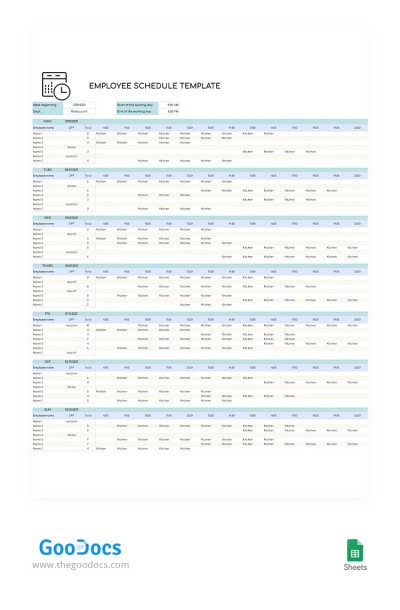
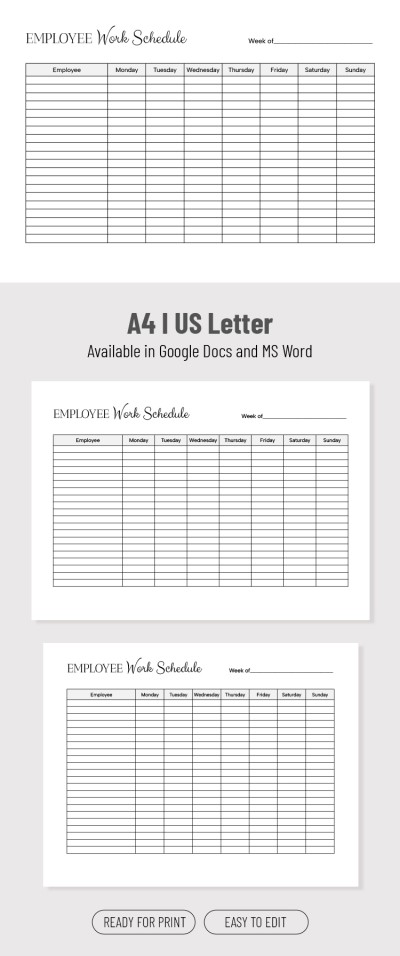
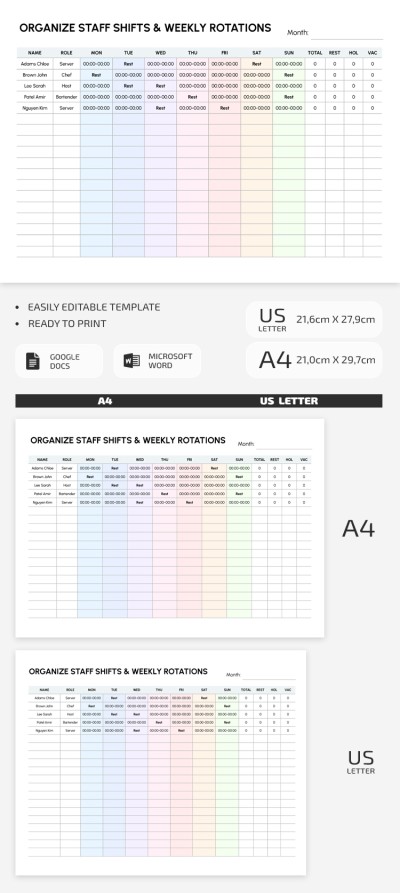
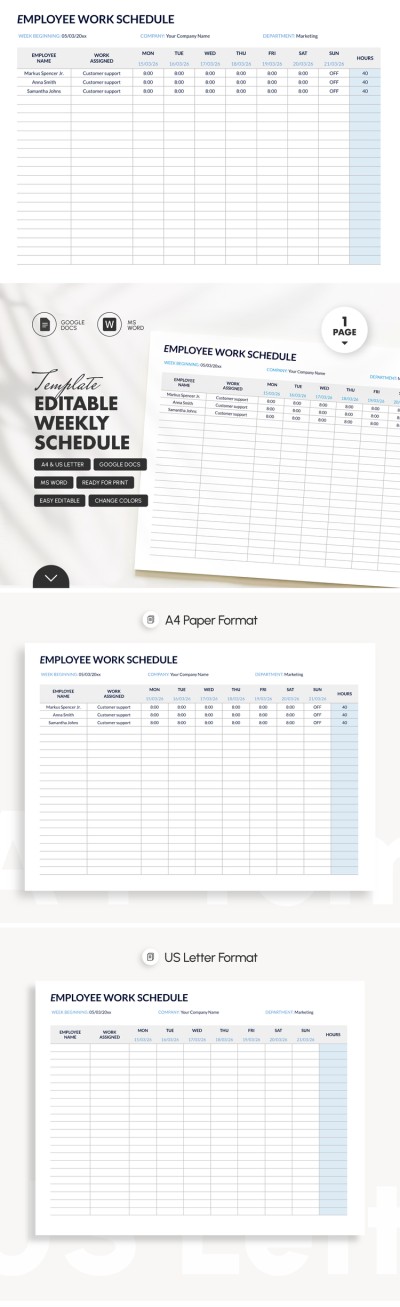
Weekly Employee Shift Schedule
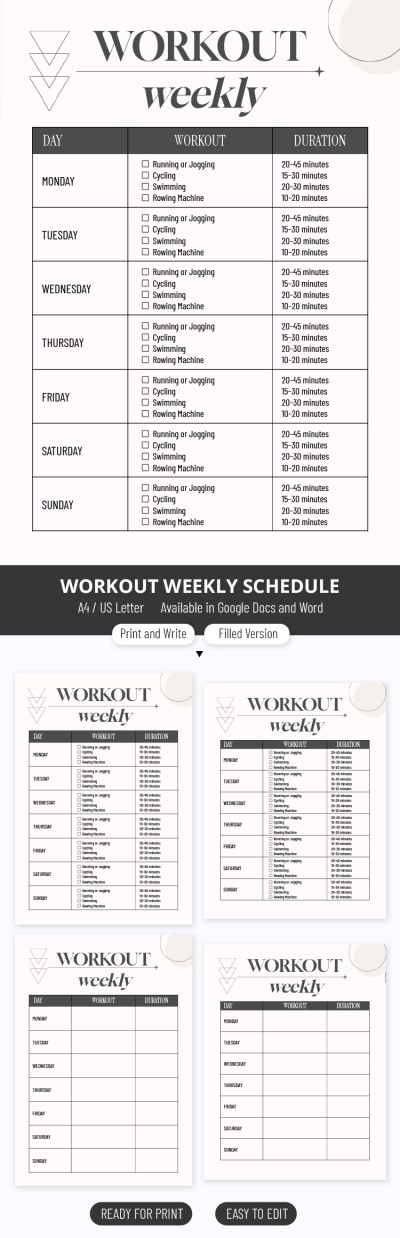
Workout Weekly Schedule
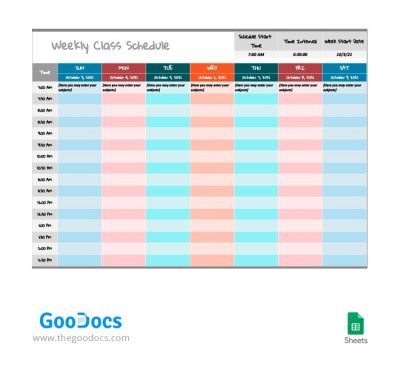
Bright Weekly Class Schedule
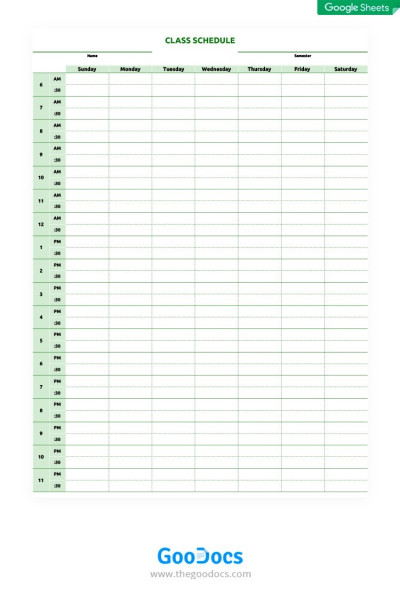
Green Class Schedule
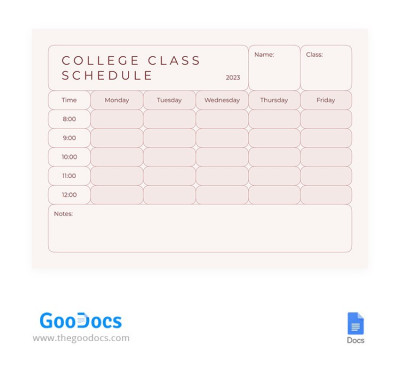
Adorable Pink College Class Schedule
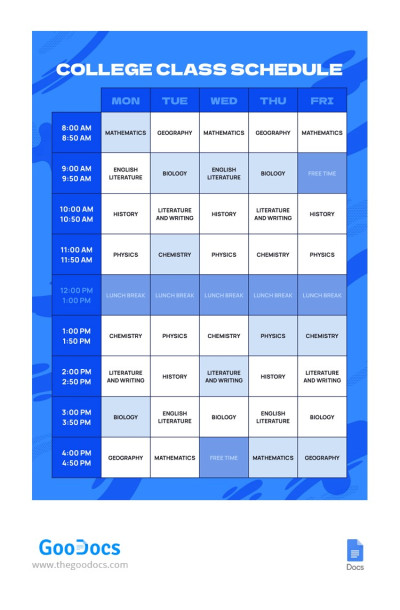
Bright Blue College Class Schedule
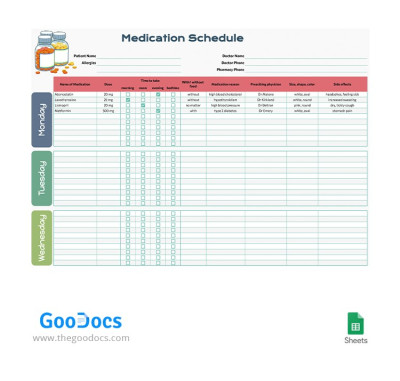
7 Days Medication Schedule
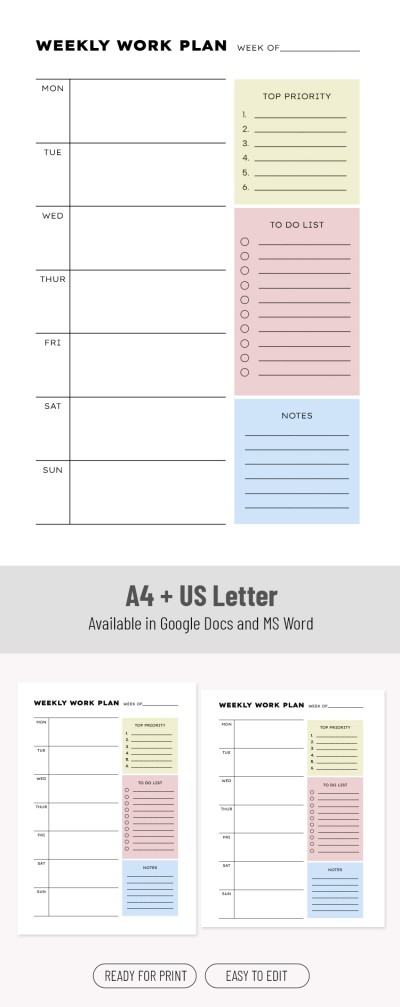
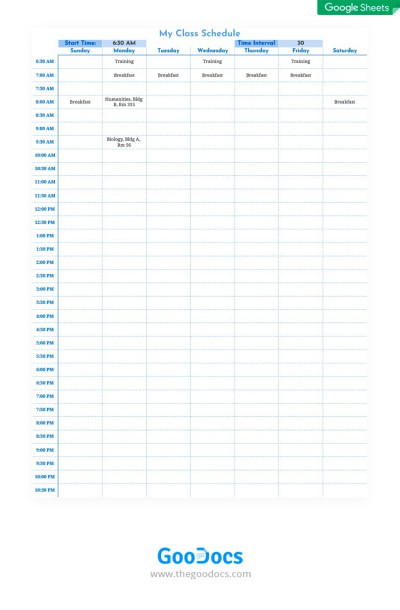
Simple Class Schedule
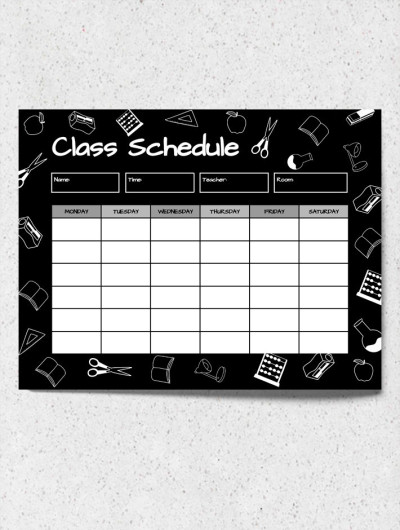
College Class Schedule
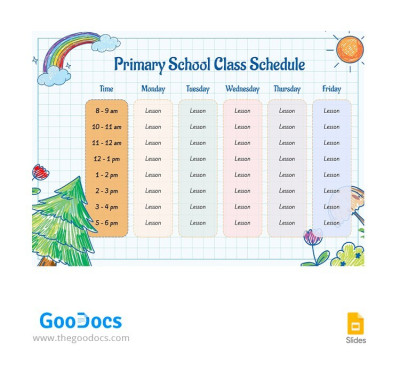
Colorful Primary School Class Schedule
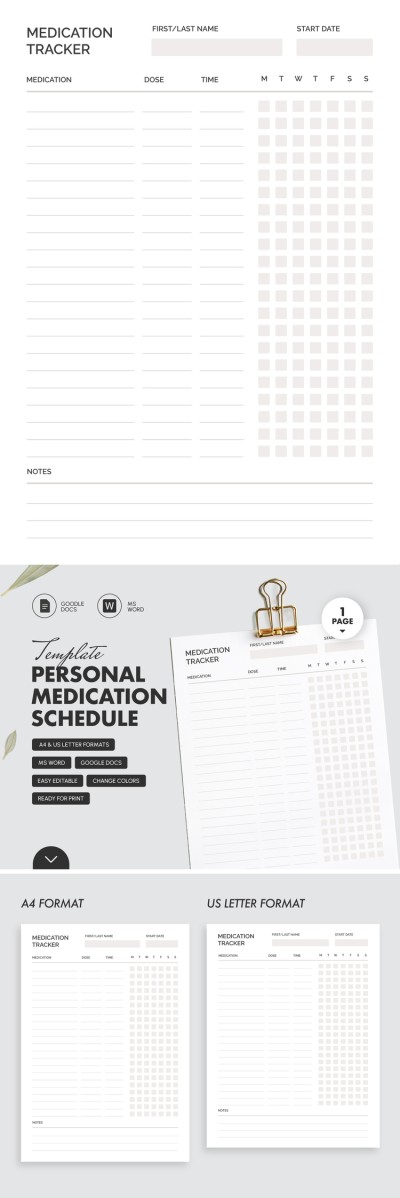
Personal Medication Schedule
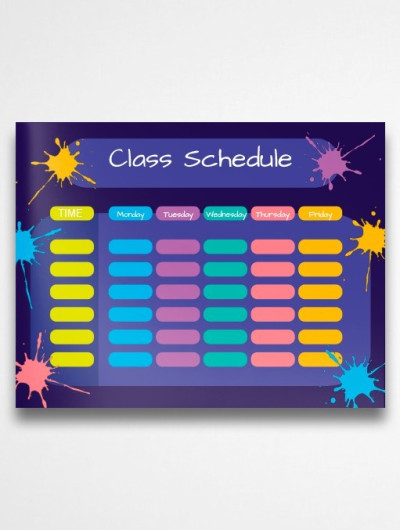
Beautiful High School Class Schedule
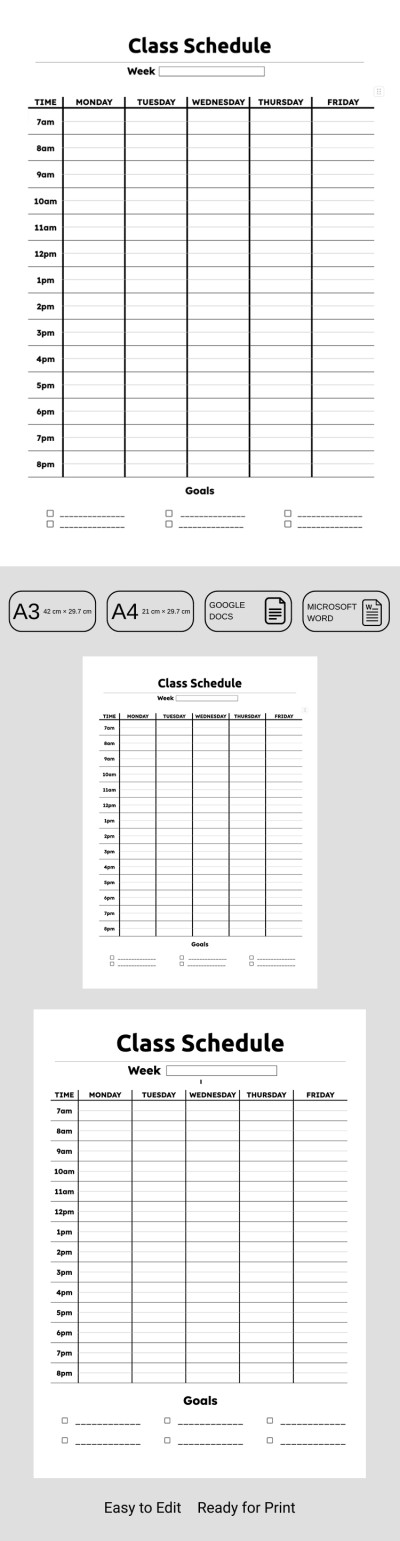
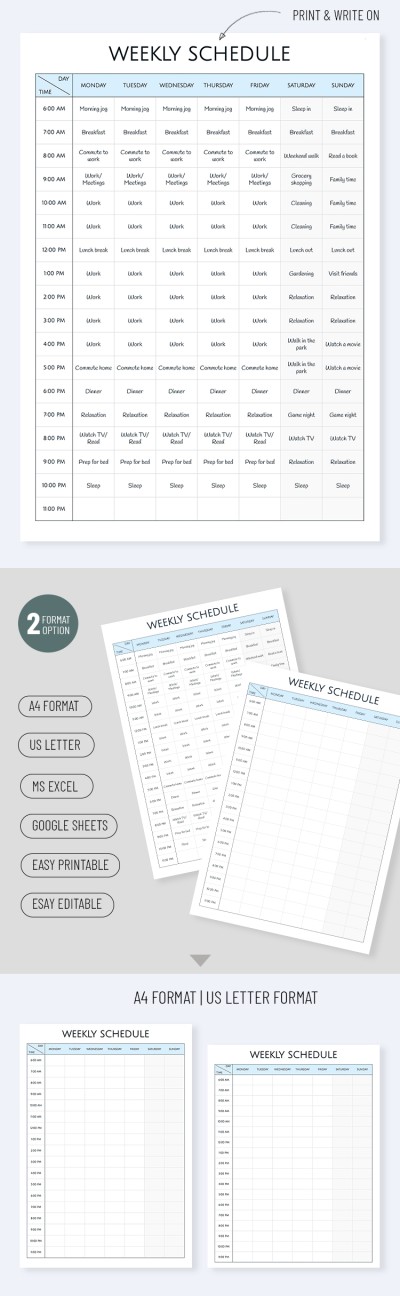
Blank Weekly Schedule
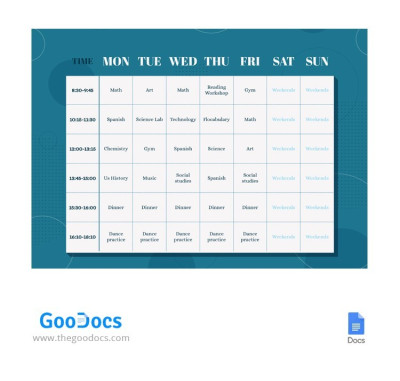
Strict Class Schedule
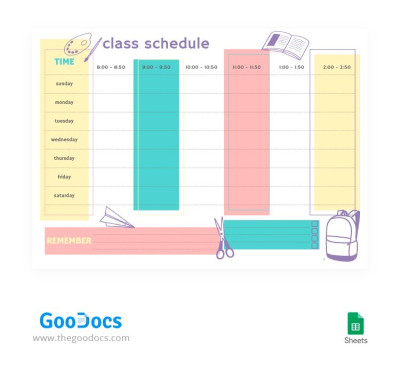
Light Bright Class Schedule
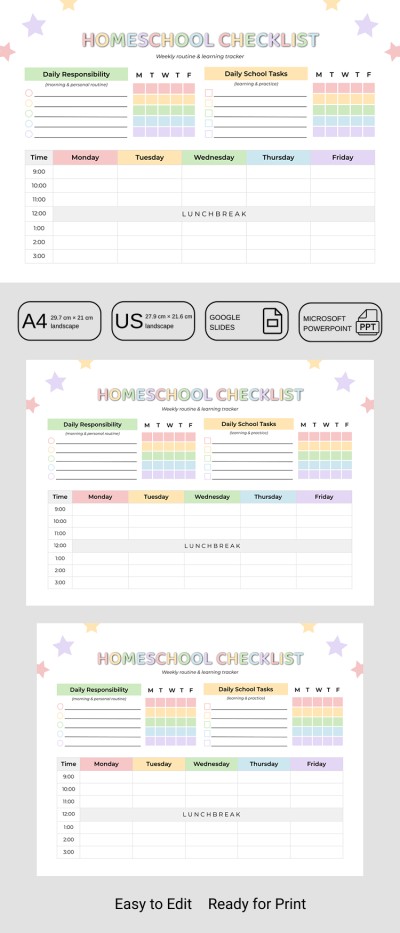
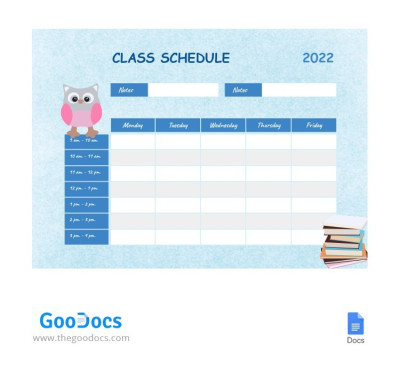
Blue Cute Class Schedule
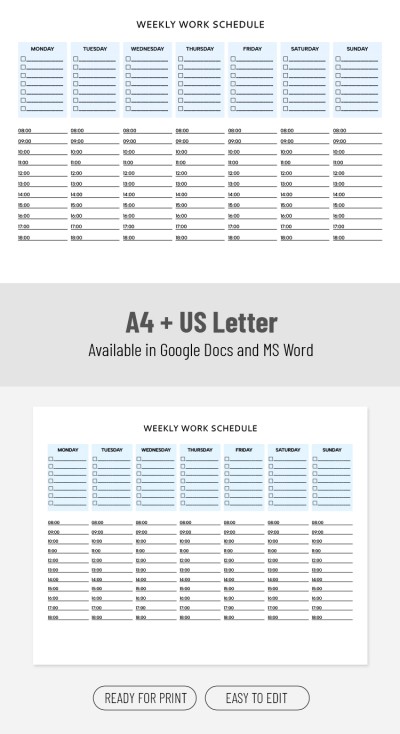
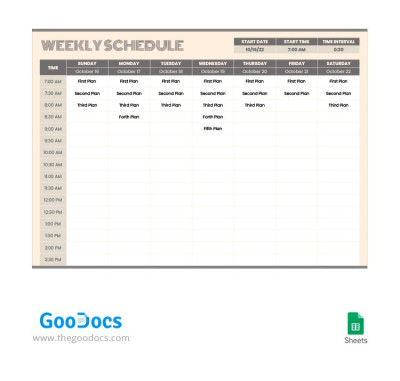
Convenient Pastel Weekly Schedule
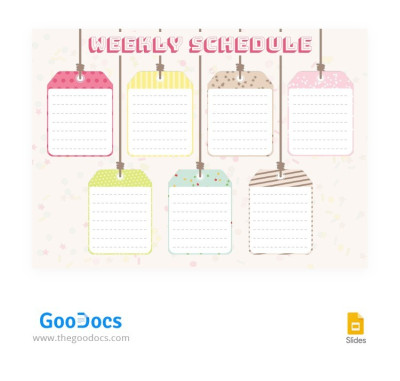
Bright Weekly Schedule Badge
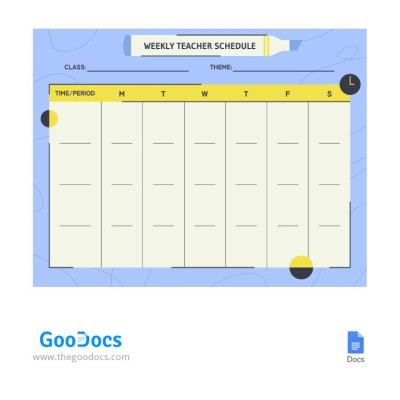
Yellow-Blue Weekly Teacher Schedule
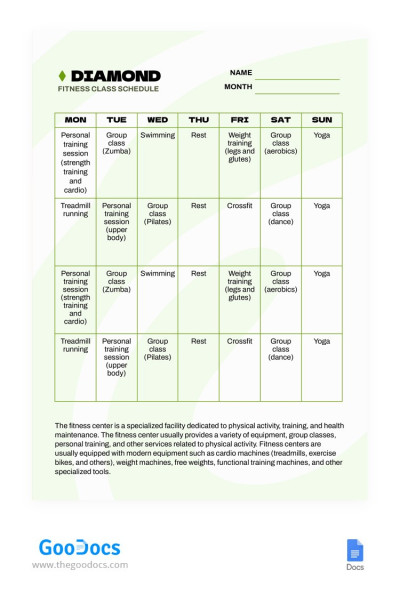
Green Minimalist Fitness Class Schedule
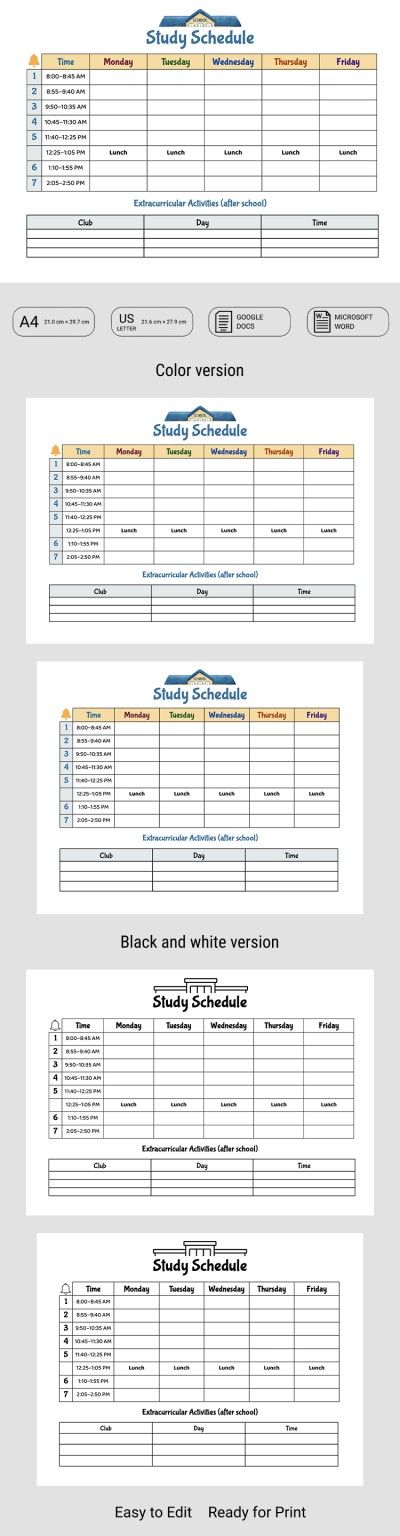
Blue Class Schedule
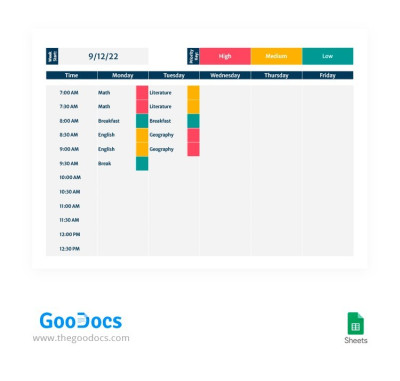
Gray Modern Class Schedule
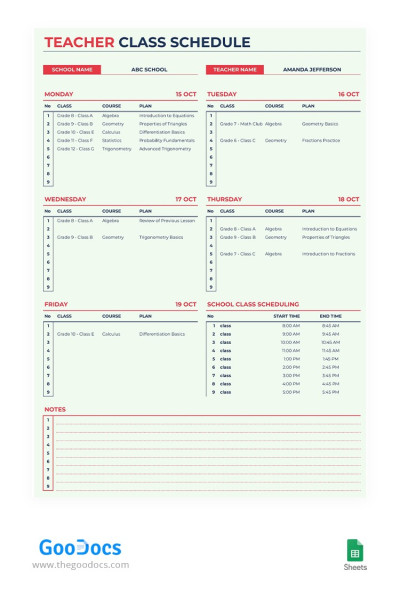
Beige Teacher Class Schedule
On-line Class Schedule
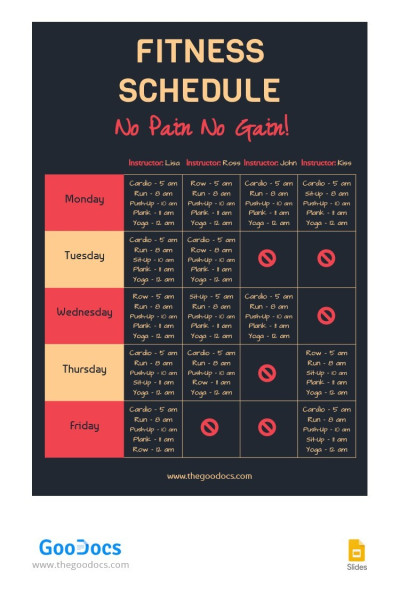
Bright Fitness Class Schedule
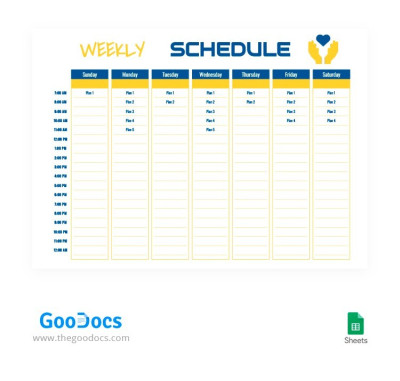
Freedom Style Weekly Schedule
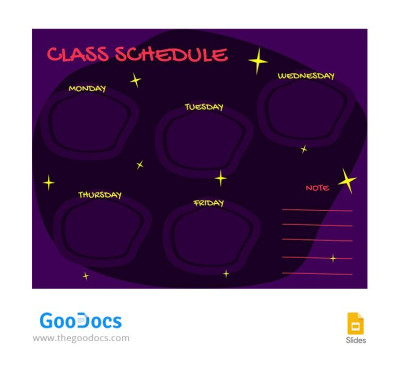
Dark Purple Class Schedule
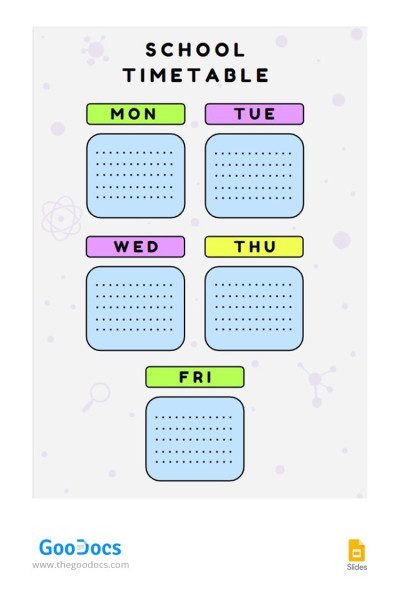
Timetable Class Schedule
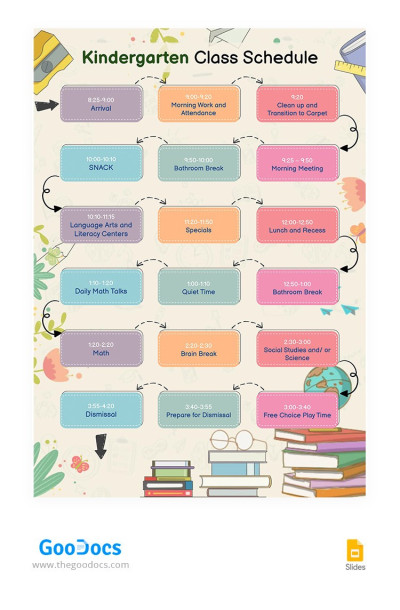
Colorful Kindergarten Class Schedule
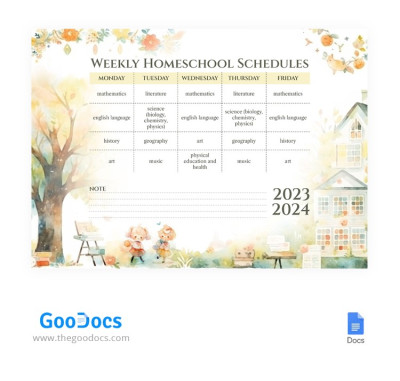
Cute Watercolor Weekly Homeschool Schedules
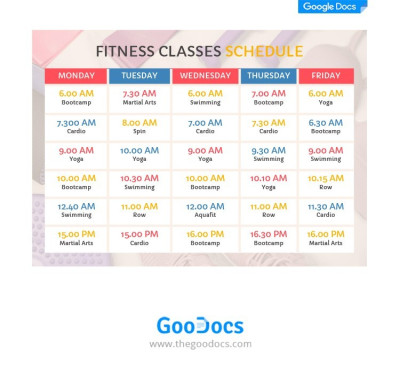
Fitness Classes Shedule
Bright Abstract Class Schedule
Cheerful Class Schedule
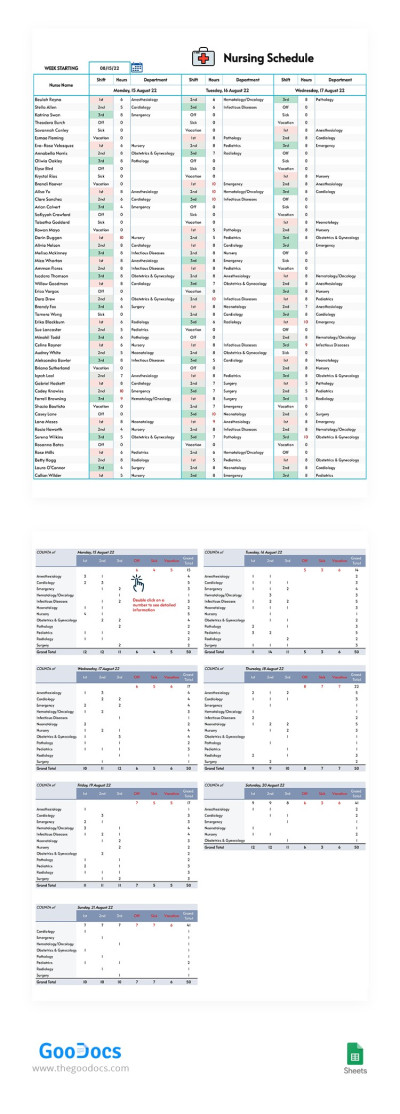
Weekly Nursing Schedule for 50 Employees
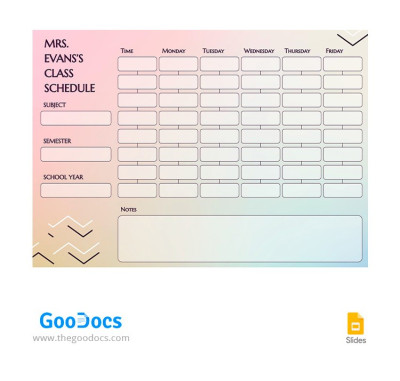
Gradient Teacher Class Schedule
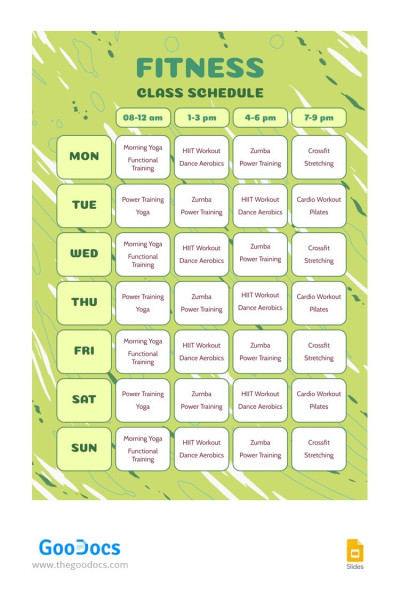
Bright Green Fitness Class Schedule
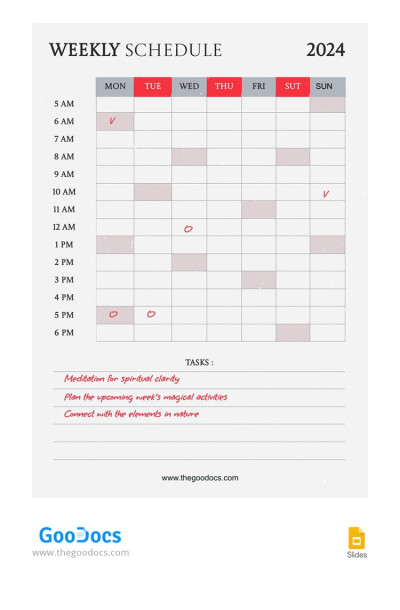
Hourly Weekly Schedule
Want to free up time for personal or work-related activities? Plan your week using our weekly schedule templates. Find the option on this page that will help you be as productive as possible and reduce the time spent organizing tasks.
Explore the various options available on TheGoodocs:
- We offer weekly schedule templates for any purpose. Students and teachers, freelancers, executives, and entrepreneurs alike will find the perfect schedule template on this page. We offer universal options with placeholders for days of the week, hourly schedules for each day, and notes, as well as specialized ones.
- You can download your weekly schedule example to customize and fill in Google or Microsoft formats. Each template is fully compatible with two formats: Google Sheets and Excel, or Google Docs and Word. Spreadsheet options include automation and conditional formatting, while .docx files are ideal for printing and suitable for a fixed schedule.
- Choose your structure and design. Find a minimalist template, or one that includes color coding, a vertical or horizontal layout, drop-down lists, checkboxes, and other features. From a wide selection, you can easily choose the sample that best suits your design and functionality needs.
You can obtain a unique visual schedule template for any task at this link. Try ready-to-use schedule examples from TheGoodocs and enjoy planning.
Weekly Schedule Templates FAQ
You can simply copy a ready-made and editable weekly schedule template in Google Sheets to fill it out and personalize it.
Here’s how you can make your own weekly schedule in Google Sheets in a few steps:
- Find a template on this page and make a copy to your Google Drive.
- Use columns (from Monday to Sunday) and rows (for hourly planning) to type in your schedule.
- Use the Weekly Focus or Notes sections to write down any important memos for the week.
- Use the included checkboxes to mark tasks you’ve already finished.
- Customize the design if you want to create a personalized layout.
- Regularly review and update a ready-made completed template.
This simple step-by-step plan and our weekly schedule templates in Google Sheets will help you create your schedule effortlessly.

