
Sales Report Templates
Explore our collection of free sales report templates! Our blanks are available in various formats, including popular and easy-to-use Excel, Google Sheets, Word, and Google Docs. This way, you can get a sample that would be convenient to work with. We also offer only 100% editable, printable, and downloadable samples, so you can easily customize them or fill them out with relevant data. Start using our daily, monthly, retail, and other sales report templates!
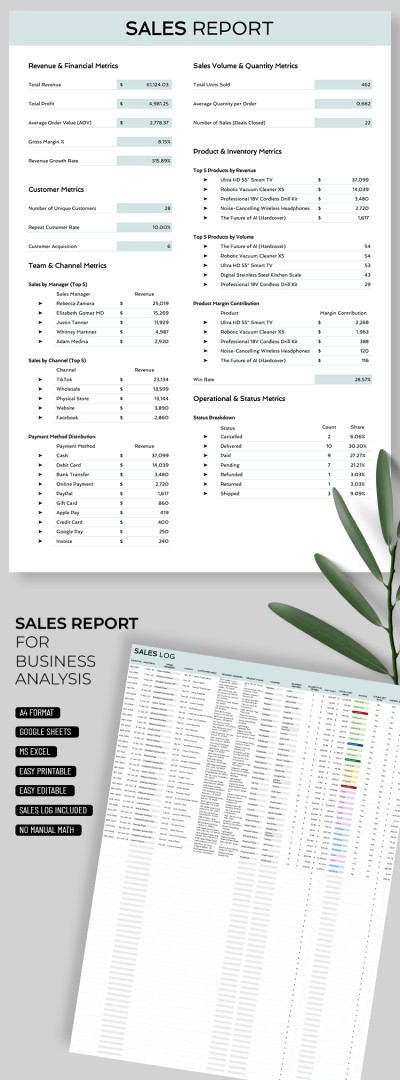
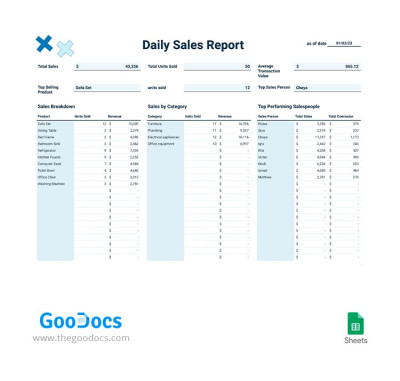
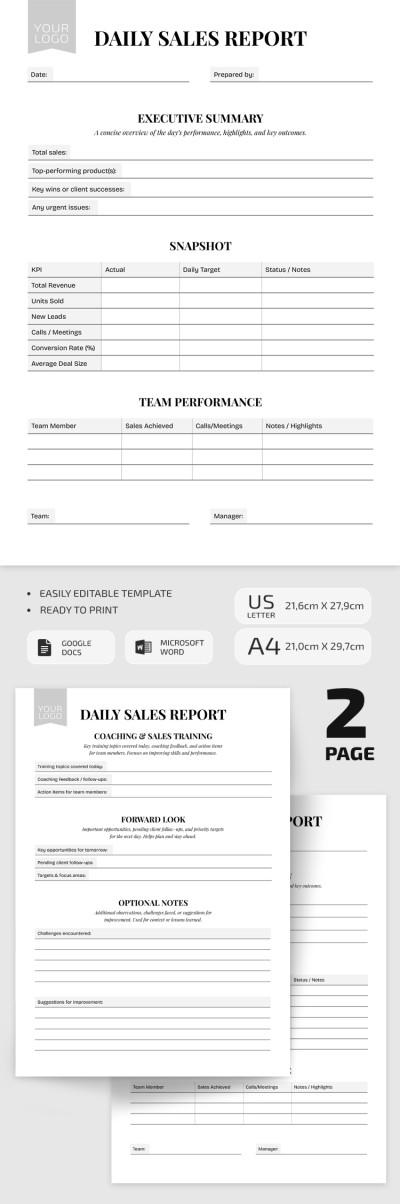
Daily Sales Report

Weekly Sales Report
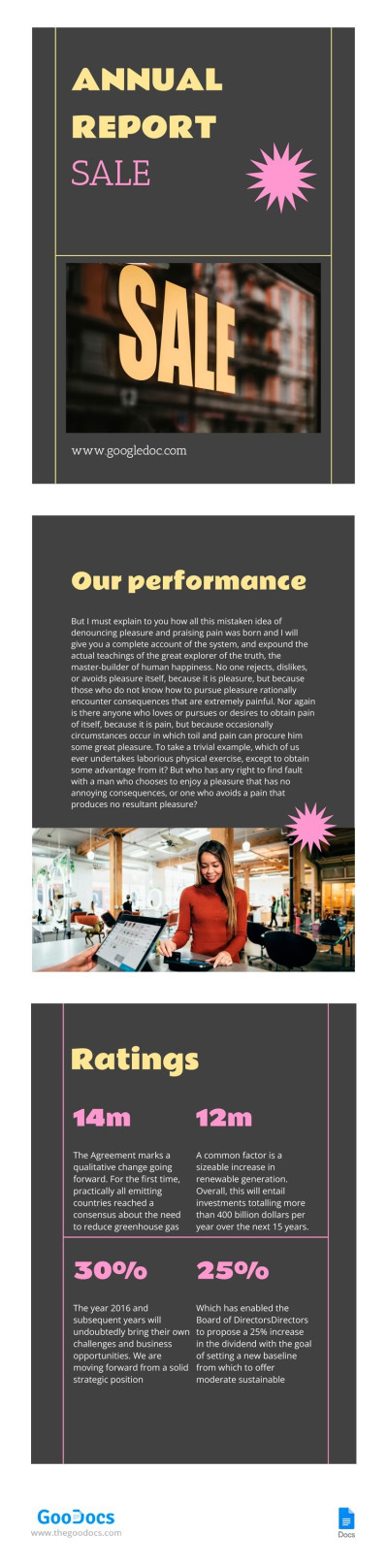
Grey Sale Report
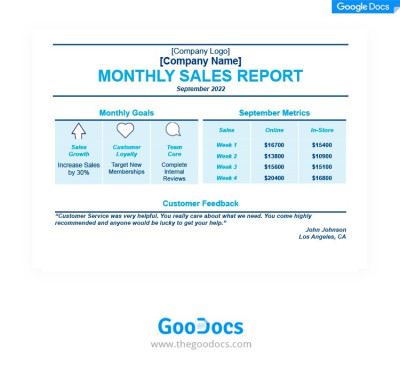
Blue Monthly Sales Report
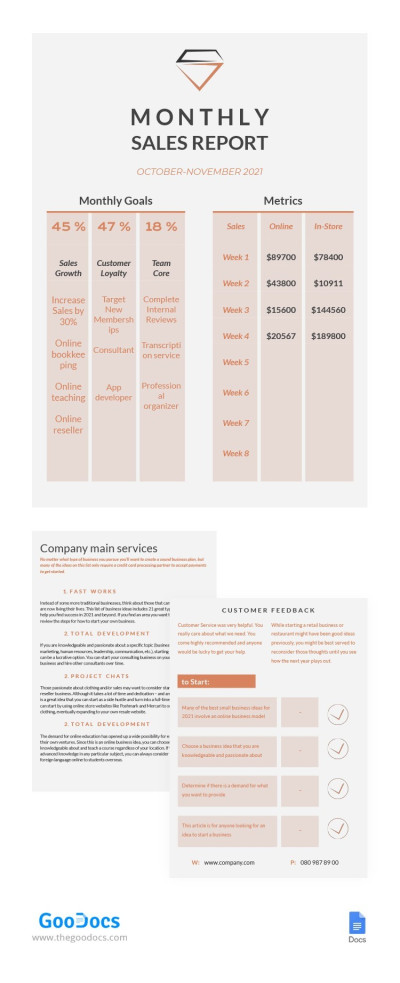
Monthly Sales Report
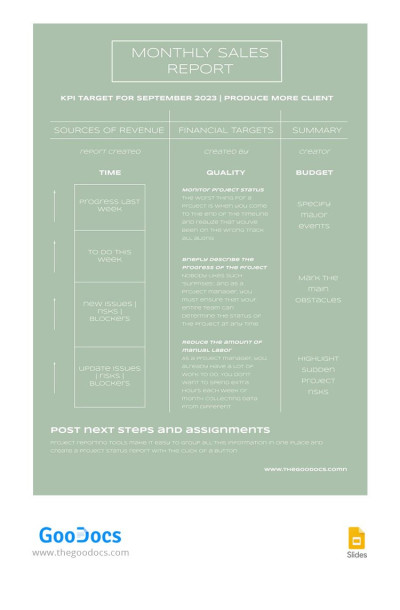
Pastel Monthly Sales Report
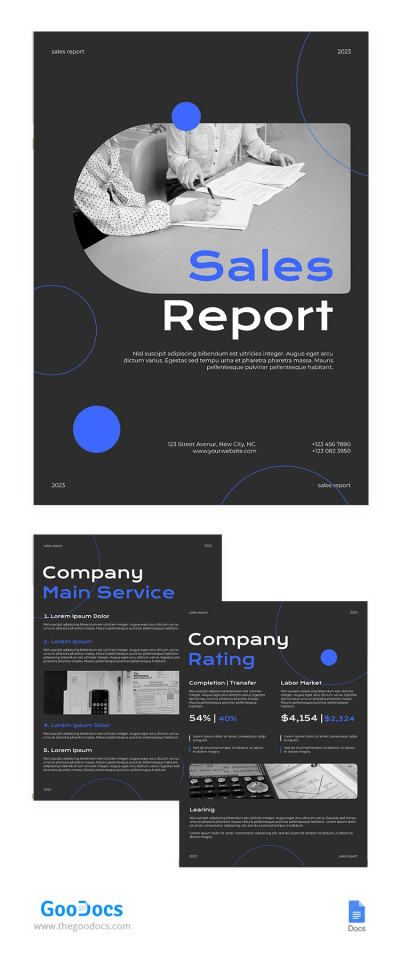
Bright Sale Report
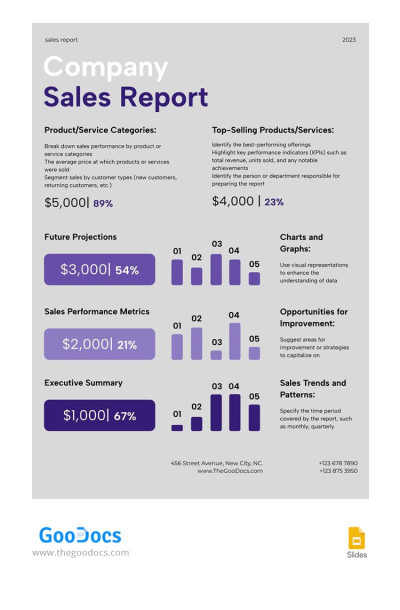
Company Sales Report
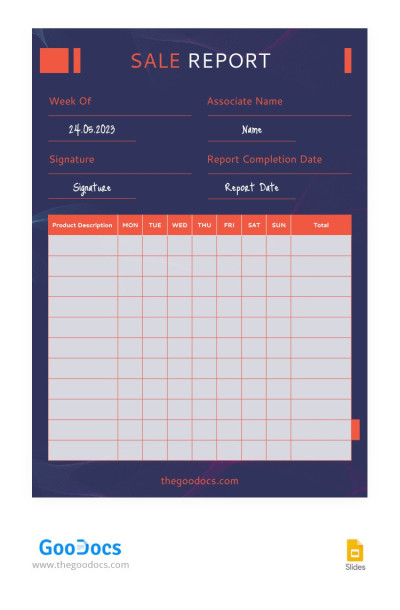
Beautiful Dark Sale Reports

Gradient Marketing Sale Report
Please try different filters or clear all to start over.
You can easily create sales reports for management, finance, and other functions using ready-made templates. Our editable and printable sales report templates are available in multiple formats and offer numerous advanced features, making them indispensable in the sales industry. You can try them right away for free.
Take advantage of professionally crafted templates:
- Use the format that suits you and your team. We offer various sales reports in Google Sheets, Docs, Excel, Word, and presentation editors. Each editor offers the best tools for specific tasks, from chart creation and automatic formatting to simple printing. Choose the option with reasonable features.
- Find a general-purpose or highly specialized sales report template. You'll find dozens of sales report samples, including templates for tracking managers, departments, and promotion channels, as well as options with sales funnels and stages, for different cycles, and customization for your CRM system.
- Edit and customize the template without restrictions. You can not only enter report data but also completely customize the template. Add more useful blocks or remove those that are not needed by your company. Customize fonts, colors, include a logo, and more, as we offer unlimited customization possibilities.
Use the ready-made structure of our sales report templates to understand what works for your business and what doesn’t. Don’t waste hours creating tables from scratch. Better get a clear picture of your sales by period. Click on the marketing report templates link if you’re looking for up-to-date options for your marketing team.
Sales Reports Templates FAQ
Our templates will help you create a well-structured sales report. To write it, you'll need to:
- Determine the report's purpose and period. These elements determine the overall format and layout structure. The report should include the report type, audience, and time period (usually daily, weekly, monthly, or yearly).
- On this page, select a sales report template that matches your report’s objectives. You can filter options by style and other criteria.
- Add key sales metrics to the template. Most reports require total sales revenue, number of sales, conversion rate, average value per sale, and sales by region, sales manager, or product.
- Use pre-made charts and visuals if the template features them. You can also add your own features. This is easier with Google Sheets and Excel templates.
After that, all that’s left to do is save your sales report and send it to your supervisor. Our templates are print-ready in A4 and US Letter sizes and can also be sent via email or any messenger.
A standard sales report format should include key sales metrics, a comparison with the previous period, and a summary with recommendations for further improvement.
Regarding key metrics, the following should be included:
- Key KPIs such as conversion rate, sales volume, net/gross sales, and average revenue per customer.
- Information on the quantity and cost of sales for products in different regions, by different sales managers, and across various categories.
These are the two main parts that every sales report should include. Everything else depends on the specific task and report period. Find examples of completed sales reports in the required format on our website to learn more or start editing them.

