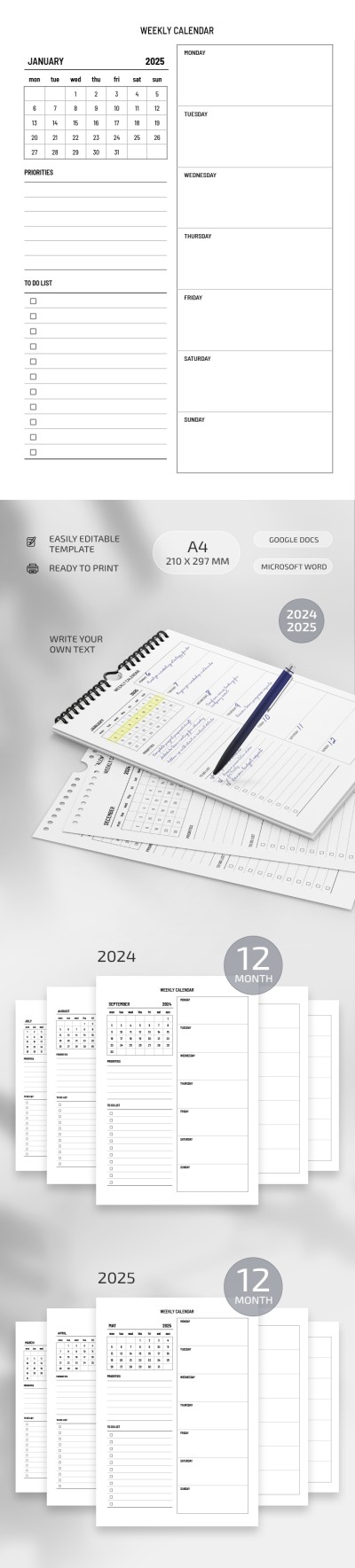
Get unlimited access to 5000+ Templates for Google Docs, Slides and Sheets
Unlimited Access
ADVERTISEMENT
ADVERTISEMENT

Basic Weekly Calendar Template

Use this free template with Google Docs and Microsoft Word
4.25 (1 reviews)
Last updated Updated July 14, 2026
Type Weekly, Simple
ADVERTISEMENT

Template Specification

Format Google Docs, Microsoft Word
Created September 22, 2024
Last Updated July 14, 2026
Community Added to collections by 16 Users
Usage Stats 3 downloads this month

Key Features of This Template

About this template

The Basic Weekly Calendar Template is your ultimate choice for organizing weekly tasks and plans. The calendar in Google Docs and Word is super convenient and customizable (you can also opt for a calendar template in Excel on our website)!

Structure and Features

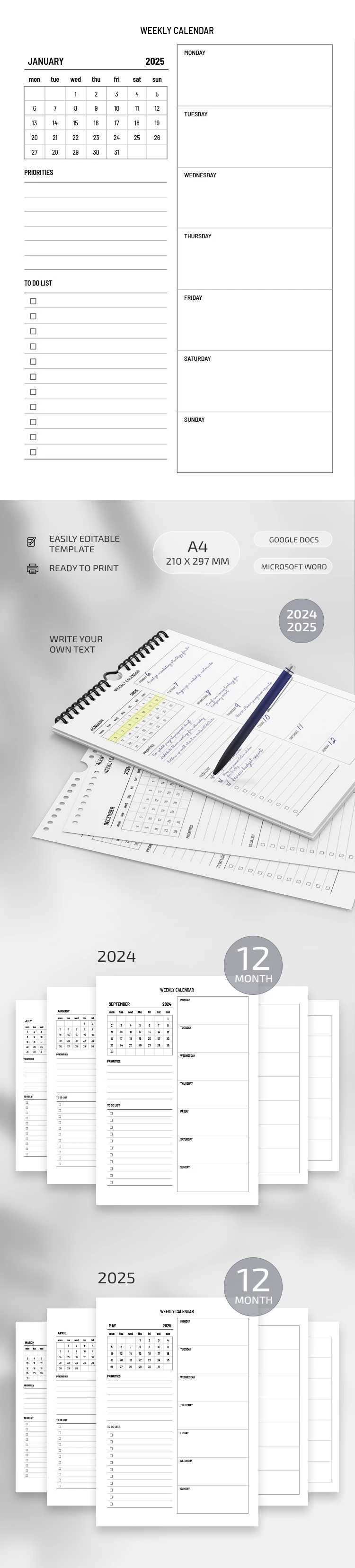
The calendar weekly template consists of 12 pages, each of which corresponds to one month of the year. The top of each page includes the name of the month, which makes it easy to navigate. On the left is a monthly calendar for a quick overview and a place to write down priority tasks, important events, and a to-do list.

The right part of the page is designed for detailed weekly planning. Here is a table where you can write down plans and notes for each day of the week from Monday to Sunday. See the whole picture of the week on one page!

Unlimited Flexibility for Personalization

The weekly calendar is fully editable, and you can customize it to your needs. Change the structure, add your categories, or style it the way you like. It is also printable so that you can use it in a physical format.

Effectively organize your time and simplify the planning process with our free blank calendar.

ADVERTISEMENT
Free Template

Download Free Template

Choose your platform and start editing right away
PLATFORM

Google Docs

Opens in browser

Microsoft Word

.docs
PAPER SIZE
A4
A4
Google Docs – A4
No account required • Attribution required

WHAT’S INCLUDED

Editable headings and text styles
Weekly and monthly planning sections
Print-ready A4 format
Fully formatted multi-page layout

Calendar Tips

1
Use different fonts for sections to personalize.
2
Highlight priority tasks for better visibility.
3
Set a weekly review time every Sunday.
4
Print a copy for quick desk access.

FAQ

Is this template free? Yes, it's completely free to download and use.
Can I customize the layout? Absolutely, customize using Google Docs or Microsoft Word features.
What formats are compatible? It's compatible with Google Docs and Microsoft Word.
Is it easy to use? Yes, it's user-friendly and simple to edit.
What page size is available? The template is available in A4 size.
ADVERTISEMENT

How to Use and Edit This Template

Get Your Document

1

Get Your Document

Click the "Edit Template" button to create your own editable copy in Google Docs or download for Microsoft Word
Customize Everything
2

Customize Everything

Easily change colors, fonts, and layouts to match your unique style or brand identity
Add Your Content
3

Add Your Content

Fill in your data, upload images, and replace the placeholder text with your own information
Print, Export, or Share
4

Print, Export, or Share

Print, export as PDF, or share instantly

Related Templates

Recently Viewed