ADVERTISEMENT
ADVERTISEMENT
Biweekly Budget Template
Use this free template with Google Sheets and Microsoft Excel
4.62 (2 reviews)
•
Last updated
Updated
October 31, 2026
•
Created by
Natalia Prokhorenko
•
Type
Biweekly, Simple
ADVERTISEMENT
Template Specification
Format
Google Sheets
Created
July 23, 2024
Last Updated
October 31, 2026
Community
Added to collections by 114 Users
Usage Stats
479 downloads this month
Key Features of This Template
Budget Period
Biweekly Budget Templates
Style
Simple Budget Templates
About this template
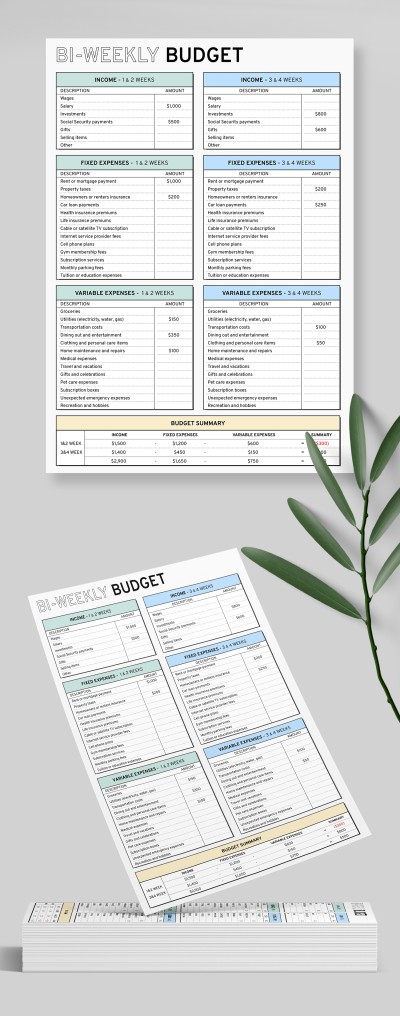
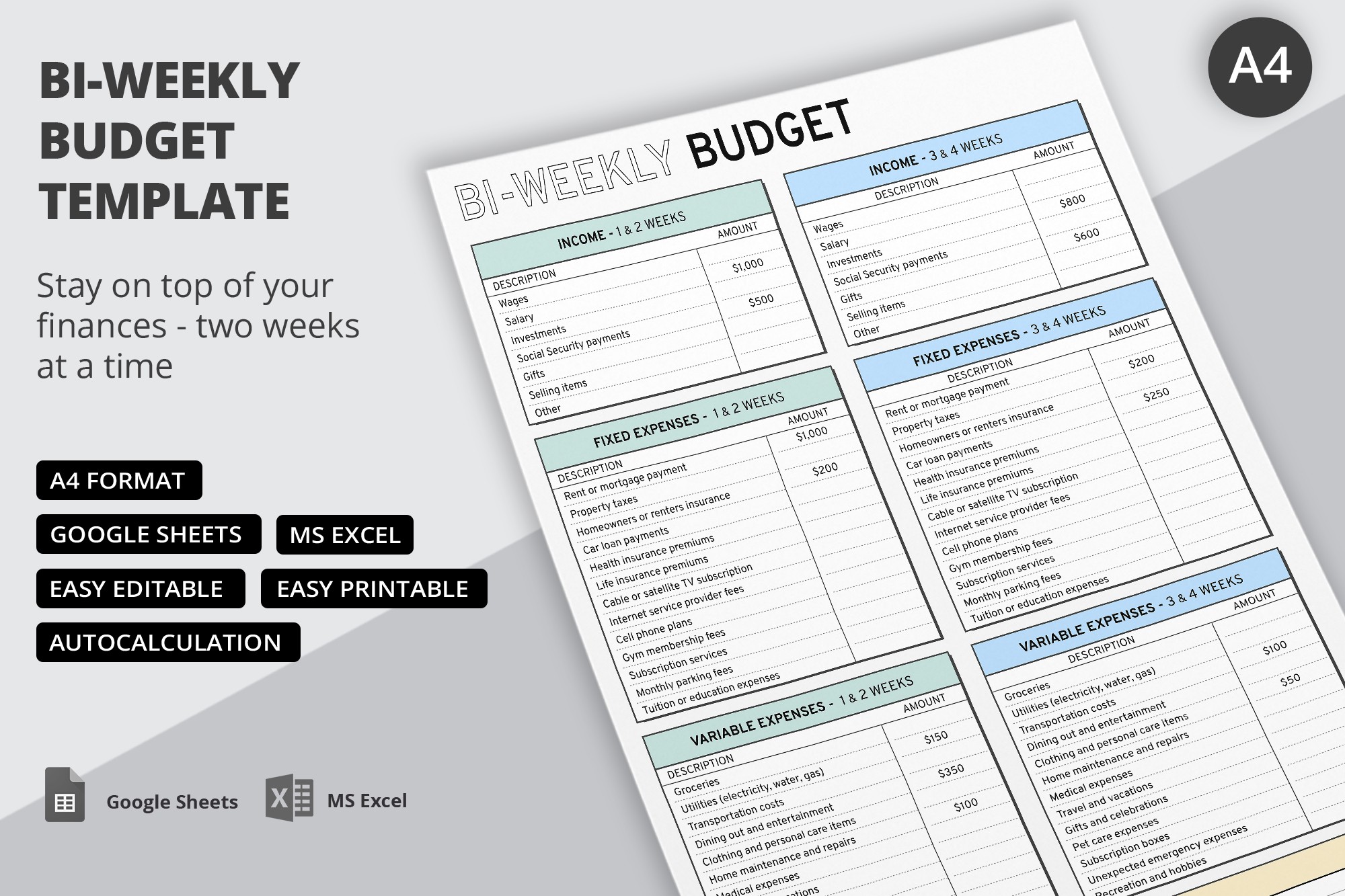
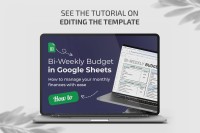
Check out this stylish and practical Biweekly Budget Template! This spreadsheet is tailor-made for people wanting to organize, manage, and monitor their income and expenses!
Simple and Stylish Design
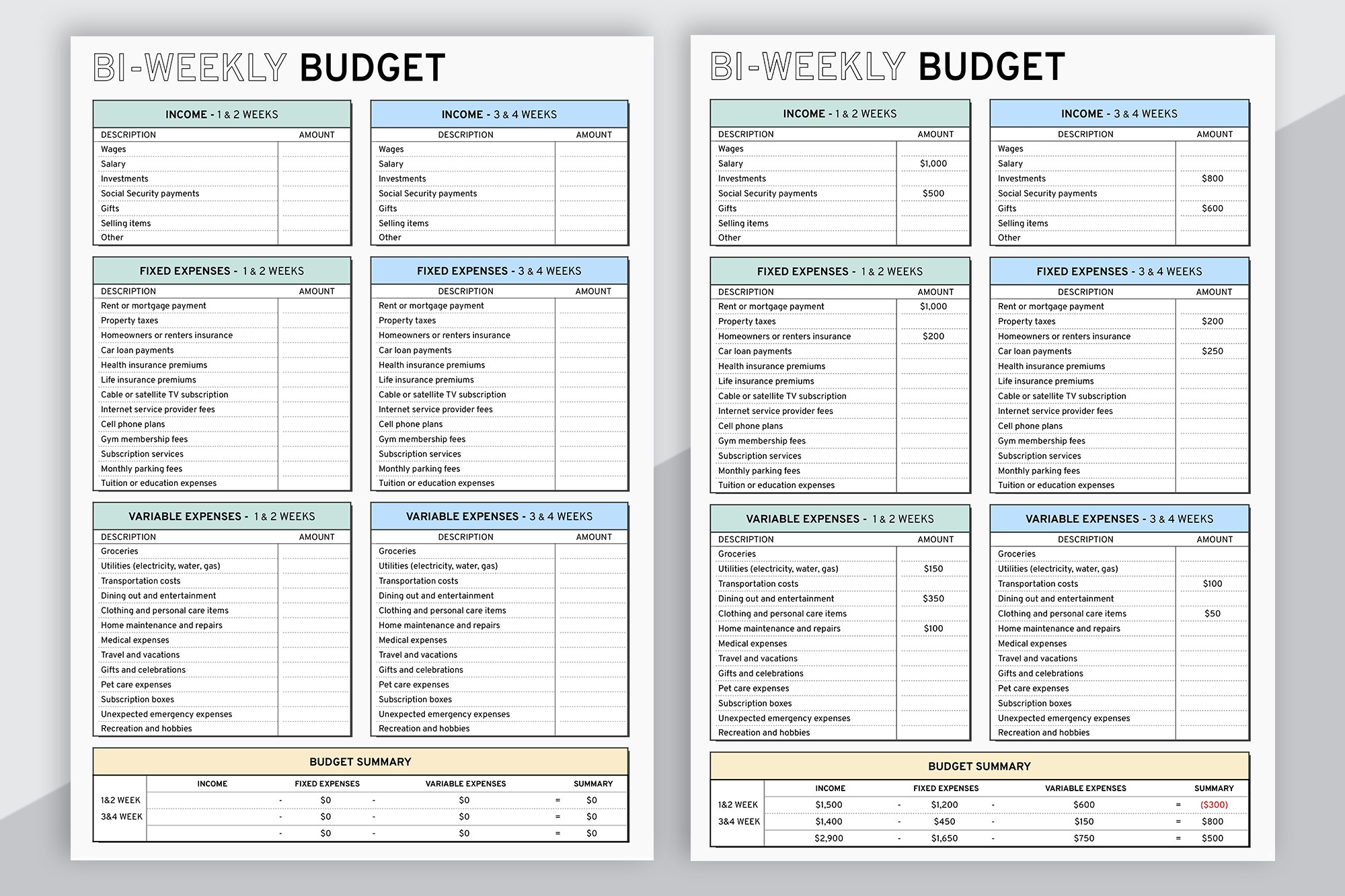
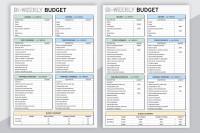
The layout of this biweekly budget planner in Google Sheets and Excel is divided into several tables. Their headers are highlighted in blue, green, and yellow. The color coding will help you quickly find the necessary fields and information about your financial situation.
Distribute Your Finances Effectively
This business budget template consists of the following sections:
- Income: it features various categories such as wages, salary, investment, gifts, etc.
- Fixed expenses: you can fill in details on your rent payments, property taxes, subscription services, life insurance, and more.
- Variable expenses: write amount spent on groceries, transportation, home repairs, travel, etc.
- Budget summary: this table features formulas to quickly calculate your total income, expenses, and their summary.
TheGoodocs offers hundreds of free budget templates! Check them out to find a perfect option.
ADVERTISEMENT
Free Template
Download Free Template
Choose your platform and start editing right away
PLATFORM
PAPER SIZE
A4
No account required • Attribution required
WHAT’S INCLUDED
Sections for income and expenses
Autocalculation for total summaries
Editable categories for customization
Printable A4 format for convenience
Budget Tips
Review and update budget every two weeks.
Customize categories to match your financial needs.
Use color coding for quick navigation.
Keep digital and printed copies for easy access.
FAQ
Is this template compatible with Excel?
Yes, it works with both Google Sheets and Excel.
Is the template easy to use?
Yes, it's user-friendly with a simple interface.
Can I customize the categories?
Yes, you can easily edit and add categories.
Is this template free?
Yes, it’s completely free to download and use.
Does it include automatic calculations?
Yes, the template includes autocalculation for summaries.
ADVERTISEMENT
How to Use and Edit This Template

Get Your Document
Click the "Edit Template" button to create your own editable copy in Google Sheets or download for Microsoft Excel

Customize Everything
Easily change colors, fonts, and layouts to match your unique style or brand identity

Add Your Content
Fill in your data, upload images, and replace the placeholder text with your own information

Print, Export, or Share
Print, export as PDF, or share instantly