Natural Cosmetic Brochure Template
Use this free template with Google Slides and Microsoft PowerPoint
Template Specification
Key Features of This Template
About this template
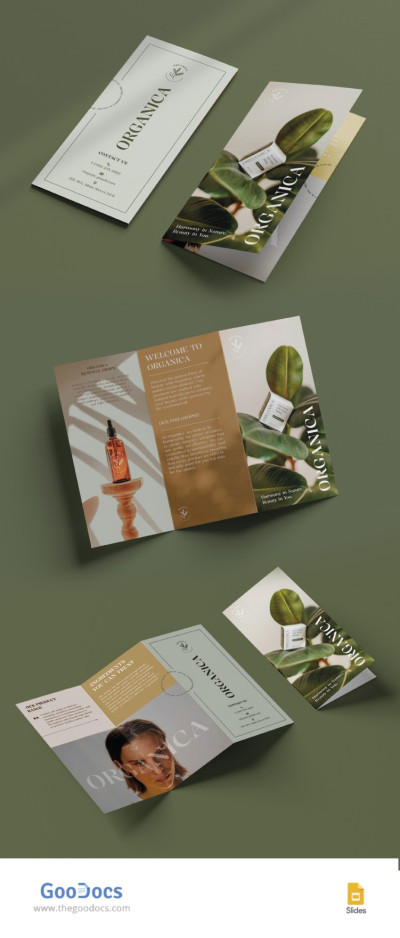
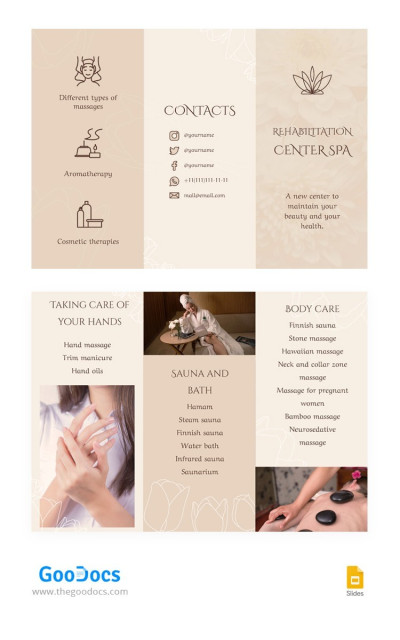
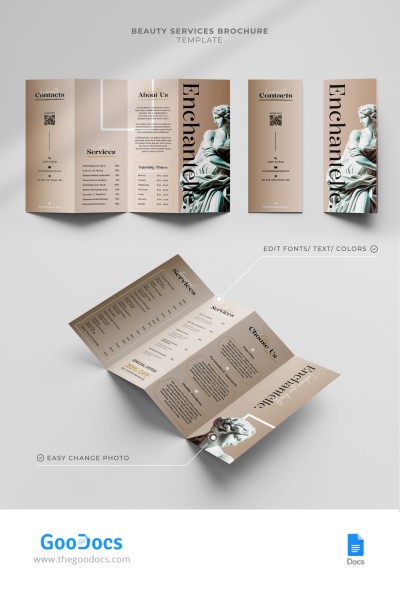
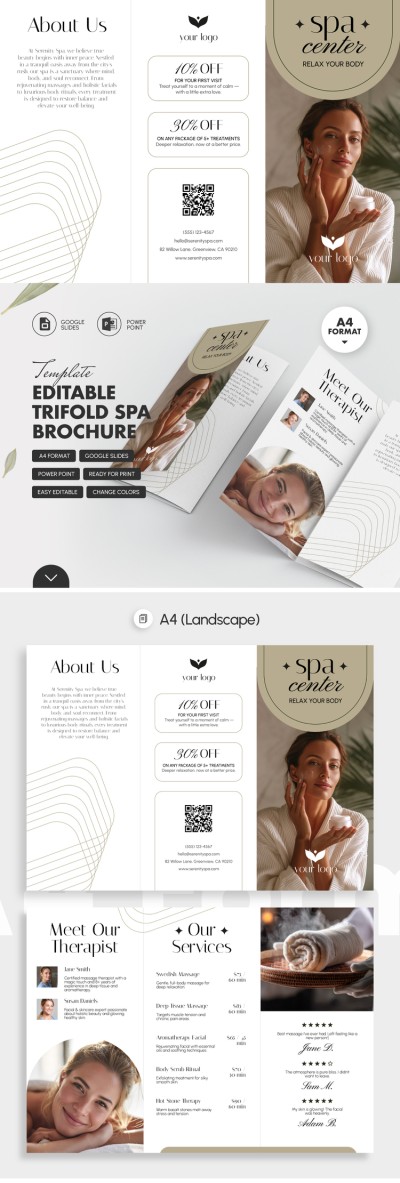
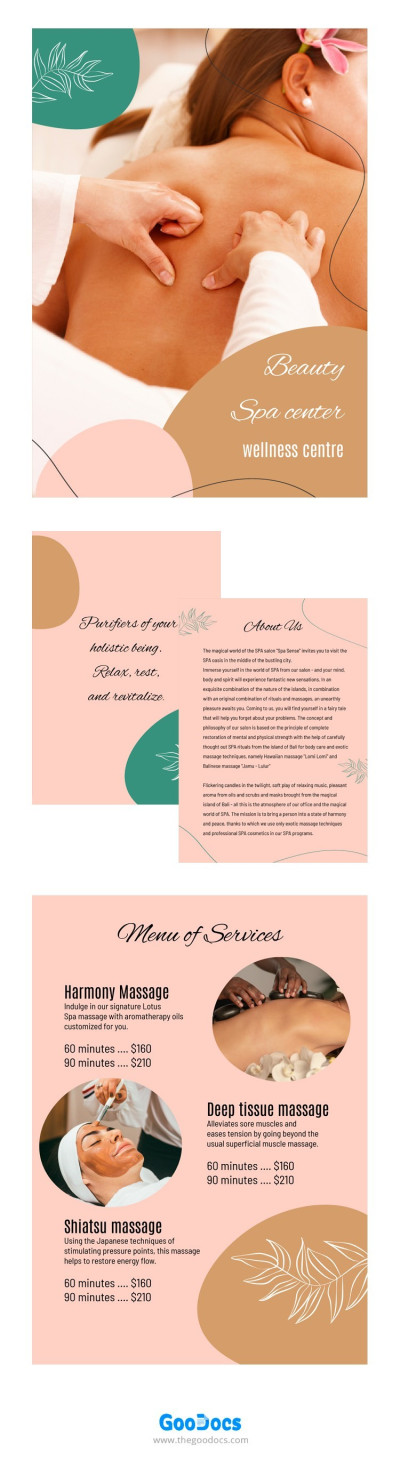
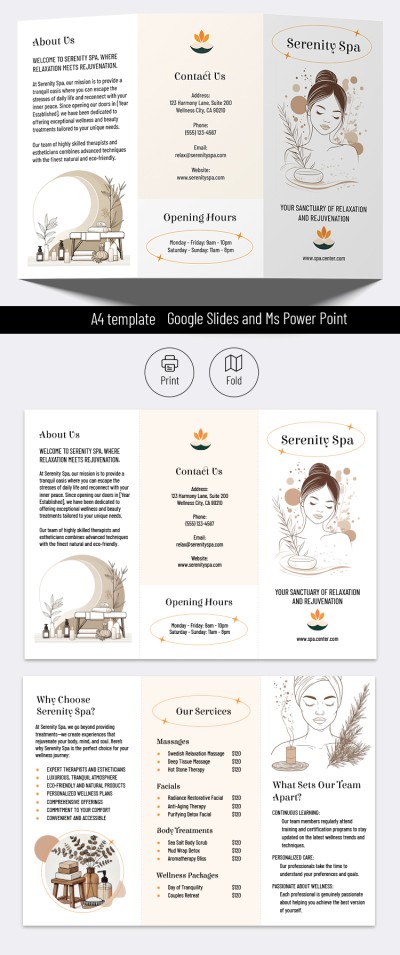
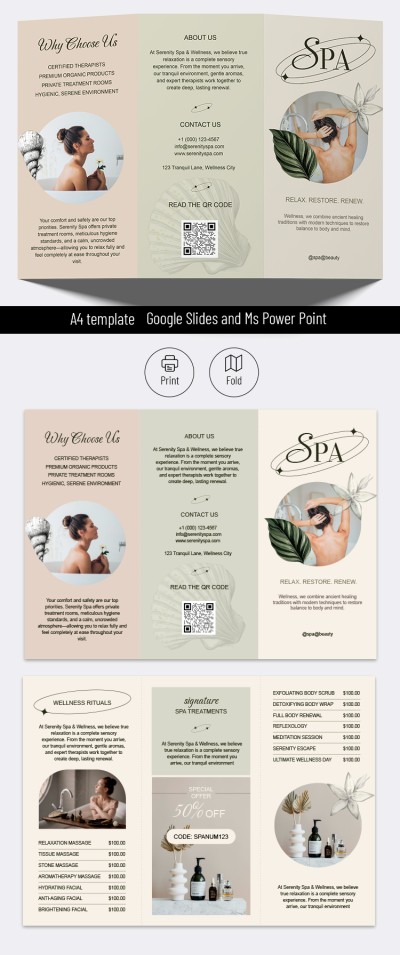
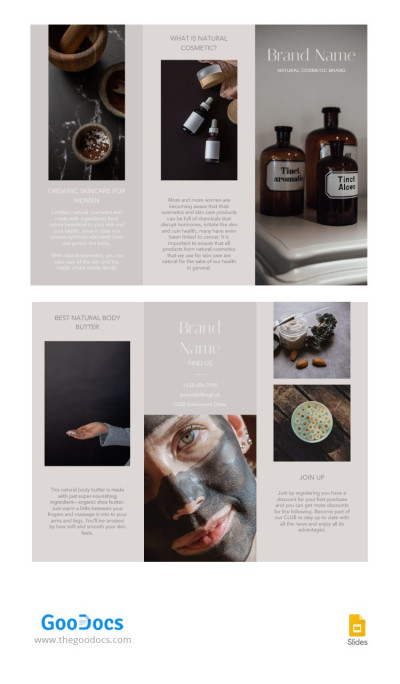
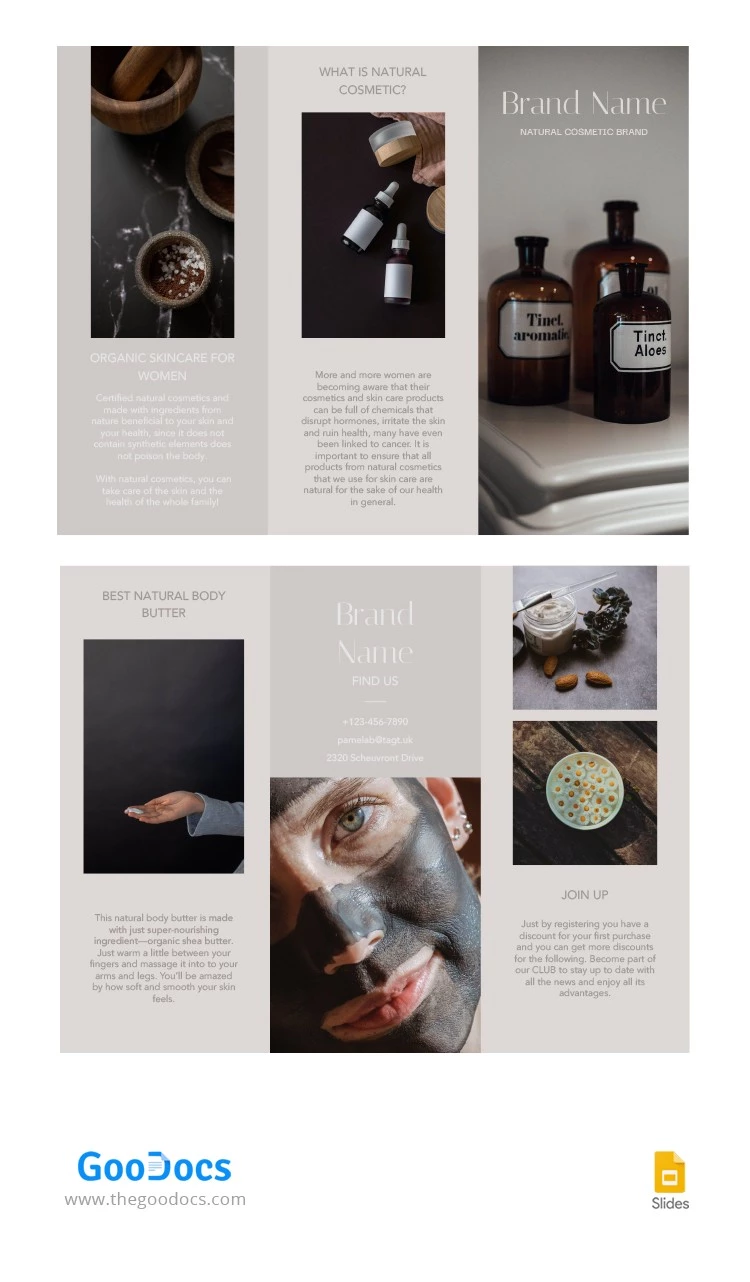
Showcase your best beauty products using this free Natural Cosmetic Brochure Template. Our template features pastel colors, matching fonts, and placeholders for product photos, results, and subtle aesthetic touches. This aesthetic brochure template is designed for the beauty industry, so you don't need to create a design from scratch.
Make the Most of Our Free Cosmetic Brochure
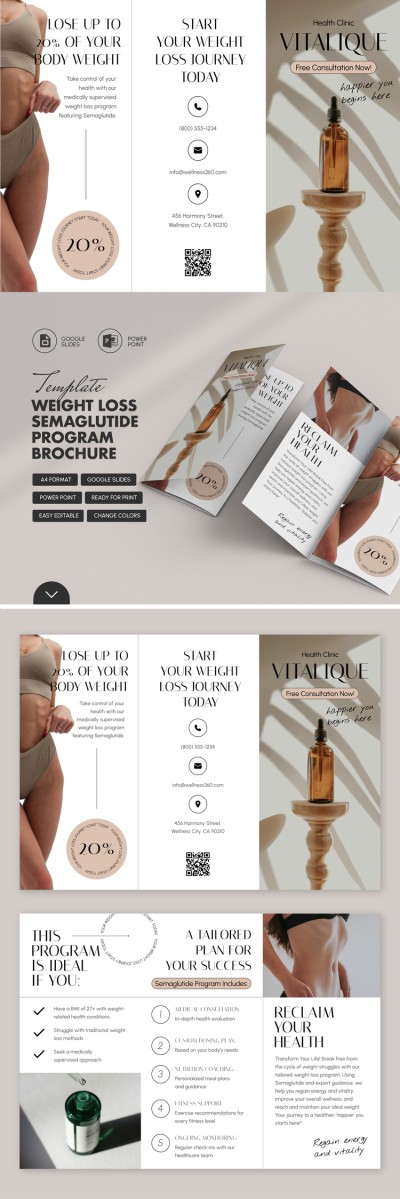
Our tri-fold brochure layout consists of a front cover, back cover, and four inside panels. The front cover features a placeholder background photo, which you can easily replace with your own. You can also add your brand name and a short description.
Start filling out the template without restrictions:
- Add contact information, your top products, sales or bonuses, app links, and more.
- Use a ready-made, time-tested structure for your beauty brochure.
- Choose new fonts, replace the placeholder photo with one click, and customize the design.
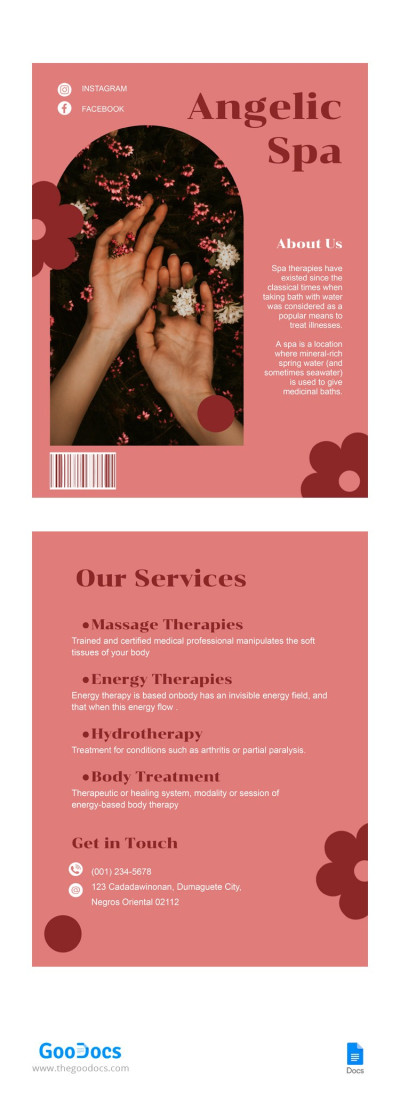
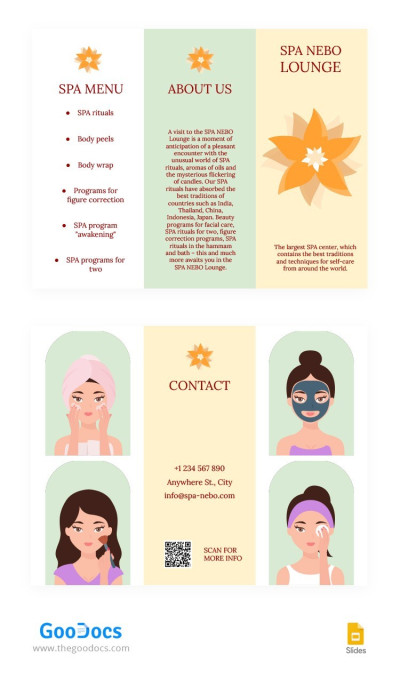
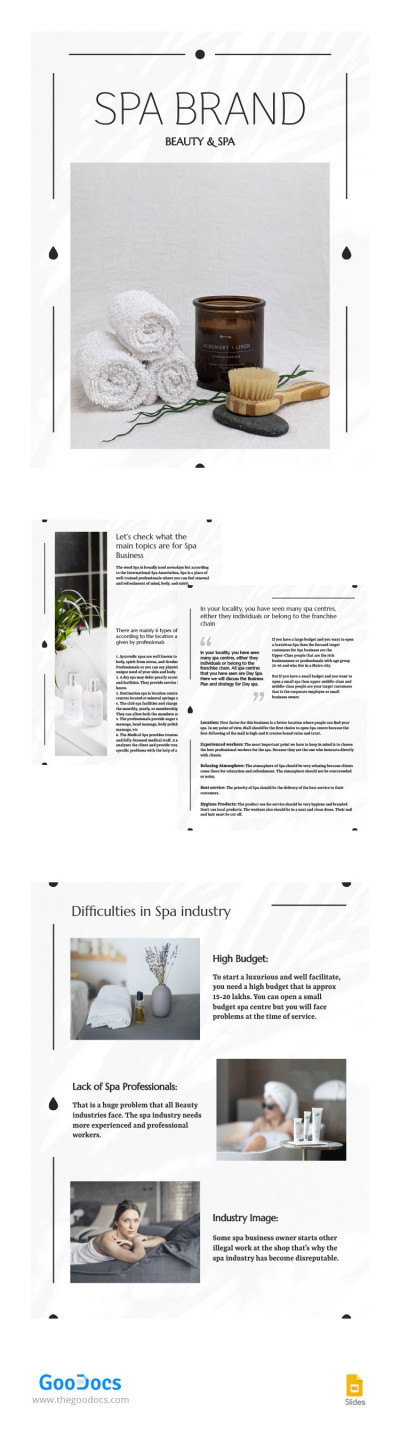
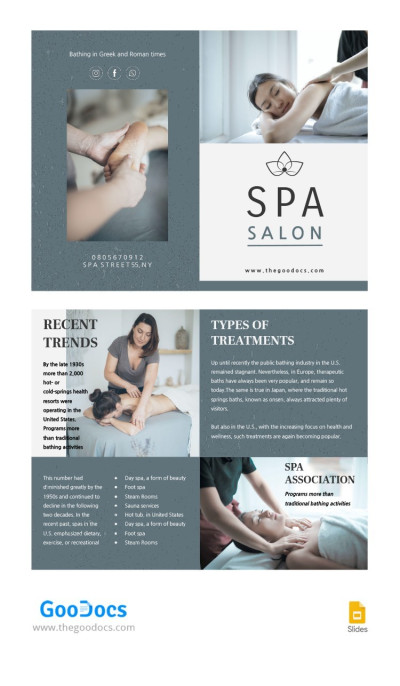
The brochure itself is available in Google Slides, where you can easily rearrange, adjust, or delete unnecessary text or image blocks. Plus, all print settings are already pre-configured. For quick customization, simply replace the text, save the file as a PDF, and print. Find more spa brochure examples on our website.
Download Free Template
WHAT’S INCLUDED
Brochures & Pamphlet Tips
FAQ
How to Use and Edit This Template

Get Your Document

Customize Everything

Add Your Content