ADVERTISEMENT
ADVERTISEMENT
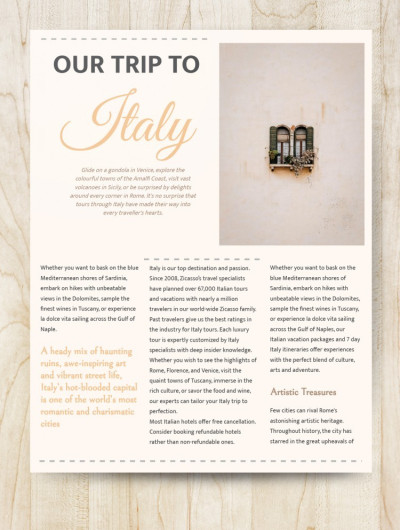
Trip Atricle Template
Use this free template with Google Docs and Microsoft Word
4.58 (2 reviews)
•
Last updated
Updated
October 31, 2026
•
Created by
Elijah Johnson
ADVERTISEMENT
Template Specification
Format
Google Docs
Created
June 28, 2021
Last Updated
October 31, 2026
Community
Added to collections by 20 Users
Usage Stats
13 downloads this month
About this template
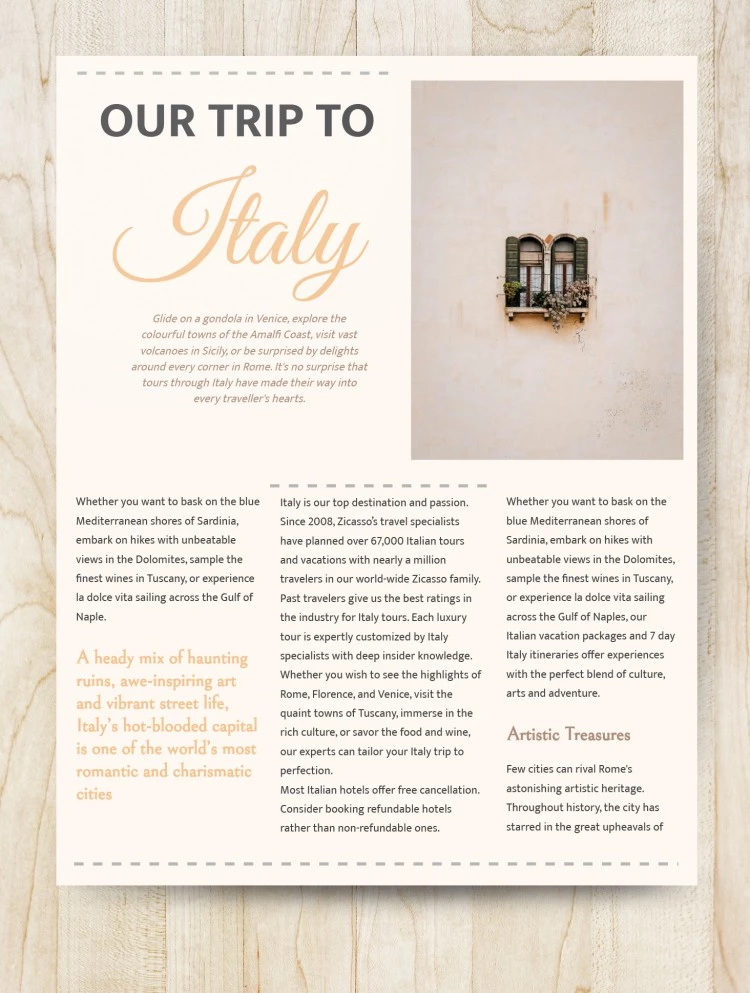
Are you writing a trip article with some exciting and inspiring information about travelling? Then you certainly need to choose the best design for it. Our template is made for those who are really passionate about trips. It has a nice vintage style that will appeal to your potential readers. Use Google Docs to change the color of the template or insert your text. You also can add any photos you want to it.
ADVERTISEMENT
Free Template
Download Free Template
Choose your platform and start editing right away
PLATFORM
PAPER SIZE
US Letter
A4
No account required • Attribution required
WHAT’S INCLUDED
Customizable vintage-style design
Space for inserting personal travel photos
Section for detailed trip descriptions
Artistic font for engaging titles
Article Tips
Use high-quality images for a vibrant layout.
Customize colors to match your travel theme.
Include personal anecdotes to engage readers.
Keep paragraphs concise for readability.
FAQ
Is the template compatible with Microsoft Word?
Yes, it can be used in both Google Docs and Word.
How easy is it to customize?
Very easy with intuitive text and image areas.
Can I change the fonts?
Yes, font customization is supported.
Is this template free?
Yes, it's free to download and use.
Does it support landscape layout?
No, this template is optimized for portrait layout only.
ADVERTISEMENT
How to Use and Edit This Template

Get Your Document
Click the "Edit Template" button to create your own editable copy in Google Docs or download for Microsoft Word

Customize Everything
Easily change colors, fonts, and layouts to match your unique style or brand identity

Add Your Content
Fill in your data, upload images, and replace the placeholder text with your own information

Print, Export, or Share
Print, export as PDF, or share instantly