Training Meeting Agenda Template
Use this free template with Google Slides and Microsoft PowerPoint
Template Specification
About this template
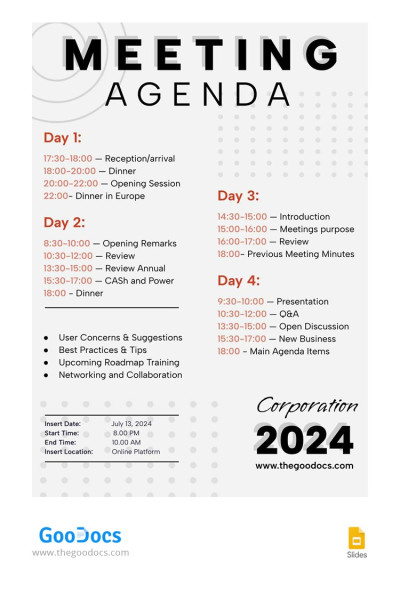
This versatile and adaptable Training Agenda template is what any company with more than ten employees needs! Training new staff members is a complex process associated with many risks. But our Google Slides agenda will help solve many problems and get rid of pitfalls and the human factor during training.
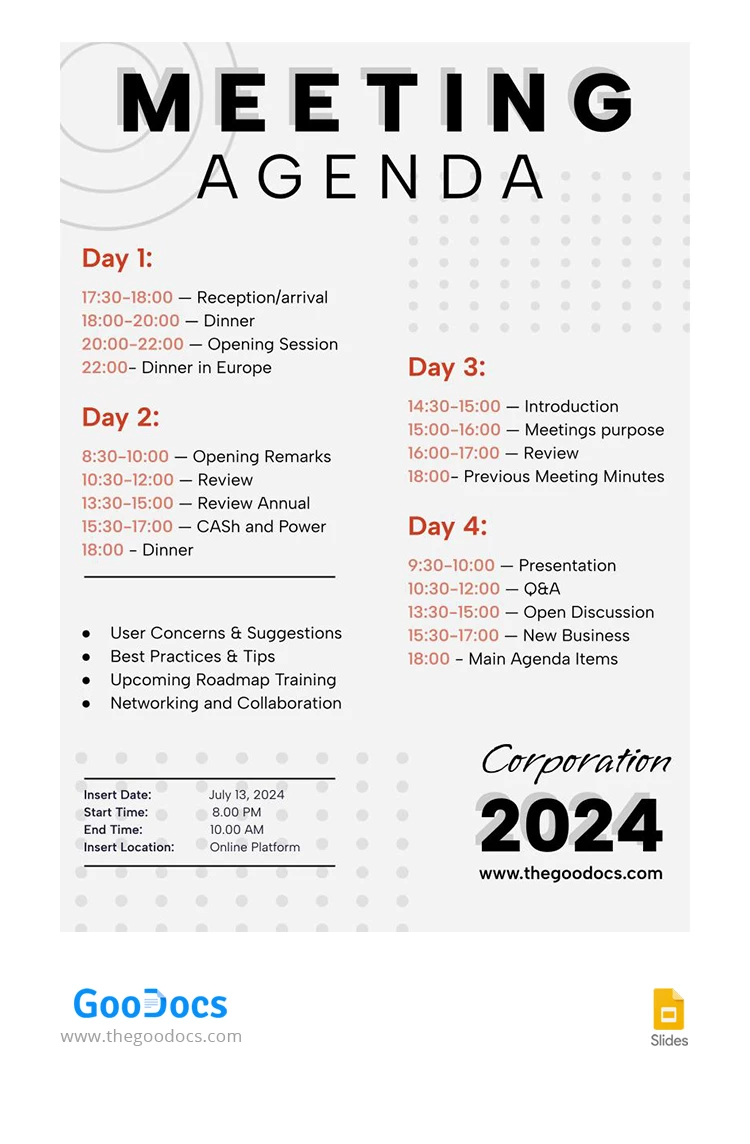
Modern Layout for 4 Days
We have prepared a meeting agenda template that is ideal for a four-day training program. Do you need more time? Use Google Slides to adjust the layout to suit your needs. Also, you can print several copies, or use more pages to multiply the number of days for a training session.
Gray Colors and Contrasting Schedule
The background of the template features a gray color scheme. This solution allows it to be used by any company in distinct industries. So that you and the trainee won't lose the schedule from sight, each period and agenda item is highlighted in orange.
A sample allows you to allocate time consisting of five or even more elements. In addition, there is an additional section to include the date of agreement, starting and ending time, location, etc.
Enough Space for Your Notes
Also, we provided enough space for meeting notes and important details that should not be overlooked. The final touch is to add your logo in the lower left corner, and you can print the template or use it on any device.
Find unique, unusual, formal, business, and personal sample meeting agenda on our website. Enjoy the best free content from professional creators.
Download Free Template
WHAT’S INCLUDED
Agenda Tips
FAQ
How to Use and Edit This Template

Get Your Document

Customize Everything

Add Your Content