
Log in
Sign up
ADVERTISEMENT
ADVERTISEMENT
Office Supply Inventory List
Use this free template with Google Sheets and Microsoft Excel
ADVERTISEMENT
Save
Template Specification
Format
Google Sheets, Microsoft Excel
Created
March 24, 2025
Last Updated
July 4, 2026
Community
Added to collections by 55 Users
Usage Stats
74 downloads this month
Key Features of This Template
Structure
List Inventory Templates
Style
Elegant
About this template
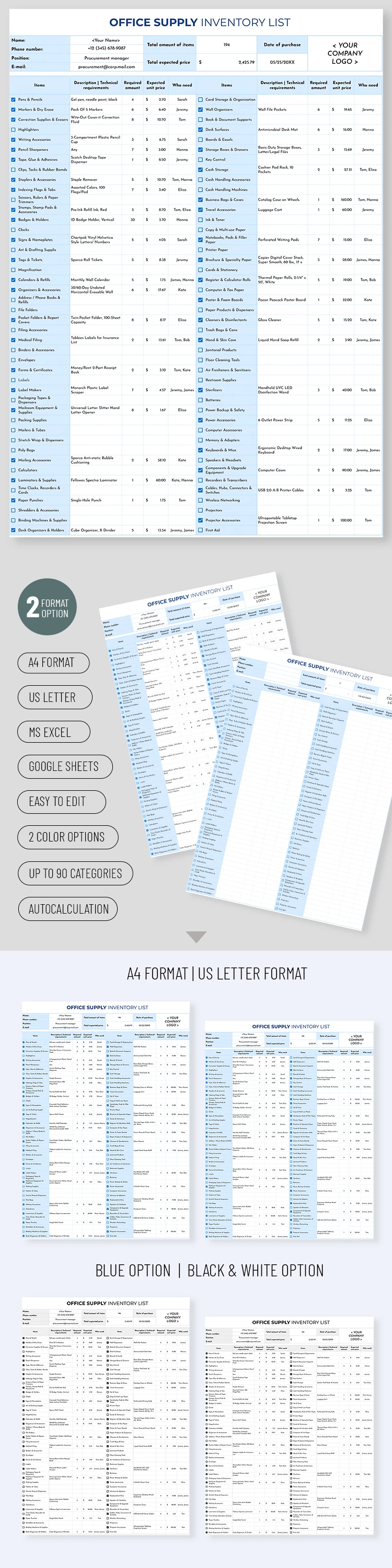
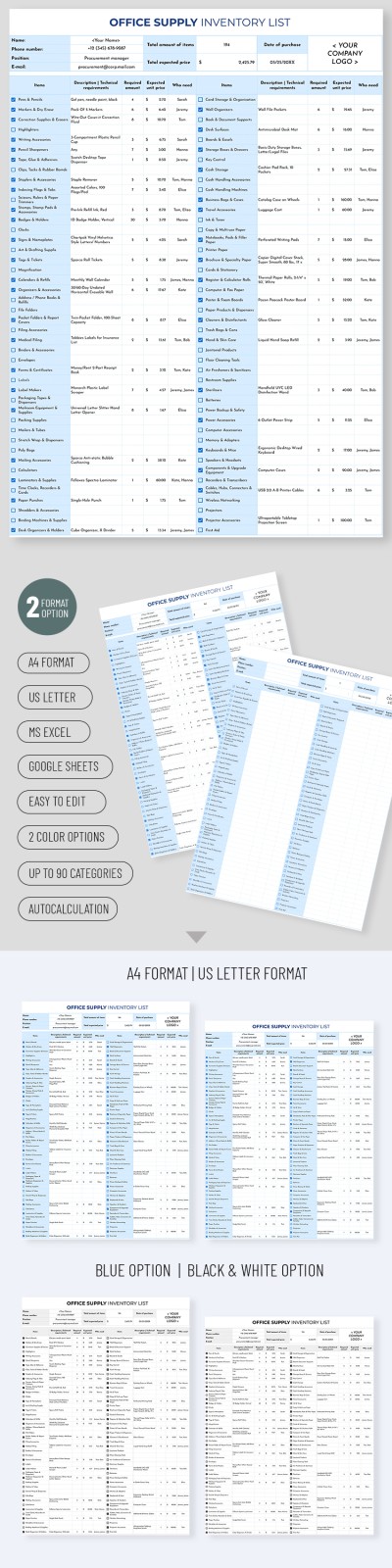
Our inventory list for office supply has a convenient structure and nice design. The paper looks formal enough to be used in the office, but it does not look boring like the standard inventory sheets. But most of all we are proud of the well-organized structure of the template. You can fill this inventory template in Google Sheets in quickly and be done with the inventory. You are welcome!
ADVERTISEMENT
Free Template
Download Free Template
Choose your platform and start editing right away
PLATFORM
Google Sheets
Opens in browserMicrosoft Excel
.xlsx
PAPER SIZE
US Letter
A4
Google Sheets – US Letter
No account required • Attribution required
Add to Collection
Facebook
Pinterest
Twitter
Copy link
WHAT’S INCLUDED
Automatic calculations with built-in formulas
Up to 90 customizable product categories
Two color themes: blue and black & white
A4 and US letter print options
Inventory Tips
1
Regularly update items to keep track efficiently.
2
Customize categories to match your office needs.
3
Utilize color themes for easy organization.
4
Print in preferred format for physical copies.
FAQ
Is this template free?
Yes, this template is freely available for download.
Can I use it in Google Sheets?
Yes, it is compatible with Google Sheets and Excel.
How easy is it to customize?
Very easy – customize categories, colors, and formats as needed.
Does it include any charts?
This template focuses on inventory tracking without charts.
Is prior experience needed to use it?
No, it's designed for easy use with simple instructions.
ADVERTISEMENT
How to Use and Edit This Template

1
Get Your Document
Click the "Edit Template" button to create your own editable copy in Google Sheets or download for Microsoft Excel

2
Customize Everything
Easily change colors, fonts, and layouts to match your unique style or brand identity

3
Add Your Content
Fill in your data, upload images, and replace the placeholder text with your own information

4
Print, Export, or Share
Print, export as PDF, or share instantly
Related Templates
Recently Viewed
Office Supply Inventory List
Open in Google Sheets and Microsoft Excel
Office Supply Inventory List
Open in Microsoft Excel
Your session has ended!
This may be due to prolonged inactivity or your account being used on another device.
OK
Link copied to clipboard