Family Recipe Book Template
Use this free template with Google Docs and Microsoft Word
Template Specification
Key Features of This Template
About this template
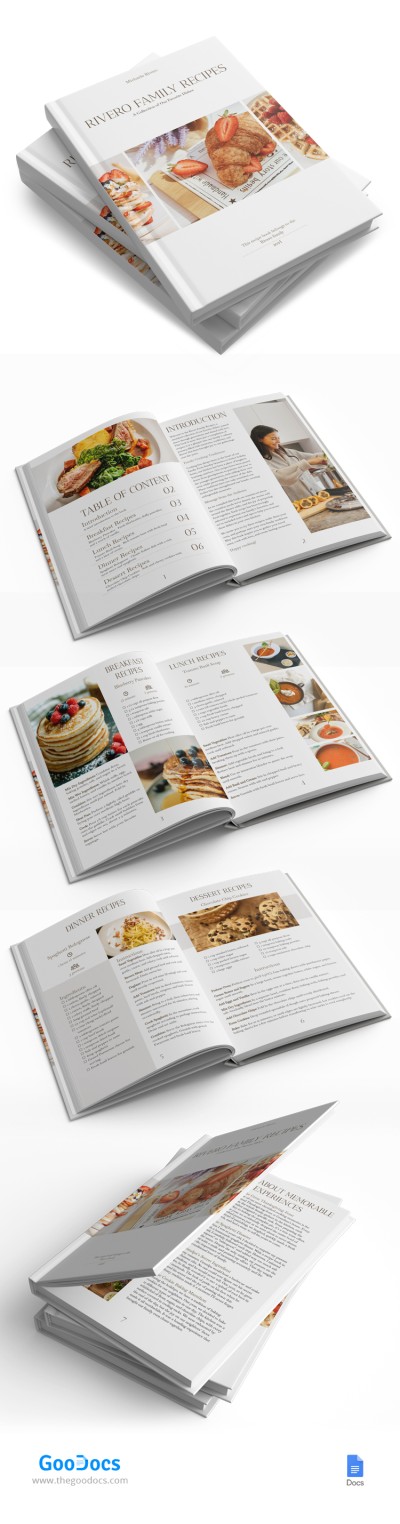
Save and don't forget the recipes passed down from generation to generation thanks to our modern Family Recipe Book template. This versatile eight-page book design will help you preserve recipes and the associated memories.
Unique and Consistent Design for Each Page
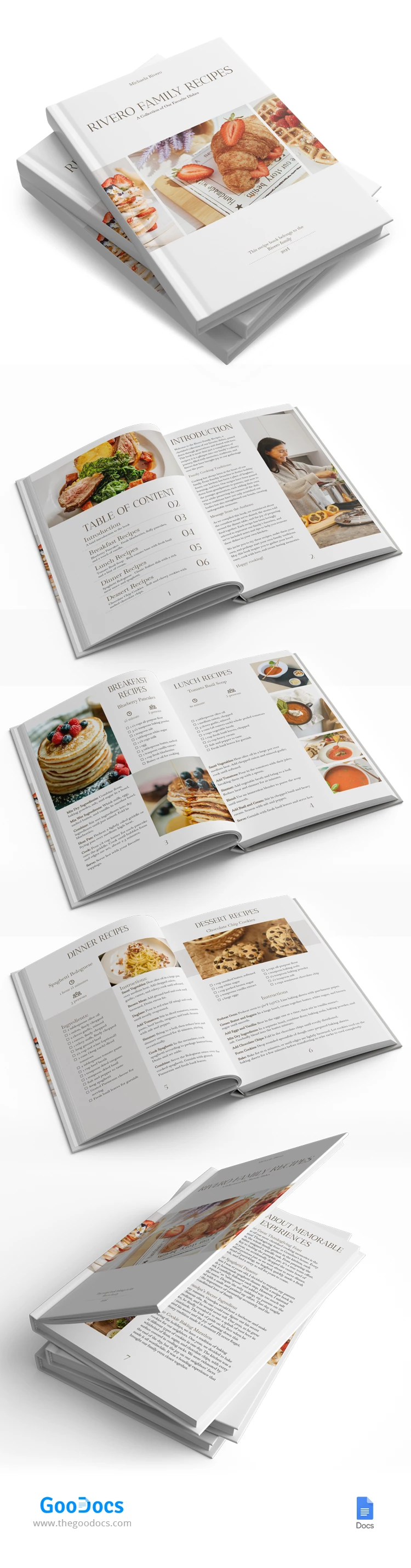
This book layout template consists of a cover and seven pages on which you can write down your best family recipes. The design is simple, which makes it incredibly versatile and suitable for any family.
Moreover, this option is 100% editable and printable. You can customize the design and content and store the publication in digital format or after printing in A4 size.
Ready-to-Use Page Blanks
Inside, you will find a front page with a placeholder for photos of finished dishes, book titles, and descriptions. Next comes the table of contents, which can be customized depending on your recipes.
Then, you will find an introduction section and blanks for breakfast, lunch, and dinner recipes. Each page includes sections for cooking time, number of servings, dish name, ingredients, instructions, and a finished dish picture.
Find the best book templates on TheGoodocs and use them for free or with a premium subscription!
How to Use and Edit This Template

Get Your Document

Customize Everything

Add Your Content

Print, Export, or Share
Related Templates
Recently Viewed