Get unlimited access to 5000+ Templates for Google Docs, Slides and Sheets
Unlimited Access
All Templates
ADVERTISEMENT
ADVERTISEMENT

Elegant Professional Invoice Template

Use this free template with Google Docs and Microsoft Word
4.25 (1 reviews)
Last updated Updated August 15, 2026
Created by Yurii Zakhidnyi
ADVERTISEMENT

Template Specification

Format Google Docs, Microsoft Word
Created July 19, 2024
Last Updated August 15, 2026
Community Added to collections by 12 Users
Usage Stats 14 downloads this month

About this template

Our Elegant Professional Invoice Template is ready to use and will suit any business. The form includes all the necessary elements for correct and legal invoicing of your clients.

Simple Design and Nothing Extra

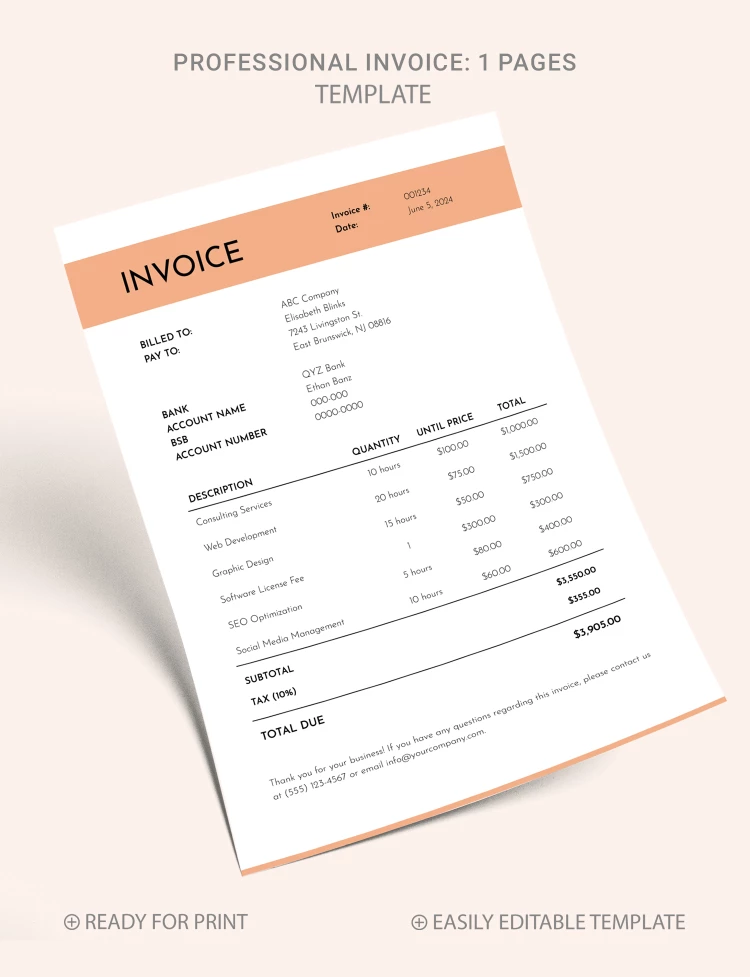
The template features a black-and-white layout with a beige header. With such a color palette, this sample is extremely versatile and perfect for companies in different industries.

Professional and Correct Structure

Use professional invoice template in Word and Google Docs with these placeholders:

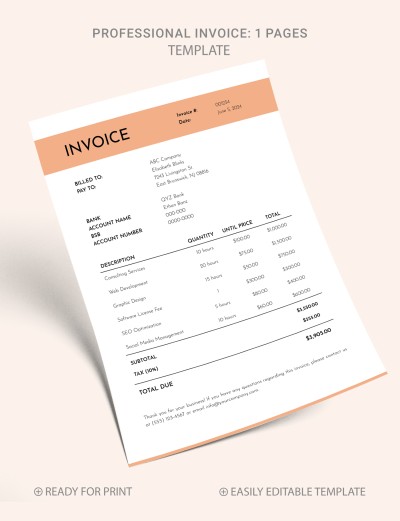
Header section for invoice title, number, and date.

The billing details section features a billed to, pay to, bank, account name, BSB, and account number placeholders.

Invoicing table with description, quantity, unit price, total, subtotal, tax, and total due sections.

Choose from hundreds of ready-made invoice templates with unique designs!

ADVERTISEMENT
Free Template

Download Free Template

Choose your platform and start editing right away
PLATFORM

Google Docs

Opens in browser

Microsoft Word

.docs
PAPER SIZE
A4
US Letter
Google Docs – A4
No account required • Attribution required

WHAT’S INCLUDED

Editable headings and text styles
Ready-to-fill invoice sections
Professional invoice number and date
Print-ready format for convenience

Invoice Tips

1
Customize company details before sending.
2
Input accurate tax rates for billing.
3
Double-check calculations for accuracy.
4
Save a copy for your records.

FAQ

Is this template compatible with Google Docs? Yes, it works perfectly in Google Docs.
Can I customize the invoice sections? Yes, all sections are fully customizable.
Is the template free to download? Yes, it's free to download and use.
How easy is it to use? It's simple with pre-formatted sections.
What page sizes are supported? Supports both A4 and US Letter sizes.
ADVERTISEMENT

How to Use and Edit This Template

Get Your Document

1

Get Your Document

Click the "Edit Template" button to create your own editable copy in Google Docs or download for Microsoft Word
Customize Everything
2

Customize Everything

Easily change colors, fonts, and layouts to match your unique style or brand identity
Add Your Content
3

Add Your Content

Fill in your data, upload images, and replace the placeholder text with your own information
Print, Export, or Share
4

Print, Export, or Share

Print, export as PDF, or share instantly

Related Templates

Recently Viewed