
Expense Report Templates
This unique collection of free expense report templates is perfect for managing cash flow and expenditures. We offer expense report templates in Excel, Google Sheets, Google Docs, and Word formats. So, you can easily find the right option among dozens of ready-made samples, blanks, and report examples. Use our simple designs without frills to make the reporting process much easier.
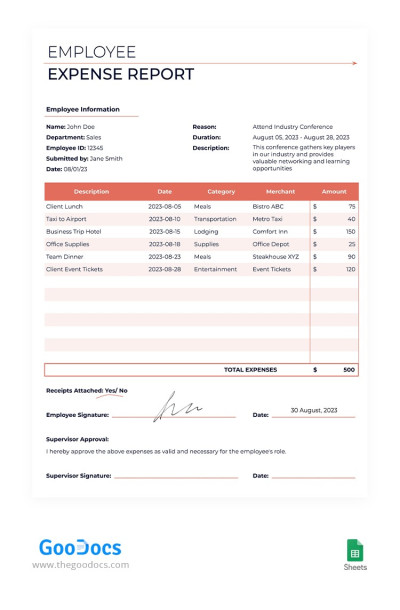
Employee Expense Report
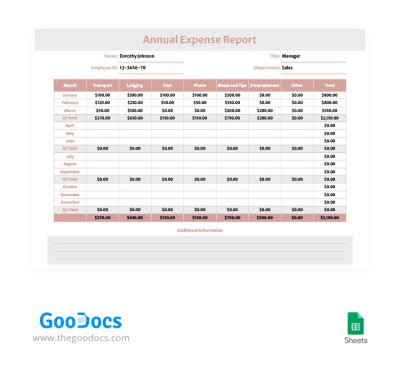
Soft Colors Annual Expense Report
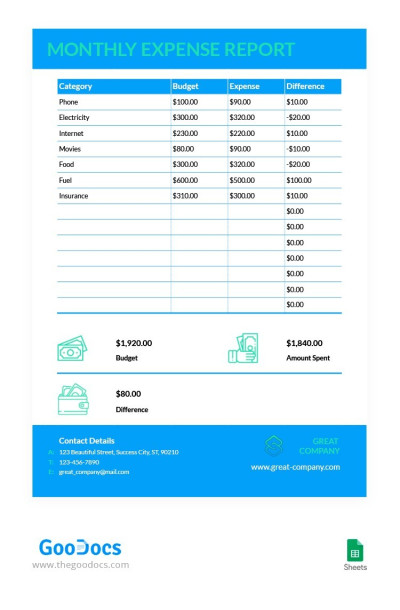
Simple Business Monthly Expense Report
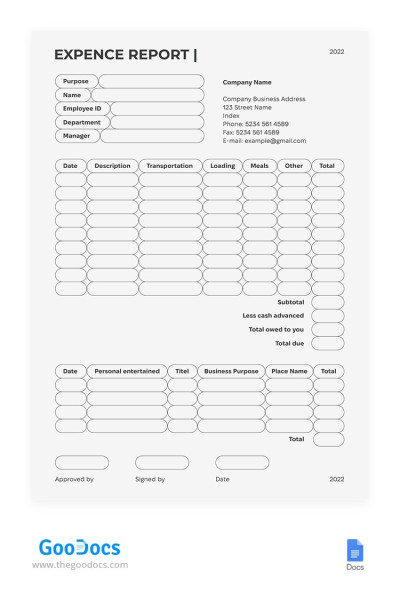
Simple Expense Report
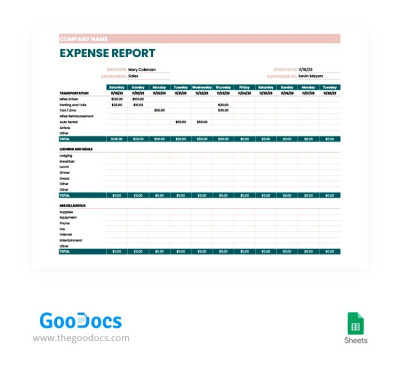
Beige and Green Expense Report
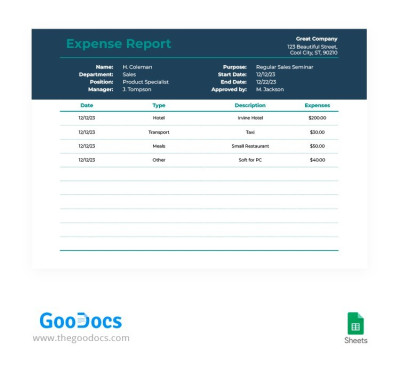
Simple Elegant Expense Report

Minimal Blue Expense Report
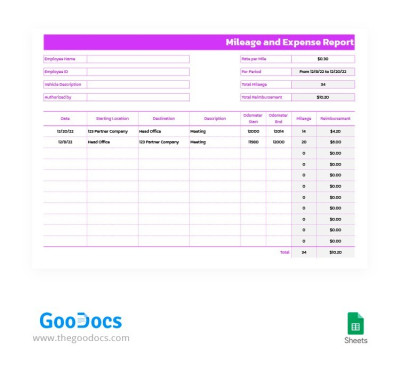
Purple Mileage and Expense Report
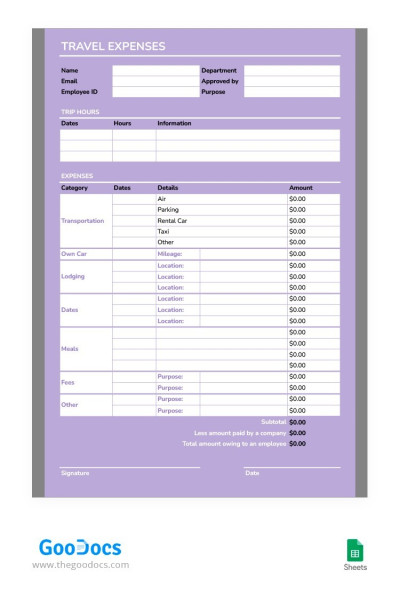
Light Purple Expense Report
Please try different filters or clear all to start over.
Creating expense reports is much easier with ready-to-use templates. Explore TheGoodocs' collection of tools for building high-quality and comprehensive expense reports. On this page, you'll find pre-made options in various formats and styles for startups, as well as small, medium, and large businesses.
Start using modern expense report templates now:
- We offer fully ready-to-use templates. Each layout includes columns for entering dates, notes, amounts, and expense categories. You can also specify a payment method and even attach a receipt or enter an invoice number.
- Our templates are 100% editable and printable. You can add expense amounts and other information to the report, and you're done. However, we don't limit our users, so you can choose new fonts, customize your design to your brand colors, use built-in formulas, and tailor them to suit your needs. They can be printed in A4 and US Letter sizes with default settings.
- You can choose the option in the format that best suits you. This page features expense report templates in Google Sheets, Excel, Google Docs, and Word formats. You can choose a spreadsheet option for automated calculations or a template more suitable for printing and presentations.
Download your favorite expense report sample right away in just a few clicks. Don't forget to also check out our monthly report templates for even more relevant options.
Expense Reports Templates FAQ
Using any of our expense report templates in Excel is a breeze.
To do this, simply:
- Find a suitable template with the Sheets/Excel icon in the lower right corner, and go to its page by clicking on the preview or title.
- Find the “Download for Excel” button to the right of the large preview and click it.
- Wait for the template file to download to your PC, laptop, tablet, or even phone.
- Open the file through the Excel interface (File => Open from folder) or directly from your default download folder.
- Enter all the information: company name and name of the employee responsible for expenses, department, expense reason, description, date, category, and amount.
- Save the completed template and send it to your boss/finance department via email, messenger, or in a paper version after printing it.
As you can see, the process is straightforward, and we offer a modern solution that saves you time. Find an expense report template in Excel and use it for free now.
A printable expense report template is a file featuring a ready-made structure and design to make creating an expense report effortless. You'll find exactly these templates on TheGoodocs. Most of our expense report templates are ready to print in A4 and US Letter size, and no additional settings are required.
Furthermore, they already include fields that you only need to fill in and review before printing. Afterwards, you can present your expense report to your boss or the finance department with a professional design and appropriate structure. Word and Google Docs report templates are most suitable for printing, but our Google Sheets and Excel options are also printable.

