Get unlimited access to 5000+ Templates for Google Docs, Slides and Sheets
Unlimited Access
All Templates
ADVERTISEMENT
ADVERTISEMENT

Marriage Certificate Template

Use this free template with Google Docs and Microsoft Word
4.25 (1 reviews)
Last updated Updated July 18, 2026
Created by Halyna Uygur
ADVERTISEMENT

Template Specification

Format Google Docs, Microsoft Word
Created March 25, 2024
Last Updated July 18, 2026
Community Added to collections by 16 Users
Usage Stats 195 downloads this month

About this template

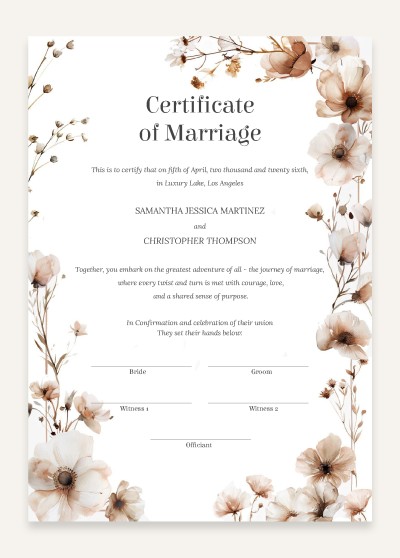
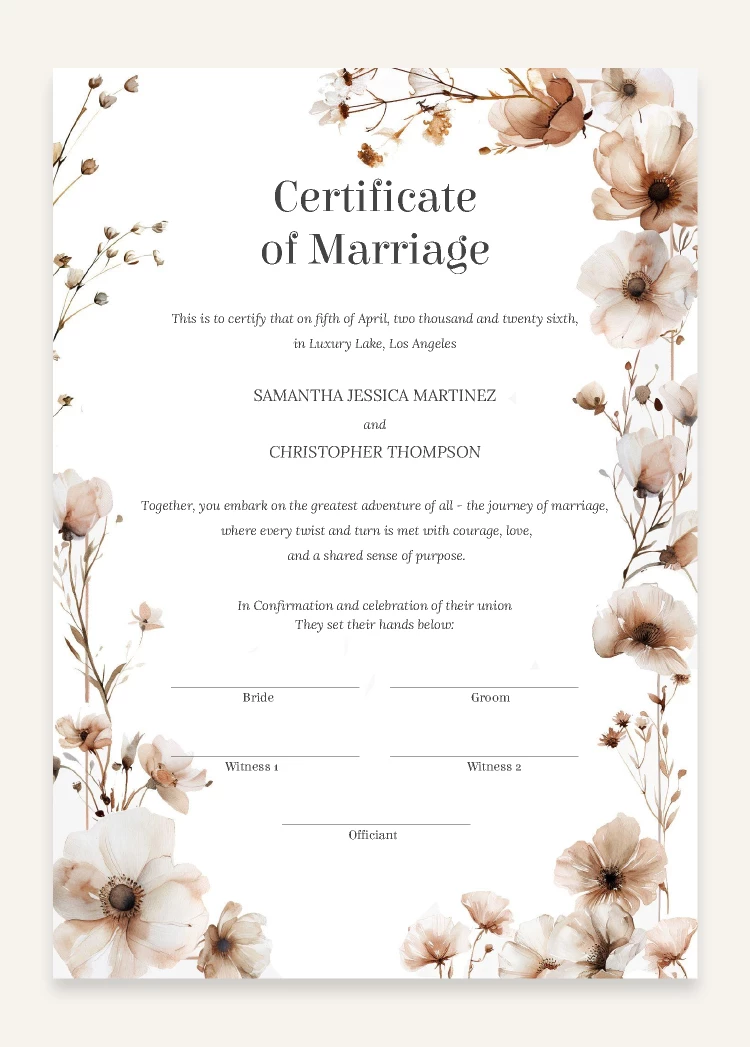
Marriage is an important milestone in our lives, and it is essential to keep all nice and happy memories as much as possible. That is why our team designed a new amazing floral Marriage certificate template in Google Docs. First of all, our editable marriage certificate template is available for free and you can download it from any device right now. Be sure, you have a Gmail account and access to Drive. Secondly, let's talk about design - the certificate features light poppy flowers like a frame around the text placeholder. Inside the frame, you can insert all your information, like marriage date, time, and location, and write a beautiful statement of your love.

We highly recommend this type of fake marriage certificate to enhance your memories of the festive day.

ADVERTISEMENT
Free Template

Download Free Template

Choose your platform and start editing right away
PLATFORM

Google Docs

Opens in browser

Microsoft Word

.docs
PAPER SIZE
A4
Google Docs – A4
No account required • Attribution required

WHAT’S INCLUDED

Beautiful floral border design elements
Editable bride and groom sections
Customizable date and location details
Print-ready in A4 size

Certificate Tips

1
Use high-quality paper for printing to enhance appearance.
2
Ensure text alignment is perfect before printing.
3
Customize colors to match wedding theme.
4
Add personal vows in the statement section.

FAQ

Is this template free? Yes, it can be downloaded and used at no cost.
Can I use this on a Mac? Yes, this template works in Google Docs and Microsoft Word on Mac.
How do I customize the text? Simply click on the text areas in Google Docs or Word.
What page sizes are supported? This template is designed for A4 size.
Do I need an account to use it? Access it with your Google account in Google Docs or download it for Word.
ADVERTISEMENT

How to Use and Edit This Template

Get Your Document

1

Get Your Document

Click the "Edit Template" button to create your own editable copy in Google Docs or download for Microsoft Word
Customize Everything
2

Customize Everything

Easily change colors, fonts, and layouts to match your unique style or brand identity
Add Your Content
3

Add Your Content

Fill in your data, upload images, and replace the placeholder text with your own information
Print, Export, or Share
4

Print, Export, or Share

Print, export as PDF, or share instantly

Related Templates

Recently Viewed