2024 Wall Calendar Template
Use this free template with Google Docs and Microsoft Word
Template Specification
Key Features of This Template
About this template
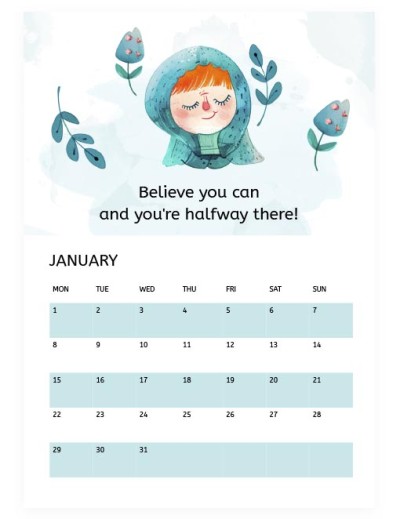
Believe you can, and you are halfway there - this is the first and one of the most significant slogans of our Wall Calendar template! Get a unique design with custom graphic elements for your scheduling tool.
Unique and Eye-Pleasant Design
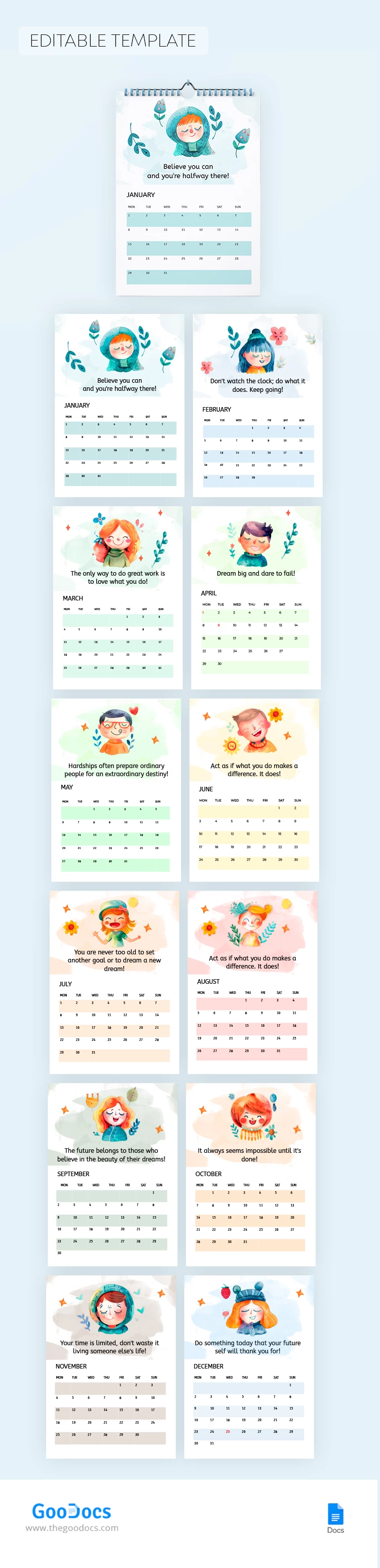
This yearly calendar template features 12 pages - one for each month. Each sheet is in A4 format, so you can print this form even on an old printer.
Besides its simple format and the ability to create an entire calendar journal, this form will keep you motivated all year. Each month has its mascot and motto, including "Don't watch the clock; do what it does. Keep going!" and others.
Also, different colors are used to highlight months. For January and February, there are dark green and blue shades. For the spring months, there are green shades, and yellow and pink for the summer ones.
Get a copy of this template in Google Docs today, or find even more calendar templates on our website!
Download Free Template
WHAT’S INCLUDED
Calendar Tips
FAQ
How to Use and Edit This Template

Get Your Document

Customize Everything

Add Your Content