Trifold Photography Brochure Template
Use this free template with Google Slides and Microsoft PowerPoint
Template Specification
Key Features of This Template
About this template
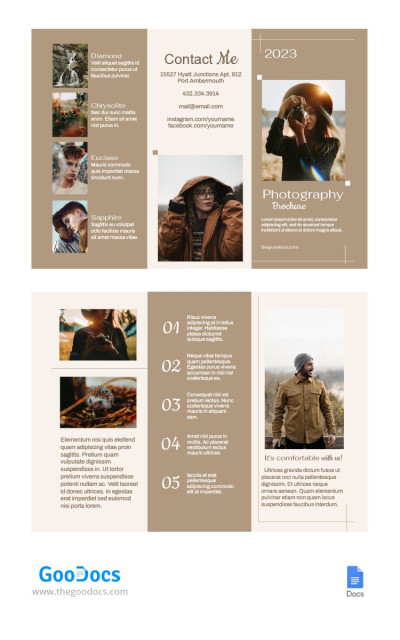
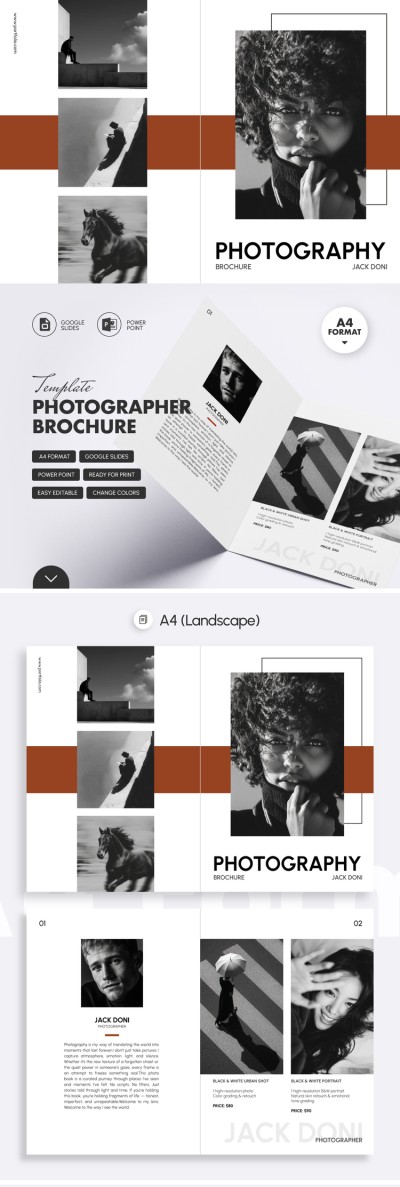
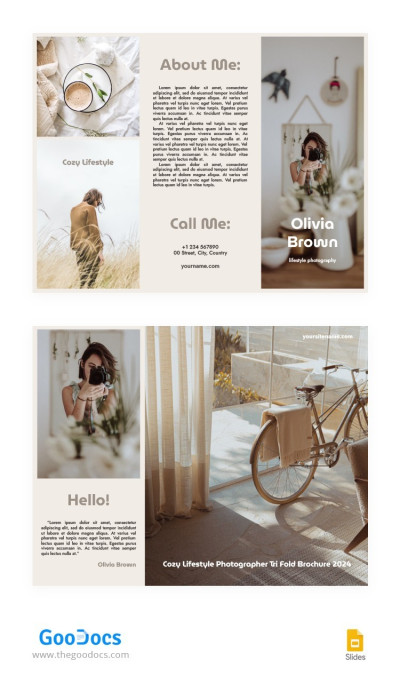
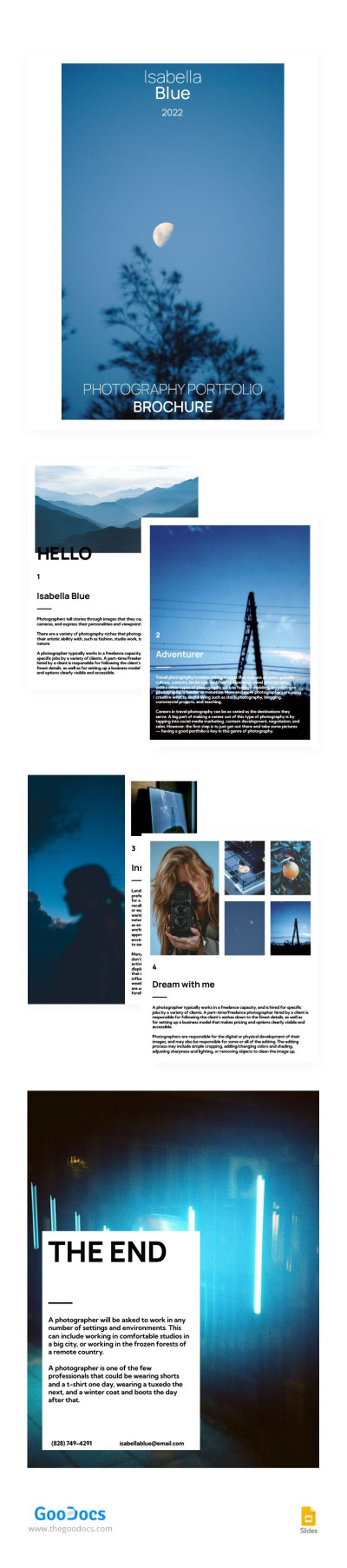
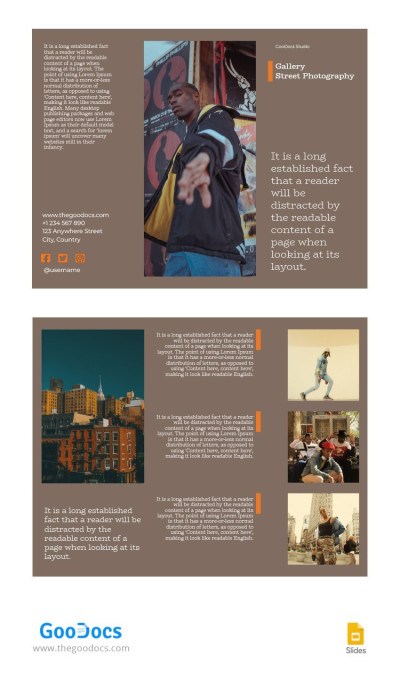
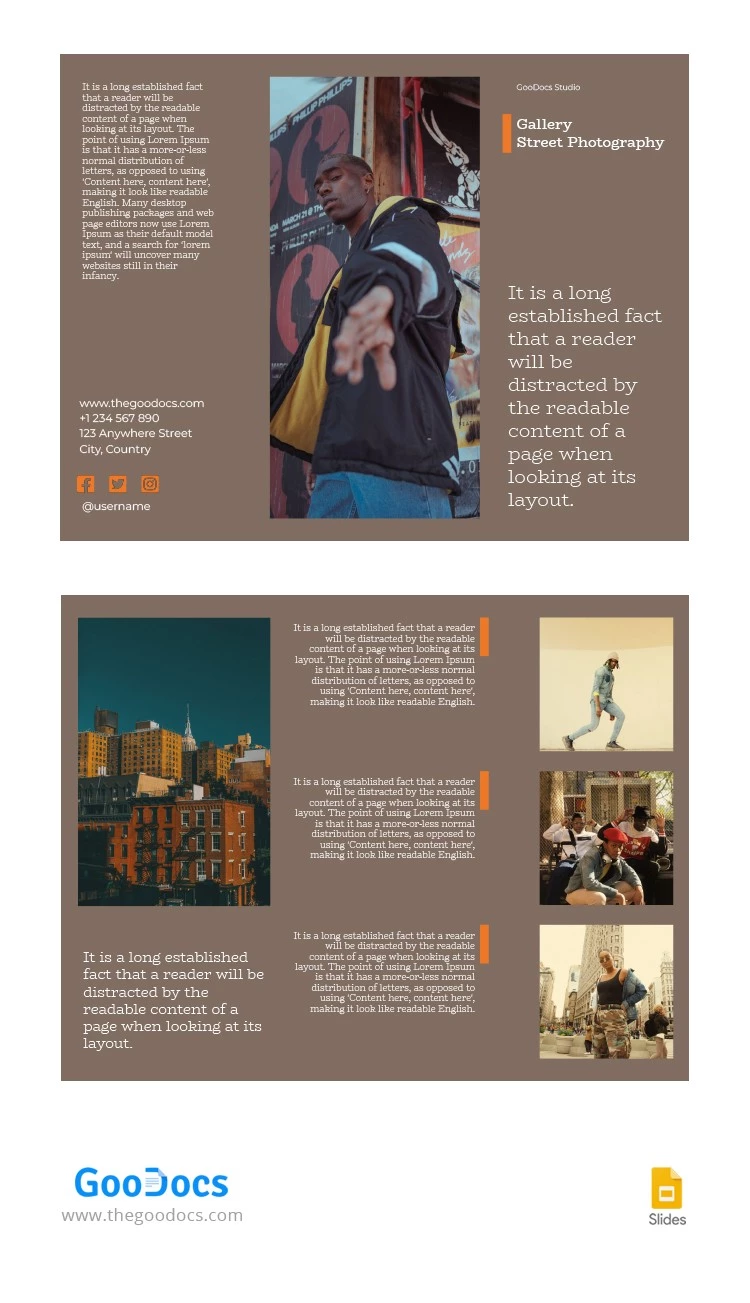
Promote your photography studio or freelance services with our Tri-Fold Photography Brochure Template. Use a stylish and modern design inspired by street photography, with carefully selected fonts, sample photos, and a ready-made structure. Our creative brochure template is fully editable in Google Slides and PowerPoint, and comes print-ready.
Take Advantage of Our Street Photography Brochure Template
The template features a brown background with separate front and back panels and four inside panels. On each panel, you can add photos from your portfolio, service descriptions, pricing, and key details. White text on a brown background, combined with sample street photos, makes this option ideal for a contemporary photography studio.
More features of our template:
- Add a short blurb, gallery title, and main specialization to the front cover, and feature top portfolio photos on the back panel.
- Use the remaining sections for additional photos, studio descriptions, contact details, and more.
- Customize colors, block sizes, and fonts, insert new photos, or simply keep the default layout.
This photographer's brochure is a great starting point for creating a personalized marketing pamphlet today. Try it for free or find another suitable option on our website.
Download Free Template
WHAT’S INCLUDED
Brochures & Pamphlet Tips
FAQ
How to Use and Edit This Template

Get Your Document

Customize Everything

Add Your Content