ADVERTISEMENT
ADVERTISEMENT
My Summer Fun Booklet Template
Use this free template with Google Docs and Microsoft Word
4.38 (2 reviews)
•
Last updated
Updated
October 10, 2026
•
Created by
Oliver Thompson
ADVERTISEMENT
Template Specification
Format
Google Docs
Created
August 9, 2022
Last Updated
October 10, 2026
Community
Added to collections by 8 Users
Usage Stats
0 downloads this month
About this template
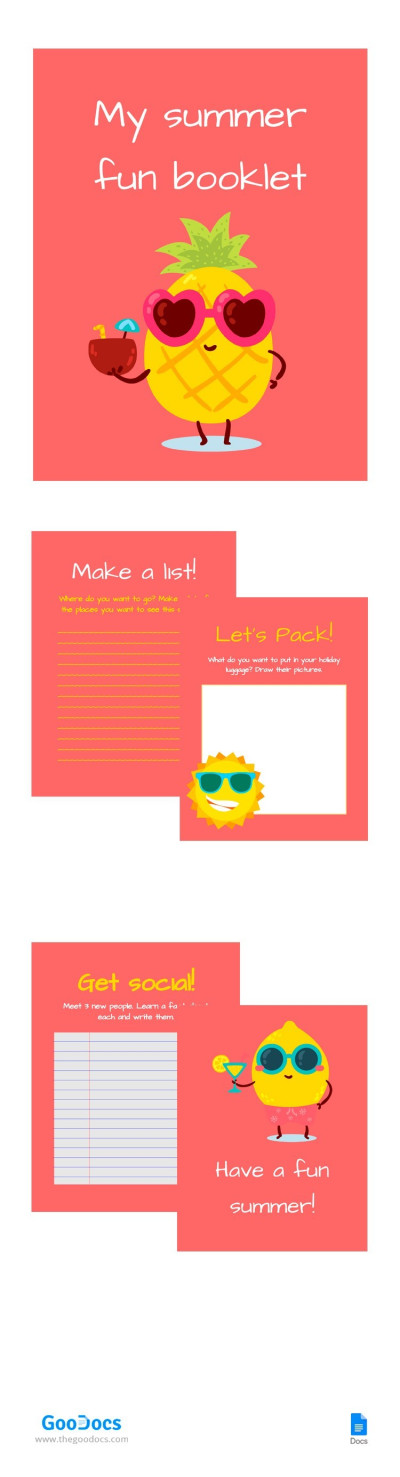
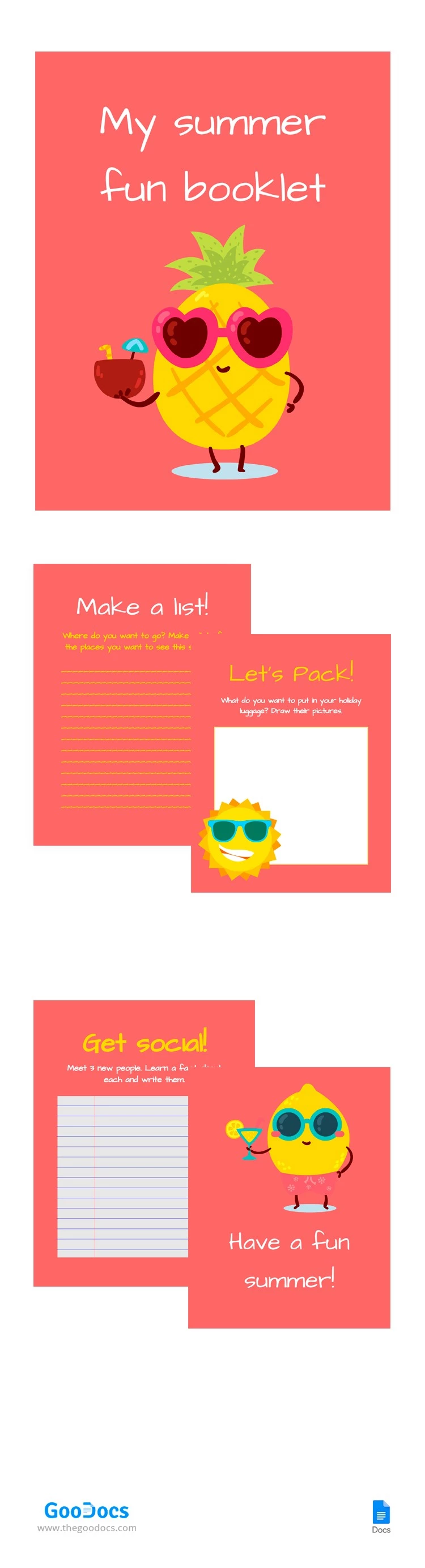
Our "My Summer Fun Booklet" template is ready to use for a variety of needs. You can write down all the plans that you want to complete over the summer there, add photos from your vacation there, and much more. A convenient, intuitive Google Docs interface with a huge toolkit will help you work with the template. Also, you can print it.
ADVERTISEMENT
Free Template
Download Free Template
Choose your platform and start editing right away
PLATFORM
PAPER SIZE
US Letter
No account required • Attribution required
WHAT’S INCLUDED
Colorful pages for summer activities
Sections to list travel destinations
Packing list with drawing space
Meet new people activity page
Booklet Tips
Fill in your travel plans early to stay organized.
Use the drawing space for creativity with your packing list.
Write down new friends' names and facts on social pages.
Keep booklet handy for quick summer updates.
FAQ
Is this template free to use?
Yes, this template is free for personal use.
Can I customize the template?
Absolutely, it's fully customizable in Google Docs or Word.
Does it work on Google Docs and Word?
Yes, it's compatible with both Google Docs and Word.
Is it easy to use for kids?
Yes, it's designed to be kid-friendly and fun.
How many pages does the booklet have?
It includes several pages for various summer activities.
ADVERTISEMENT
How to Use and Edit This Template

Get Your Document
Click the "Edit Template" button to create your own editable copy in Google Docs or download for Microsoft Word

Customize Everything
Easily change colors, fonts, and layouts to match your unique style or brand identity

Add Your Content
Fill in your data, upload images, and replace the placeholder text with your own information

Print, Export, or Share
Print, export as PDF, or share instantly